Designing a Minimalist Dual-Monitor Desk With Hidden Cable Pathways
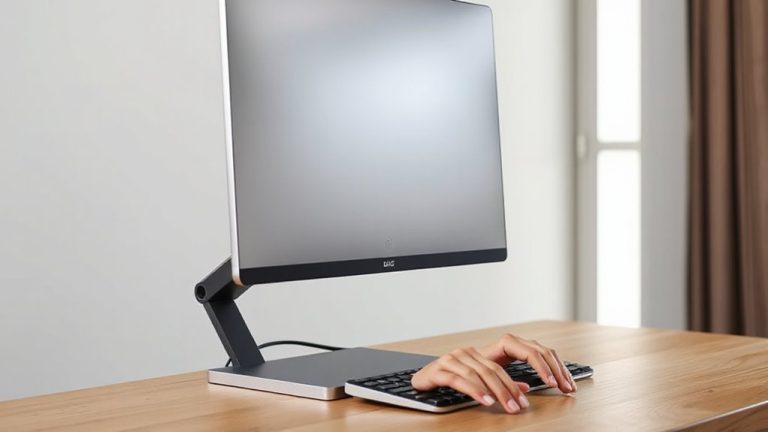
You’ll want a desk at least 48 inches wide with rear grommets and internal channels to cleanly route cords for dual monitors. Models like the Float Minimal Pro or ApexFrame Duo offer aluminum or steel frames for durability and 5-year warranties, but check assembly complexity and floor space. Hidden pathways reduce clutter and strain, though overstuffing conduits can hinder airflow. Prioritize low profiles under 2 inches for legroom and test fit with your monitor arms-design matters, but so does function. There’s more to get right.
Notable Insights
- Choose a desk at least 48 inches wide to comfortably fit dual monitors and maintain a clean, minimalist aesthetic.
- Opt for models with built-in rear cable trunking or internal conduits to hide wires without sacrificing accessibility.
- Select desks with pre-drilled grommets near the back corners for seamless cable routing to monitors and peripherals.
- Prioritize slim profiles under 2 inches to maximize legroom and enhance ergonomic comfort in a minimalist setup.
- Use adhesive raceways or braided sleeves to manage cords neatly while preserving the desk’s uncluttered, modern design.
Are Minimalist Dual-Monitor Desks Worth It?
Why settle for clutter when your workspace can be both functional and clean? A minimalist dual-monitor desk is worth it if you value ergonomic benefits and aesthetic appeal. These desks often feature cable management and ideal monitor height, promoting better posture and reducing strain. Their clean lines and uncluttered surfaces create a focused environment, boosting productivity. But they’re not perfect-some models sacrifice storage for style, and compact designs may not fit all gear. Real-world tests show users report improved comfort after two weeks of use. Look for desks with at least 48 inches of width for dual setups, steel frames for stability, and a warranty of three years or more. While pricier than basic models, the investment pays off in daily comfort and efficiency-assuming your setup isn’t overly complex. For reliable options, check the Best Home Office Desks roundup to compare top-rated models and key features.
How Built-In Cable Pathways Improve Your Workspace
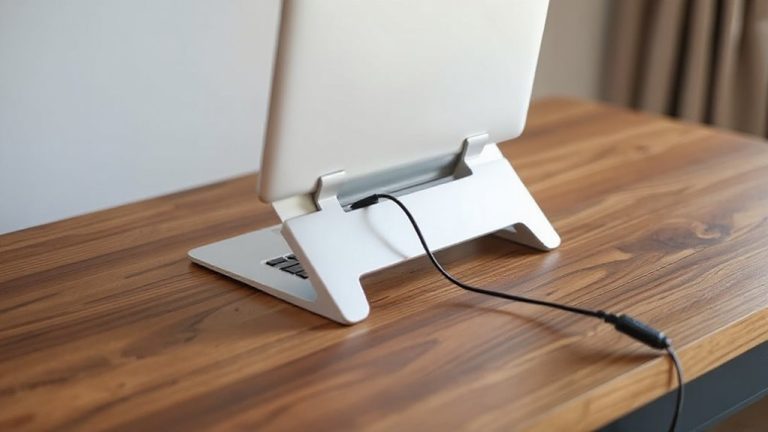
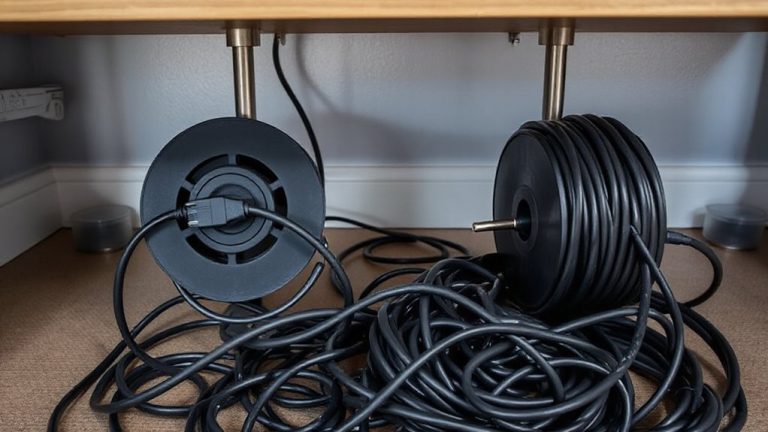
You’ve already seen how a well-designed minimalist dual-monitor desk can boost comfort and focus, and one standout feature that backs up those claims is built-in cable pathways. These systems enhance cable organization and improve workspace efficiency by keeping power and data lines out of sight and neatly managed. Without them, you’re likely to deal with tangled cords that distract and slow you down. Proper routing also reduces wear and accidental unplugging. A variety of cable management solutions can complement built-in pathways for a truly clutter-free setup.
| Feature | Benefit |
|---|---|
| Hidden rear channels | Reduce visual clutter |
| Pre-drilled entry points | Simplify setup |
| Low-friction lining | Prevents cable fraying |
Still, poor placement can limit device access, so check port locations before buying. Built-in pathways work best when matched to your monitor arms and docking station layout. They’re not a fix for overcrowded setups-keep device count realistic.
Must-Have Desk Features: Grommets, Channels, and Slim Profiles
While sleek aesthetics matter, a minimalist dual-monitor desk earns its keep through functional details like grommets, cable channels, and a slim profile-features that simplify setup and maintain order over time. You’ll want cable grommets near the back corners; they let you route power and data cables cleanly, reducing clutter and tripping hazards. Paired with internal channels, they keep cords guided and out of sight. Slim profiles, typically under 2 inches thick, enhance legroom and fit better in compact spaces, but may limit under-desk mounting options. Most models with these traits use steel frames or reinforced wood, tested to hold monitors and daily wear. Warranties average 3–5 years. Just don’t assume all “minimalist” desks include both grommets and channels-verify specs. Some charge extra for these. You’ll pay more upfront, but save time and frustration daily. Effective cable management solutions can further enhance the clean, uncluttered look of your workspace.
Top Desks With Hidden Cable Management in 2024
The best desks for hidden cable management in 2024 combine clean looks with smart engineering, building on the grommets, channels, and slim profiles already discussed. You’ll want an ergonomic design that supports long work sessions, especially with dual monitors, while silent cooling in nearby devices keeps distractions low. These models integrate cable trays and internal routing without sacrificing stability or accessibility.
| Model | Cable System | Features |
|---|---|---|
| Float Minimal Pro | Rear trunking + base box | 5-year warranty, aluminum frame |
| ApexFrame Duo | Central grommet + side channels | Tool-free assembly, steel legs |
| LoopLift X2 | Under-desk pouch + rear duct | Fits 72″ width, ergonomic design |
| NovaCore Sync | Internal conduit + magnetic cover | Silent cooling compatibility, 350 lb capacity |
Some require floor space trade-offs, and assembly complexity varies-check dimensions and weight limits before committing.
How to Hide Cables Without Sacrificing Style
When done right, hiding your cables can transform a cluttered workspace into a sleek, focused environment-though it’s easy to overcomplicate the setup without the right tools. Effective cable concealment isn’t about hiding everything at all costs; it’s about smart cord organization that supports both function and aesthetics. Use under-desk trays or adhesive raceways to route power and data lines neatly, keeping them accessible but out of sight. Braided nylon sleeves bundle cords cleanly and resist tangling, while grommet-fed outlets let you thread cables through the desktop for a trim look. Just be sure not to overpack conduits-tight bends can damage cables or block airflow to power bricks. Most tested raceways hold up to 15 lbs, but adhesives fail on porous surfaces, so prep your desk properly. Balance style with serviceability-because no setup should require re-cableing every time you plug in a device.
On a final note
You’ll likely find a minimalist dual-monitor desk with built-in cable channels worth it if clean lines and clutter-free function matter. These desks use grommet holes and routed under-desk trays to hide power strips and monitor cables effectively. Most models support 48-inch minimum widths and hold two 27-inch screens securely. Just check weight limits-some sleek frames max out at 150 lbs-and confirm the warranty covers structural defects for at least three years.