Skip to content
Ergonomics & Musculoskeletal Health
Lighting Science & Visual Comfort
Technology Infrastructure & Connectivity
Work Efficiency Tips
Workspace Psychology & Cognitive Performance
Gear Guides
Blog
Search
Search
Toggle Menu
desk setup
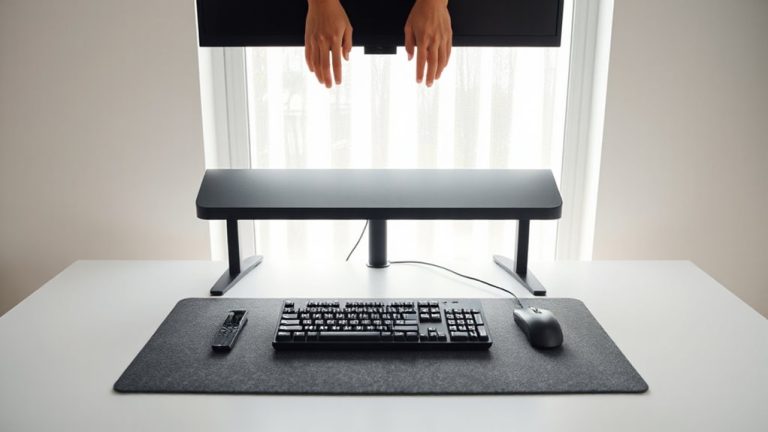
Aligning Your Desk So Keyboard and Mouse Are Within a 15-Inch Reach Radius
Using Mesh Wi-Fi Systems to Eliminate Dead Zones Near Your Desk Setup
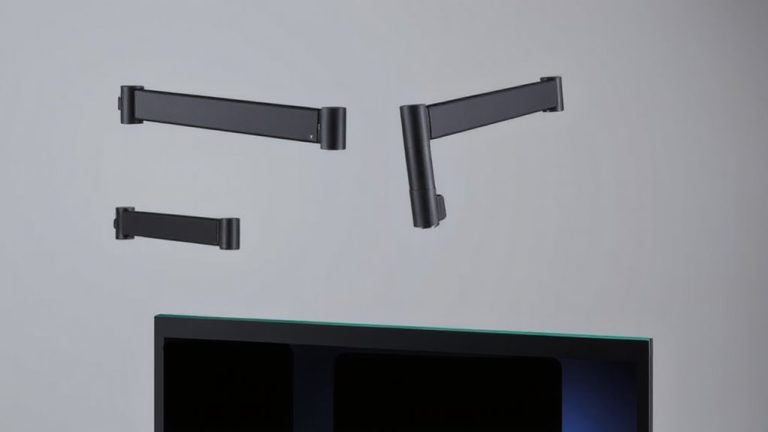
Lowering Monitor Arms Gradually to Avoid Sudden Drops That Damage Equipment
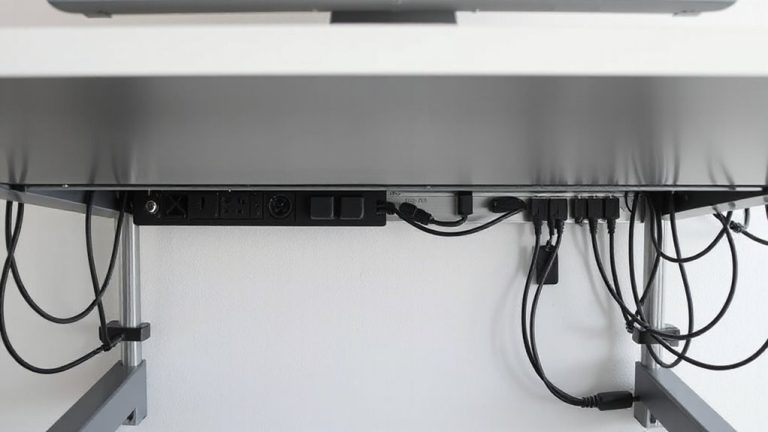
The Ultimate Guide to Routing Cables Under Your Desk Without Tangling
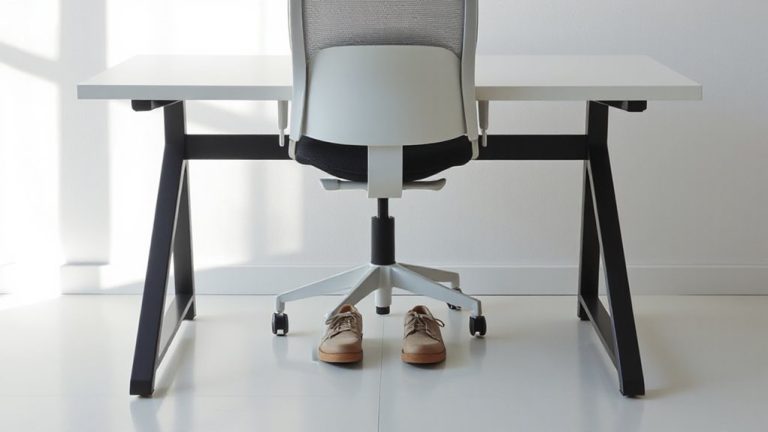
How to Angle Your Chair and Desk to Promote Proper Hip and Knee Alignment
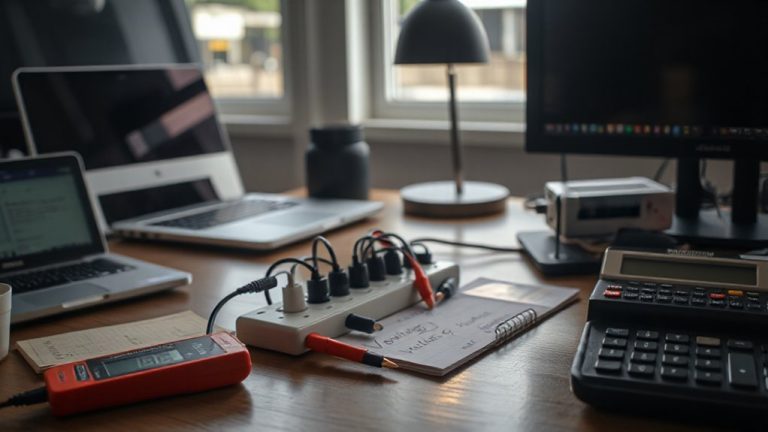
Calculating Total Watt Load to Prevent Circuit Overloads at Your Desk
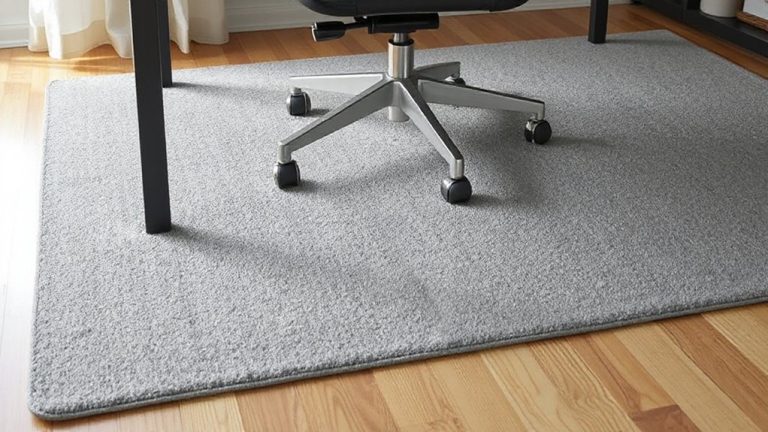
How to Position Rugs Under Desks to Absorb Equipment and Chair Movement Noise
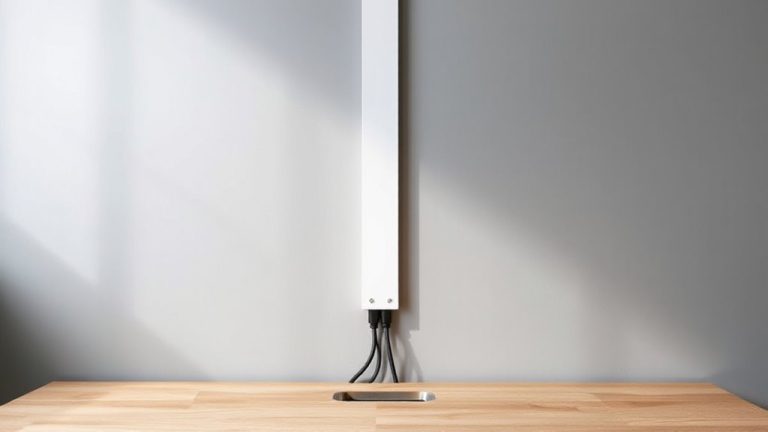
Installing a Cable Concealer Strip Along the Wall Behind Your Desk
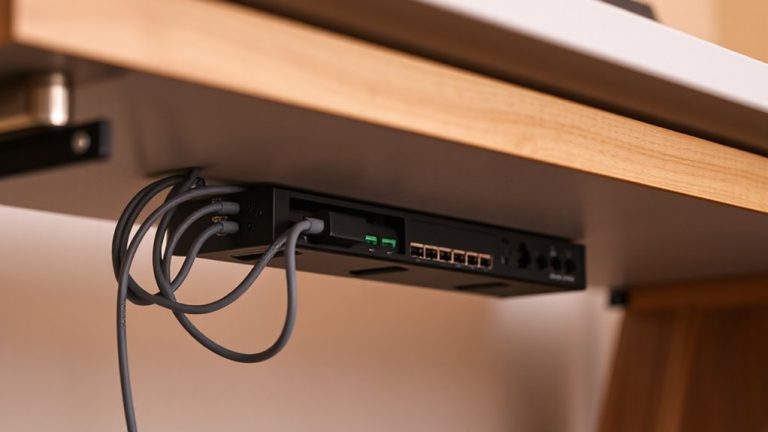
Installing a Power Distribution Unit Under the Desk for Centralized Charging
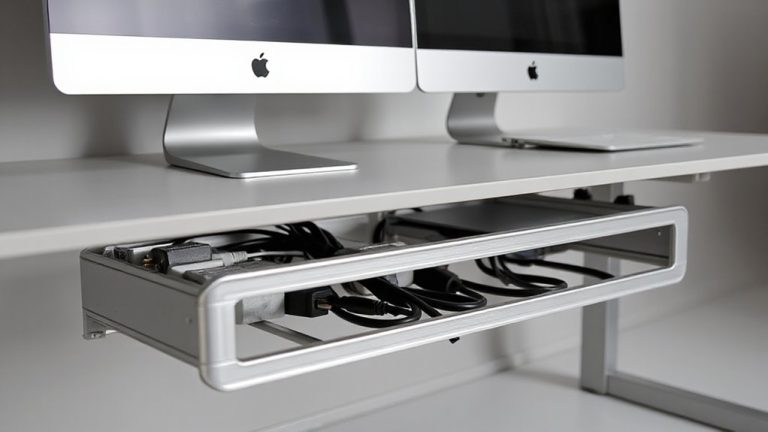
Mounting Modular Cable Tray Systems for Dual Monitor and Laptop Setups
Page navigation
1
2
Next Page
Next
Ergonomics & Musculoskeletal Health
Lighting Science & Visual Comfort
Technology Infrastructure & Connectivity
Work Efficiency Tips
Workspace Psychology & Cognitive Performance
Gear Guides
Blog
Toggle Menu Close
Search for:
Search