Creating a Dual-Purpose Lighting System With Ambient and Task LEDS for Home Offices
You’ll need both ambient and task LEDs to stay focused and comfortable. Place a 4000K ceiling fixture centrally for even coverage, spacing recessed lights 4–6 feet apart. Add an adjustable LED desk lamp with 400+ lumens from the side to avoid screen glare. Match color temps across lights, use dimmers, and sync both with a reliable smart system-test for lag. Look for high-CRI, quality joints, and solid warranties to avoid flicker or sag. Smart integration sharpens control, but pick proven apps.
Notable Insights
- Combine ambient ceiling LEDs with adjustable task lamps for balanced, functional home office lighting.
- Position task lights at a 30- to 45-degree angle from the side to prevent monitor glare.
- Use consistent 3000K–4000K color temperature across all fixtures to maintain visual comfort.
- Install dimmable ambient LEDs spaced 4–6 feet apart to reduce harsh shadows and contrasts.
- Integrate smart controls to automate and fine-tune brightness and color for different work modes.
Position Task Lighting Where You Work
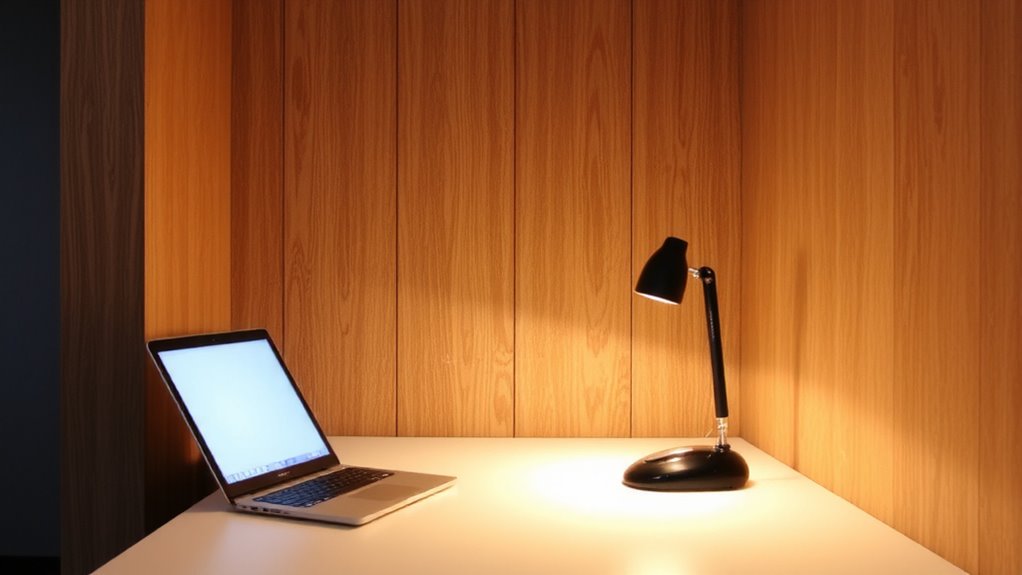
A well-placed task light makes a noticeable difference in how comfortably you work, especially during long stretches at your desk. You need accurate light placement to avoid glare and shadows, so position the lamp arm so the beam hits your workspace at a 30- to 45-degree angle. This boosts task focus without straining your eyes. Clamp-style or articulated desk lamps offer adjustability, letting you direct light exactly where needed. Look for models with at least 400 lumens and a color temperature near 4000K for balanced clarity. Avoid placing lights directly in front of or behind your monitor-side placement usually works best. While flexible arms help, cheap ones sag over time, so check for reinforced joints and a stable base. Some brands offer 3-year warranties, which is smart given daily use. Even the best task light fails if poorly positioned, so take time to fine-tune its angle and height. For optimal performance, consider one of the best desk lamps for computer work that combine durability, adjustability, and eye-friendly lighting.
Choose LED Fixtures for Ambient and Task Use
You’ve already positioned your task light for ideal focus and comfort, but the next step is smarter lighting overall-starting with switching to LED fixtures for both ambient and task use. LEDs deliver superior energy efficiency and longer lifespans-most last 25,000 to 50,000 hours-while giving you better control over brightness and color temperature. They also enhance design aesthetics with sleek, minimalist profiles that fit modern home offices.
| Feature | Benefit |
|---|---|
| Energy Efficiency | Uses 75% less power than incandescent bulbs |
| Design Aesthetics | Thin profiles, dimmable options, varied finishes |
| Lifespan | Lasts 10–15 years under typical use |
Choose LEDs with a CRI above 90 for accurate color rendering. Avoid ultra-cheap models-some lack consistent color temperature or dimming performance, undercutting their value despite low upfront cost.
Place Ambient Lights for Even Room Coverage
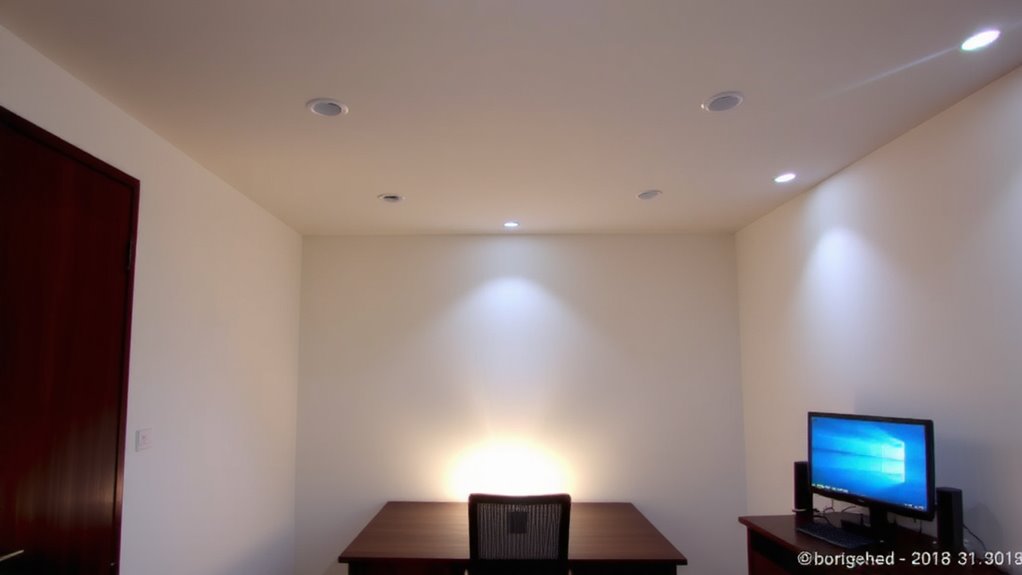
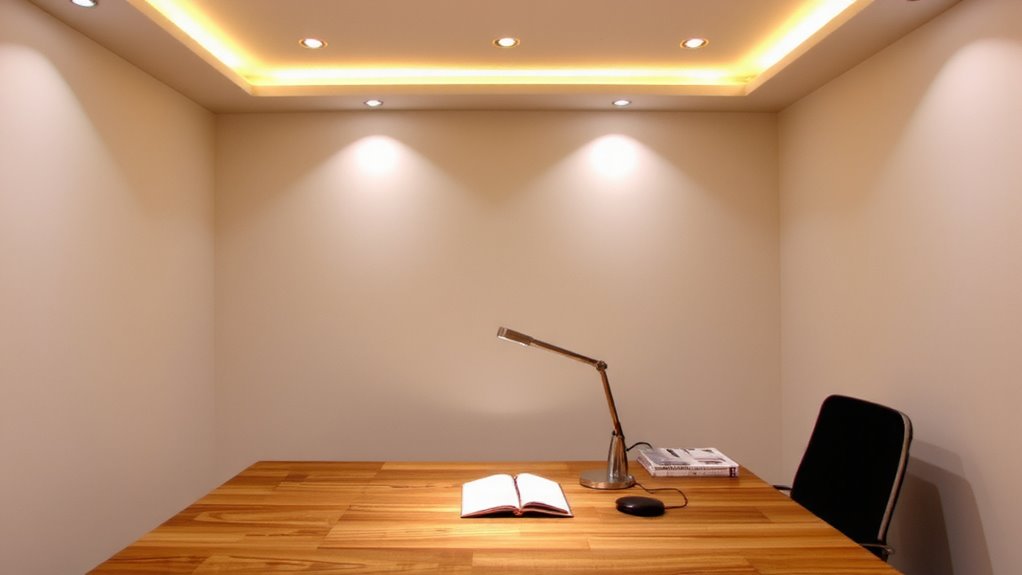
While task lighting handles focused work, ambient lighting sets the overall mood and functionality of your home office, so getting it right matters. For even coverage, you’ll want to prioritize ceiling placement-mounting fixtures centrally or using a grid layout if the room is large. This guarantees light diffusion spreads uniformly, reducing shadows and glare. Recessed downlights or flat-panel LED troffers work well, but avoid placing them too close to walls or desks, as that can create harsh contrasts. Aim for a spacing of 4–6 feet between units, depending on ceiling height and fixture beam angle. While uniform light improves comfort, over-lighting can increase eye strain and energy use. Use dimmers to adjust output and match natural light changes. Ceiling placement isn’t ideal in rooms with low clearance or insulation concerns. In those cases, consider indirect floor or wall fixtures as alternatives. A well-chosen fixture from the best office ceiling lights can enhance both aesthetics and productivity.
Match Color and Brightness in Each Zone
If you’re layering ambient and task lighting, keeping color temperature and brightness consistent within each zone prevents visual disruption and maintains focus. Achieving color harmony and brightness balancing guarantees your eyes shift smoothly, reducing fatigue during long work sessions. Use LEDs with the same Kelvin rating in each zone-ideally 3000K to 4000K-for a uniform appearance.
| Zone | Color Temp (K) | Max Brightness (lumens) |
|---|---|---|
| Ambient | 3500K | 800 |
| Task Desk | 3500K | 1600 |
| Reading Nook | 3000K | 450 |
| Secondary | 4000K | 600 |
Mismatched lighting creates glare or shadows, undermining comfort. Stick to one brand or model line when possible-this reduces batch variation. While tuning brightness per activity helps, abrupt jumps in light quality hurt focus. Note that dimmers must be compatible with your LED drivers to avoid flickering. For optimal results, consider top-rated office lighting picks that combine performance, style, and layering capability.
Sync Both Lights With Smart Controls
Once set up properly, smart lighting controls let you manage both ambient and task lights from a single interface, making it easy to maintain consistent lighting across zones without manual adjustments. You can use voice control to toggle both light types instantly-just say the command, and your system responds. Scheduling automation guarantees lights turn on or off at ideal times, syncing with your work routine for convenience and energy savings. Most reliable systems use Wi-Fi or Zigbee with apps that allow granular brightness and color tuning. However, setup complexity varies-some hubs require technical familiarity, and compatibility isn’t guaranteed across brands. Look for models with strong warranties and proven app stability. While daily use feels seamless, occasional lag in voice response or syncing delays during power cycles can occur. Always test sync performance across multiple devices before finalizing installation.
Why Ambient and Task Lighting Work Together
You get the best results in a home office when ambient and task lighting work as a team-one sets the overall mood, while the other delivers focused brightness where you need it. Proper light distribution reduces harsh contrasts, minimizing eye strain during long work sessions. Ambient lighting, like ceiling-mounted LED panels or wall sconces, fills the room evenly, boosting visual comfort. Task lighting-such as adjustable-arm desk lamps or under-cabinet LEDs-sharpens clarity for reading or typing. Together, they balance brightness without glare or shadows. However, poor placement can cause overlap or hotspots, so aim for layered control. Dimmable fixtures with color temperature settings (2700K–5000K) let you adapt to tasks and times of day. While this setup improves focus and comfort, it requires careful calibration. Over-relying on one type risks fatigue. Invest in quality luminaires with solid warranties and look for ones tested for flicker and CRI above 90.
On a final note
You should combine ambient and task LEDs in your home office-they boost focus and comfort when set up right. Use color-tunable LED strips (2700K–4000K) for ambient light, paired with adjustable task lamps (90+ CRI) to reduce eye strain. Sync them via smart controllers for consistent brightness and hue. But remember: poor placement or over-brightness causes glare. Test layouts first. Look for reputable brands offering 3-year warranties and verify flicker rates in reviews.