Understanding the Impact of Visual Distractions on Remote Work Productivity
Visual distractions like clutter, glare, and flashing notifications hurt your focus more than you realize. A messy desk or busy wall art forces your brain to process extra info, draining mental energy. Notifications can break concentration for over 20 minutes. Use do-not-disturb settings, cable sleeves, and neutral wall colors to reduce visual noise. Position your desk to avoid screen glare while keeping morning light. Simple changes often beat costly gear-small tweaks add up, and there’s more where that came from.
Notable Insights
- Visual clutter like stacked papers and excess decor hijacks attention, reducing focus and cognitive performance.
- Disorganized spaces increase stress and mental fatigue, impairing deep work and task completion efficiency.
- Screen glare and distracting views from natural light can disrupt concentration and visual comfort.
- Constant screen notifications fragment attention, requiring up to 23 minutes to regain deep focus.
- Simple, clutter-free workspaces with ergonomic lighting and minimal decor enhance sustained productivity.
What Counts As Visual Distractions at Home
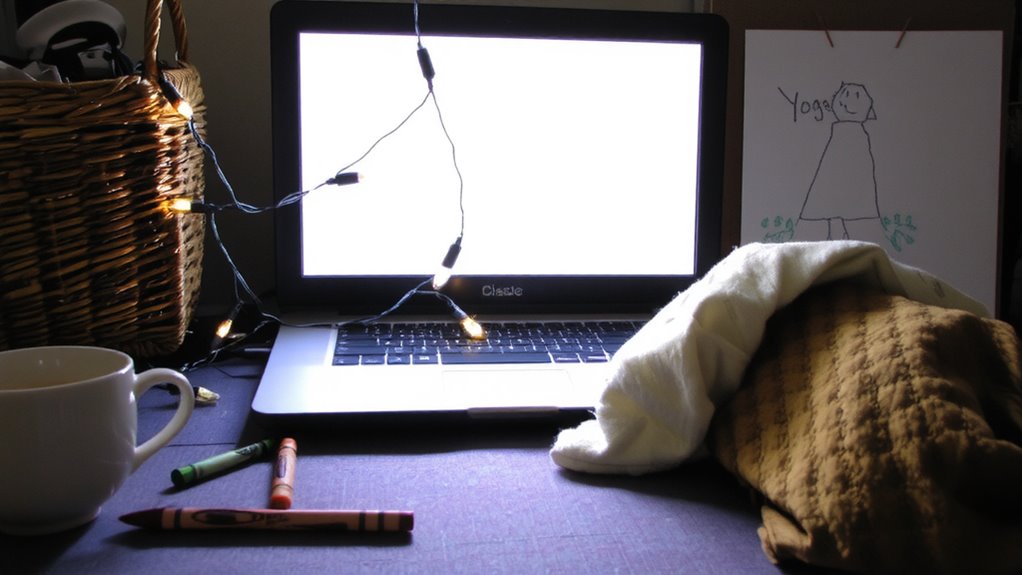
A cluttered workspace isn’t just messy-it’s a focus thief. You might not realize it, but everyday items like stacked papers, excess decor, or poorly placed wall art pull your attention without warning. Even something as helpful as natural light can become a distraction if windows face busy streets or cause screen glare. Wall art, while inspiring, crosses into distraction when it’s overly detailed or placed directly in your line of sight. You want visual interest, but not at the cost of concentration. Natural light boosts mood and alertness-great for productivity-but requires adjustable blinds or proper monitor positioning to avoid issues. There’s no need for expensive gear; repositioning your desk to harness morning light or choosing minimalist wall art can make a measurable difference. Just remember: balance matters. What helps one person may hinder another, so test small changes before committing. A well-organized space can include functional elements like a Top Bulletin Boards to manage papers and reduce clutter.
How Visual Clutter Harms Your Focus
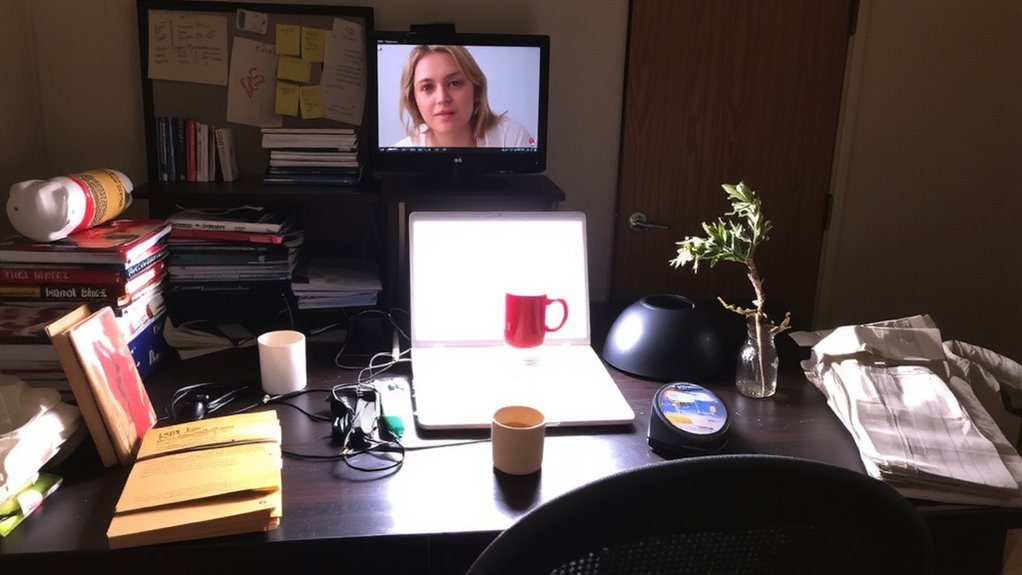
Visual clutter hits your focus like a background app running too long-it drains mental bandwidth without you noticing. You might think you’re ignoring that pile of papers or scattered cables, but your brain still processes the physical disorganization, making it harder to engage deeply with tasks. This mental drain acts like constant background noise, reducing your ability to sustain attention. Studies show workers in cluttered spaces report higher stress and lower task performance compared to those in organized environments. Clearing excess items, using cable management sleeves, and storing supplies in labeled bins can reduce visual load. But don’t mistake minimalism for magic-a space that’s too bare may feel sterile and uninviting. The goal isn’t perfection but functional order: surfaces clear enough to work, yet personal enough to feel like your own. Real focus comes from consistency, not expensive gear or flawless setups. Implementing best cable management solutions can significantly enhance both the functionality and aesthetics of your workspace.
Why Screen Notifications Ruin Concentration
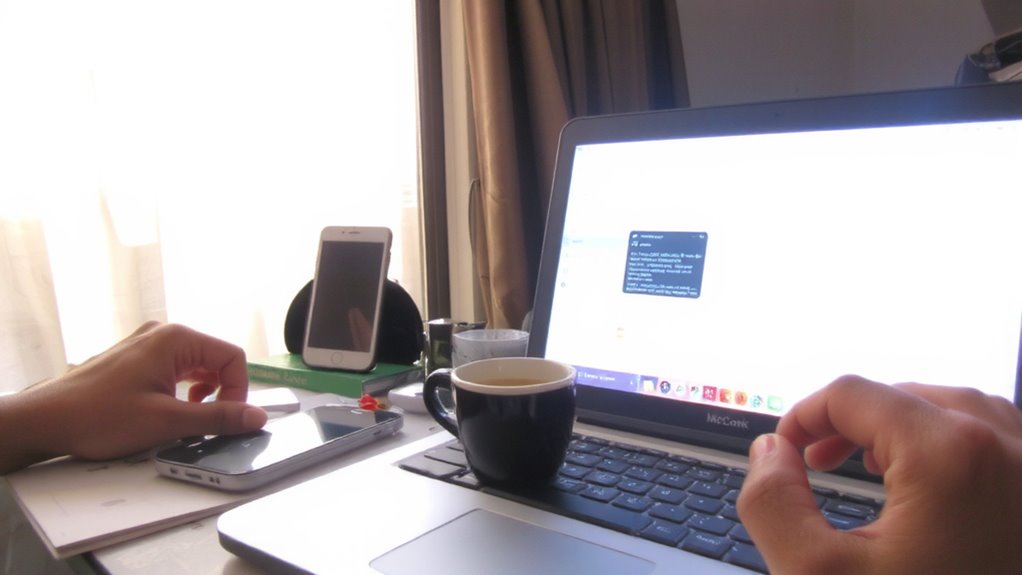
Even when your desk is tidy, a single alert flashing on your screen can undo hours of focus-it’s not just the interruption, but the mental reset that follows that kills productivity. Every ping triggers a burst of notification fatigue, pulling you from deep work into decision mode: respond now or later? That switch isn’t quick-studies show it takes an average of 23 minutes to fully refocus. Over time, these splits create cognitive overload, draining mental energy and reducing work quality. You might think turning off all sound is the fix, but complete silence can make you hyper-aware of every vibration or light. A better approach? Schedule focused blocks using do-not-disturb modes in OS settings-macOS and Windows both offer customizable app silencing. Pair this with a secondary monitor angled away from main work to queue non-urgent alerts visually, without intrusion. It’s not about eliminating distractions entirely, but managing their timing.
Dealing With Pets and People at Home
While you can’t control every entrance to your workspace, setting physical boundaries at home is the most effective way to minimize disruptions from pets and family members. Use a closed door or room divider to reduce pet interruptions and limit family presence during work hours. Communicate your schedule clearly so others know when you’re unavailable. If you’re using a shared space, consider noise-canceling headphones and visual cues like a sign to signal focus time. Consistency matters-sticking to a routine helps pets and people adjust. But don’t expect perfection; even well-planned systems face setbacks, especially with energetic pets or unpredictable household needs. Balance is key: firm boundaries improve focus, but staying too rigid may strain relationships. Test different signals, schedules, and spaces to find what works without over-investing in expensive gear. Real success comes from practical habits, not gadgets.
How to Design a Focus-Friendly Workspace
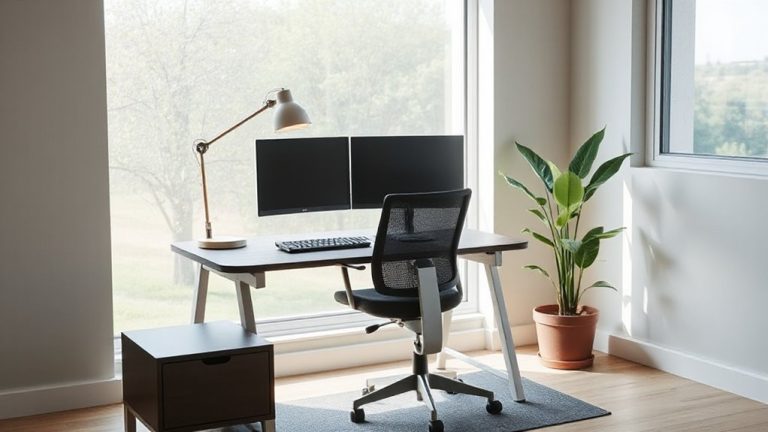
If you want to stay sharp during work hours, carving out a dedicated workspace that minimizes visual noise is more effective than relying on willpower alone. Use ergonomic lighting-like adjustable LED lamps with 2700K–5000K color temperature-to reduce eye strain and maintain circadian alignment. Pair this with minimalist decor: neutral tones, hidden storage, and zero nonessential items to cut visual clutter. A clean, consistent setup supports focus without overstimulation. For professionals spending long hours reviewing documents, investing in a best desk lamp for lawyers can significantly improve both comfort and precision.
| Feature | Recommended Choice | Trade-off |
|---|---|---|
| Lighting | Adjustable desk lamp | Requires outlet access |
| Wall color | Soft gray or beige | May feel impersonal |
| Furniture style | Simple, clutter-free lines | Limited aesthetic flair |
Don’t assume expensive gear guarantees results-well-placed, affordable tools work just as well if they support consistency and comfort.
Tools to Reduce Visual Distractions Now
What if the secret to fewer distractions isn’t willpower but the right tools? You can greatly cut visual noise with simple, well-designed apps and gear. Try a split screen setup to keep tasks separated-this reduces clutter and helps you focus on one thing at a time. Software like f.lux or built-in night modes help manage blue light, reducing eye strain during long sessions. These tools aren’t magic, though. Dimming blue light can skew color accuracy, so graphic designers might need to disable it temporarily. A physical privacy filter or adjustable monitor hood cuts ambient glare, but make sure it fits your screen size exactly. Most come with 30-day returns, so test them. The real benefit comes from pairing tools with habit, not replacing it. You’ll still need breaks and boundaries to stay sharp.
On a final note
You’ll likely boost focus by cutting visual clutter and silencing screen notifications, especially with tested tools like blue light filters and app blockers. A clean workspace facing a wall helps, but don’t overspend on gear-many gains come from behavior, not price tags. Noise-canceling headphones work well, but wired models avoid battery trade-offs. Results vary by person; try changes gradually and track your productivity for two weeks to see what sticks.