Guide to Implementing a Clean Desk Policy in a Home Office Environment
You’ll gain focus and save over two hours weekly by keeping a clean desk, but only if you design it right. Clear everything daily in five minutes, use labeled bins, and wipe surfaces with an alcohol-based cleaner. Pick a quiet spot with at least 400 lumens of cool-white light, an adjustable lamp, and a desk under 48” wide with cable grommets. Store non-essentials out of sight, not in drawers, and reset everything each night. It works best when paired with realistic habits, not just gear. There’s a smarter way to sustain it long-term.
Notable Insights
- Start each day with a 5-minute declutter to clear surfaces and reset your workspace.
- Designate a distraction-free zone with proper lighting, ergonomics, and minimal personal items.
- Assign specific homes for daily essentials using labeled organizers and cable management tools.
- Wipe down surfaces daily and avoid storing clutter in drawers or hidden spaces.
- End each workday with a 5-minute reset, including digital cleanup and filing.
Why a Clean Desk Boosts Focus at Home
Distraction lurks in clutter-on average, workers lose 2.1 hours daily searching for items on a messy desk, according to a University of California Irvine study. A clean desk isn’t about perfection; it’s about creating mental clarity. You gain focus when your workspace supports, not competes with, your attention. Mindful arrangement means placing only essential tools-laptop, notebook, pen cup-within reach, aligned to how you actually work. Studies show reduced visual noise lowers cognitive load, helping you process information faster. But don’t confuse clean with empty; utility matters. A minimalist desk with poor cable management or an uncomfortable chair won’t sustain productivity. Choose surfaces with built-in grommets and modest dimensions-48” wide max-to encourage upkeep. Balance aesthetics with function: wood finishes warm the space, but laminate resists wear. A clean desk aids focus, but only if it’s practical enough to maintain day after day. Top desk organizers can further enhance efficiency by keeping supplies neatly arranged and within easy reach, making it simpler to uphold a clutter-free zone with Top Desk Organizers.
Clear Everything: Your 5-Minute Declutter
Start with a blank slate-clearing everything from your desk is the fastest way to reset your workspace and reclaim control. Do a quick sweep of papers, devices, and random items into labeled bins or trays; this saves time and reduces decision fatigue during reorganization. Once cleared, give your desk a thorough surface wipe with a lint-free cloth and alcohol-based cleaner to remove dust, oils, and germs that build up daily. This step improves hygiene and refreshes your focus. Most people see immediate gains in efficiency, but avoid dumping everything into drawers-clutter just migrates. Keep frequently used tools nearby, but store the rest. A 5-minute declutter isn’t a fix-all; it works best when repeated daily. Over time, you’ll notice fewer distractions and smoother shifts between tasks, especially if you stick to consistent habits. Choosing the right best home office desks can further enhance your ability to maintain an organized and productive workspace.
Designate Your Work Zone
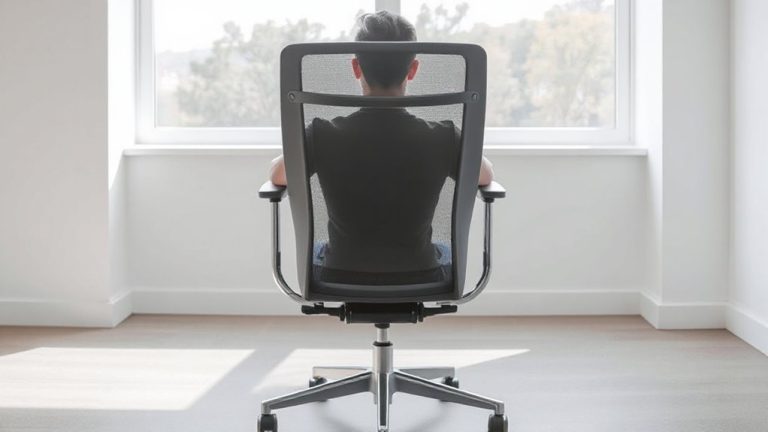
Even if you’re working in a corner of the living room, carving out a dedicated work zone makes a measurable difference in focus and productivity. Choose a spot with minimal foot traffic and consistent access to power outlets. Invest in proper work lighting-position an adjustable desk lamp with at least 400 lumens to reduce eye strain, especially during evening hours. While bright, cool-white light boosts alertness, dim or yellow-toned bulbs can make you drowsy. Personal decor helps make the space mentally distinct from leisure areas, but keep it minimal: one photo frame or small plant won’t distract, but clutter accumulates fast. Avoid placing your desk facing a high-activity area or window with glare. A reliable chair with lumbar support and a desk at elbow height (typically 28–30 inches) guarantees long-term comfort. Your zone should signal “work mode,” not blend into living space. Consider selecting from the best desk lamps for programmers to ensure optimal lighting performance and eye comfort during long coding sessions.
Keep Daily Essentials in Their Place
Your workspace’s efficiency hinges on having daily essentials within reach-but only if they’re organized intentionally. Keep frequently used items like pens, notebooks, and chargers in designated spots to reduce clutter and save time. Use supply labeling to identify contents in drawers or bins quickly; this avoids confusion and streamlines your routine. Invest in simple cable management solutions-like sleeves or clips-to prevent snarls and maintain a tidy surface. These systems should be adjustable, since needs may shift over weeks or months. While labeled supplies improve access, over-labeling minor items can backfire, creating visual noise. Likewise, cable ties help, but rigid setups may hinder device changes. Choose low-profile organizers that fit your desk dimensions without crowding. Most durable options cost under $30 and come with at least a one-year warranty. Test layouts for a week before finalizing. Balance function with flexibility.
End Each Day With a Desk Reset
Most days, spending five minutes resetting your desk after work pays off in focus and efficiency the next morning. You’ll create space for a mental reset, helping separate work from personal time-especially important in a shared or small home office. Clear physical clutter, file digital documents, and close unused browser tabs to practice digital minimalism. This habit reduces cognitive load and prevents decision fatigue later. Use cable organizers to manage cords and return items like notebooks or headphones to their designated spots. A lamp with warm lighting can signal the shift from work to downtime. While consistency matters, perfection doesn’t-some nights, a partial reset is enough. Avoid over-investing in expensive organizers; many affordable options, like felt desk trays or adhesive cord clips, work well and last over a year with regular use. The goal isn’t spotless perfection but sustainable order.
Stay Consistent Without the Stress
Staying consistent with your desk routine doesn’t require rigid habits or spotless organization every single day. You’ll do better by focusing on progress, not perfection. Use time blocking to protect focus periods and reduce decision fatigue-schedule 10-minute cleanup slots just like meetings. This prevents clutter from piling up while keeping your workflow smooth. When pressure builds, pause for mindful breathing: two minutes of slow inhales and exhales can reset your focus without derailing productivity. Consistency thrives on small, repeatable actions, not extreme overhauls. Avoid scheduling too many blocks-you’ll burn out. Leave buffer time between tasks to adjust. Mindful breathing isn’t a fix-all, and time blocking needs tweaks based on real usage, not idealized plans. Test different intervals over two weeks. Track what actually works, then refine. The goal isn’t constant cleanliness, but sustainable control you can maintain long-term without stress.
Use These Tools to Keep Your Desk Clean
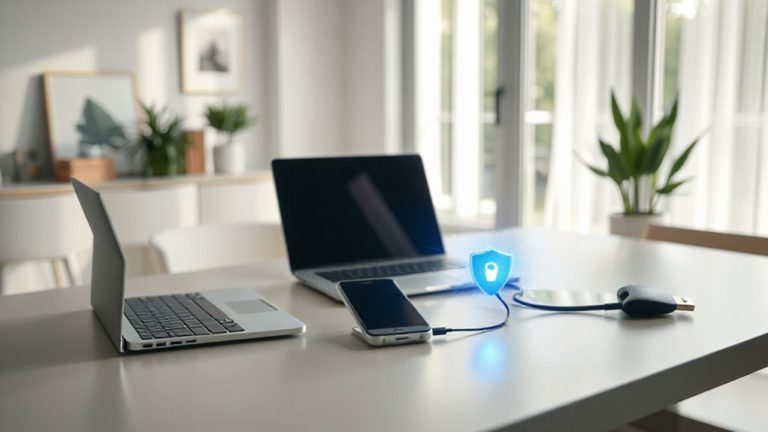
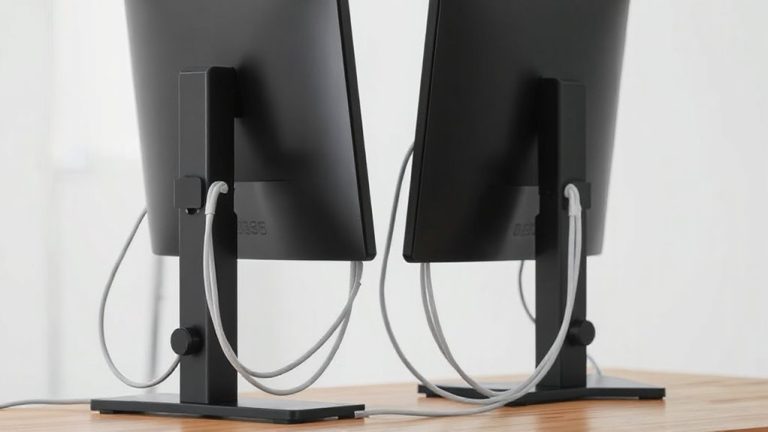
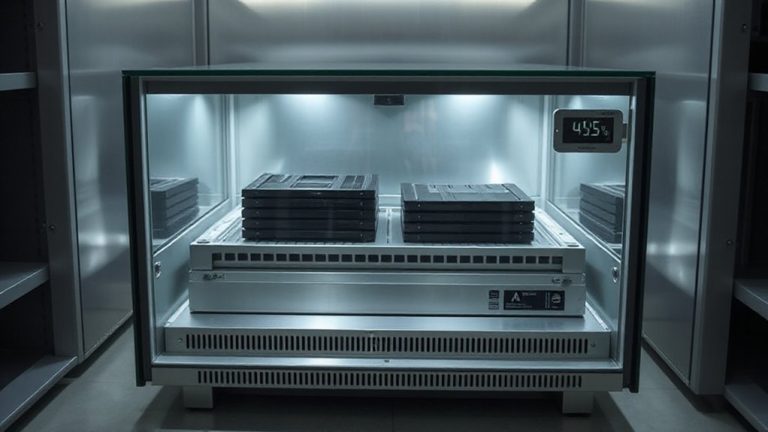
While a clutter-free desk starts with habit, the right tools make maintenance faster and more effective. Cable management clips and under-desk trays keep power and data cords organized-choose options with rubber-lined grips to prevent fraying and guarantee compatibility with both thin USB-C and thicker power cables. A labeled cable sleeve simplifies access without sacrificing neatness. For digital organization, use cloud storage with auto-sync and folder color-coding to reduce desktop clutter. Solid-state drives with 5-year warranties offer reliable backup, but they require routine verification to avoid silent data loss. Desk-mounted monitor arms with gas springs improve ergonomics and free surface space, though heavier models need sturdy clamp attachments. Drawer organizers with adjustable dividers work well for small tools, but overfilling defeats their purpose. Prioritize durability over design-look for materials like powder-coated steel and tested load ratings. These tools help, but only if you maintain them consistently.
On a final note
You’ll get more done with a clean desk, no hype needed. Clear surfaces reduce distractions, helping you focus better each day. Use simple tools like a desktop tray or cable organizer to keep essentials tidy. Reset your workspace nightly-it takes under five minutes. Consistency matters more than perfection. Avoid overbuying gear; one or two durable, well-sized tools beat cluttered solutions. Test products with at least a one-year warranty for long-term value.