How to Position Your Desk Perpendicular to Windows to Balance Light and Avoid Glare
Place your desk perpendicular to the window, with its length parallel to the wall with glass, to evenly spread natural light and cut screen glare. North- or south-facing windows give more consistent light; east brings strong morning sun, west adds hot afternoon glare. Use blinds or sheer curtains to soften brightness. Pair with matte screen filters and position your monitor an arm’s length away, at eye level. Test lighting at different times-you’ll see how small tweaks improve comfort and focus.
Notable Insights
- Position your desk perpendicular to the window so sunlight enters at an angle, reducing screen glare.
- Choose north- or south-facing windows for consistent, indirect daylight with minimal harsh rays.
- Avoid east- or west-facing windows if possible, as they create strong morning or afternoon glare.
- Use sheer curtains or blinds to diffuse direct light while maintaining bright, even room illumination.
- Test lighting at different times of day to ensure balanced light and adjust window treatments as needed.
How to Place Your Desk Perpendicular to a Window
While natural light boosts focus and mood, placing your desk perpendicular to a window strikes the best balance between brightness and glare control-just don’t expect it to work perfectly in every room. Your desk alignment should let light reach the surface without shining directly on your screen or into your eyes. Position the desk so its length runs parallel to the wall with the window; this setup leverages window orientation to diffuse daylight evenly. North- or south-facing windows often perform more predictably than east- or west-facing ones, which bring harsh morning or afternoon sun. You’ll still need blinds or a matte screen filter in stronger light. Room layout, wall space, and furniture size can limit ideal placement, so test the angle during different times of day. Adjust slightly if shadows fall unevenly on your work surface. It’s not a one-size-fits-all fix, but it’s a solid starting point.
Why Perpendicular Beats Parallel for Natural Light
Placing your desk perpendicular to a window gives you the best mix of steady daylight and minimized screen glare-far better than lining it up parallel to the glass. With this window orientation, sunlight enters at an angle, promoting even light diffusion across your workspace instead of pooling directly on your desk or screen. That means fewer harsh highlights and reduced eye strain during long work sessions. When your desk runs parallel to the window, you’ll often battle direct sun patches that shift as the day progresses, forcing constant repositioning or blinds adjustments. Perpendicular setup also gives you flexibility-use sheer curtains or adjustable blinds to fine-tune brightness without sacrificing ambient light. Just make sure the window isn’t directly to your side, or you might still get screen glare. It’s not a perfect fix for every room layout, but it’s the most reliable starting point for balanced, functional lighting.
Morning vs. Afternoon Sun: Adjust Your Workspace
How does the sun’s path affect your screen glare and comfort? In the morning, the low-angle sun brings strong glare but moderate heat, so positioning your desk perpendicular to east-facing windows reduces direct exposure. By afternoon, west-facing light hits with peak sun intensity, increasing screen reflections and compromising thermal comfort. You’ll often feel warmer, even with AC, due to radiant gain through glass. Adjusting your screen angle or using matte finishes helps, but timing matters-move tasks needing focus to the morning if possible. Keep in mind that consistent positioning may work better in winter, when sun intensity is lower. However, seasonal changes mean you might need to tweak your setup every few months. There’s no permanent fix, only smart trade-offs between brightness, heat, and eye strain. Monitor how light shifts hourly to maximize comfort. For optimal illumination without harsh contrasts, consider adding a balanced lighting setup that complements natural light throughout the day.
Best Windows and Treatments for No-Glare Light
North-facing windows are your best bet for steady, glare-free light because they receive indirect sunlight throughout the day, minimizing screen reflections and heat buildup. If north-facing exposure isn’t an option, consider window films-they cut glare by up to 85% and block UV rays without making the room too dark. Look for professionally installed films with at least a 10-year warranty to avoid peeling or bubbles. Sheer curtains also help diffuse harsh light, especially on east or west windows that get direct sun. Opt for white or light gray fabric with a semi-transparent weave; they soften brightness while preserving views and natural illumination. But be careful-sheer curtains alone won’t block heat or UV damage. Pair them with blinds for flexibility. Both treatments work well, but window films offer a more permanent fix, while sheer curtains give you day-to-day control.
Pair Your Desk Setup With These Ergonomic Tips
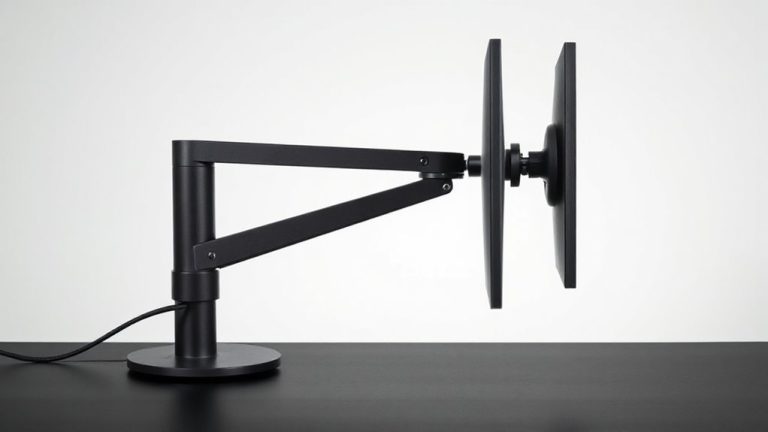
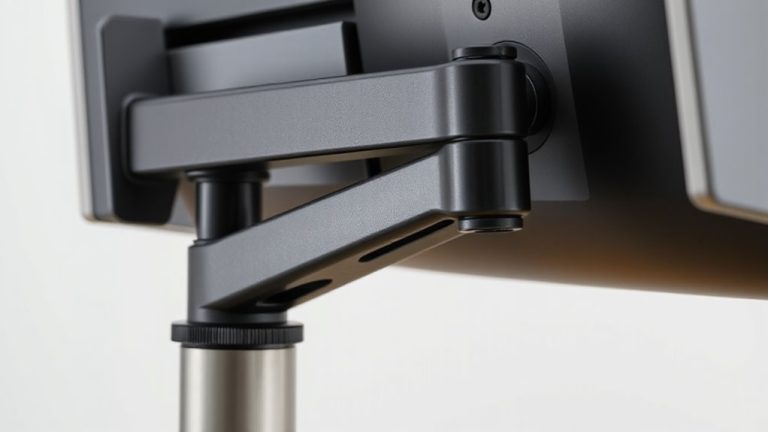
Ergonomics isn’t just about comfort-it’s about consistency and long-term health. A desk perpendicular to windows supports good posture, but pairing it with smart ergonomic choices guarantees lasting results. Focus on monitor alignment: center your screen at eye level, about an arm’s length away. Poor cable management can undermine even the best layout-tangled cords create clutter and tripping hazards. Use clips or sleeves to keep wires tidy and out of sight. Top-rated standing desk converters offer smooth height adjustments and ample workspace for monitors and peripherals.
| Feature | Recommendation | Caveat |
|---|---|---|
| Chair height | Hips level with knees | Adjust for footwear changes |
| Monitor alignment | Top line at or below eye level | Avoid tilting head forward |
| Desk depth | At least 24 inches | Limits space in small rooms |
| Cable management | Use under-desk trays | Adds setup time |
| Wrist position | Hands flat, wrists straight | Test with prolonged typing |
Maximize Light and Comfort in Your Workspace
While natural light can boost focus and mood, positioning your desk to get the most of it without glare requires careful planning. Placing your desk perpendicular to windows balances consistent illumination with reduced screen glare. This setup supports proper task orientation, letting you face your work while side window light floods in. Use sheer curtains or blinds for light diffusion, softening harsh rays without blocking views. Avoid direct sunlight on your monitor-tilt or hood it if needed. Pair this arrangement with a matte screen finish to cut reflections. Task lighting fills gaps when daylight fades. You’ll maintain comfort longer, but reposition occasionally to prevent eye strain. This strategy works best in rooms with single-window exposure; multiple windows may need layered solutions. Test adjustments over a week, noting changes in eye fatigue and brightness. Small tweaks make a measurable difference.
On a final note
Place your desk perpendicular to the window-it gives you steady, indirect light while cutting glare on screens. You’ll get balanced brightness most of the day, especially if you face north or east. Avoid direct afternoon sun from the west unless you use blackout blinds or adjustable shades. Pair this setup with a height-adjustable chair and monitor at eye level. Just remember: natural light helps focus, but position matters more than gear. Test it over a week-adjust if glare hits your screen by 3 p.m.