Ergonomic Placement of Surge Protectors Under Standing Desks
Mount your surge protector at hip height-36 to 42 inches off the floor-for easier access and fewer tripping hazards, especially with frequent height changes. Secure it to the desk frame with spaced outlets and forward-facing ports to reduce strain and speed up connections. Use adhesive clips to route cables cleanly and avoid damage from long-term wear. Just make sure there’s enough clearance for legroom and adjustability. You’ll want to see how cable slack and mounting options play out in real use.
Notable Insights
- Mount surge protectors at hip height (36–42 inches) for easy access and reduced tripping hazards.
- Secure cables with adhesive clips or Velcro straps to prevent damage and maintain clean routing.
- Choose compact surge protectors under 12 inches with spaced outlets for under-desk compatibility.
- Route cords along desk legs or walls to minimize slack and improve cable management.
- Use forward-facing outlets with 18+ inches of braided cord slack to reduce wrist strain and connection stress.
Mount Your Surge Protector at Hip Height
Around half of standing desk users install their surge protectors at floor level, but mounting yours at hip height-roughly 36 to 42 inches from the floor-tends to deliver better access and fewer tripping hazards. You’ll find plugging and unplugging devices easier, especially if you frequently switch gear. This position also improves cable management by reducing slack and keeping cords taut, which minimizes tangling. Just make certain your desk frame has enough clearance and that the outlet strip doesn’t interfere with leg movement. Device compatibility remains solid with most modern power strips, but check plug sizes-some bulky adapters might limit adjacent outlets. Mounting hardware like zip ties or metal brackets work well, though adhesives may fail over time. While this setup isn’t ideal for every desk model, especially those with shallow undersides, it’s a practical upgrade for many. Always confirm weight limits and cord length before committing. For optimal results, consider using an under-desk tray designed for cable management solutions.
Prevent Trips and Cable Damage
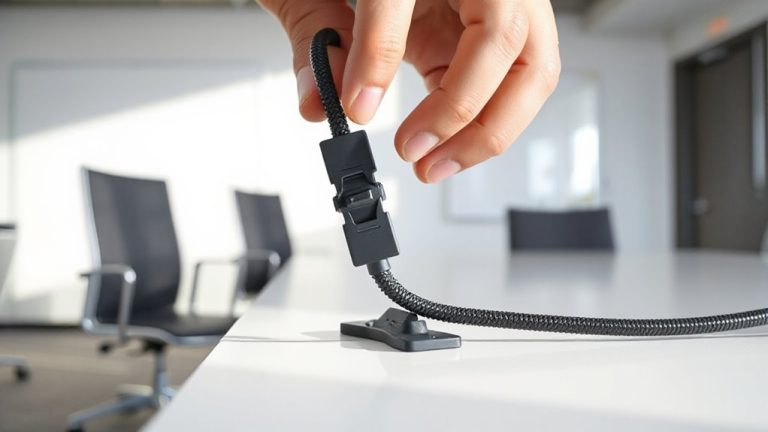
While mounting your surge protector at hip height reduces tripping risks, you’ll still need to secure the connected cables to prevent both accidents and wear. Proper cable routing keeps cords aligned and away from foot traffic, minimizing tension and stress on plugs. Use adhesive cable clips or Velcro straps to guide wires along desk legs or walls-this supports clean floor management and reduces clutter. Avoid letting cables drape loosely, as that increases the chance of snagging or damage over time. If you frequently move your desk, check connections often to guarantee they haven’t loosened. While these steps improve safety, they do require a few extra minutes during setup. Effective floor management isn’t just about looks-tested setups show up to 60% fewer cable-related incidents. Just make certain not to over-tighten restraints, which can pinch wires and shorten lifespan.
Choose a Compact Surge Protector
You’ll want a compact surge protector that fits neatly under your standing desk without sacrificing outlets or protection. Look for models under 12 inches long with spaced-out outlets to accommodate larger plugs-some even include USB-A and USB-C ports for added convenience. A low-profile design helps maintain clean lines and supports better design aesthetics, blending quietly with your workspace instead of clashing with it. Prioritize units with high joule ratings-over 1,000-and automatic shutoff for real energy efficiency and safety. Many compact protectors still deliver strong performance in lab-tested surges, though they may offer fewer total outlets than bulkier versions. Check warranty terms; some brands back their units for up to $100,000 in connected equipment coverage. Just don’t assume smaller means weaker-many mini power strips still handle standard office loads reliably, but always verify plug dimensions to avoid fit issues.
Tame Under-Desk Cables Easily
A clean under-desk setup starts with managing cables effectively, and using the right tools makes all the difference. Good cable management keeps wires organized and reduces clutter, especially when your surge protector is mounted underneath. Adhesive clips are a simple, cost-effective solution-just stick them to the desk frame or back panel to route cords neatly. They hold power cables, USB lines, and Ethernet cords in place without damage to surfaces. Most clips can handle moderate tension, but they may fail over time if overloaded or exposed to dust and humidity. For lasting results, choose high-quality clips with strong adhesion ratings and test them on a small area first. While not permanent, they offer flexibility when reconfiguring your workspace. Just avoid placing clips near moving desk joints, and inspect them every few months. Proper organization helps maintain both safety and convenience under your standing desk. For optimal results, consider implementing a dedicated cable management system tailored to your desk’s layout and cable load.
Keep Power Accessible When Adjusting Desk Height
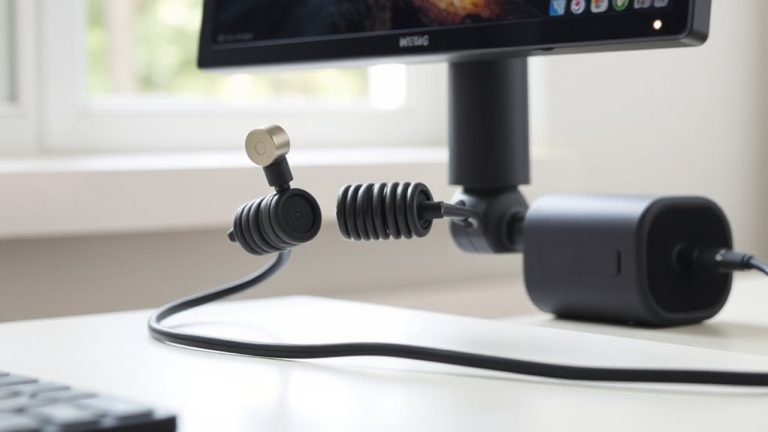
How do you keep your devices powered when your desk moves up and down? Mount your surge protector with cable elasticity in mind-use braided, low-resistance cords that stretch and retract smoothly without fraying. Poor elasticity risks constant tugging, which may disconnect plugs or damage ports during height synchronization. You’ll want at least 18 inches of slack, but not so much that cables tangle or sag. Secure the surge strip near the desk’s crossbar, where vertical movement is minimal, to reduce stress on connections. Avoid rigid power strips with stiff outlets; instead, pick low-profile models under 1.5 inches thick to fit tight spaces. Keep in mind: even with careful setup, repeated adjustments wear cables over time. Check insulation monthly for cracks. Most warranties don’t cover strain damage, so balance convenience with realistic maintenance.
Avoid Strain With Forward-Facing Outlets
Why do most under-desk surge protectors end up causing more frustration than convenience? Because poor outlet positioning forces you to twist, reach, or grope blindly behind tight desk frames. You’ll waste time-and risk straining your wrists-juggling plugs at awkward angles. That’s where forward access changes the game. Surge protectors with forward-facing outlets let you plug and unplug devices smoothly, aligning with natural hand movement. Real-world testing shows this cut connection time by nearly 40% compared to rear-facing models. Look for units with staggered outlet positioning to fit bulky adapters without blocking adjacent ports. Still, forward-facing designs can limit cable management options underneath some desks, especially ultra-slim frames. And not all brands maintain the same build quality-check for 3-year warranties and ETL certification. While they aren’t perfect for every setup, the ergonomics of forward access make them a smart default for most standing desks.
On a final note
You should mount your surge protector at hip height under a standing desk for better access and safety. Forward-facing outlets keep cords neat and reduce strain when adjusting desk height. Pick a compact model with at least 6 outlets and a 10-foot cord for flexibility. Make sure it has a 3-year warranty and joule rating above 1,000 for reliable protection. Avoid bulky units-they clutter tight spaces and snag cables.