Skip to content
Ergonomics & Musculoskeletal Health
Lighting Science & Visual Comfort
Technology Infrastructure & Connectivity
Work Efficiency Tips
Workspace Psychology & Cognitive Performance
Gear Guides
Blog
Search
Search
Toggle Menu
ergonomic setup
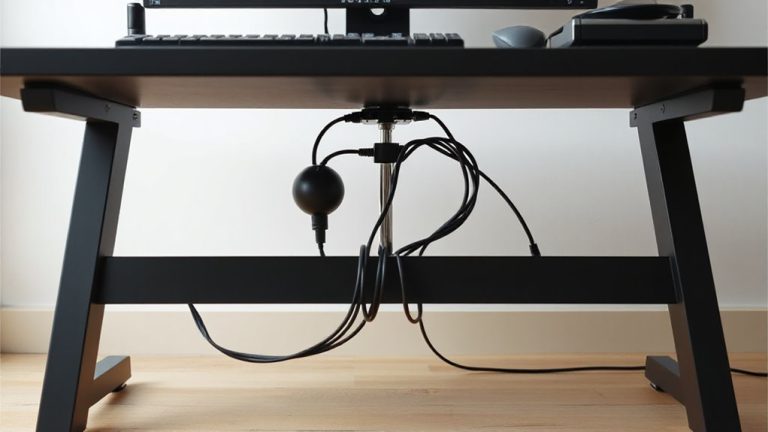
Ergonomic Placement of Surge Protectors Under Standing Desks
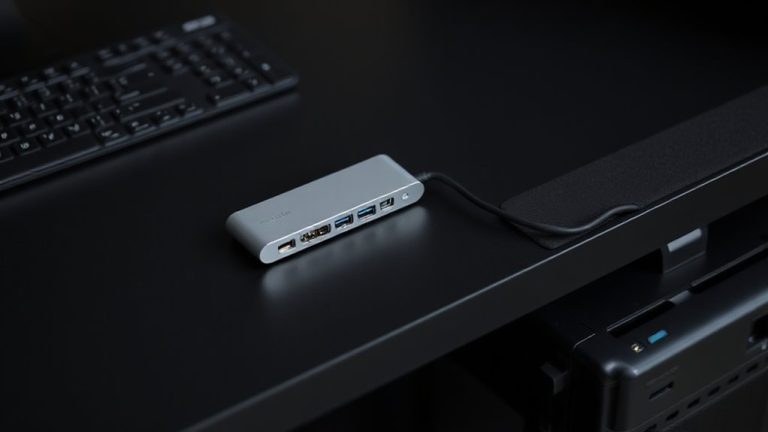
Optimal Placement of USB Hubs and Charging Ports Within Easy Reach of Your Dominant Hand
Ergonomic USB Hub Placement to Reduce Wrist Strain During Typing
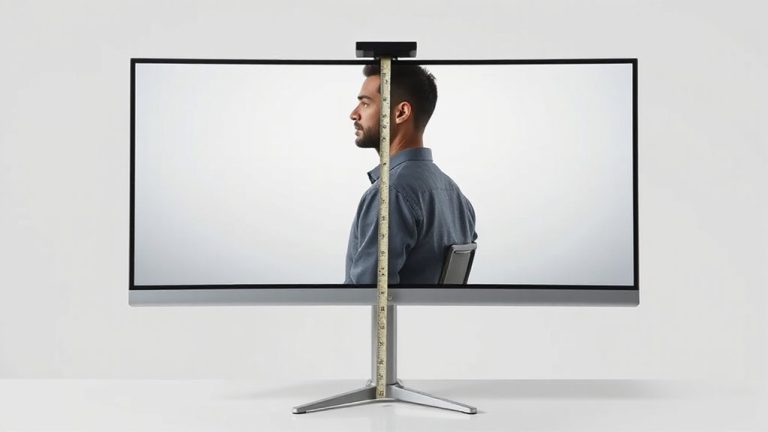
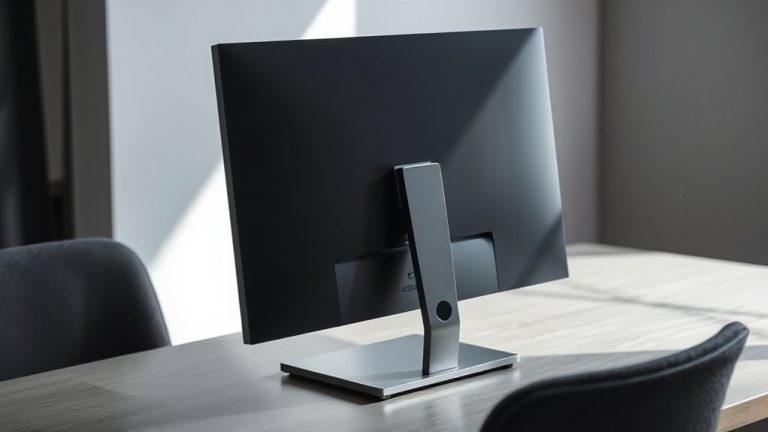
How to Position Your Monitor So the Top Line of Text Is at or Slightly Below Eye Level
Mounting Monitors on Wall Brackets to Free Up Desk Space and Improve Viewing Angles
Tilting Monitors Slightly Backward (10–20 Degrees) for Reduced Reflections
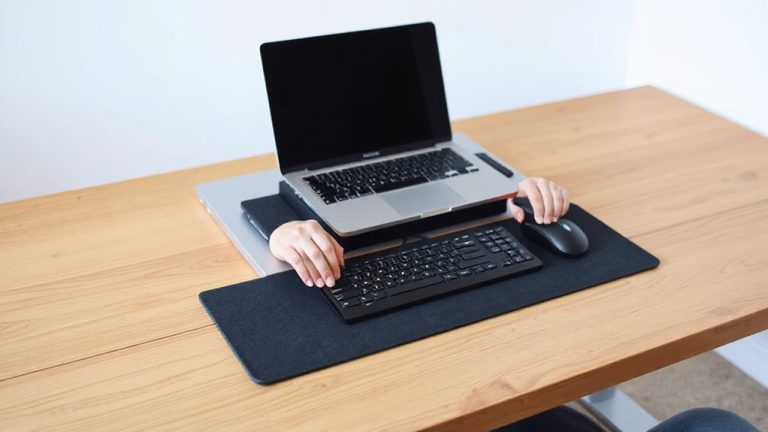
Positioning Laptop Docks So They Don’t Force Awkward Wrist Extensions
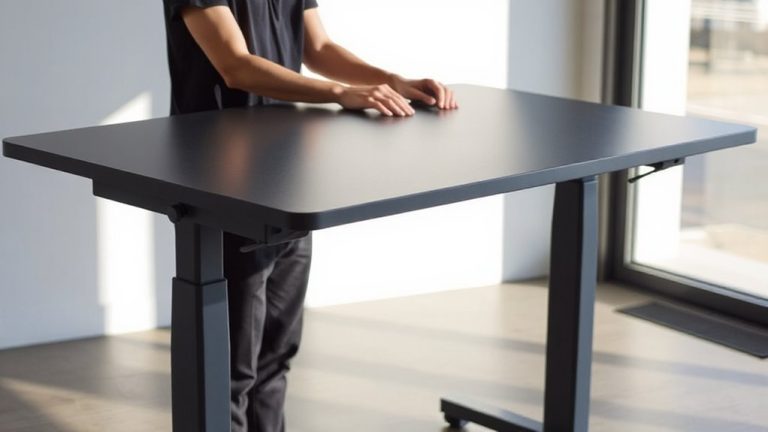
Fine-Tuning Standing Desk Surface Elevation for Forearm Parallelism
Avoiding Forward Head Posture Caused by Poor Home Office Layout Design
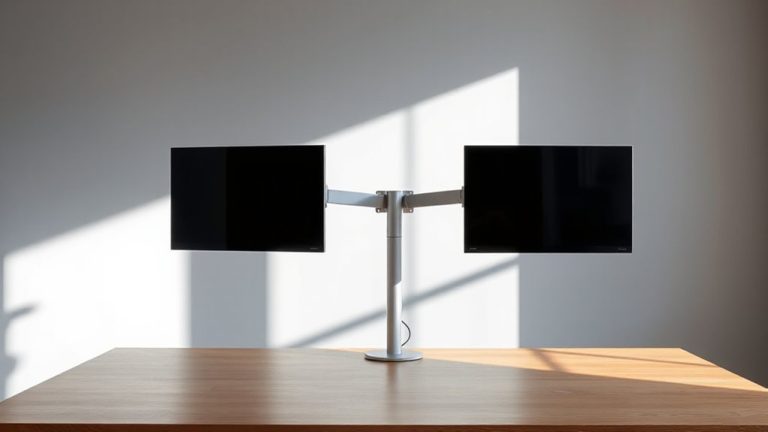
How to Choose the Right Monitor Arm or Stand for Your Home Office Setup
Page navigation
1
2
3
…
5
Next Page
Next
Ergonomics & Musculoskeletal Health
Lighting Science & Visual Comfort
Technology Infrastructure & Connectivity
Work Efficiency Tips
Workspace Psychology & Cognitive Performance
Gear Guides
Blog
Toggle Menu Close
Search for:
Search