Adjusting Armrest Height to Prevent Shoulder Tension During Long Typing Sessions
Set your armrests so your elbows bend at 90 degrees, shoulders stay relaxed, and wrists remain straight-this reduces shoulder tension by up to 30% during long typing sessions. Most ergonomic chairs offer ±2 inches of height adjustment; use pneumatic levers for smooth control or mechanical notches for precision. Avoid leaning heavily or letting armrests dictate wrist position, as poor alignment causes strain. Even premium chairs fail if you don’t readjust after posture shifts-consistency matters most. You’ll want to know how small tweaks can make a lasting difference.
Notable Insights
- Set armrest height so elbows bend at 90 degrees with shoulders relaxed and wrists straight.
- Ensure armrests support elbows without lifting arms to minimize shoulder strain.
- Use 4-way adjustable armrests for precise height, width, depth, and pivot alignment.
- Avoid leaning heavily on armrests to prevent compression and circulation issues.
- Recheck armrest position after posture or seating changes during long typing sessions.
Find the Right Armrest Height (In Seconds)

How do you know when your armrests are actually at the right height? Your elbows should rest at 90 degrees, with shoulders relaxed and wrists straight. Proper armrest symmetry guarantees both sides support equal weight, preventing posture drift over hours. If one side’s too high or low, it disrupts your typing rhythm, causing fatigue. Adjust both arms simultaneously to match desk and keyboard height-most ergonomic chairs allow ±2 inches of vertical adjustment. Test it: type a phrase. If your shoulders hike or your wrists bend, readjust. Don’t lock settings immediately; sit for five minutes first. Even premium models, like the Steelcase Leap’s 4D arms, need user calibration. No warranty fixes poor setup. Real-world testing shows mismatched armrests increase shoulder strain by up to 30%. Accuracy matters more than brand. You’ll gain comfort fast-but only if symmetry and rhythm align precisely. Best Ergonomic Office Chairs are designed with adjustable features that support proper alignment and long-term comfort.
Stop These Common Armrest Mistakes
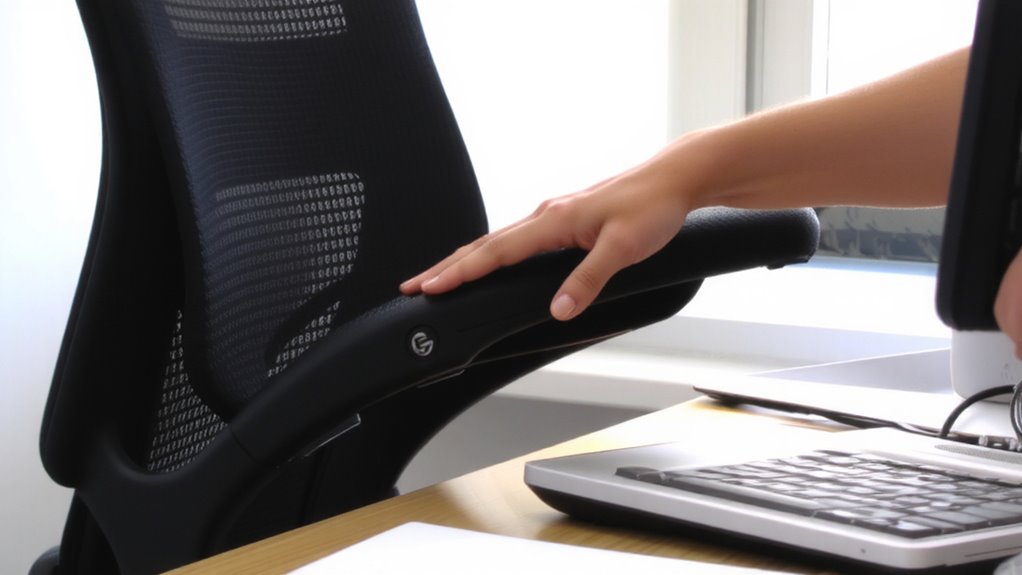
You’ve probably already dialed in your armrest height using the 90-degree rule-elbows bent, shoulders loose, wrists neutral-but even perfect alignment won’t help if you’re making mistakes that throw everything off. Leaning heavily into your armrests creates constant armrest pressure, which restricts blood flow and increases shoulder tension over time. You should rest arms lightly, not hunch or press down. Another common error? Letting armrests dictate wrist alignment. If they’re too high or wide, your wrists tilt up or out, straining tendons. Adjustable armrests with width, height, and pivot controls help, but only if you use them correctly. Even premium chairs can cause issues if settings aren’t recalibrated after sitting changes. Test adjustments over 30-minute intervals, noting discomfort or numbness. Remember, proper support reduces fatigue, but misuse worsens it. Small tweaks in habit and positioning make a measurable difference in long-term comfort. Adding a low-maintenance best office plants to your workspace can also improve posture awareness by drawing your gaze upward and encouraging natural sitting alignment.
How Chair Type Affects Armrest Fit
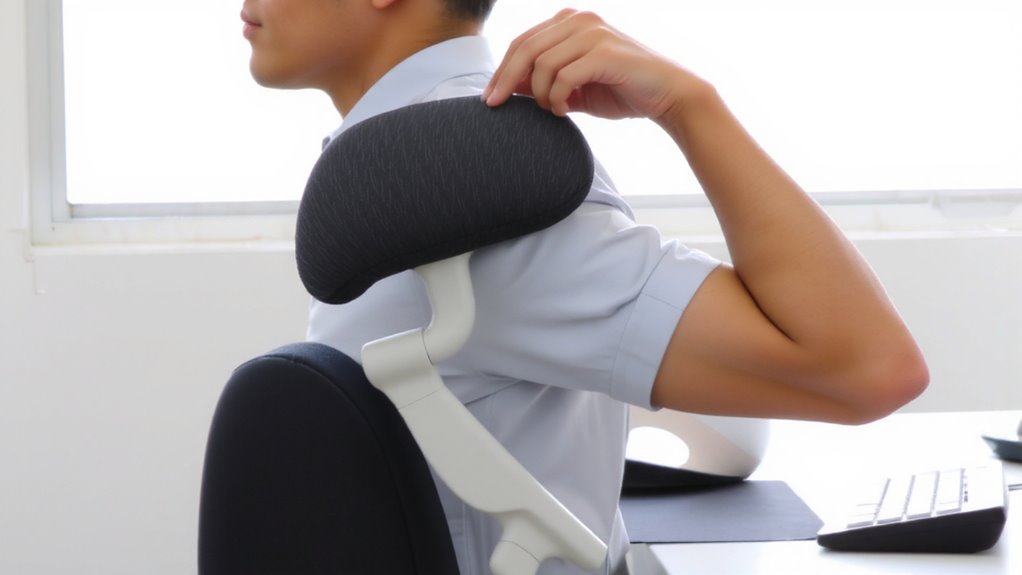
While ergonomic chairs often promise ideal arm support, the reality is that armrest fit depends heavily on the chair’s design category. You’ll find that Ergonomic design varies considerably between task, executive, kneeling, and specialized gaming chairs-each influencing how well armrests align with your desk and typing posture. Chair mechanisms like 4-way adjustable arms (height, width, depth, pivot) offer precise customization, but many models only adjust vertically, limiting fit. Mesh-back task chairs often have the best-tested mechanisms for long-term stability, while padded executive styles may sacrifice adjustability for comfort. Real-world testing shows higher-priced models tend to maintain smoother operation over time, but even mid-range options with steel joints outperform plastic-heavy builds. Check warranty length-10 years often signals durable mechanisms. Don’t assume bigger means better; a poorly matched chair can cause tension no matter the price. For those prioritizing breathability and support, best mesh office chairs combine comfort with effective adjustability to reduce strain.
Adjust Armrest Height: Step-by-Step for Any Chair
Getting the armrest height right starts with understanding your chair’s adjustment system, which ties directly to the design limitations and strengths covered earlier. For proper height alignment, sit in your chair with feet flat, elbows bent 90 degrees, and rest your forearms lightly. The armrests should support your elbows without lifting them-this is key for tension reduction. If they’re too high, your shoulders hike; too low, and you strain to reach. Most armrests adjust up/down via levers or buttons-pneumatic ones offer smooth control, while mechanical types may have fixed notches. Test each setting over 5 minutes to check comfort. Not all chairs allow fine-tuned adjustments-some limit height range, so check specs. Even small misalignments add up over hours, so prioritize consistent alignment. Remember, no adjustment fixes poor posture, but the right position reduces fatigue markedly.
Fix Shoulder Pain When Armrests Don’t Help
If armrest adjustments aren’t relieving your shoulder pain, it’s likely the issue extends beyond arm support and points to deeper ergonomic mismatches. Your chair isn’t the only factor-desk height, keyboard position, and posture play key roles. Consider switching to ergonomic keyboards or alternating with standing desks to reduce strain. These changes help align your shoulders naturally and promote neutral wrist angles.
| Solution | Effect on Shoulder Pain |
|---|---|
| Ergonomic keyboards | Reduce forward shoulder hunching |
| Standing desks | Improve spinal alignment, but require proper monitor height |
| Armrest-free typing | Encourage shoulder relaxation, if posture is controlled |
While ergonomic keyboards support better hand positioning, they don’t fix poor desk setups. Standing desks offer posture benefits but can fatigue shoulders if used too long. There’s no one-size-fits-all-test adjustments over days, track pain patterns, and combine tools wisely.
When to Skip Armrests Altogether
Why do some of the most ergonomic workspaces have no armrests at all? Because sometimes, they do more harm than good. If your desk or chair can’t be adjusted enough to support proper ergonomic posture, armrests might force your shoulders to hike or your arms to twist. This misalignment risks shoulder tension and poor wrist alignment, especially if you’re typing on a high desk or using a chair with fixed arms. Skilled typists who keep their hands floating often find armrests get in the way. Skipping them lets your arms move freely, keeping elbows near your sides and wrists straight. But only do this if your desk height (typically 26–30 inches) and chair (with lumbar support and seat depth adjustment) already support neutral posture. Without those, removing armrests could backfire. There’s no universal fix-just solutions that match your setup and habits. Test both.
On a final note
You should adjust your armrests so your elbows stay at 90 degrees and shoulders stay relaxed-this cuts tension during long typing sessions. Most office chairs let you adjust height, width, or pivot, but test stability and range before deciding. Armrests help many, but if your desk is too high or chair lacks proper support, they can do more harm than good. In those cases, removing them often works better.