Choosing Quiet HVAC Settings or Timers to Avoid Interruptions During Live Meetings
You can cut HVAC noise during live meetings by using quiet fan mode, which reduces sound by up to 50% but may run longer and use slightly more energy. Schedule your system to avoid cooling or heating during key times, or install a smart thermostat like Nest or Ecobee that skips cycles when meetings are on your calendar. For real results, combine low-speed settings with acoustic panels near vents and well-sealed ducts-older or loud units won’t get silent, no matter the fix. The quietest mini-splits hit 39 dB, but proper placement and insulation make the difference you’ll actually hear. Smart tweaks only go so far if your system’s past its prime. You’ll want to check what setups deliver the deepest quiet in real rooms.
Notable Insights
- Activate quiet fan mode to lower HVAC noise during meetings, reducing sound output by up to 50% with minimal temperature disruption.
- Use smart thermostats that sync with calendars to automatically pause HVAC operation during scheduled live meetings.
- Schedule HVAC cycles during off-peak hours to avoid noise interruptions, especially when outdoor units are near conference rooms.
- Optimize fan speeds to low settings (42–48 dB) before meetings, ensuring quieter operation without sacrificing comfort.
- Place acoustic panels near vents and use sound-blocking materials to reduce HVAC noise transmission into meeting spaces.
Reduce HVAC Noise During Virtual Meetings Now
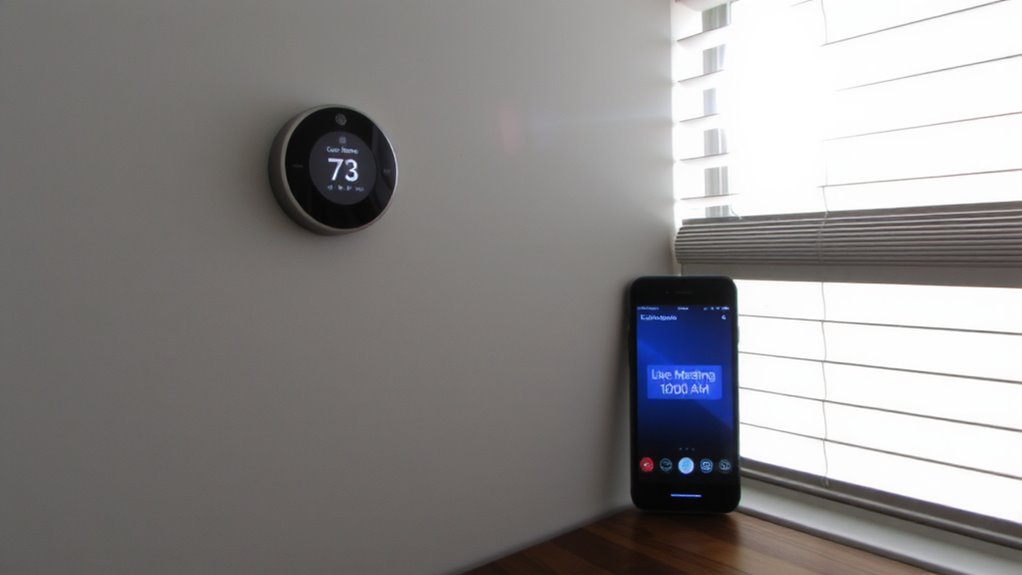
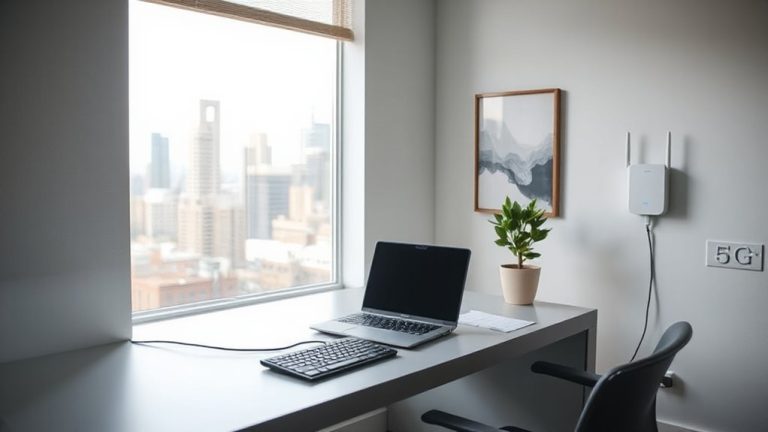
Why does your HVAC system suddenly seem louder during Zoom calls? Because background noise becomes obvious when silence is expected. You can reduce HVAC noise during virtual meetings now by improving sound insulation in your home office. Adding acoustic panels to walls-especially those near the HVAC vent-helps absorb mid- to high-frequency sounds, reducing echo and rumble picked up by sensitive mic arrays. Mass-loaded vinyl or insulation in walls adds sound insulation that blocks low-frequency hums at the source. These fixes work best when paired with layout adjustments-like moving your desk away from vents. Performance varies by room size and panel density; cheaper foam panels look good but offer minimal real-world dB reduction. Real acoustic panels, like those with NRC ratings above 0.8, deliver measurable results. Results depend on placement and existing construction-outcomes aren’t universal.
Use Quiet Fan Mode to Stop Mid-Call Interruptions
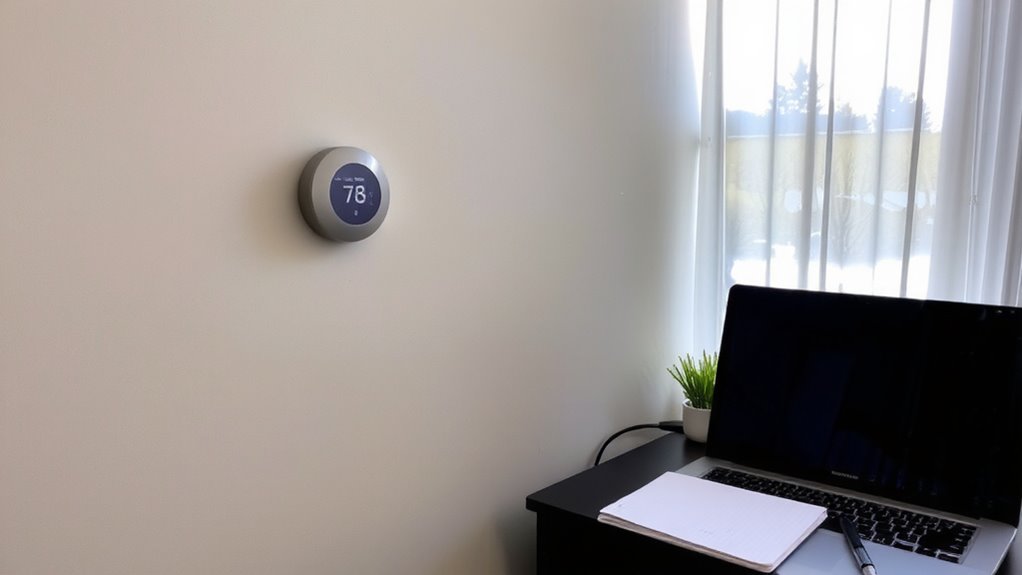
You can stop mid-call HVAC interruptions before they start by using your system’s quiet fan mode, a feature built into many modern thermostats and air handlers. This setting reduces motor speed and lowers sound output, cutting noise by up to 50% during airflow intervals. It’s effective for maintaining comfort without distracting hums or blasts during calls. However, lower fan speeds mean longer fan duration is needed to circulate air, which may increase energy use slightly. Most systems let you adjust runtime in 15-minute increments, so you can balance noise control with efficiency. Quiet mode works best in well-insulated rooms with stable temperatures. It’s not a fix for aging units with worn bearings or duct leaks-those need servicing. Check your thermostat manual for “fan-only quiet” or “circulate quietly” options. Use it proactively, not just when meetings start.
Schedule HVAC to Avoid Key Meeting Times
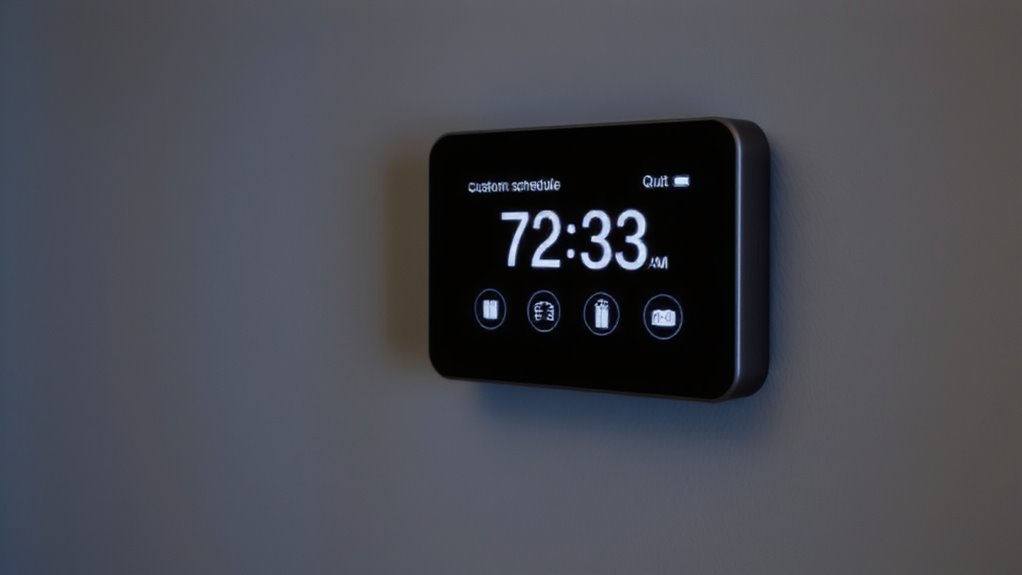
Ever wonder when your HVAC system runs loudest? You’ll often find it kicks on during temperature peaks-exactly when your key meetings happen. Scheduling your HVAC to avoid those times helps prevent disruptive noise, especially if your outdoor unit placement is near windows or shared walls. Adjust your system’s runtime so it cycles during low-use hours, like early morning or late evening. Regular HVAC maintenance schedules keep components running smoothly, reducing unexpected, noisy operation. You might sacrifice a bit of comfort during meetings, but the quiet usually outweighs mild temperature shifts. Just don’t set delays too aggressively-overcooling or overheating your space can strain the system. This method works best with consistent daily routines, not erratic calendars. And while it helps, it’s not a fix for outdated or poorly placed equipment. For some, combining smart planning with physical upgrades delivers the calmest workspace.
Get a Smart Thermostat That Skips Meeting Hours
A smart thermostat that automatically skips heating or cooling during meeting hours can be a practical upgrade for minimizing HVAC noise without constant manual adjustments. These devices use smart learning to study your schedule and adjust settings accordingly, often syncing with calendar apps to detect recurring meetings. Models like the Nest Learning Thermostat or Ecobee SmartThermostat offer programmable overrides and geofencing, enhancing energy efficiency by reducing runtime when you’re in active calls. Most undergo third-party testing for accuracy, with warranties around 3 years. While convenient, they require reliable Wi-Fi and may need manual correction if meetings change. Energy efficiency gains vary-typically 10–15% annually-depending on climate and usage. Don’t expect perfect silence; fan cycles might still occur. Setup takes effort, and subscription features, though minimal, could add cost. Still, for remote workers, the quiet and automation often justify the investment.
Set HVAC Timers for Meeting-Friendly Cycles
Why schedule HVAC cycles around important calls? Because timing your system’s operation keeps indoor noise low when you’re on camera or in a group discussion. You can set HVAC timers to run before or after meetings, ensuring comfort without disruptive fan or compressor sounds. This approach supports energy efficiency by avoiding unnecessary runtime during unoccupied hours. Align these cycles with your maintenance schedules so performance stays reliable-dirty filters or low refrigerant can make systems run longer, cutting into both quiet time and efficiency. While pre-cooling or pre-heating works well, don’t overextend runtimes; excess cycling wears components and increases energy use. Smart thermostats help automate this, but manual programming works if done consistently. Just remember: longer off-periods during calls mean noise control, but could affect air quality or temperature stability if pushed too far. Balance is key.
Quietest Settings for Heat Pumps, Furnaces, and Mini-Splits
How quiet can your heating and cooling system really run without sacrificing comfort? You’ll get the quietest operation from heat pumps, furnaces, and mini-splits with variable speed blower motors. These models adjust output gradually, reducing abrupt fan starts that create noise. Units rated below 58 decibels on low speed are ideal-some mini-splits whisper at 39 dB. Built-in sound insulation in both indoor and outdoor units dampens compressor and airflow noise effectively. While variable speed tech improves silence and efficiency, it often costs more upfront and requires compatible thermostats. High-efficiency units with insulated cabinets and vibration-reducing mounts help but aren’t always listed in basic specs. Check manufacturer noise ratings under minimum operating conditions, not just peak performance. Real-world testing shows sound levels can vary by up to 10 dB depending on installation quality. Proper placement and duct design matter just as much as equipment choice.
Test Fan Speeds and Cycles for Maximum Silence
Ever wonder why your HVAC system still hums noticeably, even on low? You’re not alone. Testing fan speeds and cycles is key to achieving maximum silence during live meetings. Start by running your system at the lowest setting for 15-minute intervals, noting when noise becomes distracting. Pair this with proper noise insulation around ducts and the unit itself to minimize sound leakage. Airflow optimization guarantees quiet operation without sacrificing comfort. Below is a quick reference for expected performance:
| Fan Speed | Noise Level (dB) |
|---|---|
| Low | 42–48 |
| Medium | 50–55 |
| High | 58–62 |
Lower speeds reduce sound but may limit airflow, so balance is essential. Some models offer “quiet mode,” which prioritizes noise reduction. While effective, it may extend run times. Always verify real-world results in your space-manufacturer claims don’t always match actual performance.
On a final note
You should set your HVAC to quiet mode or use a smart thermostat to avoid disruptions during calls. Running fans at low speed reduces noise, but may limit airflow. Scheduling cycles around meetings works well, though it can cause temperature swings. Test settings ahead of time-some units cycle louder on older duct systems. Look for models with 5-year warranties and sound ratings below 60 dB. Results vary, so prioritize consistency over silence.