How to Position a Compact L-Shaped Desk in a Corner for Maximum Usability
Position your compact L-shaped desk in the corner with at least 2 inches of clearance on both walls to handle imperfect angles and avoid binding. Keep 30 inches of open space in front for movement, and align the monitor arm’s length away, directly in front to prevent strain. Use wall shelves behind for storage, anchored to studs. Route cables along the back with clips, and leave room for chair pull-out-especially if space is tight. There’s more to optimizing your setup effectively.
Notable Insights
- Measure the corner with at least 2 inches of clearance on both walls to ensure proper fit and airflow.
- Use a level to align the desk and prevent wobbling, especially in corners with imperfect angles.
- Position the desk so the longer side faces the user, maximizing workspace and legroom.
- Maintain 30 inches of clearance in front and around the desk for chair movement and access.
- Route cables along the back of the desk and use surge protectors to keep the workspace organized and safe.
Measure Your Corner for an L-Shaped Desk
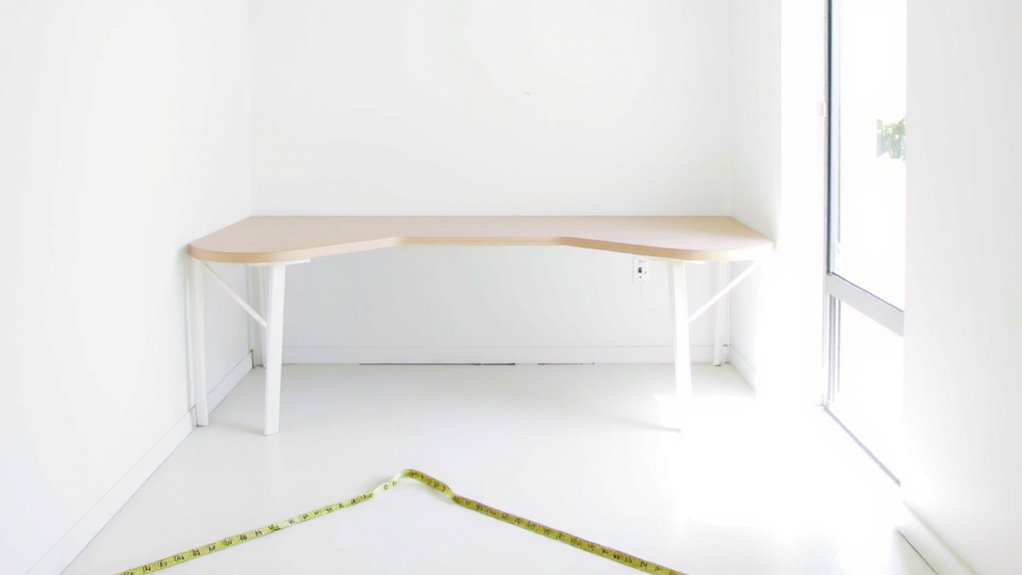
Getting the right fit starts with the numbers-measure twice, because an L-shaped desk that’s too big won’t squeeze into your corner, and one that’s too small wastes valuable workspace. You need at least 2 inches of corner clearance on both walls to avoid tight squeezes and allow for wall fixtures or baseboard molding. Check your floor plan’s angles-most corners aren’t perfectly square, so test with a level to guarantee proper desk alignment. Misaligned desks lead to wobbling and uneven weight distribution. Measure wall depth and room entry points to confirm the L-shape fits without blocking doors or drawers. Don’t rely on listed dimensions alone-manufacturer specs sometimes exclude legs or cable management cutouts. A tape measure and 10 minutes now prevent costly returns later. Always account for outlet placement and lighting angles-functionality hinges on more than just size. For tailored solutions, consider the best L-shaped desks based on size, material, and user reviews.
Arrange the Desk for Easy Movement
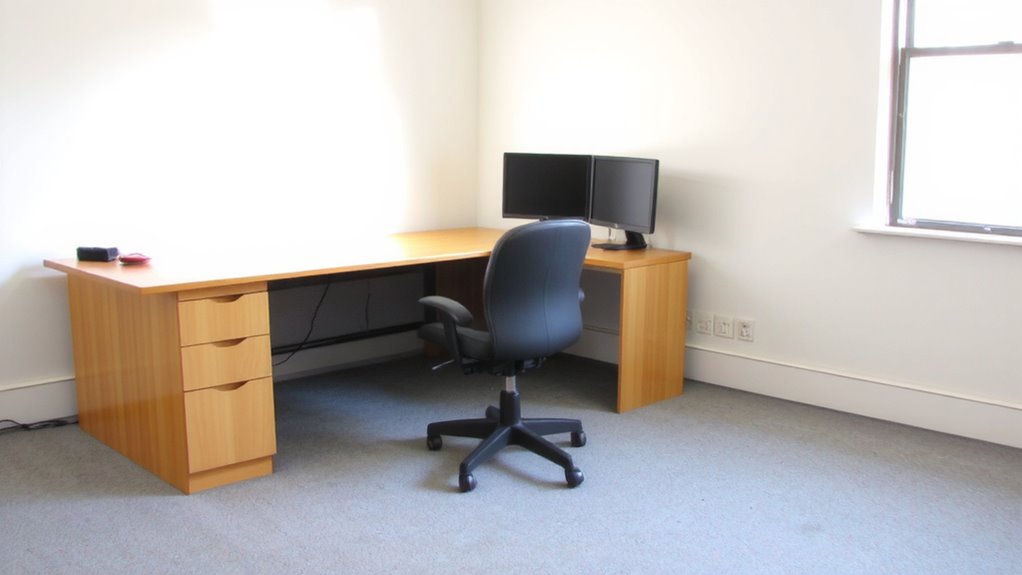
With your L-shaped desk snug in the corner, prioritize clearing at least 30 inches of open space in front of and around the main work zone-this guarantees room to pull out your chair fully and move without bumping into walls or furniture. Proper desk clearance makes certain you’re not squeezing into tight spots, which can strain your back or limit productivity. Prioritize chair access by leaving enough room on all sides, especially behind you, so you can stand or pivot easily. If your workspace is tight, consider a slim-arm chair or one with a smaller footprint to maximize usable space. Don’t block door swings or pathways; even a few inches matter. While wall outlet placement may tempt you to push the desk closer, doing so often sacrifices comfort. Balance proximity to power with open floor space. Real usability comes from smart positioning-not cramming in gear. Test movements daily: if you feel cramped, adjust.
Set Your Monitor at the Right Angle
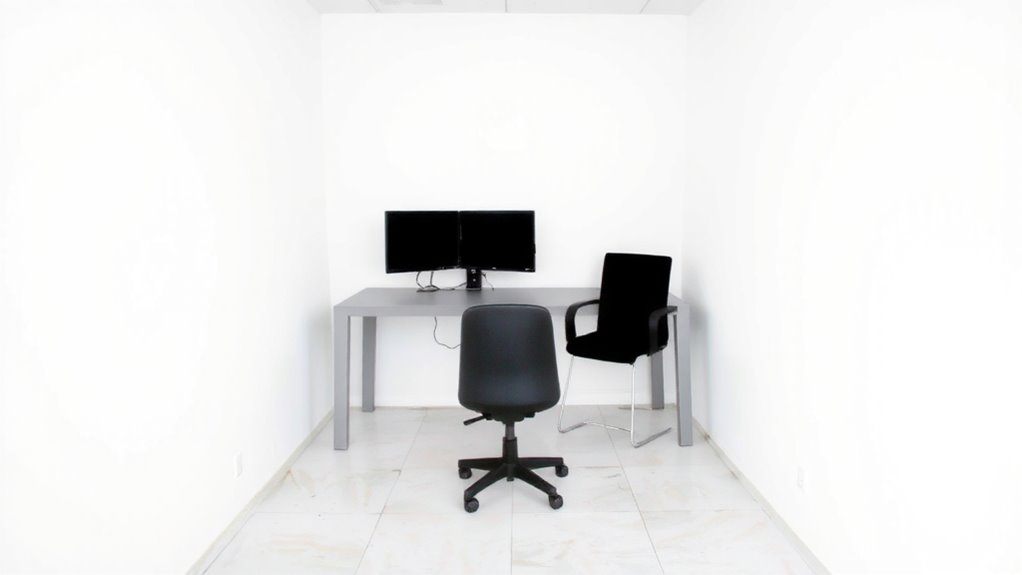
Why does your neck ache after just an hour of work? Poor monitor placement is likely the culprit. For ideal viewing comfort, position your monitor directly in front of you, not off to the side, to avoid twisting your spine. The top of the screen should align with your eye level so you’re looking slightly downward, reducing strain. If you use a laptop, consider a stand to elevate it to the right height. Keep the monitor about an arm’s length away-roughly 20 to 30 inches-to prevent squinting or leaning. Centering the display on your main work zone, typically the desk’s corner segment, improves focus and posture. While dual monitors can boost productivity, place only your primary screen front and center; angle the secondary gently inward if needed. Poor angles lead to long-term discomfort, so invest time adjusting now to avoid issues later. Choosing the right home office desk can significantly enhance ergonomic alignment and overall workspace efficiency.
Keep Cables Neat and Accessories Close
How do you cut through the tangle and actually get work done? Effective cable management and smart accessory placement make a real difference. Route power, USB, and monitor cables along the desk’s back edges using adhesive clips or a spiral wrap-this keeps them secure and out of sight. Avoid overcrowding outlets by choosing a surge protector with spaced ports. Place frequently used items like your keyboard, mouse, and notebook within arm’s reach on the shorter desk leg. Store less-used tools in a drawer or tray to reduce clutter. Good accessory placement boosts efficiency, but don’t sacrifice space for gadgets-compact desks demand restraint. Remember, even the neatest setup fails if cables are stretched too tight or accessories block drawer movement. Test adjustments while seated. Neatness helps, but only if it supports actual work. For optimal results, consider using a best cable management solution tailored to your desk’s layout.
Add Storage on the Wall Behind Your Desk
Mounting storage above or beside the wall behind your desk frees up valuable surface space while keeping essentials within reach. Wall shelves and floating cabinets are solid choices, but pick based on load needs and room layout. Shelves offer easy access and visibility, while cabinets hide clutter but can feel closed-in. Always anchor units to wall studs-especially for floating cabinets, which can sag over time if under-supported.
| Type | Best For |
|---|---|
| Wall shelves | Lightweight items, quick access |
| Floating cabinets | Storing files, securing supplies |
| Open bins on shelves | Frequently used tools |
| Closed cabinets | Reducing visual clutter |
Use corrosion-resistant screws and check manufacturer specs for weight limits. Most tested models support 25–50 lbs when properly installed. Avoid overloading near desk edges to prevent head bumps. Balance function with headroom.
On a final note
You’ll get the most out of your corner by placing the longer desk leg along the dominant wall for better reach and posture. Keep your monitor 20–30 inches away, angled slightly toward you to reduce neck strain. Use a cable tray or clips to manage cords neatly. Wall-mounted shelves above free up space but don’t overcrowd them. Watch clearance-leave at least 30 inches behind for chair movement. Test adjustments over a week, not just once.