Installing Task Lighting With Voice Control for Hands-Free Operation During Calls
You should install voice-controlled task lighting like the Philips Hue A19 for hands-free adjustments during calls. It delivers 800 lumens and a 2200K–6500K color range, letting you tweak brightness or warmth with Alexa or Google in about 1.5 seconds. Use it to avoid glare and look professional on Zoom. Just avoid enclosed fixtures and expect reliable performance if you manage Wi-Fi interference. The two-year warranty and 25,000-hour lifespan back its daily use-you’ll get better results by fine-tuning placement and voice setup.
Notable Insights
- Choose smart bulbs like Philips Hue that support voice control for hands-free brightness and color adjustments during calls.
- Use a voice assistant such as Alexa or Google for 1–2 second response times when adjusting lighting without touching devices.
- Position the smart bulb to shine light on your face from the front or side to avoid backlighting on video calls.
- Connect the bulb to a hub like the Hue Bridge for reliable Wi-Fi control and remote access via voice commands.
- Reduce glare and optimize appearance by using voice commands to dim lights or adjust color temperature during video meetings.
No More Fumbling: Stay Hands-Free With Voice Lighting
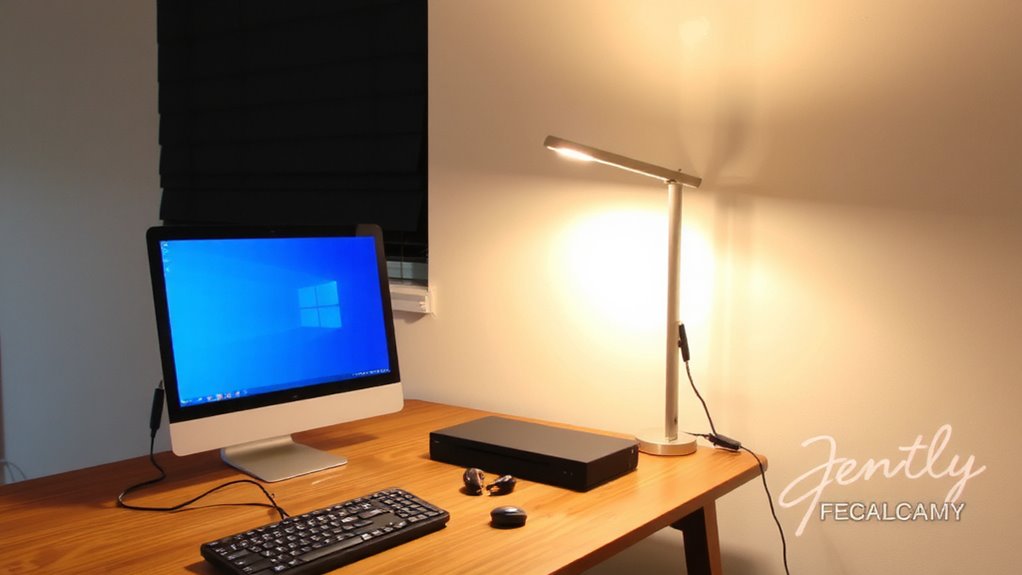
Ever tried flipping a switch while your hands are full of tools or holding a blueprint? With voice-controlled task lighting, you don’t have to. You can adjust light placement and bulb color safely, even mid-task. Just say the word, and your light responds-no fumbling, no interruptions. Most units work with assistants like Alexa or Google, offering reliable voice response within 1–2 seconds. Look for models with at least 3000K–5000K color temperature range so you can switch bulb color from warm to daylight. Ideal light placement is 18–24 inches from your work surface, angled to reduce glare. Units with 80+ CRI deliver accurate color rendering for detailed work. Note: voice systems need stable Wi-Fi and may lag during peak use. Also, not all brands support routines across ecosystems. Check warranty length-two years is standard. Test responsiveness before mounting permanently.
How Voice-Controlled Task Lighting Helps Video Calls
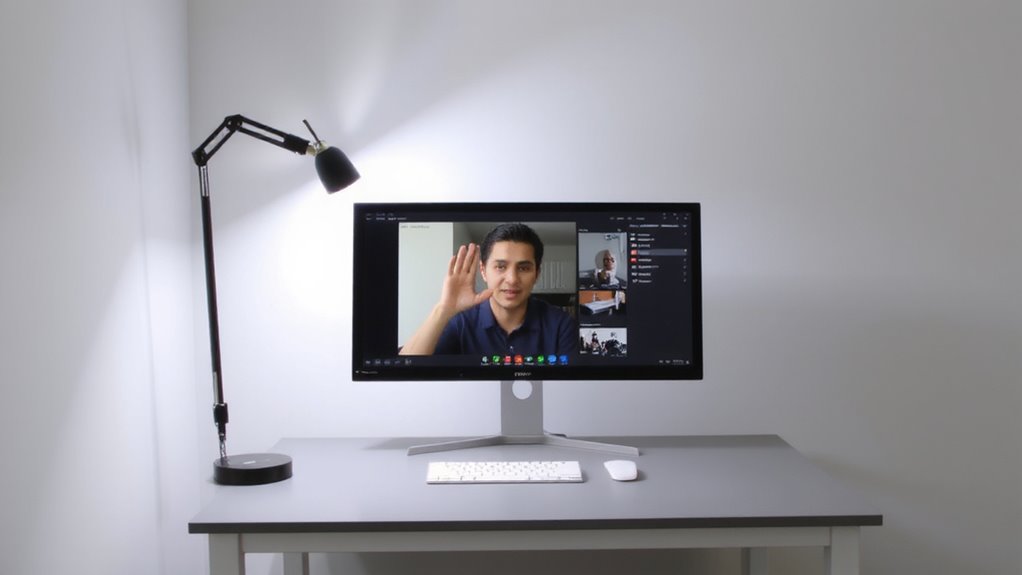
Why settle for a dim or backlit Zoom call when you can control your lighting without lifting a finger? Voice-controlled task lighting gives you instant adjustments to improve light quality, ensuring your face is evenly illuminated and you look professional. With simple voice commands, you can dim or boost brightness to cut glare and achieve glare reduction, especially useful if you’re near windows or bright screens. Good light quality means less eye strain and better camera clarity, which matters during long meetings. Most smart LED task lights offer color temperature control, so you can switch between warm and cool tones depending on the time of day. Just remember: placement matters. If the light shines directly into the camera, you’ll create new glare problems. Also, not all voice systems respond instantly, so test response speed before relying on it mid-call. Setup takes minutes, but fine-tuning positioning may take a few tries. For remote work, choosing the right lamp can make a big difference-consider one of the best desk lamps for remote work that combine smart features with optimal illumination.
Choose Between Alexa or Google for Your Lighting
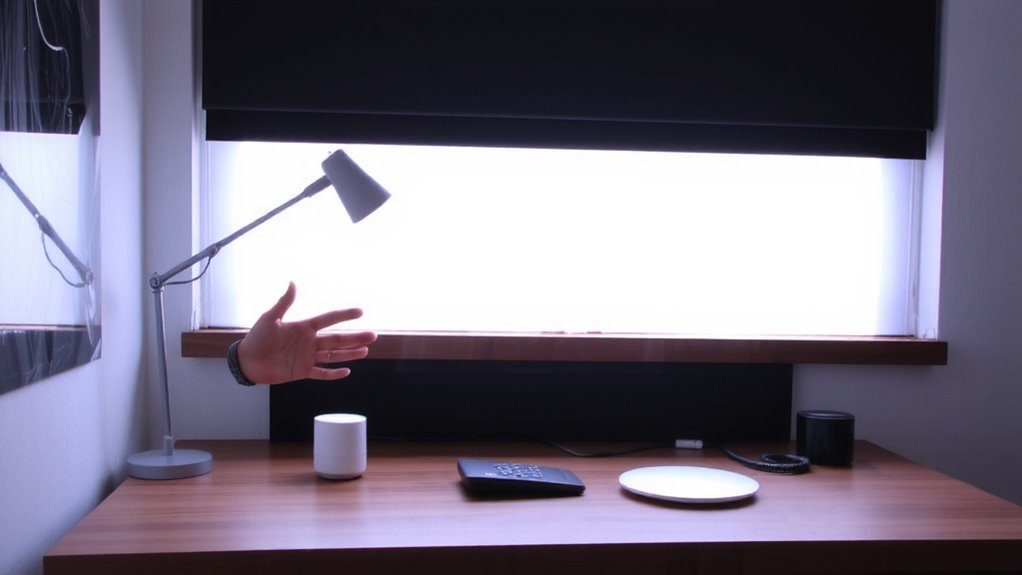
You’ll get the best results by picking one voice platform and sticking with it-either Alexa or Google-since mixing the two can complicate setup and slow down commands. Alexa typically offers broader light compatibility, working with more brands like Philips Hue, LIFX, and Nanoleaf, giving you more options for task lighting. Google excels in device interoperability with Android phones and Chromebooks, making it smoother if you use those daily. Both respond quickly in testing, usually within 1.5 seconds. Alexa’s routines let you tweak brightness by time of day, while Google’s natural language processing handles complex requests better. Either works well, but choose based on your existing devices. Switching later means redoing configurations. Neither platform supports every smart bulb, so check compatibility before buying. There’s no clear winner-just what fits your workspace best. For optimal integration, consider choosing from the best Philips Hue lights based on your voice assistant preference.
Top Voice-Controlled Lights for Your Workspace
While no single bulb fits every workspace perfectly, the Philips Hue White and Color Ambiance A19 stands out for its reliable voice response, broad compatibility with both Alexa and Google, and precise brightness control from 800 lumens down to a soft glow. You’ll appreciate the adjustable color temperature, shifting smoothly from warm 2200K to cool 6500K, so you can match lighting to your task or time of day. Bulb compatibility is excellent-it works with most lamps and fixtures, plus integrates into larger smart systems. The app is intuitive, and voice commands respond quickly, though performance dips slightly if your Wi-Fi is weak. A hub is required, which adds cost, and the five-year warranty is solid but not class-leading. While pricier than alternatives, its blend of precision, reliability, and color range makes it a strong pick-just confirm your setup supports Zigbee before buying. For more options tailored to different needs and budgets, check out the best LED lights for home in our comprehensive buying guide.
Install and Connect Your Smart Task Light
The Philips Hue White and Color Ambiance A19 gives you strong control over your workspace lighting, but installing and connecting it requires a few careful steps. First, confirm your fixture is E26 and compatible with smart bulbs-some enclosed fixtures trap heat, shortening bulb life. For ideal light placement, position the bulb so it illuminates your desk without glare on screens, typically 18–24 inches from your monitor. Use the Hue Bridge to connect to Wi-Fi, then download the app to adjust brightness and set your preferred color temperature, like 4000K for a neutral, alert feel during calls. Note that without the Bridge, you lose remote access and scheduling. The bulb lasts about 25,000 hours and comes with a two-year warranty. Setup is simple, but power cycling the bulb may be needed if it doesn’t appear in the app.
Control Lights by Voice During Meetings
How do you adjust your workspace lighting without breaking focus during a meeting? With voice-controlled task lighting, you can change light color or brightness using simple voice commands-no fumbling for switches. Products like the Philips Hue or Nanoleaf Essentials smart bulbs integrate seamlessly with assistants like Alexa or Google Assistant, letting you maintain professionalism while adjusting ambiance. Some even use motion detection to activate only when you’re present, saving energy.
| Feature | Benefit | Caveat |
|---|---|---|
| Voice control | Hands-free adjustments | Requires stable Wi-Fi |
| Adjustable light color | Matches circadian rhythm | Overstimulation if misused |
| Motion detection | Automates lighting | False triggers possible |
While responsive, make certain mic sensitivity is tuned to avoid accidental activation. Voice operation works well in controlled environments but depends heavily on system calibration and placement.
Fix Voice Recognition & Connection Problems
Why does your voice command sometimes go unanswered when you’re trying to dim the lights mid-call? Poor audio calibration or signal interference might be the culprits. If your voice assistant doesn’t hear you clearly, it won’t respond-even with high-end microphones. Run the app’s audio calibration tool to adjust sensitivity and reduce false triggers. Background noise from HVAC systems or nearby devices can muddy your voice input, so place the mic away from fans or monitors. Signal interference from Wi-Fi routers or Bluetooth headsets may disrupt connectivity, especially on crowded 2.4 GHz bands. Switching to a less congested channel or using wired backhauls helps stabilize the link. While most smart lighting systems recover quickly, brief lag during peak use is normal. Always check firmware updates monthly-they often improve voice recognition accuracy. Results vary by room acoustics and network load, so test thoroughly before relying on hands-free control.
On a final note
You’ll save time and stay focused with voice-controlled task lighting-it’s reliable when set up right. Lights like the BenQ ScreenBar Halo or Philips Hue Go work instantly via Alexa or Google, staying bright at 400–500 lux for clear video calls. But voice delays can happen, and Wi-Fi gaps cause drops. Always check warranty length and app stability first. Test voice commands in your room layout to avoid misfires during meetings. It’s efficient, just not flawless.