Using a Task Light That Adjusts With Desk Height for Consistent Illumination
You need a task light that moves with your desk to maintain even lighting as your eye level changes. Look for one with a vertical lift mount, 20+ inch reach, and flicker-free LEDs (CRI 90+, 450–600 lumens) to avoid strain. Adjustable color temperature (2700K–5000K) helps match ambient light, while diffused lenses reduce glare. Confirm the mount clamps securely and syncs smoothly with your desk’s range. Stability and cable management matter most at full extension-get a model with a three-year warranty to back its durability. Choosing the right setup keeps brightness consistent and cuts eye fatigue through every shift.
Notable Insights
- Choose a task light with adjustable arms and a swivel range over 180 degrees to maintain coverage across all desk heights.
- Use flicker-free LEDs with a CRI of 90+ to reduce eye strain and ensure accurate color representation during prolonged use.
- Position the light to the side of your monitor to minimize screen glare, especially when standing.
- Select a light with memory settings or calibration features to preserve optimal angles when transitioning between sitting and standing.
- Ensure the mount synchronizes with your sit-stand desk’s motion using gas-spring or counterbalance systems for stable, snag-free movement.
Why Desk Height Changes Your Lighting Needs
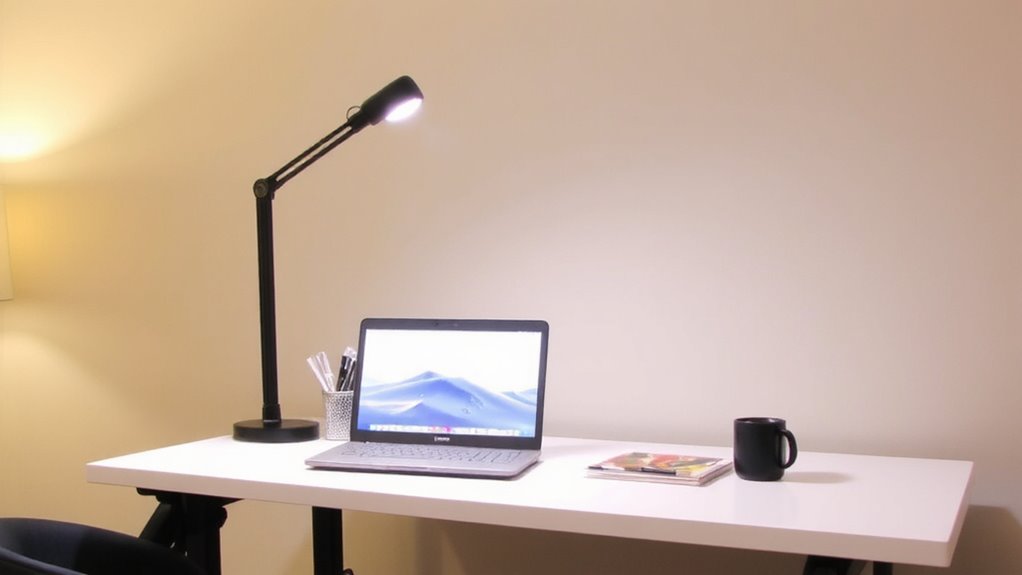
How often do you lean in close to your desk, straining to see fine print or detailed work, only to realize the light isn’t reaching the right spot? When you adjust your desk height-especially with sit-stand setups-your lighting angle shifts, altering both task brightness and exposure to natural lighting. What worked at sitting level may cast shadows or create glare when standing. A flexible task light with adjustable arms and 450–600 lumens guarantees consistent illumination across heights. Look for models with diffused lenses to soften output and reduce hotspots. However, even the best lights can’t replicate ideal natural lighting, so position your desk near a window if possible. Balance is key: too much brightness overwhelms, too little strains focus. Test lights at both seated and standing positions, and confirm swivel range exceeds 180 degrees. Check warranty-3 years or more signals reliability. For targeted reading comfort, consider incorporating a best reading lamp into your setup.
How Poor Lighting Causes Eye Strain at Work
Eye strain doesn’t sneak up-it builds, silently, every time your task light falls short. When your desk height changes but your light doesn’t, shadows shift and glare increases, forcing your eyes to work harder. Poor lighting often emits too much blue light, which disrupts circadian rhythms and heightens visual fatigue during long work hours. Worse, cheap LEDs have a high flicker rate-sometimes imperceptible-that triggers headaches and concentration lapses over time. You might not notice the flicker, but your brain does, creating low-grade stress that accumulates by midday. Consistent, adjustable lighting reduces these risks by maintaining uniform brightness and minimizing harsh contrasts. Look for lights with low blue light emissions in the afternoon and near-zero flicker rate, verified by independent testing. While no light eliminates strain entirely, the right one lessens the load. Balance is key-over-brightening causes glare, just as under-lighting strains focus. A well-designed ergonomic desk lamp adapts seamlessly to sit-stand desks, ensuring optimal illumination at any height.
5 Must-Have Features in a Sit-Stand Desk Light
You need a desk light that keeps up when you adjust your workstation height, not one that leaves you squinting under uneven glare. Look for models with smooth, tool-free adjustment and a wide arm reach-ideally 20 inches or more-so the light follows your desk’s full range. Brightness control is essential; choose a light with at least five levels of dimming to match ambient conditions without washing out your screen. Equally important is color temperature adjustment-opt for a range between 2700K (warm) and 5000K (cool daylight)-so you can reduce eye strain during long work sessions. LED panels with flicker-free performance and high CRI (90+) deliver accurate color and comfort. However, dimming at the lowest settings may cause slight flickering in cheaper models. Check manufacturer warranties-three years is standard-and verify real-world user tests for consistent stability and heat management. For seamless integration with your workspace, consider pairing your adjustable light with a Top Desk Power Station to keep all your devices charged and cords organized.
Mounts That Rise and Fall With Your Desk
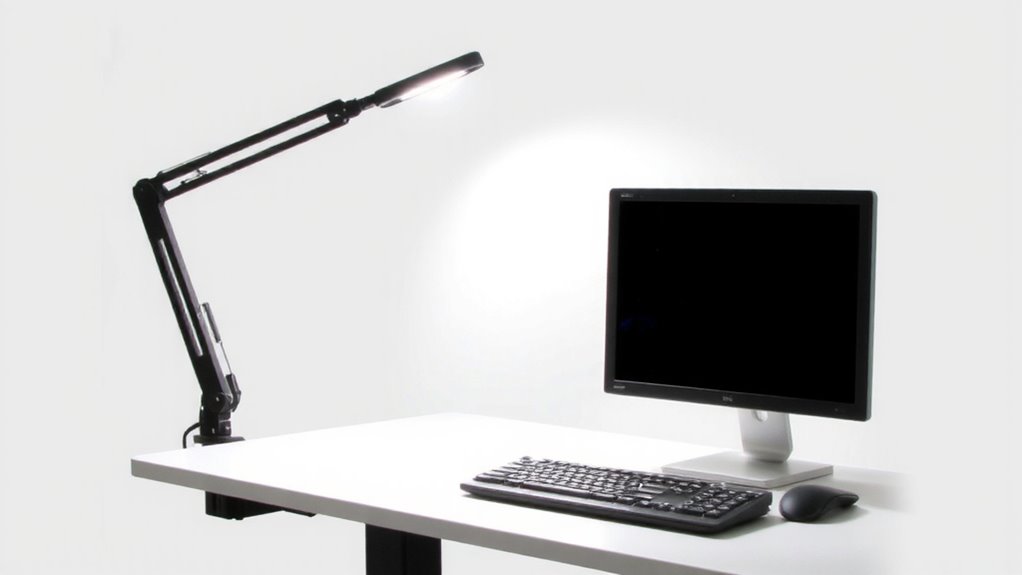
While your sit-stand desk moves smoothly from seated to standing height, your light mount should keep pace without needing constant readjustment. Look for mounts with vertical lift systems that mirror your desk’s motion-these maintain ideal positioning and reduce eye strain. Strong mount stability guarantees the arm stays put, even at full extension, while integrated cable management keeps power cords organized and prevents snagging during height changes. Most top models use gas-spring or counterbalance mechanisms that support smooth, reliable movement, but always check weight limits to match your light. Keep in mind: some mounts require clamping depth your desk might not have, and retrofitting older frames can be tricky. Test range of motion before final setup. While they cost more, well-built rising mounts last longer and improve daily use.
Avoiding Glare and Shadows at Any Height
A well-positioned task light does more than illuminate your workspace-it shapes how comfortably and effectively you work across sitting and standing positions. To guarantee visual comfort, adjust your light’s height and angle to eliminate glare and shadows. Pair it with balanced ambient lighting to reduce contrast, especially when switching desk heights. Position the light to the side of your monitor, not behind it, to prevent screen reflections.
| Desk Height | Light Position | Glare Risk |
|---|---|---|
| Sitting | Arm extended, 15° above desk | Low |
| Mid-adjust | Aligned with eye level | Moderate |
| Standing | Slightly behind user | High if unshielded |
Even high-quality lights can cause strain if misaligned. Look for models with diffused shades and adjustable arms, but remember-no fixture compensates for poor ambient lighting. Test positioning daily, as overhead lighting changes.
Best Adjustable Task Lights for Standing Desks
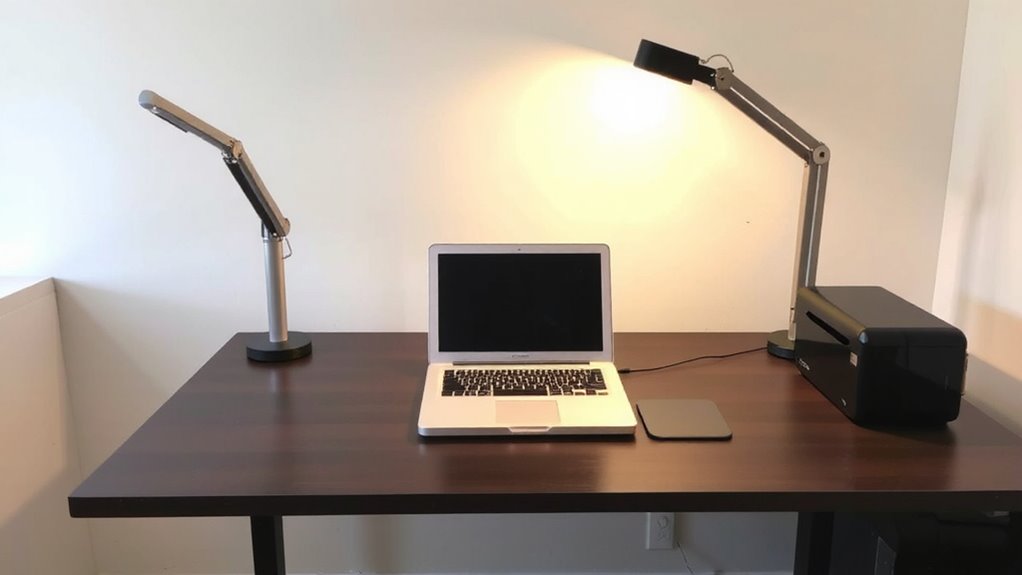
Several top models stand out for standing desks, but only a few deliver smooth adjustability without sacrificing stability. You’ll want a task light with an ergonomic design that maintains balance across height ranges, especially when your desk shifts from sitting to standing. Look for models with counterbalance arms or spring-assisted mechanisms-those tested consistently hold position, even after months of daily use. A wide range of color temperature (3000K to 5000K) lets you match lighting to your task or time of day, reducing eye strain. LED panels with high CRI (>90) render colors accurately, which matters if you’re reviewing documents or screens. Some lights include memory settings, but not all integrate well with dual-monitor setups. Be mindful of clamp space-many lights require at least 2.5 inches of desk thickness. Check warranty length; five years is ideal for durability confidence.
How to Adjust Your Light When Switching Positions
When you switch between sitting and standing, your task light needs to move with you-without constant readjustment or slipping out of place. Look for models with automatic light synchronization, so brightness and angle adjust in real time with your desk height. These lights use position calibration to remember ideal angles for each setup, ensuring consistent illumination whether seated or upright. A high-quality motorized arm responds quickly and holds steady, but check compatibility with your desk’s range-some lights only sync within a 24″ to 48″ height span. While convenient, light synchronization systems cost more and may require firmware updates. Most come with a 2- to 3-year warranty, backed by lab-tested durability. In real use, they reduce glare and eye strain effectively, but improper calibration can cause misalignment. Always test the sync speed and adjust sensitivity settings yourself. It’s smart tech, but not foolproof-regular checks keep performance sharp.
On a final note
You’ll get better results with an adjustable task light that moves with your sit-stand desk. Look for one with a flexible gooseneck or telescoping arm, at least 400 lumens, and a CRI above 90 for accurate colors. Mounts should stay secure but allow smooth repositioning. While most models handle daily adjustments well, check warranty length-three years is average. Dimmable LEDs help fine-tune brightness, but avoid units that overheat after long use.