Training Roommates or Family Members on Safe Desk Power Procedures
You should train your household to use only UL-listed surge protectors with at least 1,000 joules and never daisy-chain power strips-this cuts fire risk dramatically. Keep cords visible and secured, not under carpets or near foot traffic. Unplug devices by the plug, not the cord, and avoid overloading outlets; standard circuits max out at 1,800 watts. Replace frayed cords immediately-tape isn’t safe. A well-managed setup prevents hazards and lasts longer under real-world use. There’s more to get right, especially in shared spaces.
Notable Insights
- Use only one UL-listed surge protector per outlet, rated for your devices’ total wattage.
- Never daisy-chain power strips or use extension cords permanently to prevent fire hazards.
- Secure cords with clips or raceways to avoid tripping and damage underfoot.
- Unplug devices safely by gripping the plug, not yanking the cord.
- Replace frayed or damaged cords immediately-tape is not a safe fix.
Start With the Risks: Common Desk Power Hazards
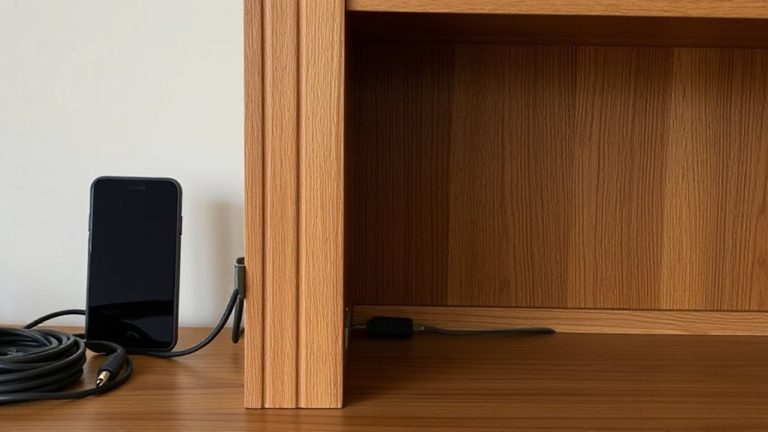
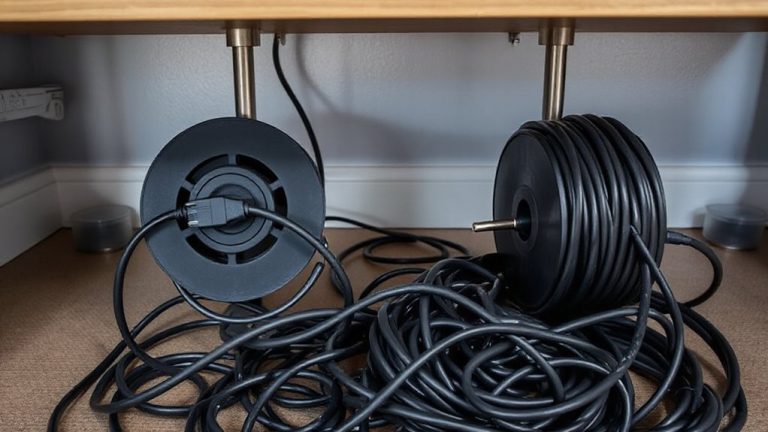
While setting up your desk with the right power setup might seem straightforward, getting it wrong can lead to real hazards like overheating, electrical shorts, or even fire. You’re risking electrical fires if cords are overloaded or tucked under carpets. Dangling cables also create tripping hazards-especially in shared spaces-potentially yanking devices down. Avoid daisy-chaining multiple power strips, as this overloads circuits and increases fire risk. Use only one high-quality strip per outlet, rated for your devices’ total wattage. Keep cords secured with clips or raceways to reduce tension and prevent accidents. Don’t run cables across walkways; instead, route them along walls or under desks safely. Check cords regularly for fraying or heat buildup. Even durable gear fails if misused. A tidy, thoughtful layout isn’t just clean-it’s critical for safety. You’ll protect not just equipment, but everyone nearby. For optimal safety and performance, choose a best desk power strip that includes surge protection and sufficient outlets for your setup.
Pick the Right Surge Protector for Safety
Since not all surge protectors offer the same level of defense, choosing one with a high joule rating-between 1,000 and 2,000 or more-gives you stronger protection against voltage spikes from storms or grid fluctuations. You also need to check for proper grounding; the grounding importance can’t be ignored, as ungrounded strips won’t safely divert excess energy. Look for models with built-in circuit breakers and indicator lights to confirm grounding status. Good cable management matters too-pick a unit with widely spaced outlets or rotating plugs so you can fit multiple adapters without blocking ports. Avoid cheap power strips labeled as “surge protectors” without listed joule ratings or UL certification. Even the best units wear out over time, so replace them after major surges or every 3–5 years. For reliable performance, consider one of the top picks from expert-tested models.
Plug In and Unplug Devices the Safe Way
When plugging in your devices, always power them down first-shutting off both the device and the surge protector if possible-to reduce the risk of electrical arcing or damage to sensitive components. You should also unplug devices the same way, pulling by the plug instead of yanking the cord, which can weaken connections over time. Good cable management isn’t just about looks; it prevents wear, reduces tripping hazards, and improves airflow around ports and plugs. Make sure your gear has solid device compatibility-check voltage ratings and connector types so you don’t force mismatched parts. While most modern electronics have built-in safeguards, skipping these steps can still lead to shorts or degraded performance. These habits take little time but greatly extend the life of your equipment and keep shared spaces safer for everyone involved. Choosing the right protective equipment, such as a high-quality surge protector, can prevent costly damage from power spikes.
Don’t Overload Outlets in Shared Setups
Overloading power strips or wall outlets in shared workspaces is a common but avoidable risk-one that can trip breakers, damage equipment, or worse, spark a fire. You should never daisy-chain power strips or plug multiple high-wattage devices into one outlet. Most standard power strips handle 15 amps or about 1,800 watts-enough for monitors, laptops, and lamps, but not space heaters or mini-fridges. Extension cords are temporary solutions, not permanent wiring, and using them long-term increases fire risk. Check labels on both power strips and extension cords for gauge ratings: 14 AWG or lower is safest for heavier loads. Shared setups need clear limits-assign devices per outlet and use surge-protected strips with individual switches. Remember, convenience isn’t worth risking safety. Stick to rated capacities, avoid overloading circuits, and keep setups efficient and secure for everyone.
See Damaged Cords or Sparks? Do This Now
Spotting frayed wires, cracked insulation, or sparks from a plug means you need to act immediately-ignoring these signs risks electric shock or fire, even in the most carefully managed shared setups. Unplug the device and don’t use it again until it’s checked. You must report damage right away to whoever manages the space, whether a roommate, family member, or landlord. Never try to tape over a bad cord-it’s a temporary fix that can fail fast. For your safety, call electrician if the outlet itself sparks or feels warm. Most UL-listed power strips and laptop chargers aren’t repairable, so replacement is often the only safe option. While swapping cords may seem costly, it’s cheaper than fire damage. Always check warranty status before buying new gear-some brands cover cord defects up to three years.
Set Clear Rules for Shared Desk Power Use
Though sharing a workspace can save room and cut costs, it’s only practical if everyone agrees on how power gets used at the shared desk-otherwise, tripped breakers or fried devices could ruin productivity fast. You need clear rules for shared outlets and strips, treating power etiquette as seriously as desk etiquette. Label each person’s designated plug-ins, cap total wattage per strip (stick to 80% of 15-amp capacity), and ban daisy-chaining without surge protection. Everyone should know not to overload the circuit-just because something fits doesn’t mean it’s safe. You’ll boost reliability, reduce fire risks, and prevent downtime. But be realistic: strict rules only work if they’re easy to follow. Enforce consistency, but stay flexible during peak use times, and always reevaluate as device needs change.
Train Everyone: Make Safety a Household Habit
How confident are you that everyone using your shared desk knows when-or why-it’s dangerous to plug in that third space heater or gaming rig? You need to train everyone, not just assume they’ll figure it out. Electrical etiquette isn’t common sense-it’s learned behavior. Everyone should understand circuit limits, outlet load caps, and which devices strain shared power strips. More importantly, they need safety ownership: knowing their actions affect others. Hold a quick household session-show real examples, like daisy-chained surge protectors or tripped breakers. Use simple terms, point to specs, and clarify wattage tolerances. Make it routine, not a one-off. Yes, it takes time, but prevents fires. There’s no perfect solution-people forget-but consistent training builds habits. Safety fades if no one’s accountable.
On a final note
You’ve got this right if you use UL-listed surge protectors with joule ratings above 1000 and check cords monthly. Shared spaces work best with labeled outlets and agreed-upon power schedules. Just don’t daisy-chain strips-overheating risks spike fast. Most fires start from avoidable mistakes, not faulty gear. Test monthly, replace damaged units immediately, and split heavy loads across circuits. Safety sticks when everyone commits-not just once, but daily.