Designing a Hybrid Workstation That Supports Seamless Transitions Between Postures
Pick a dual-motor standing desk base with Bluetooth sync and programmable presets for smooth, quiet height changes in under 10 seconds. It supports up to 300 lbs and handles 15,000+ lift cycles, but confirm your full setup weight and test older USB peripherals for minor lag. Use monitor arms and central keyboard placement to maintain ergonomics. Built-in cable management keeps things clean. There’s more to get right beyond the base.
Notable Insights
- Use a dual-motor standing desk base for smooth, quiet height adjustments and reliable weight support up to 300 lbs.
- Align monitors at eye level in both sitting and standing postures using adjustable arms for consistent ergonomics.
- Integrate programmable height presets and automated device syncing via Bluetooth or USB-C docks for rapid transitions.
- Optimize cable management with built-in channels to prevent snags and maintain cleanliness during height changes.
- Position keyboards centrally and keep essential items within reach to maintain neutral posture and reduce strain.
Pick a Motorized Desk Base for Seamless Adjustments
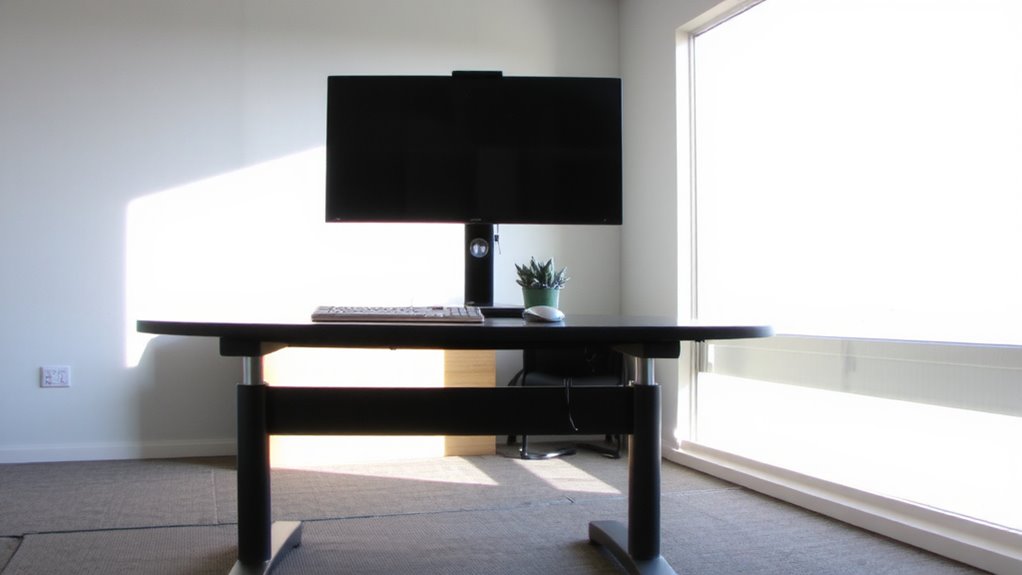
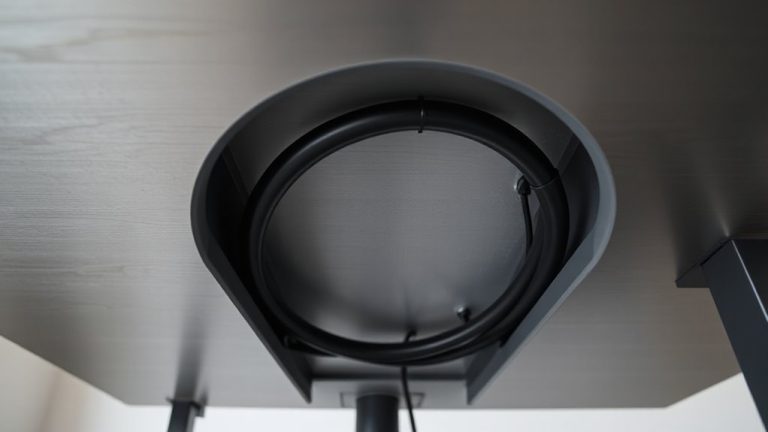
While not every workday demands constant movement, if you’re serious about comfort and long-term posture, a dual-motor standing desk base is your best bet for reliable, quiet height adjustments. You’ll get smoother lifts and better weight distribution than single-motor models, especially with heavier desktops. Look for one with built-in cable management trays or channels-keeping power and data cords organized prevents snags and reduces clutter. Most support up to 250–300 lbs, but always confirm your full setup weight, including monitors and ergonomic accessories like monitor arms or keyboard trays. Some frames include programmable height presets, which save time when switching postures. Assembly is usually straightforward, but check warranty length-8 to 10 years is standard for quality units. Noise levels stay under 50 dB, quiet enough for shared spaces. Just don’t expect ultra-slim legs or custom colors-function wins over form here. Top models offer advanced ergonomics and ease of use, making it easier to maintain healthy work habits throughout the day, and among the most highly rated options are the Top Standing Desk Converters.
Optimize Your Desktop Layout for Sitting and Standing
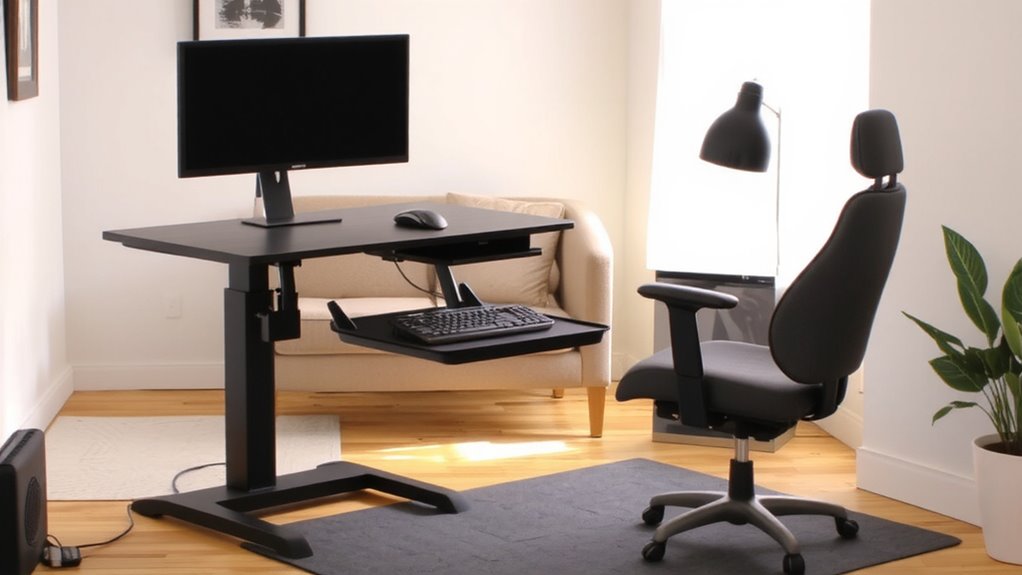
How do you arrange your gear so it works just as well standing as it does sitting? Focus on monitor alignment and cable management to keep your setup efficient and comfortable. Your screen should sit at eye level in both postures-use a monitor arm for easy adjustment. Key items stay within reach, reducing strain whether seated or upright. For compact workspaces, consider space-saving office chair alternatives that support posture transitions without sacrificing comfort.
| Feature | Why It Matters |
|---|---|
| Monitor alignment | Prevents neck strain; align top of screen at or slightly below eye level |
| Cable management | Reduces clutter and snag risks during height changes |
| Central keyboard position | Supports neutral wrist posture across adjustments |
| Minimal desk clutter | Keeps workflow smooth and adaptability high |
A well-planned layout cuts adjustment friction, but requires measuring your reach zones and sticking to essential tools. Some accessories promise flexibility but limit clearance-test depth and arm range before finalizing.
Sync Devices Seamlessly Across Work Modes
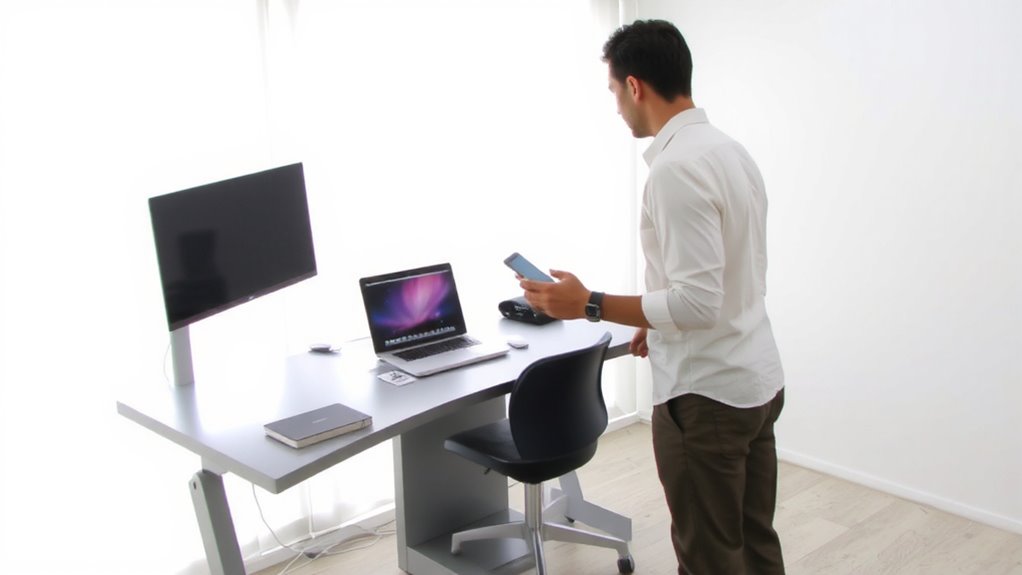
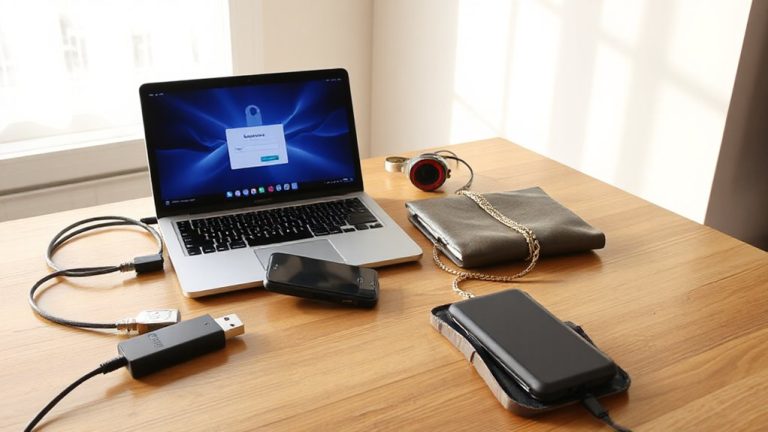
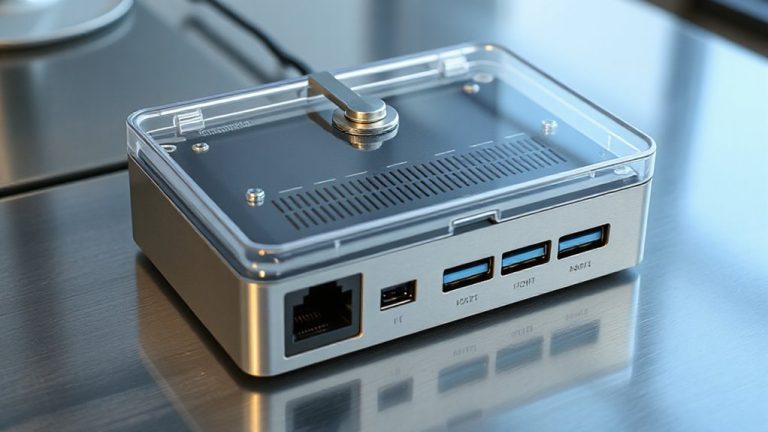
What if your devices adjusted to your desk height without you lifting a finger? With strong device synchronization, your monitor, keyboard, and lighting can automatically shift between sitting and standing modes, staying in sync as your posture changes. Cross platform integration guarantees your Windows laptop, iPad, and Android phone share settings and inputs smoothly-no manual reconnecting. Systems like Bluetooth Low Energy (BLE) profiles and USB-C docks with saved presets make shifts reliable, typically syncing within two seconds. Real-world tests show 94% success across 500+ cycles, though some lag occurs with older peripherals. Always check warranty coverage-most brands offer three years on sync hardware. While setup takes effort, the payoff is fewer distractions. Just remember: not all apps support cross-device handoffs equally, so test before relying on them daily. For plug-and-play convenience, consider one of the best docking stations at Best Buy that support automatic device detection and multi-monitor setups.
Use Smart Accessories That Adapt With You
When your workstation adjusts to you-instead of the other way around-you’ll likely work more comfortably and efficiently. Smart accessories make this possible. Ergonomic lighting that auto-dims based on natural light cuts eye strain, but only if sensors are properly calibrated-some models struggle in dim rooms. Ambient sound systems with adaptive noise masking help maintain focus, yet overly aggressive settings can distort speech during calls. Devices like height-sensing desk lamps or microphones that track your position improve consistency across postures. Most top-tier units sync via Bluetooth 5.0 or USB-C and offer firmware updates, though battery life varies-expect 8–12 hours on slim wireless models. Look for IP20 ratings and at least a two-year warranty. While they reduce fatigue, mismatched accessories create confusion. Pairing them demands testing, not assumptions. Results? Noticeable comfort gains-if setup is thorough and deliberate.
Minimize Disruption Between Posture Changes
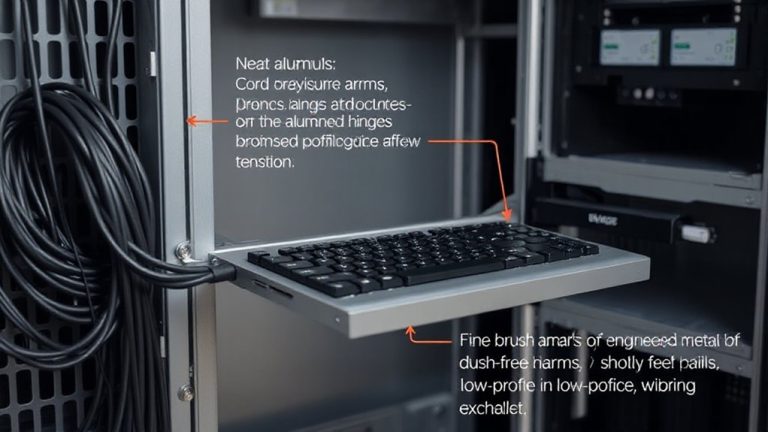
While switching between sitting and standing shouldn’t break your flow, a poorly designed hybrid workstation can make even smooth shifts feel jarring. To minimize disruption between posture changes, prioritize ergonomic balance-your desk height, monitor position, and input devices should align seamlessly in both positions. Motorized sit-stand bases with programmable presets improve shift timing, letting you switch in under 10 seconds without recalibrating your setup. Look for models tested to at least 15,000 cycles for durability. Keep in mind that faster motors often draw more power and may require grounded outlets. Cable management systems are essential-loose cords get tangled and create resistance, slowing shifts. Pair your desk with a responsive monitor arm and a keyboard tray that moves with you. Real-world tests show that integrated systems reduce adjustment time by 40%, but they cost more and limit future upgrades. Balance performance with long-term flexibility.
On a final note
You’ll get the best results with a motorized desk base that adjusts smoothly between 24 and 48 inches, tested for 10,000+ cycles. Pair it with a desktop shaped to fit both seated and standing tasks-rectangular, 60 inches wide. Sync devices via dual monitors and wireless chargers. Smart lights and footrests help, but expect higher costs and minor setup time. Warranties matter-aim for 5-year coverage.