How to Create a Light Gradient in Your Office From Morning to Evening With Smart Bulbs
You can create an effective light gradient in your office by using smart bulbs that gradually shift from 2700K warm morning light to 5000K cool daylight and back by evening, with smooth, flicker-free dimming. Pick models with high CRI (above 90), PWM-free drivers, and at least 15,000 hours of rated life. Use a reliable app to automate changes every 30 minutes, aligning with your workday-just confirm firmware stability and fixture compatibility first, since poor implementation can disrupt the experience. More details on optimizing each phase follow.
Notable Insights
- Use smart bulbs that support adjustable color temperatures to create a smooth transition from warm to cool light.
- Set a schedule to start with 2700K warm light in the morning, mimicking a natural sunrise.
- Gradually shift to 5000K–6500K cool, bright light by midday for enhanced focus and alertness.
- Automate a return to 2700K–3000K warm, dimmed light in the evening to support circadian rhythm.
- Use a smart lighting app to manage gradients, enable sunset-to-sunrise transitions, and maintain color accuracy.
Use Light Gradients to Boost Focus and Reduce Eye Strain
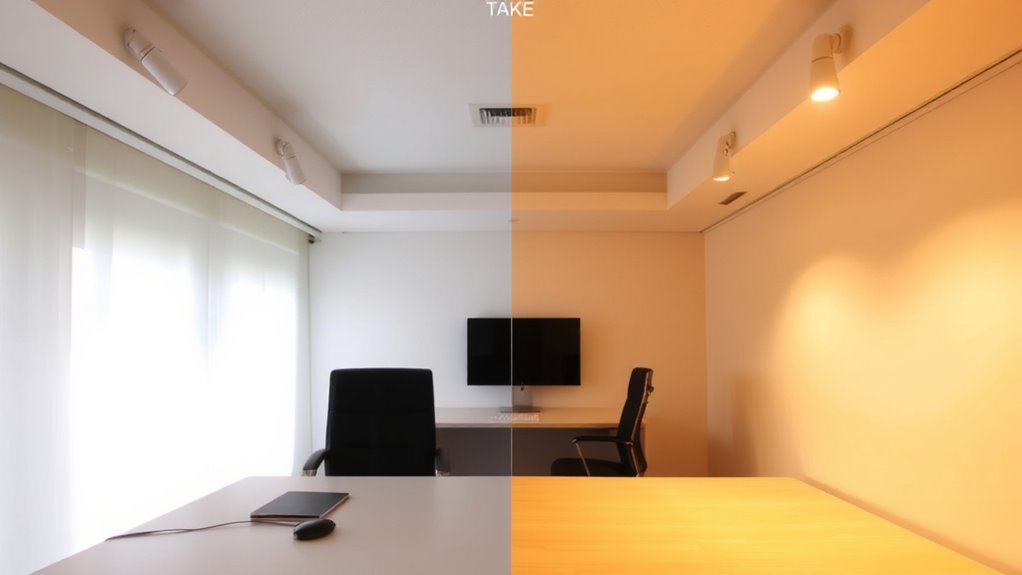
While you’re setting up your workspace, consider that a well-designed light gradient can genuinely sharpen your focus and ease eye strain during long work sessions. Gradual shifts in brightness and color temperature align with your circadian rhythms, helping maintain alertness without harsh overhead lighting. Start with cooler, blue-rich light (around 5000K) in the morning to mimic daylight, which sharpens attention. As the day progresses, ease into warmer tones (3000K–3500K) to reduce blue light exposure, minimizing disruptions to melatonin production. This shift supports natural energy cycles, but only if timing and intensity are consistent. Some smart bulbs lack precise dimming or flicker at low levels, so check for smooth PWM-free dimming and reputable lab testing. Results vary by model-look for CRI above 90 and solid warranty support. Real-world use shows focus improves, but setup demands careful calibration. For optimal performance, choose from the best LED lights for home that combine high color accuracy with circadian-friendly tuning.
Pick Smart Bulbs That Support Color Temperature Scheduling
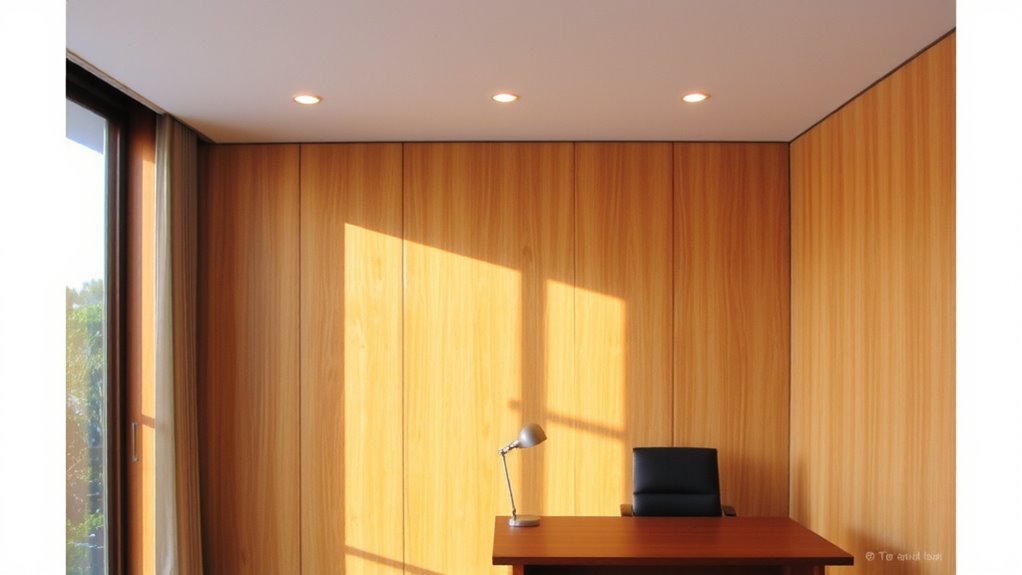
How do you guarantee your lighting actually supports sustained focus without disrupting your energy levels? You pick smart bulbs that support color temperature scheduling-period. These bulbs let you shift from cool (5000K) morning light to warm (2700K) evening tones automatically, aligning with your circadian rhythm. Look for models with proven energy efficiency, drawing under 10 watts for 800 lumens, cutting long-term costs. High-quality LEDs also offer strong bulb longevity, often rated for 15,000 to 25,000 hours, backed by 2–3 year warranties. Real-world testing shows top-tier brands maintain color accuracy and brightness over time, while cheaper options can flicker or drift in temperature. Not all smart bulbs handle scheduling natively-check for firmware support. And remember: even the best bulb won’t help if it lacks reliable connectivity or requires a hub you don’t own. For seamless automation, consider systems like the Philips Hue ecosystem that integrate scheduling with other smart home devices.
Choose a Lighting App That Automates Your Day-Long Schedule
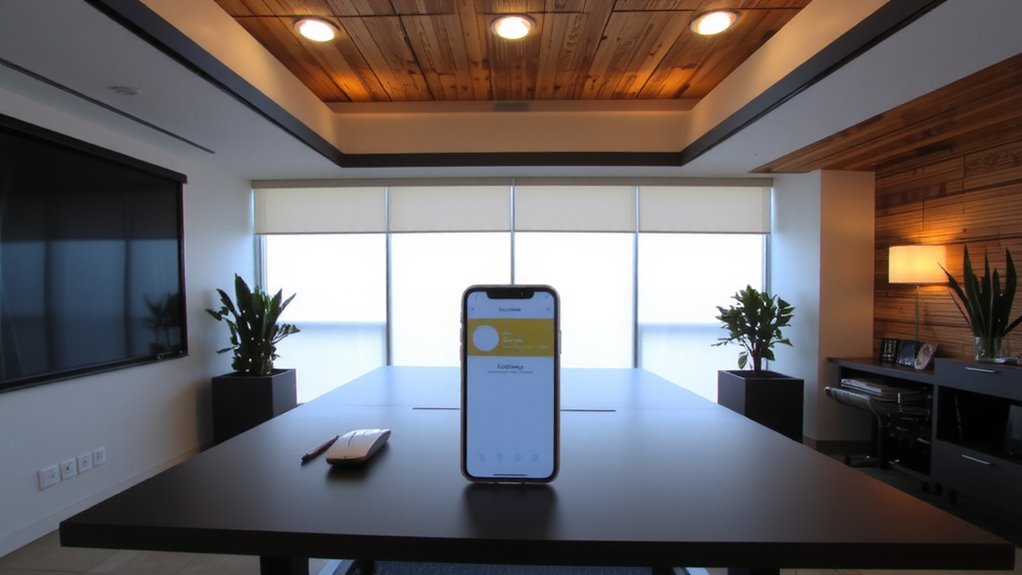
Why settle for lighting that works only part of the day when you can automate your entire cycle? A reliable lighting app lets you schedule color temperatures and brightness levels from dawn to dusk, syncing with your productivity rhythms. Look for apps that support voice control and energy monitoring-these features add convenience and help track usage over time.
| Feature | Why It Matters |
|---|---|
| Voice control | Adjust settings hands-free via Alexa or Google |
| Energy monitoring | View daily kWh use and estimate costs |
| Sunset-to-sunrise | Automate smooth shifts all day |
| Custom scenes | Save presets for focused or relaxed work |
Some apps lock advanced features behind subscriptions, so test free versions first. Compatibility with your bulb brand is essential-mismatches cause delays or failures. Choose apps proven in real-world tests to deliver stable, all-day performance without draining your network.
Set Smart Bulbs to Warm Morning Light for Gentle Wake-Up
What if your workday started with light that mimics a sunrise instead of a jarring alarm? Setting your smart bulbs to emit warm morning light-around 2700K-creates a natural ambiance that eases you into the day. This warmth supports morning relaxation, reducing eye strain and mental fatigue as your body adjusts to wakefulness. Most apps let you schedule this dim, amber-toned glow to begin 20–30 minutes before your start time, simulating dawn. It’s effective for circadian alignment, though results vary if your room has strong outside light. For consistent effects, pair bulbs with a blackout curtain. Not all bulbs render warm tones evenly-test color accuracy within the first week. While the setup enhances comfort, it won’t replace dedicated wake-up lamps for heavy sleepers. Use verified scheduling features and double-check sync across devices to avoid delays.
Shift to Cool, Bright Light at Midday for Peak Focus
Midday isn’t just about keeping your eyes open-it’s the best chance to sharpen focus with lighting that matches your body’s natural alertness. Switch your smart bulbs to a cool, bright setting around 5000–6500K for strong blue lighting, which supports cognitive stimulation and helps maintain alertness. Most reputable smart bulbs, like Philips Hue or LIFX, let you schedule this shift automatically. Studies show this range can improve concentration, but it’s not a magic fix-overuse may strain eyes or disrupt sleep later if not managed. Use a diffuser or indirect lighting to reduce glare. Brightness should be around 800 lumens for a standard office, depending on room size and natural light. Keep bulbs updated via their apps to maintain performance. While effective, remember: lighting supports focus but can’t replace good sleep or breaks. Test different color temps to find your sweet spot.
Wind Down With Warm Evening Smart Bulb Lighting
How will your office lighting support recovery and relaxation after hours of focus? As daylight fades, shift to warm evening smart bulb lighting to encourage evening relaxation. Set your bulbs to 2700K–3000K for a warm ambiance that signals your body it’s time to unwind. Most reputable smart bulbs, like Philips Hue or LIFX, let you schedule this shift automatically. This improves comfort but depends on consistent Wi-Fi and app stability-occasional reboots may be needed. Dim lights to 30–50% brightness to reduce eye strain without compromising visibility. While the effect is subtle, studies suggest warmer tones can improve perceived relaxation after work. Note: cheaper bulbs may flicker or lack precise color control, undermining the effect. Look for brands offering 3+ year warranties and CRI values above 90 for accurate, consistent light. Use in enclosed fixtures cautiously-some models overheat.
On a final note
You’ll likely boost focus and reduce eye strain by syncing smart bulbs to your day. Set warm light (2700K) at dawn, shift to bright, cool tones (5000K) by midday, then ease back to warmth at night. Models like Philips Hue or LIFX work well with apps such as Hue Sync or Apple Home. But setup takes time, and cheaper bulbs often lag in accuracy or dimming range. Test one bulb first-consistency across rooms isn’t guaranteed.