Installing LED Strip Lighting Under a Floating Desk for Subtle Ambient Glow
Install LED strips under your floating desk for a clean, modern glow that reduces eye strain and defines your workspace. Use 2700K–3500K color temperatures for warmth, and pick 24V, IP20 or IP65-rated strips with strong 3M adhesive to prevent sagging. Cut only at marked points, mount with firm pressure, and power with a 60W+ supply to avoid voltage drop. Add a PWM dimmer for smooth, flicker-free control. Keep brightness at 800–1200 lumens per meter to avoid glare-go too bright and you’ll sacrifice comfort. Position the strip facing inward or down for a soft bounce effect, never overlapping runs to prevent overheating. Proper surface cleaning with isopropyl alcohol guarantees a lasting bond-skip prep and risk peeling later. Aluminum channels diffuse light evenly and protect the strip. With the right setup, you’ll get both function and flair, but balance aesthetics with practicality. You’ll find the exact steps and pro tips to get it right the first time.
Notable Insights
- Choose LED strips with a color temperature of 2700K–3500K for a warm, comfortable ambient glow.
- Use high-adhesion 3M tape or reinforced backing to prevent peeling and ensure long-term installation.
- Cut strips only at marked points and connect with proper connectors to maintain electrical integrity.
- Install the strip facing inward or downward along the desk’s back edge for optimal bounce lighting.
- Power with a 24V, 60W+ supply and include a PWM dimmer for flicker-free brightness control.
Why LED Strip Lighting Enhances Floating Desks
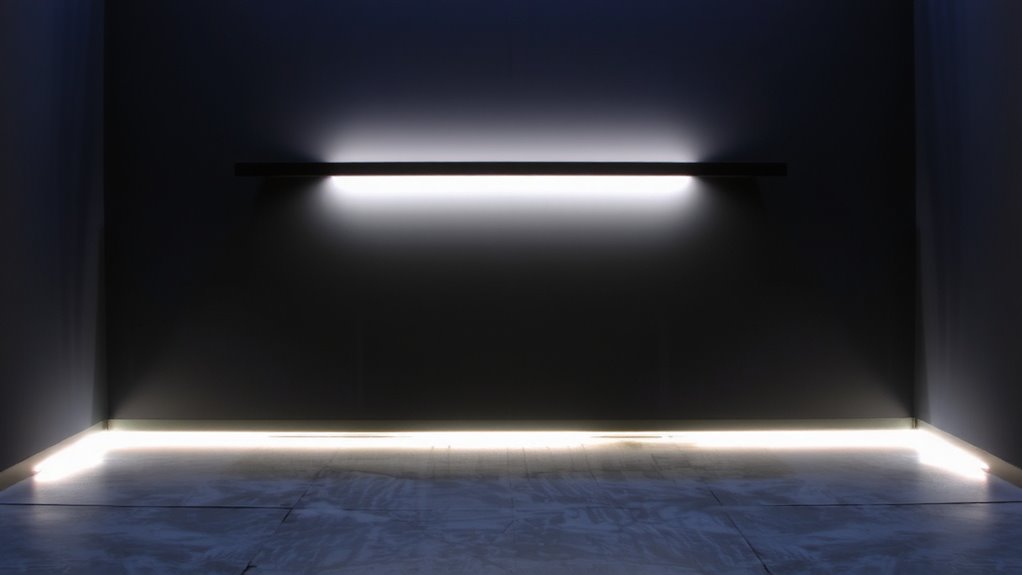
Lighting can make or break a workspace, and LED strip lighting under a floating desk delivers both style and function-when done right. You get instant aesthetic appeal, turning a basic desk into a sleek, modern focal point. The soft ambient glow also contributes to mood enhancement, helping reduce eye strain during long work sessions. It subtly defines your space without harsh overhead lights. But placement matters-too bright or cool-toned, and it causes glare or fatigue. Stick to 2700K–3500K color temps for warmth. Pick strips with at least IP20 rating and check adhesive strength; weak backing causes sagging over time. Some brands, like Govee or Philips Hue, offer reliable performance with app control, but dimmable options give better long-term flexibility. While setup is simple, poor wiring choices impact safety. Plan access points and power sources carefully. Done well, it’s functional art-done poorly, it’s a distraction. You can find top-rated options like the best LED strips at Best Buy to ensure quality and compatibility.
Choose the Best LED Strips for Under-Desk Glow
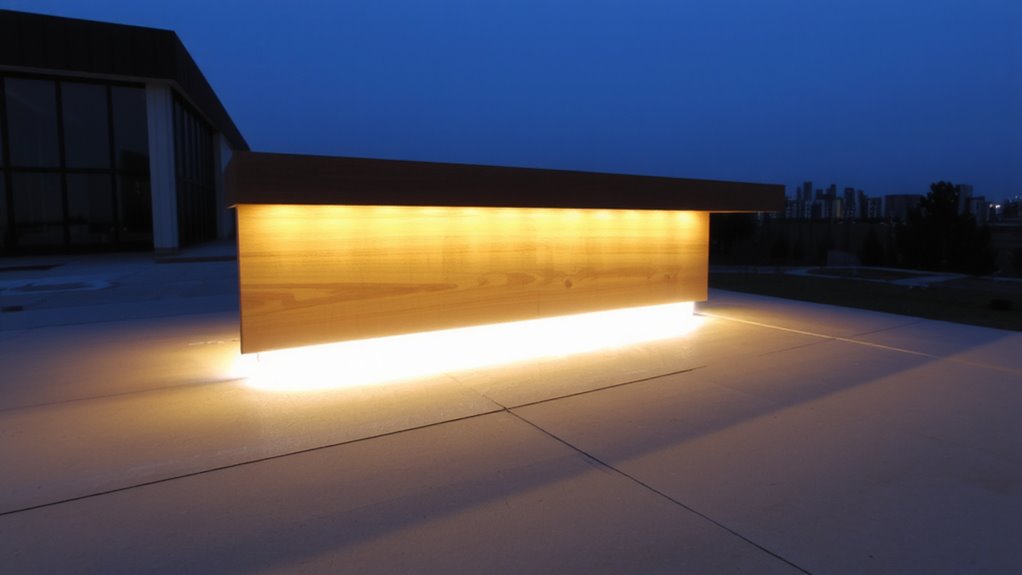
You’ll want to pick LED strips that balance brightness, color quality, and durability without overcomplicating your setup. Look for strips with a consistent color temperature-2700K to 3000K gives a warm, inviting glow, while 4000K offers a neutral, functional tone good for focus. Avoid cheap strips with uneven hues or shifts over time. Adhesive quality matters just as much; choose those with strong, long-lasting 3M tape or reinforced backing to prevent peeling, especially under the desk where vibration and movement occur. IP65-rated waterproofing adds durability, even if you don’t expect moisture. Stick to 24V systems over 12V for better voltage drop resistance across longer runs. Most top brands offer 3-5 year warranties, a sign of reliability. Don’t pay extra for excessive brightness-800-1200 lumens per meter is plenty. Skip overly complex RGB setups unless you truly want color changing. Simplicity lasts. For trusted performance and longevity, consider models featured in the Best LED Strip Picks and Buying Guide.
Gather Tools for LED Strip Installation
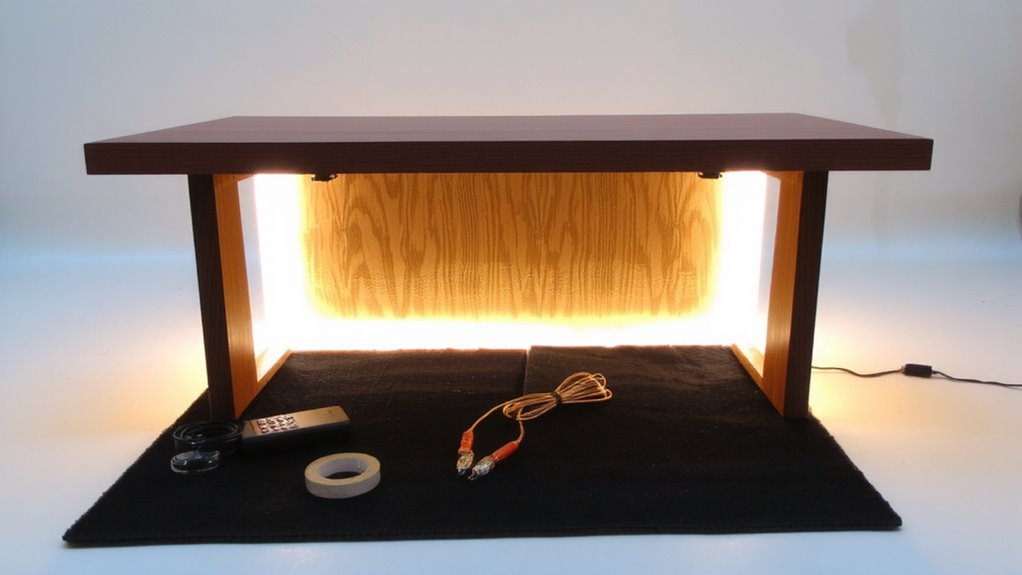
Before diving in, make sure you’ve got the right tools-skipping even one can lead to a messy install or unsafe setup. You’ll need LED strips, scissors for cutting at marked lines, a power supply, and connectors if extending beyond one roll. Don’t forget cable management clips or raceways to keep wires tidy and out of sight. A reliable power drill with bits helps secure mounts or clips, especially on stud walls. Use a level to guarantee straight placement. For adhesive preparation, clean the underside of your desk thoroughly with isopropyl alcohol-any dust or grease compromises the bond. Peel slowly and press firmly as you apply. Keep gloves handy to avoid fingerprints. A measuring tape prevents guesswork, reducing waste. Test the lights before final placement to avoid surprises. Poor prep means flickering or sagging strips, so invest time here. Top models like those in our best LED strip lights roundup offer superior brightness and color accuracy for ambient setups.
Install LEDs Under Your Floating Desk
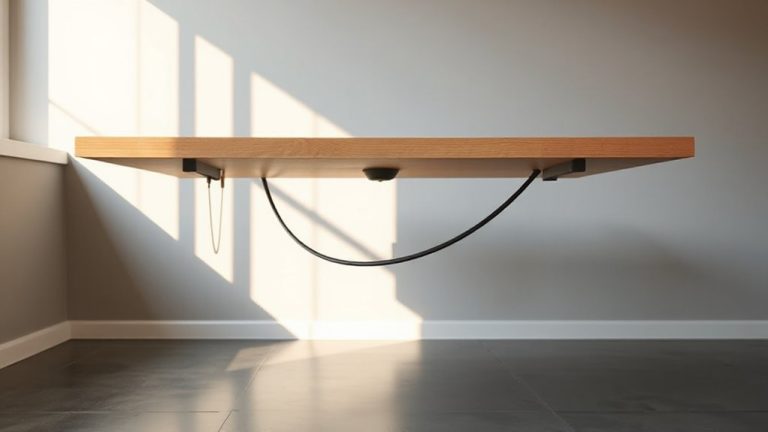
Now that your tools and materials are lined up and your surface is prepped, it’s time to get those LED strips in place under your floating desk. Start by measuring the underside length and cutting the strip at designated cut points to avoid damaging circuits. Most high-quality strips use 24V power, which improves heat dissipation over 12V models-critical for long-term use in enclosed spaces. Apply firm pressure along the adhesive backing to guarantee a secure bond. Position the strip facing inward or slightly downward to create a soft bounce glow rather than direct shine. If you’re using RGB or tunable white LEDs, plan for later color calibration by leaving access to control modules. Avoid overlapping strips, as this traps heat and reduces lifespan. While most brands rate their strips for 30,000–50,000 hours, poor heat dissipation can cut that short.
Power and Control Your Under-Desk Lights
Though plug-and-play kits seem convenient, wiring your under-desk LEDs to a dedicated low-voltage power supply typically delivers more consistent brightness and longer component life-especially with 24V strips that demand stable current. Pair that with a compatible controller for smooth dimming options and adjustable color temperature, and you’ve got reliable, long-term ambient light.
| Feature | Recommended | Why It Matters |
|---|---|---|
| Power Supply | 24V, 60W+ | Prevents voltage drop over long runs |
| Controller | PWM dimmer | Guarantees flicker-free dimming down to 5% |
| Color Temp | 2700K–4000K | Matches task or ambient lighting needs |
Avoid cheap drivers without overheat protection-they cut lifespan. For best results, match controller specs exactly to your strip’s voltage and current. Test before final mounting.
Design Tips for Seamless Under-Desk LED Lighting
A well-executed under-desk LED setup blends into your workspace so smoothly you’ll forget it’s there-except when you notice how much better the room feels. For a seamless look, hide the strip along the back edge of the desk so light reflects off the wall, not directly into your eyes. Match the color temperature to your room-2700K for warm, cozy spaces; 4000K for neutral, focused work areas. Avoid mismatched temps that create visual tension. Use aluminum channels to diffuse light evenly and protect the strip. Cable management is critical: route wires through adhesive clips or under-desk trays to keep them invisible and safe. Poor cable control ruins the clean look and risks tripping. Most quality strips come with 3M adhesive, but for heavy use, add mechanical fasteners. Note: thinner strips fit tighter spaces but may need more connectors. Test before fully mounting.
On a final note
You’ll get a clean, modern glow by adding LED strips under your floating desk, especially with warm white, 3,000K–4,000K options. Pick adhesive-backed, 16.4-foot RGB or single-color strips with a 50,000-hour rating. Just make sure your power adapter matches voltage needs, and avoid over-bending corners. Heat buildup near monitors or poor tape adhesion on dusty surfaces can shorten lifespan. Test placement before full stick.