How to Choose the Right Color Rendering Index (CRI) for Ambient Office Lighting
Choose ambient office lighting with a CRI of at least 90 for accurate colors and reduced eye strain during long workdays. High-CRI LEDs improve clarity when switching between screens and documents, but verify claims with third-party tests like TM-30 or IES LM-80-many budget fixtures degrade over time. Prioritize models with R9 and R12 above 50, efficacy over 100 lumens per watt, and L90 ratings. Trusted commercial brands often back performance with 5-year warranties and proper heat management. There’s more to get right beyond CRI alone.
Notable Insights
- Aim for a CRI of at least 90 to ensure accurate color perception and reduce eye strain in ambient office lighting.
- Verify manufacturer claims with third-party lab reports, as some LEDs labeled “90+ CRI” may underperform in real-world use.
- Choose CRI 80 for basic office tasks, but opt for 90+ for detailed work like design or document review.
- Prioritize fixtures with high R9 and R12 values to maintain natural skin tones and neutral grays in the office environment.
- Consider TM-30-15 data and L90 lifetime ratings for a more complete assessment of color quality and long-term performance.
What CRI Means for Your Office
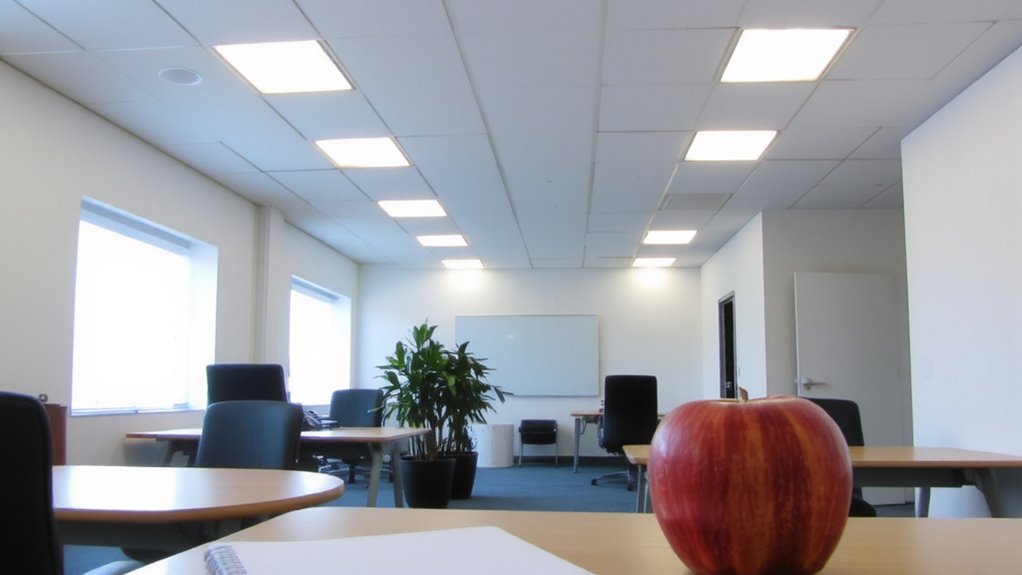
While you might not think about color accuracy when flipping on the lights, choosing the right CRI (Color Rendering Index) can make a real difference in how clearly you see documents, how well you distinguish colors on screen, and even how alert you feel during the day. A CRI above 90 improves CRI perception, making shades appear truer and reducing visual fatigue during long work hours. You’ll notice fewer errors when reviewing printed materials or editing graphics. However, high-CRI lighting isn’t automatically better-some LEDs labeled “90+ CRI” perform inconsistently under real-world testing, especially in cheaper fixtures. Look for third-party lab reports, not just manufacturer claims. Also, higher CRI often means slightly lower lumens or higher cost per bulb. Balance accuracy with efficiency. For most office setups, aim for 90–95 CRI with a CCT around 4000K. It’s effective without overpromising.
How CRI Affects Focus and Comfort
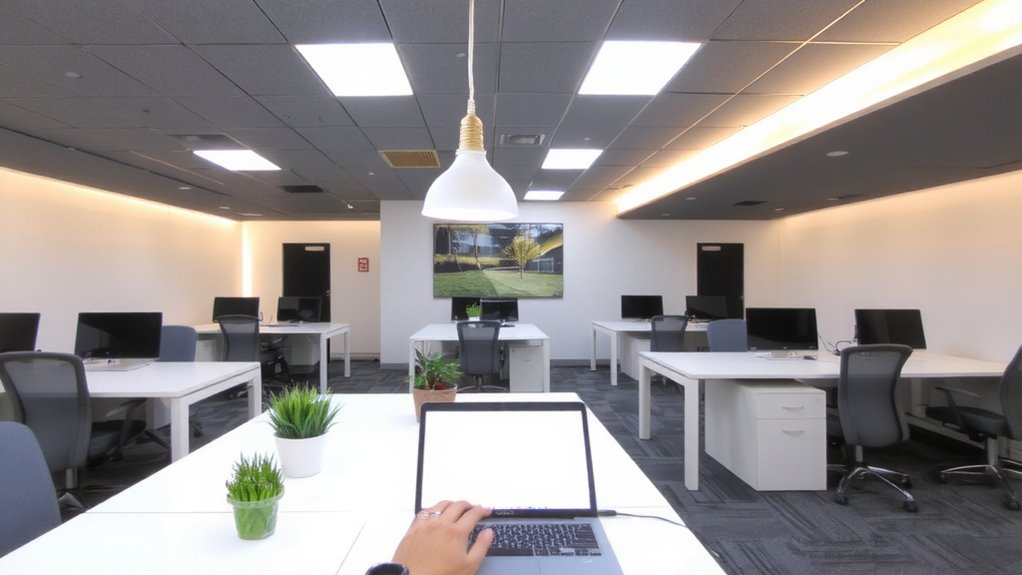
If you’re aiming to reduce eye strain and stay sharp through the workday, picking lights with a CRI of 90 or higher makes a noticeable difference, especially under tasks like reading fine print or switching between screens and paper. High CRI improves color accuracy and visual clarity, helping you distinguish subtle contrasts in text and graphics without squinting. Consistent color rendering also supports circadian rhythm regulation, which can boost focus over time. For optimal results, consider choosing from the best office lighting options that combine high CRI with ergonomic design.
| CRI Range | Perceived Benefit |
|---|---|
| 80 | Adequate for basic office work |
| 90 | Clearer visuals, reduced fatigue |
| 95+ | Excellent color accuracy |
| 100 | Ideal, but often costly |
Keep in mind: higher CRI bulbs may cost more and require compatible fixtures. While they deliver superior visual clarity, the benefits plateau beyond 95-meaning you might not notice much improvement unless doing precision work.
Match CRI to Your Office Tasks
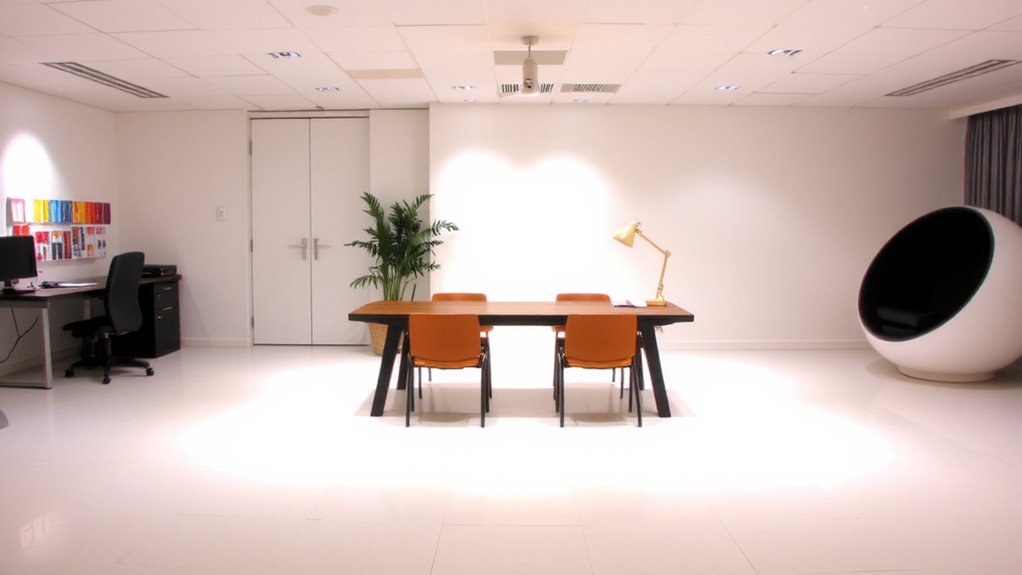
Why settle for lighting that only *sort of* works when your tasks demand precision? You need task specific lighting that matches your work’s visual clarity needs. If you’re editing photos or reviewing detailed designs, aim for CRI 90+-it reveals true colors and subtle contrasts. For general admin work, CRI 80 might suffice, but don’t assume it’s good enough for focus-heavy tasks. High-CRI lighting reduces eye strain during prolonged screen time, but it often costs more and may require better heat management in fixtures. You’ll want to balance performance with practicality: a graphic designer needs higher fidelity than someone managing emails. Always check manufacturer specs for tested CRI values, not just claims-some LEDs drop below rated performance over time. There’s no one-size-fits-all, so assess your daily tasks honestly before deciding.
Choose Office LEDS With High CRI and Efficiency
You need LED office lights that deliver both high color accuracy and energy efficiency-don’t assume all bright bulbs are equally effective. Look for LEDs with a CRI of 90 or higher and an efficacy of at least 100 lumens per watt to balance vivid color rendering with energy savings. These fixtures typically use 40–60% less power than older fluorescent models, cutting long-term electricity costs. Plus, they offer real longevity benefits, often lasting 50,000 hours or more with minimal lumen depreciation. Quality drivers and thermal management are key-check for L70 or L90 lifetime ratings and 5-year warranties to verify performance claims. While high-CRI LEDs cost more upfront, the savings and reduced maintenance justify the investment in most office settings. Avoid no-name brands, as poor binning and inconsistent color can undermine visual comfort. Stick with reputable manufacturers that publish TM-30 or IES LM-80 test results.
Find High CRI in Lighting Fixtures
A fixture’s true color performance hinges on verified CRI data, not marketing claims-look for labeled R9 and R12 values alongside a minimum CRI of 90 to guarantee accurate skin tones and neutral grays. You need this level of color accuracy for reliable visual clarity during long work hours. Check spec sheets for TM-30-15 data if available, as it gives a fuller picture than CRI alone. Reputable brands often publish third-party test reports, which helps you avoid inflated numbers. Remember, high-CRI LEDs can cost more and may have slightly lower lumens per watt, so balance performance with efficiency. Don’t rely on packaging claims-verify with documentation. Fixtures from commercial-grade lines, like those by Acuity or Eaton, typically offer consistent CRI with solid warranties, making them safer investments. Always prioritize tested performance over hype.
Combine CRI, Temperature, and Brightness
High-quality office lighting isn’t just about picking a fixture with strong color accuracy-it’s about how CRI works together with color temperature and brightness to shape your daily experience. You’ll want a CRI of 90+ for accurate skin tones and paperwork, paired with a color temperature around 4000K to maintain alertness without glare. This balance boosts visual clarity and supports long-term focus. For even color consistency across desks and walls, aim for an R9 value above 50 and use diffusers to smooth hotspots. Brightness should hit 300–500 lux at the desk surface-measure with a light meter app or sensor. Overhead LEDs that combine high CRI, stable 4000K output, and dimmable brightness give control, but check for flicker at low levels. Some models claim premium specs but degrade within a year, so pick fixtures with 5-year warranties and LM-80 test reports. Don’t assume home office strips match commercial-grade performance.
On a final note
You should choose LED office lights with a CRI of 90 or higher for accurate color and reduced eye strain. High-CRI LEDs improve clarity during long work hours, especially for screen-based or detail-heavy tasks. Look for fixtures labeled CRI ≥90 and check third-party testing data. Keep in mind that higher CRI often costs more and may reduce energy efficiency slightly. Pair 4000K color temperature with 300–500 lux for balanced results.