How to Set Up a Sit-Stand Desk for Maximum Ergonomic Benefit
Pick a sit-stand desk with a dual-motor frame for smooth, stable movement between 22 and 48 inches, ensuring it fits your space-48 to 60 inches wide handles dual monitors well. Set it so your elbows stay at 90 degrees and wrists stay neutral, with monitors at eye level and an arm’s length away. Always use an anti-fatigue mat when standing, and check that cables are managed through grommets or rear channels. A five-year warranty gives long-term confidence, though higher-end models cost more. You’ll find the details that make each adjustment work actually matter.
Notable Insights
- Choose a sit-stand desk 48 to 60 inches wide with dual-motor stability and cable management for optimal functionality.
- Set sitting desk height so elbows form a 90-degree angle and forearms remain level with wrists neutral.
- Adjust standing height so elbows are at 90 degrees, shoulders relaxed, and wrists in a neutral position.
- Position monitor top at or slightly below eye level, an arm’s length away, and centered in front.
- Use an anti-fatigue mat with cushioning and arch support for standing sessions longer than two hours.
Choose the Right Sit-Stand Desk for Your Space
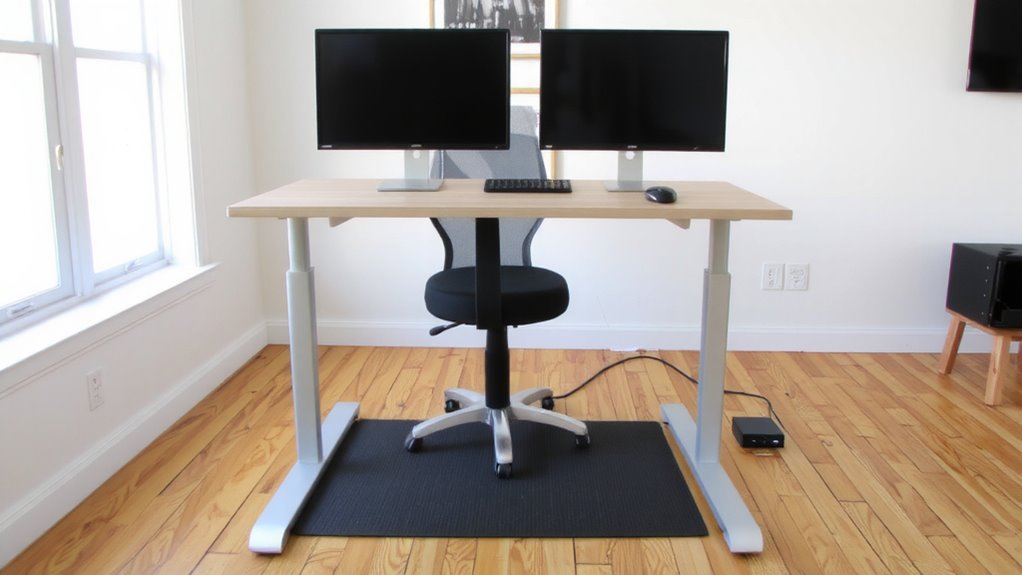
While your available space and daily routine should guide your choice, picking the right sit-stand desk means balancing stability, size, and adjustability without overspending. You need a desk size that fits your room but still offers enough surface for your monitor, keyboard, and accessories-typically 48 to 60 inches wide for dual monitors. A wider desk can feel spacious, but if it wobbles at peak height, it’s not worth it. Look for sturdy frames with dual motors; they lift smoothly and stay steady during use. Cable management matters just as much-integrated trays or routing clips keep cords tidy and out of the way. Desks with built-in grommets or rear channels make setup cleaner and reduce clutter. Avoid basic models with poor cable solutions; they create frustration over time. Even top-tier desks can have weak warranties, so check for at least a five-year coverage to protect your investment. For reliable performance and long-term satisfaction, consider models featured in expert-tested top picks based on stability, design, and value.
Set Your Sit-Stand Desk to the Best Sitting Height
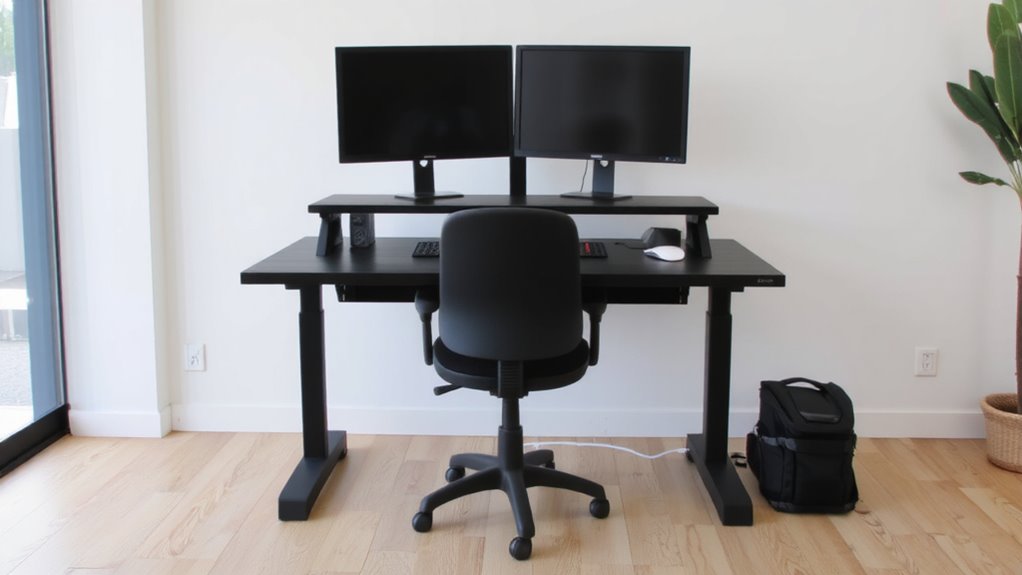
To set your sit-stand desk at the right sitting height, start by adjusting it so your elbows rest at a 90-degree angle when your hands are on the keyboard-this usually places the desk surface between 25 and 28 inches high for most people. Proper desk alignment guarantees your forearms stay level, reducing wrist strain and promoting posture balance. Your feet should rest flat on the floor, with thighs parallel to the ground. If your chair lacks height adjustment, use a footrest. Avoid setting the desk too low, as it pulls your neck forward and disrupts spinal alignment. While electric desks offer precise height control, manual models can work with careful measuring. Always double-check your setup after adjustments. Individual proportions vary-what works for one person may not suit another-so fine-tune based on comfort and body feedback. Consistent posture balance throughout the day reduces fatigue and supports long-term ergonomic health. For optimal performance, choose from the best height-adjustable tables based on stability, range, and ease of use.
Adjust Your Standing Desk Height to Avoid Strain
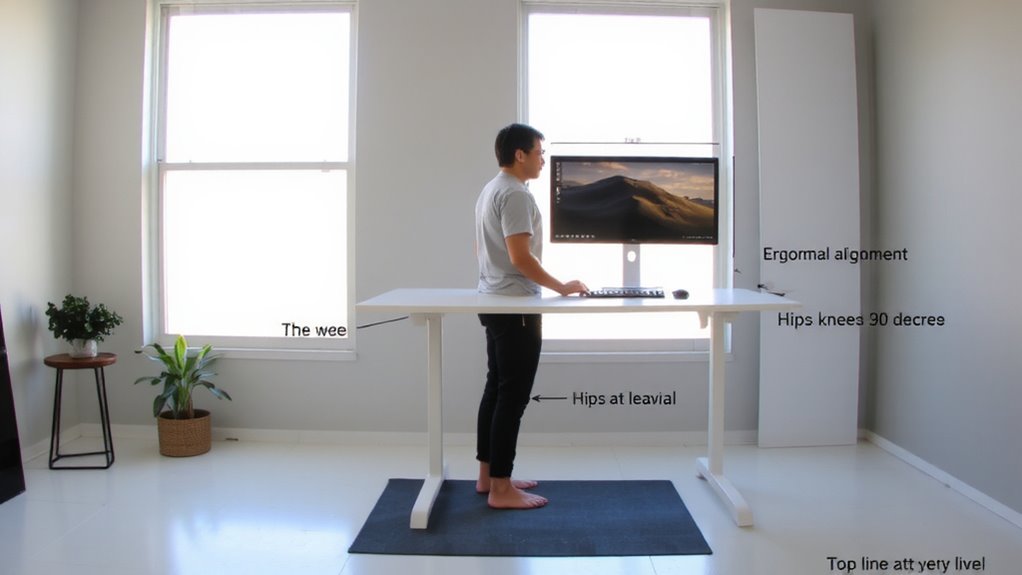
A well-adjusted standing desk can make a real difference in your daily comfort, but getting the height right is key to avoiding strain. Set the desk so your elbows rest at 90 degrees when typing, with your wrists neutral and shoulders relaxed. This helps maintain proper standing posture and prevents joint fatigue. Your monitor should be at eye level, but don’t adjust desk height for that-do it separately. Even small height mismatches can shift your weight distribution, leading to leaning or foot fatigue over time. Stand evenly on both feet, with knees slightly bent, not locked. A mat helps, but no accessory fixes poor desk height. Test your setup after 10 minutes of standing-adjust if you shift or feel pressure. Most desks allow precise height adjustments, usually from 22 to 48 inches, so find your ideal range and stick to it. Consistency matters more than perfection. A best desk mat can further enhance comfort by promoting subtle movement and reducing lower limb fatigue.
Align Monitor and Keyboard for Ergonomic Comfort
Your desk’s true ergonomic potential hinges on how you align your monitor and keyboard-mismatched positioning can undo even a perfectly adjusted desk height. For ideal monitor centering, place the top of the screen at or slightly below eye level, about an arm’s length away, so you’re not craning your neck. Position the monitor directly in front of you to avoid twisting. Poor keyboard positioning leads to wrist strain, so keep it at elbow height with your wrists straight and shoulders relaxed. Use an adjustable tray if needed, but guarantee it doesn’t reduce leg clearance. Remember, standing shifts your posture, so recheck alignment when switching modes. Even slight misalignments over time contribute to discomfort. These adjustments aren’t one-size-fits-all-test angles and distances over a few work sessions. Small tweaks improve comfort, but consistency matters more than perfection.
Add an Anti-Fatigue Mat and Other Supportive Accessories
Many people find standing desks more comfortable with the right accessories, but not every add-on delivers real benefits. You’ll get real anti fatigue benefits from a quality mat-opt for one at least 3/4 inch thick with textured or contoured surfaces to encourage subtle movement. These supportive accessories reduce lower body strain by promoting circulation and minimizing joint compression. Look for mats with anti-slip rubber backing and warranties of 1–3 years, as durability varies. Some models even include arch support zones, which help if you stand for over two hours at a time. However, if your floor’s uneven, even the best mat may shift or wear prematurely. Other supportive accessories like footrests or standing desk converters can help, but test them for a week-if they complicate your workflow, they’re not worth the space. Prioritize what improves your posture and movement, not just what looks ergonomic.
On a final note
You’ll get the most ergonomic benefit by adjusting your sit-stand desk properly-sit with elbows at 90° and wrists straight, stand with the top of the monitor at or slightly below eye level. Use an anti-fatigue mat to reduce discomfort, and pick a desk with a reliable motor (look for 5-year warranties). But even the best desk won’t fix poor habits, so move regularly and avoid standing too long.