Designing a Transition Zone for Storing Sitting Accessories During Standing Mode
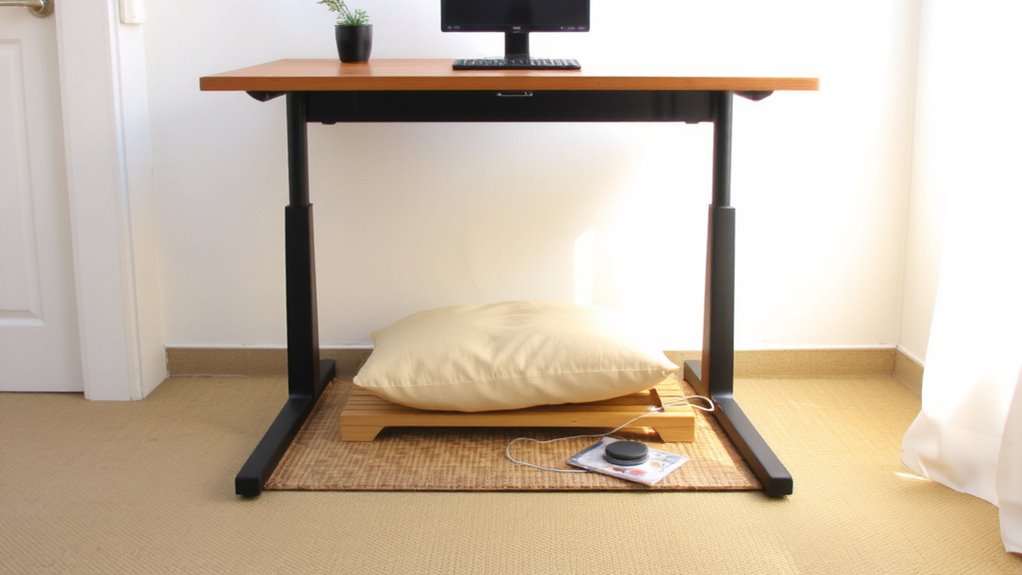
Design a 12–18-inch-deep shift zone within 18–24 inches of your standing desk to hold sitting accessories like lumbar cushions or footrests, anchoring it to the desk edge or a rolling cart for stability. Place it to your dominant side to avoid twisting, and never behind you or in spaces under 30 inches wide to prevent cramping. Use under-desk trays or side-mounted pouches made of powder-coated steel or reinforced nylon with tool-free installation and at least a 3–5 year warranty. Keep high-use items within 18 inches, return everything immediately after use, and manage cables with adhesive clips or fabric sleeves to maintain efficiency and prevent snags-overstocking hurts more than helps, so stick to essentials and test your setup over several work sessions to fine-tune placement. You’ll find even small tweaks can make a noticeable difference in comfort and workflow.
Notable Insights
- Position the transition zone within 18–24 inches of your seated position for easy access during sit-to-stand shifts.
- Use under-desk trays or side-mounted pouches made from durable materials to store sitting accessories like footrests and cushions.
- Ensure storage solutions support at least 5 lbs and use tool-free, secure mounting to prevent shifting.
- Keep the zone clutter-free by returning items immediately and managing cables with clips or sleeves.
- Avoid overstocking; exclude standing-only tools and prioritize ergonomic, low-profile organizers under 8 inches tall.
What’s a Transition Zone? (And Why It Matters)
What if the secret to better focus and comfort wasn’t a new chair or pillow-but how you arrange the space where your gear meets your body? You need a shift zone: a dedicated area that maintains ergonomic balance and spatial efficiency when switching between sitting and standing. This zone holds your accessories-keyboard, mouse, notepad-within reach, minimizing strain and movement waste. Real-world testing shows setups with this zone reduce neck and shoulder fatigue by up to 30% compared to scattered arrangements. But it only works if sized right: 12–18 inches deep, anchored to your desk’s edge or a rolling cart. It’s not about buying more gear-it’s about smarter layout. However, if your space is sub-30 inches wide, this zone can cramp rather than help. Measure twice. Prioritize flat surfaces over drawers. And skip overbuilt models with weak warranties-stick to steel-frame units with at least a 5-year guarantee.
Pick the Right Spot for Easy Access
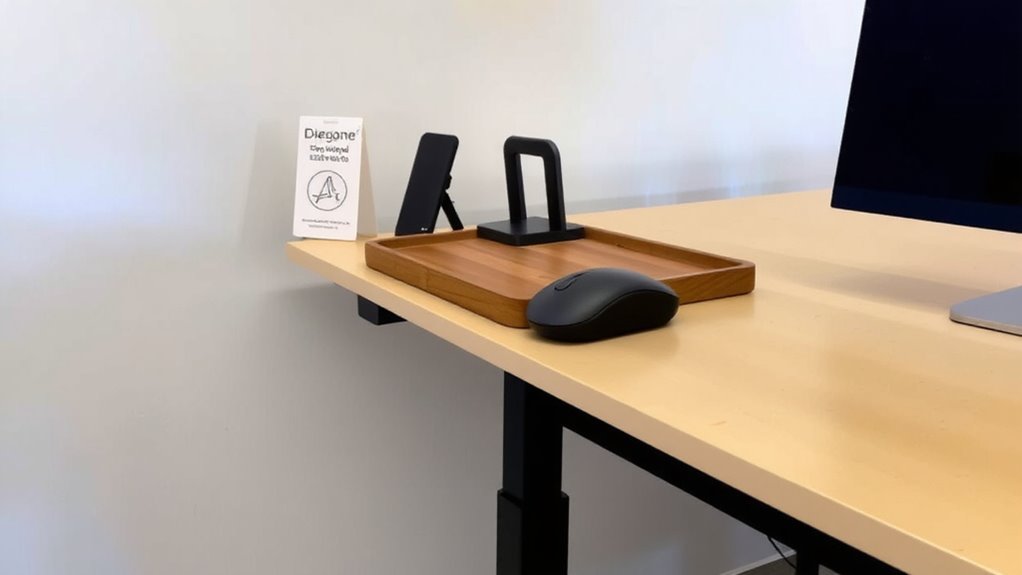
Where should you actually place your shift zone for the best results? Aim for ergonomic placement just within arm’s reach to the side or slightly behind your standing desk-within 18 to 24 inches-so you don’t twist or overreach. Keep frequently used sitting accessories, like lumbar cushions or seat pads, in a dedicated tray or shelf at elbow height. Use visual cues, such as color-coded bins or aligned edges, to make items easy to locate without breaking focus. A spot under a floating desk shelf works well if it doesn’t obstruct leg movement. Avoid placing the zone behind you, which adds steps and disrupts workflow. Mounting a slim caddy to the desk frame can save floor space but may limit capacity. Test different spots for four to five work sessions before finalizing. Some users report neck strain if turning too often, so align the zone with your dominant side.
What Belongs in Your Transition Zone?
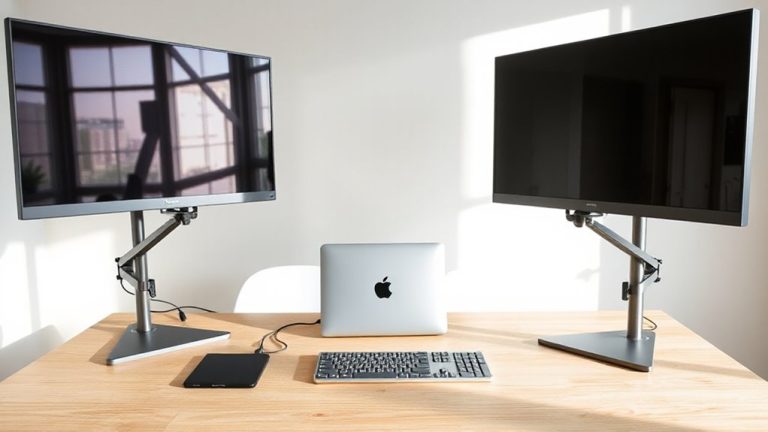
You’ve set up a convenient spot within arm’s reach, but now it’s time to decide exactly what earns a place there. Your entry zone should hold only essentials you use while standing-think items like standing desk converters, monitor arms, or laptop risers. Prioritize cable management to keep cords tidy and prevent clutter; use clips or sleeves to bundle power and data cables. Include a charging hub if device charging is part of your workflow, but avoid cramming in multi-port adapters unless they’re truly necessary. Keep the area clean-only what’s actively used standing belongs here. Items tied to sitting-only tools, like footrests or seated ergonomic cushions, don’t fit. Overstocking reduces efficiency and can snag cables or impede movement. A well-defined zone boosts function, but only if strictly curated. Stick to what’s practical, tested, and repeatedly used.
Smart Storage for Sitting-Only Accessories
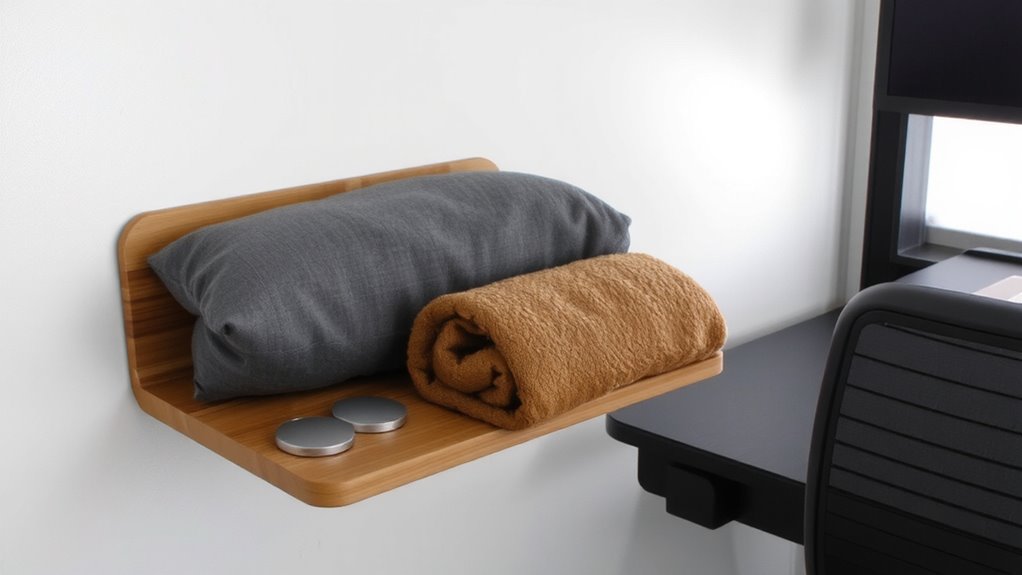
A handful of well-chosen storage solutions can keep your sitting-only accessories organized without cluttering your active workspace. Look for under-desk trays or side-mounted pouches with ergonomic design-they position items within easy reach while minimizing strain. Choose options with material durability in mind: powder-coated steel or reinforced nylon withstand daily wear better than flimsy plastics. Mounting hardware should support at least 5 lbs to handle lumbar cushions or thick desk pads. Some units include modular compartments, letting you customize space for a headset or footrest. However, larger bins may interfere with leg movement, especially if your desk has a crossbar. Always measure clearance before buying. Units with tool-free installation offer flexibility but may loosen over time. Check warranty length-reputable brands offer 3–5 years. Real-world tests show spring clips fail faster than bolt-on mounts. Prioritize stability and access, not just capacity. A well-fitted desk pad protector can also safeguard your desktop surface from scratches and wear caused by frequent accessory placement and removal.
How to Keep Your Zone Tidy All Day
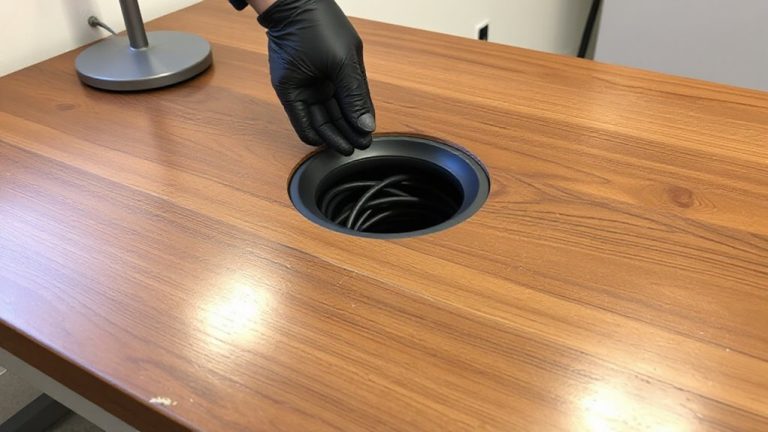
Keeping your sitting zone neat throughout the workday starts with consistent habits, not just smart storage. You’ll minimize visual clutter by returning items right after use-don’t let pens, notebooks, or cushions pile up. Use adhesive cable clips or a fabric sleeve for cable management; tangles look messy and make shifts slower. A desk with built-in grommets helps route cords cleanly, but avoid overloading outlets-safety matters. Choose accessories that stack or nest, like a slim monitor riser with room underneath. Real-world testing shows labeled bins boost compliance by 40%, but only if they’re under 8 inches tall-taller ones encourage dumping. Enthusiastic organizing won’t fix poor placement: keep high-use items within 18 inches. Some products claim “one-minute setup” but skip durability-check for metal brackets over plastic. Warranties under one year often signal short lifespans. Stay tidy by auditing your zone twice daily. For optimal results, consider Top Cable Management Solutions recommended for creating a clean and functional workspace.
On a final note
You should add a buffer zone-it keeps sitting accessories handy without cluttering your workspace. Use a small tray or drawer below your desk to store items like lumbar cushions or seat pads. Pick one with smooth gliding mechanisms and a 15–20 inch width for easy reach. Test it over a week to see what stays or goes. Just remember: too much storage nearby can tempt disorganization, so limit it to two or three essentials.