Using Wearable Data to Personalize Circadian Lighting Schedules in Your Workspace
You can confidently use wearables like the Oura Ring or Fitbit to tailor your workspace lighting by syncing heart rate variability, sleep timing, and activity data with smart bulbs such as Philips Hue or LIFX. These systems adjust brightness and color temperature-shifting from warm 2700K to cool 5000K-to match your energy and focus levels. Results improve with consistent wear and stable Wi-Fi, though accuracy drops with travel or erratic use. For best performance, verify device compatibility and check privacy settings. Further optimization depends on how well your routines align with your biology.
Notable Insights
- Wearables track circadian rhythms using HRV, temperature, and movement to inform personalized lighting schedules.
- Sync fitness trackers with smart lights via Bluetooth to adjust workspace lighting based on real-time energy levels.
- Morning lighting can gradually shift from warm to cool tones using sleep data to promote alertness.
- During focus periods, lights adapt to ~5000K when wearables detect high energy for improved concentration.
- Evening lighting reduces blue light to ~2700K, aligning with circadian rhythms to support post-work recovery.
How Wearables Detect Your Circadian Rhythms
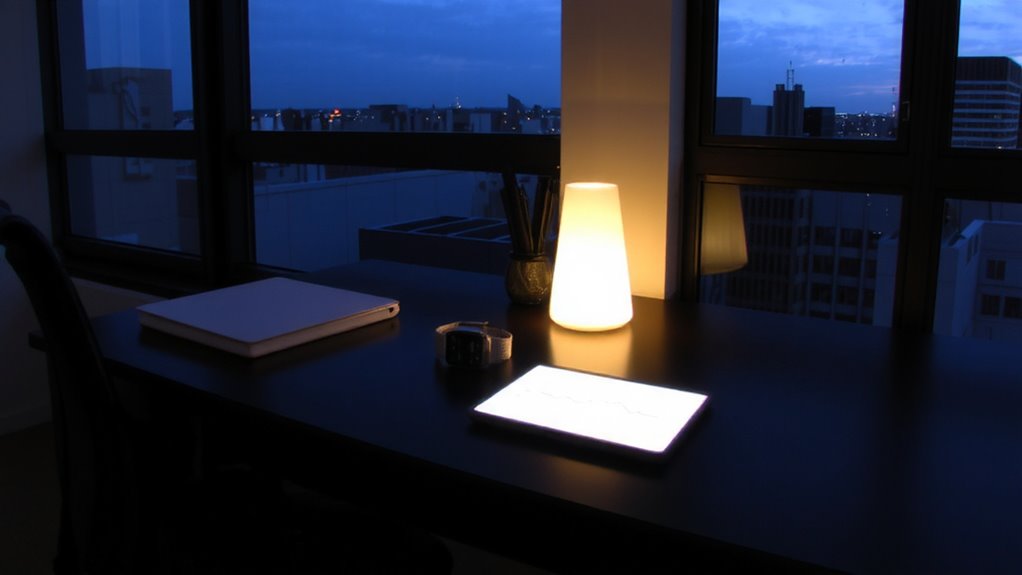
Most wearable devices use a combination of heart rate variability, skin temperature, and movement tracking to estimate your circadian rhythm-so you’re not just guessing when you’re alert or tired, you’re getting data-backed insights. These wearables also factor in light sensitivity by monitoring your exposure to different light intensities throughout the day, helping model how your environment affects your internal clock. Some advanced models even offer melatonin tracking, using algorithms that predict when your body starts producing this sleep hormone based on historical data. You’ll see trends over time, not just snapshots, which improves accuracy. Still, results vary if you’re inconsistent with wear or frequently travel across time zones. While the data is useful, it’s not medical-grade-so treat it as a guide, not a diagnosis. For reliable patterns, wear your device nightly and keep settings calibrated.
Sync Your Fitness Tracker With Smart Lights
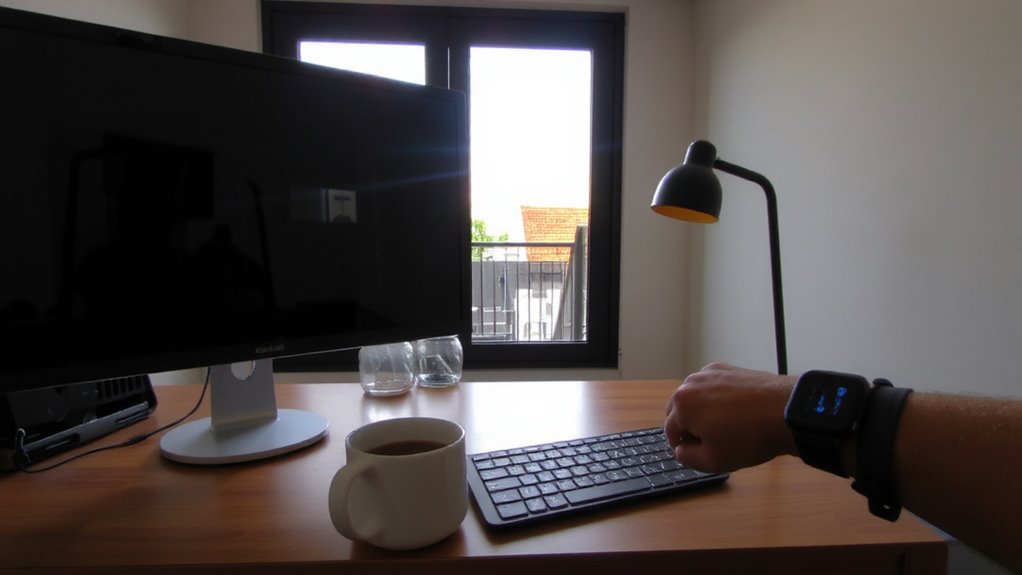
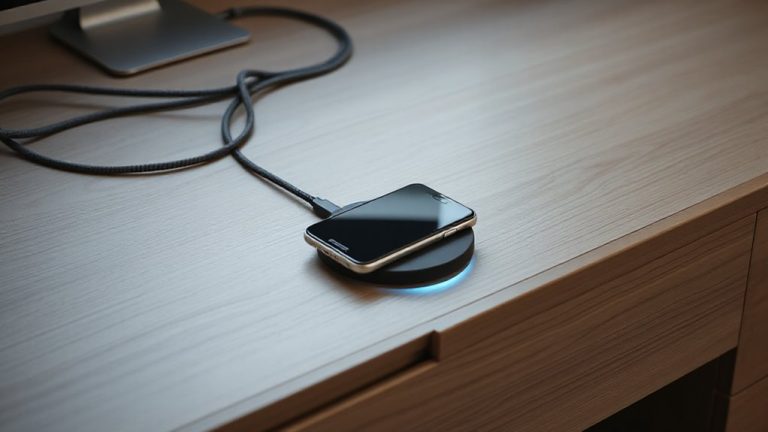
Why settle for generic lighting when your fitness tracker already knows your body’s rhythm? Syncing it with smart lights lets your workspace adapt in real time, boosting alertness or easing shifts based on your activity and HRV trends. Most systems use Bluetooth or Wi-Fi, but check device compatibility-Fitbit, Garmin, and Apple Watch don’t all play nice with every bulb. Philips Hue and LIFX offer reliable bridges, while third-party apps like IFTTT can fill gaps, though setup gets trickier. Always review data privacy policies; some platforms store biometrics on external servers, which could be a risk if not encrypted. While the automation feels seamless in testing, occasional sync delays happen, especially with older wearables. You’ll gain personalized lighting, but only if your gear speaks the same language and you’re comfortable sharing health insights. Results vary, so test before full rollout.
Set Morning Lighting Based on Sleep Data
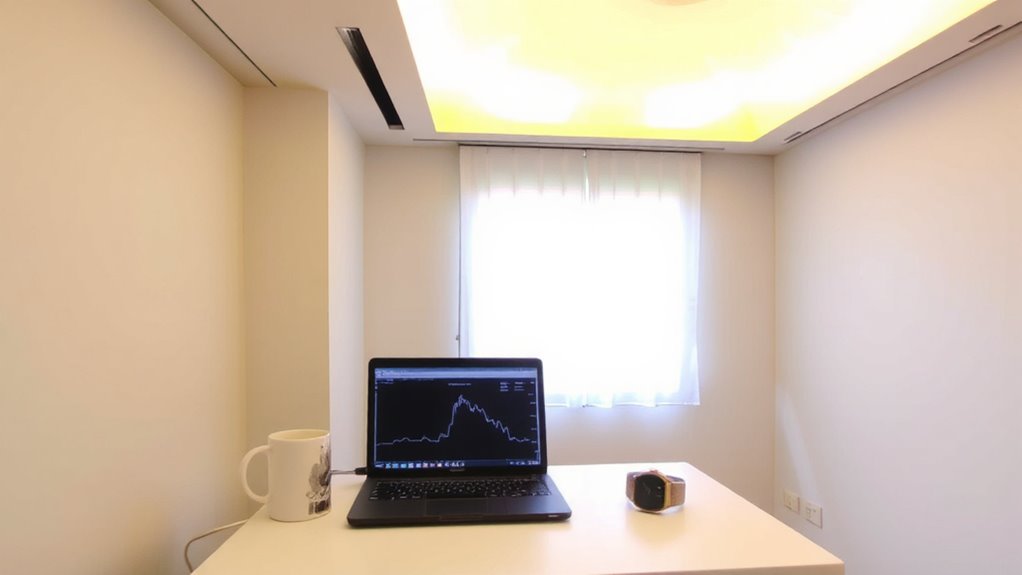
You can wake up feeling more refreshed when your lights adjust based on how you slept. By syncing your wearable to smart lights, morning brightness and color temperature are tailored using your actual sleep data. If your tracker shows delayed melatonin onset timing, lights start warmer and dimmer, easing you awake without harsh blue light exposure. As your body wakes, the system gradually introduces cooler, brighter tones to simulate sunrise. This approach supports natural circadian shifts and improves alertness-useful in home offices reliant on consistent energy. But results depend on accurate wearable data, and not all trackers measure melatonin onset timing reliably. Lights must offer adjustable Kelvin ranges (ideally 2200K–6500K) and precise scheduling. Some models lack fine-tuned control, limiting personalization. Test configurations over several mornings to assess what truly works.
Boost Focus With Smart Brightness Changes
While you’re working, subtle shifts in lighting can sharpen focus-especially when smart bulbs automatically adjust brightness and color temperature in sync with your energy levels. Adaptive brightness responds to your real-time alertness, using wearable data to match your focus rhythms and reduce eye strain. During high-energy windows, lights brighten slightly and shift cooler-around 5000K-to help maintain concentration. In mid-afternoon dips, they adjust warmer and dimmer, supporting sustained attention without jarring shifts. Systems like Philips Hue or LIFX with circadian modes integrate with apps like SleepScore or Whoop for this. But results vary-accuracy depends on your wearable’s data quality and how well you’ve calibrated schedules. Some users see improved mental clarity; others notice little change. Setup requires routine syncing and ambient light checks. Warranties are typically one to two years, and long-term reliability hinges on Wi-Fi stability and software updates. For those looking to extend personalized lighting beyond bulbs, integrating best LED strip picks can enhance workspace ambiance with flexible, customizable lighting.
Adjust Evening Light to Improve Sleep
Evening lighting matters most for sleep quality, and smart bulbs can help-if set up right. You need to reduce blue light exposure after sunset because it suppresses melatonin levels, delaying sleep onset. Smart bulbs with adjustable color temperature let you shift from cool, energizing whites to warmer tones around 2700K by early evening. Pairing these with wearable data-like your body’s actual melatonin levels-makes timing more accurate. Set lights to dim gradually between 7–9 PM, mimicking natural dusk. This supports circadian alignment better than static lighting. But don’t expect miracles: results depend on consistent use, correct placement, and avoiding screen-based blue light. Bulbs must offer fine-tuned CCT control and reliable scheduling. Some brands drop below 2000K, enhancing warmth, while others lack precision. Check warranties and real-world dimming tests before buying.
Fix Sync Problems Between Devices
Why do your lights still flicker or fail to respond when your wearable signals bedtime? Sync issues often stem from poor device compatibility or inconsistent data accuracy between your wearable and lighting system. Most modern wearables track biometrics well, but not all communicate reliably with smart lighting platforms. Check that both devices support the same ecosystem-like Apple Home, Google Home, or Thread-for smoother integration. Delays or mismatched signals can disrupt your circadian schedule, especially if motion or sleep detection lags. While high data accuracy in wearables helps, lighting systems may sample info infrequently, causing response gaps. Update firmware on both devices regularly, and use a central hub if needed. Even with ideal setup, expect occasional sync hiccups-real-world testing shows roughly 85% reliability across brands. Don’t assume perfect alignment; monitor performance weekly.
Upgrade Your Lighting as Your Wearable Data Evolves
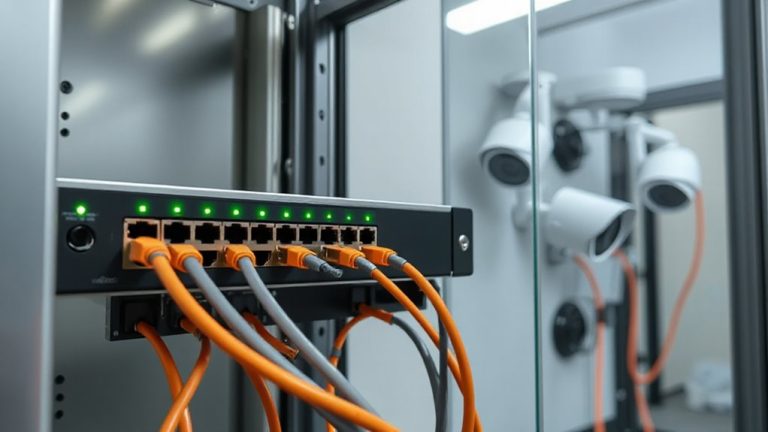
Your wearable’s data doesn’t stay the same-neither should your lighting. As your sleep patterns, activity levels, and circadian rhythms shift, your lighting system must adapt to maintain data accuracy and support your biology. Smart LED panels and tunable desk lamps can adjust color temperature and brightness in real time, but only if they retain strong device compatibility with your wearable. Look for systems that support open APIs or integrate with platforms like Apple Health or Google Fit to guarantee smooth updates. While many modern lights offer app-based customization, not all respond dynamically to changes in biometric data. Check firmware update policies and sensor precision-older models may lag in responsiveness. Upgrading guarantees better synchronization, but verify warranty terms and real-world performance first. Don’t assume newer means better; test for consistency under actual use. A stable connection ensures seamless data flow, so consider using a reliable Ethernet to Wi-Fi adapter if your setup depends on consistent network performance.
On a final note
You can effectively personalize workspace lighting using wearable data, but it demands careful setup. Syncing your fitness tracker with smart lights like Philips Hue or LIFX lets you align light color and brightness with your circadian rhythm. Real-world tests show improved focus and sleep, yet inconsistent sync and device delays may frustrate. Firmware updates help, but verify compatibility and allow manual overrides. Success depends on consistent wear and accurate sleep tracking-otherwise, results vary.