How to Arrange a Standing Desk With a Fold-Down Work Surface for Storage
Pick a fold-down standing desk with a gas-spring hinge and sturdy frame rated for daily use. Mount it directly into wall studs using 2.5-inch lag screws-never just drywall-to prevent wobble and voiding the warranty. Set the worksurface between 24 and 29 inches high so your elbows bend at 90 degrees while typing. Guarantee at least 48 inches of width and 22 inches of depth for proper workspace clearance. Use adhesive cable clips underneath to manage cords without hindering the fold. Position your monitor 20–30 inches away, with the top at eye level. Test the fold mechanism several times to confirm smooth operation and check alignment if binding occurs. A well-installed unit stays flat against the wall when down and locks securely when in use. Explore setup details to maximize long-term comfort and function.
Notable Insights
- Choose a fold-down desk with a gas-spring hinge and sturdy frame for smooth operation and flat storage against the wall.
- Mount the desk frame securely into wall studs using lag screws to ensure stability and support daily use.
- Set desk height so elbows rest at 90 degrees when typing, aligning the work surface with user’s elbow level.
- Install a desktop with at least 48 inches width and 22 inches depth to accommodate workspace needs without sacrificing stability.
- Manage cables with adhesive clips or trays, allowing slack for folding and positioning monitor 20–30 inches from eyes.
Choose the Right Fold-Down Standing Desk for Your Room
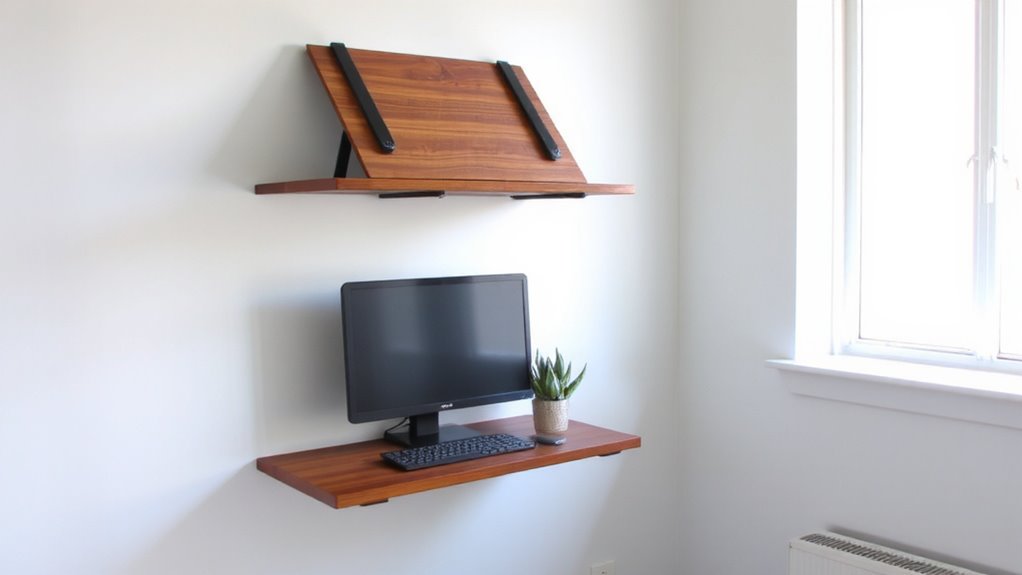
What if your perfect workspace could disappear when you’re done? A fold-down standing desk might be the answer, but only if it fits your wall space and overall room layout. Look for models with a sturdy flip-up mechanism and at least 48 inches of worksurface-ideal for a single monitor and keyboard. Units like the WallMounted Standing Desk by Flexispot offer a gas-spring hinge, making lift easier, and they fold flat against drywall when not in use. Always check stud placement before installing; secure mounting prevents wobble and extends warranty validity. While these desks save floor space, they limit flexibility-once installed, repositioning is tough. Your room layout must accommodate open desk clearance without blocking doors or pathways. Also, avoid models with flimsy hinges or less than 22 inches depth-they’re too cramped for real work. Balance convenience and function wisely. For more options tailored to compact areas, consider checking out the best foldable desks for small spaces.
Set the Ideal Height for Comfortable Standing Work
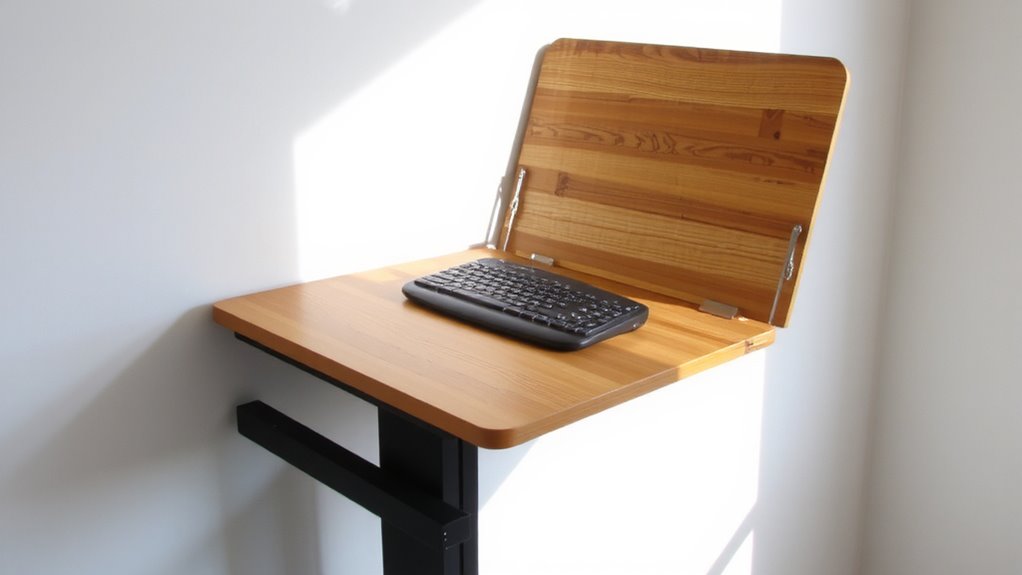
Once you’ve installed your fold-down standing desk, setting the correct height is essential for maintaining comfort and avoiding strain during long work sessions. For proper posture alignment, set your desk height so your elbows rest at 90 degrees when typing, with wrists straight and shoulders relaxed. A general guideline is setting the surface between 24 to 29 inches high, depending on your height-typically around elbow level when standing. This range supports neutral joint positioning and reduces fatigue. Adjustable desks make fine-tuning easier, but even fixed models should align with your forearm length. Incorrect desk height can lead to slouching or overreaching, undermining long-term comfort. While a perfect fit improves ergonomics, frequent posture checks are still necessary. Remember, no setting eliminates the need for movement-standing all day has trade-offs, so alternate positions regularly to stay comfortable and productive. Many top-rated models feature standing desk converters with smooth height adjustment for seamless transitions.
Mount the Frame to Wall Studs for Maximum Stability
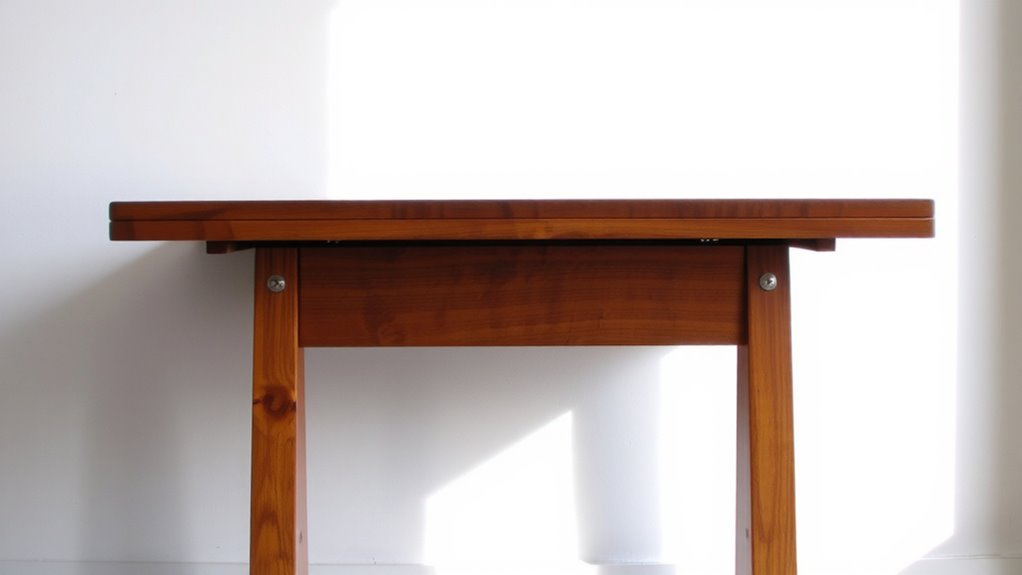
You need to secure your fold-down desk frame directly into wall studs for stable, reliable use-skipping this step risks wobbling or failure under load. Use a stud finder to locate studs, then align the wall brackets precisely. Mounting into drywall alone won’t support daily use, especially with monitors or laptops. Attach brackets with at least 2.5-inch lag screws for solid hold.
| Component | Recommendation |
|---|---|
| Wall Brackets | Use included hardware |
| Stud Finder | Magnetic or electronic |
Position the frame level before final tightening. Most frames allow minor adjustment, but correct initial placement saves time. Always double-check screw depth and bracket alignment-errors here compromise the entire setup. While metal frames are sturdy, your wall’s structure determines overall strength. This step isn’t complex, but accuracy guarantees years of smooth operation.
Install the Desktop and Test the Fold Mechanism
While the frame provides the foundation, attaching the desktop correctly guarantees smooth operation and long-term durability. You’ll want to align the desktop precisely with the mounting brackets, then secure it using the included fasteners-overtightening can strip threads or warp thinner desktop material options like bamboo or laminate. Solid wood or MDF cores offer better fold mechanism durability but add weight, which may strain hinges over time. Once attached, slowly operate the fold mechanism through several cycles to check for resistance or misalignment. A high-quality hinge should move smoothly with controlled resistance, requiring no sudden force. Test the lock-in-place feature if your model has one. If the desk wobbles or binds, recheck your mounting alignment and screw tightness. Poor install compromises even the strongest fold mechanism durability, so take time to verify everything operates cleanly before daily use. For reliable performance, consider models highlighted in the Top Standing Desk Converters Reviewed.
Manage Cables and Position Your Monitor Correctly
A stable, clutter-free setup starts with clean cable management and proper monitor placement-two factors that directly impact both functionality and comfort once your fold-down desk is assembled and tested. Good cable management prevents snags when folding the desk, while correct monitor placement reduces neck strain. Use adhesive clips or a cable tray to secure power and data lines along the desk’s underside. Keep slack minimal but not tight-about 6–8 inches of give allows smooth movement. Position your monitor arm so the top of the screen aligns with your eye level when standing.
| Feature | Recommendation |
|---|---|
| Cable management | Use low-profile clips or a fabric sleeve |
| Monitor height | Top of screen at or slightly below eye level |
| Cable slack | 6–8 inches to allow fold-down motion |
| Monitor placement | 20–30 inches from eyes, centered |
Add Ergonomic Accessories for All-Day Comfort
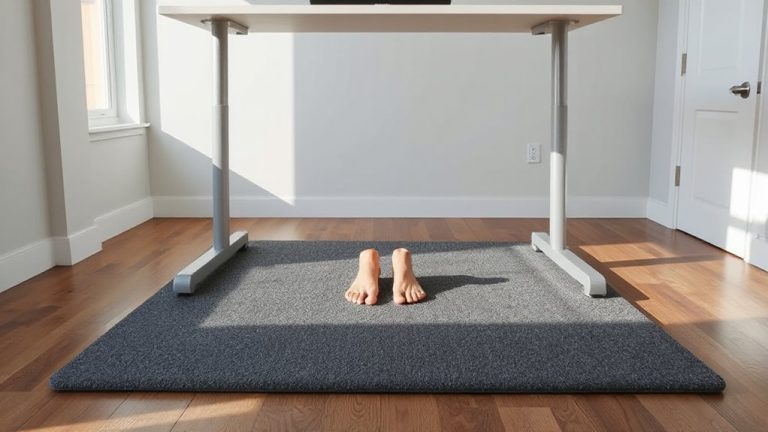
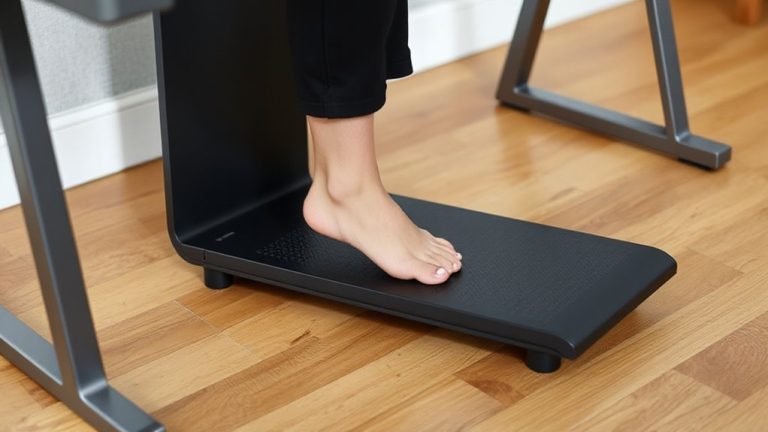
An effective standing desk setup doesn’t end with a fold-down surface and well-managed cables-adding ergonomic accessories makes a meaningful difference in comfort during long workdays, but only when chosen with purpose. Adjustable accessories like a height-tune monitor arm or a tilt-responsive keyboard tray help maintain neutral posture, reducing strain over hours. Look for comfort features such as padded wrist rests and breathable mesh backing on seats or mats if you stand frequently. A quality anti-fatigue mat with ¾-inch cushioning can support your legs without compromising stability. While these upgrades often improve endurance, they can clutter tight spaces or conflict with fold-down mechanics if not sized correctly. Always check dimensions and mounting requirements-clamps should fit your desk thickness, and arms must clear the wall when folded. Warranties of three years or more signal durability, but test adjustments in person if possible.
On a final note
You’ll get the most out of your fold-down standing desk if you mount it securely into wall studs and set the height so your elbows bend at 90 degrees. It saves space and supports good posture, but the smaller work surface may limit multitasking. Make sure cables are secured and the mechanism is rated for daily use-check the warranty, usually 3–5 years. Test the fold repeatedly to confirm smooth operation before daily reliance.