How to Audit Encryption Compliance Across All Devices in a Remote Workspace
You should audit encryption across all remote devices using tools like Microsoft Intune or Jamf Pro to enforce AES-256 compliance for GDPR, HIPAA, and CCPA. Start by inventorying every endpoint-laptops, phones, tablets-and verify BitLocker, FileVault, or mobile encryption is active. Automated scans catch non-compliant devices fast, but you must check agent health and ownership status to avoid false results. Remote enforcement works well if devices are enrolled, though personal devices need careful policy handling. Exceptions and temporary overrides require documentation and follow-up. Weekly rescan schedules help maintain continuity. Real-time alerts help, but only if your MDM policies are correctly configured. You’ll want to see how deeper configuration checks uncover hidden gaps.
Notable Insights
- Inventory all remote devices using MDM or unified endpoint management to ensure comprehensive audit coverage.
- Verify OS-level encryption (BitLocker, FileVault, mobile MDM policies) is enabled and properly configured on each device.
- Use automated tools like Microsoft Intune or Jamf Pro to scan and report encryption status across platforms in real time.
- Enforce encryption compliance remotely through policy pushes and conduct weekly rescan to detect new non-compliant devices.
- Maintain audit logs with proof of encryption, recovery key storage, and exception documentation to meet GDPR, HIPAA, and CCPA requirements.
Know GDPR, HIPAA, and CCPA Encryption Rules
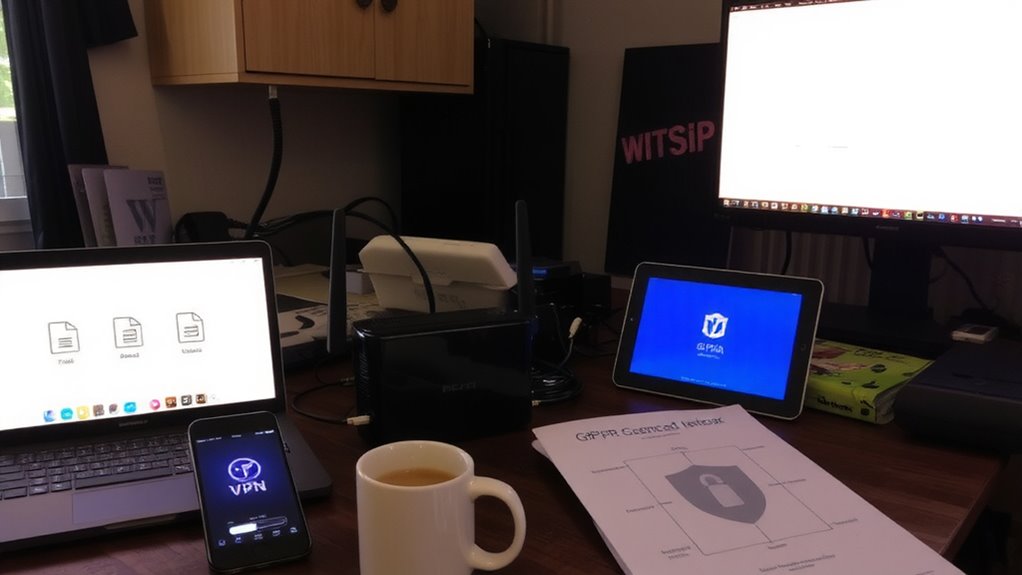
While compliance might seem like a paperwork exercise, getting encryption right under GDPR, HIPAA, and CCPA is essential if you’re handling personal or health data in remote setups. You must encrypt data at rest and in transit using AES-256 or equivalent-this isn’t optional. GDPR demands data sovereignty, meaning personal data stays within approved jurisdictions unless safeguards exist. HIPAA requires end-to-end encryption for ePHI, especially when devices move between home and cloud. CCPA ties encryption to consent management: if data’s unencrypted, consumers can sue for breaches. Strong encryption reduces liability, but only if keys are managed securely and access is logged. You’ll need centralized tools that support remote wipe, multi-factor authentication, and audit trails. Still, built-in OS encryption (like BitLocker or FileVault) isn’t enough on its own-verify configuration across endpoints. Remember, compliance isn’t a one-time setup; it’s ongoing verification, especially when devices leave the office.
Inventory Every Remote Device

You need a complete, up-to-date inventory of every remote device accessing your systems-there’s no workaround if you’re serious about compliance. Start by logging all endpoints: laptops, phones, tablets, and home workstations employees use to connect. Every device must go through device classification so you can group them by risk level, function, and data access. Is it corporate-issued or personal? That’s where ownership verification comes in-knowing whether the device belongs to the company or employee affects control and monitoring capacity. Use MDM or unified endpoint management tools to automate discovery and reduce human error. But don’t assume tools catch everything; manual audits still matter. Incomplete records create gaps attackers exploit. Even with automation, misclassified devices slip through, especially in hybrid work setups. Stay vigilant-your inventory is only as strong as its latest update.
Verify Encryption on Windows, Mac, and Mobile
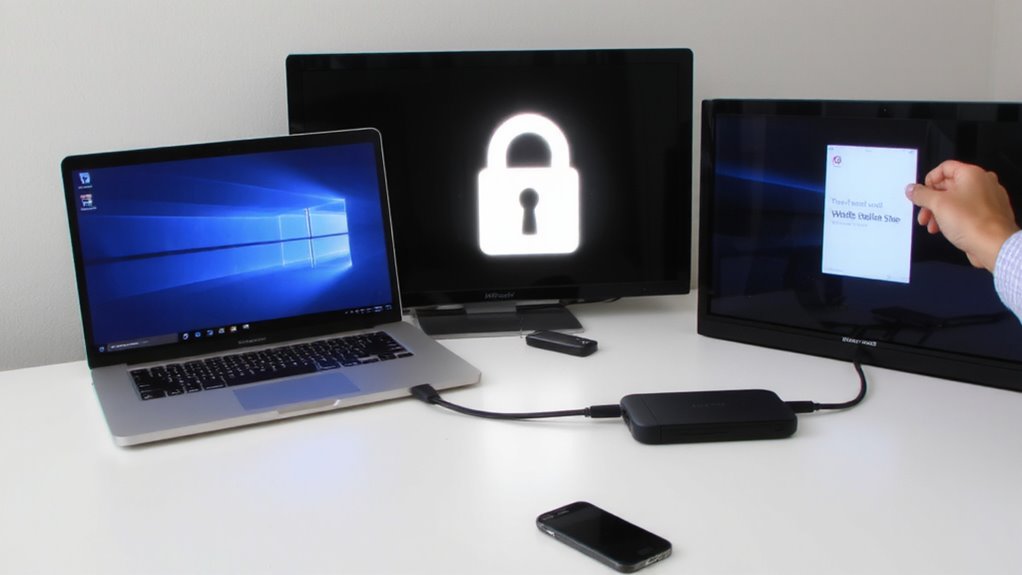
Since encryption is a non-negotiable part of data protection, you’ll want to confirm it’s active and properly configured on every remote device-Windows laptops, Mac desktops, and mobile devices alike. On Windows, perform BitLocker verification to guarantee drives are fully encrypted and recovery keys are securely stored. On macOS, check the FileVault status to confirm encryption is enabled and tied to the user’s login. For mobile devices, enforce encryption via MDM policies-both iOS and Android encrypt by default when a passcode is set, but you must verify it’s active. While built-in tools work well, inconsistent user behavior can create gaps. Automated checks reduce human error, but real-time verification still requires manual sampling. Always validate encryption status remotely and document results. Device models and OS versions affect performance and compatibility, so test configurations across your fleet. Encryption slows system performance slightly, but the trade-off is necessary for data security.
Audit Encryption at Scale With Automation
Checking each device by hand just doesn’t hold up when you’re managing hundreds of remote machines. You need automation to audit encryption at scale - it’s faster, more accurate, and reduces human error. Tools like Microsoft Intune or Jamf Pro let you roll out policies and monitor compliance across Windows, Mac, and mobile devices efficiently. Automated reporting gives you clear summaries of which devices are encrypted and which aren’t, so you’re not digging through logs manually. Real time alerts notify you the moment a device falls out of compliance, letting you respond before risks grow. But automation isn’t foolproof - misconfigured settings or outdated agent software can create blind spots. You still need well-documented policies and routine validation checks to guarantee the system works as intended. Automation saves time, but only if set up and maintained carefully.
Identify and Fix Non-Compliant Devices
A single unencrypted laptop can undo an entire organization’s security posture, so spotting non-compliant devices quickly is critical. You need clear device classification to sort endpoints by risk-employee laptops, contractor tablets, or BYOD phones-since each has different encryption needs. Once you identify gaps, investigate policy exceptions; some tools allow temporary overrides for troubleshooting, but these can become long-term risks if unmonitored. Automated scans highlight non-compliant devices, but you must verify results manually to avoid false positives from outdated inventories. Fixing issues isn’t just about enforcing settings-it’s ensuring devices meet baseline standards without disrupting legitimate workflows. Balance urgency with care: rushing patches may crash systems, while delays expose data. Document every exception and re-scan weekly to maintain control. Encryption isn’t optional, but how you handle non-compliance determines both security and usability in practice.
Enforce Encryption Remotely
You’ve identified the non-compliant devices-now it’s time to lock them down without stepping into the same room. Remote enforcement lets you apply encryption policies across scattered devices using mobile device management (MDM) or endpoint management tools. These systems push disk encryption settings, enforce password requirements, and can lock access until compliance is met-all done securely and at scale.
| Method | Tool Example | Effectiveness |
|---|---|---|
| MDM Push | Jamf, Intune | High, if device enrolled |
| Script Deploy | PowerShell, Bash | Medium, needs admin rights |
| Email Alert | Manual follow-up | Low, relies on user action |
While remote enforcement speeds up compliance, it won’t work on unenrolled or offline devices. Always verify encryption policies applied correctly post-deployment. Some users may face login or performance issues, especially on older hardware.
Keep Monitoring Encryption Over Time
Even though encryption is enforced remotely, staying compliant over time means you can’t set it and forget it-ongoing monitoring is essential to catch devices that fall out of policy due to user changes, software updates, or hardware swaps. You need to track encryption timelines to guarantee every device remains protected from day one through decommissioning. Automated tools help, but they can miss endpoints if not configured correctly. Policy drift happens more often than you think-users disable encryption, new devices get added without safeguards, and old machines stay active past their secure life span. Regular audits reveal these gaps before they become breaches. Still, constant monitoring requires resources and can strain IT if your toolset lacks integration. Balance vigilance with practicality: schedule weekly checks, use alerts for anomalies, and document every exception. Real-world testing shows consistent oversight reduces risk-but only if you act on what you find.
On a final note
You should enforce full-disk encryption on all remote devices-it’s non-negotiable for GDPR, HIPAA, and CCPA compliance. Use BitLocker for Windows, FileVault for Mac, and built-in controls on iOS/Android. Automate audits with tools like Intune or Jamf to detect gaps fast. But remember: encryption slows some systems slightly, and remote enforcement can fail if devices are offline. Always verify encryption status regularly and pair it with strong authentication.