Using Cable Clips and Sleeves to Maintain a Clean, Professional Desk Appearance
Use ABS plastic cable clips for long-lasting hold-they resist cracking and secure heavy power bricks, while low-profile versions work for thin cords. Pair them with fabric-wrapped sleeves to bundle up to 12 cables neatly, but don’t overstuff to avoid bulges or heat buildup. Apply clips with 3M VHB tape on clean, dry surfaces for a bond that lasts over a year. These tools cut daily clutter and boost focus, though swaps take slightly more time. You’ll find the full setup tips worth the effort.
Notable Insights
- Use durable ABS plastic clips to securely hold cables and resist cracking over time.
- Apply 3M VHB tape-backed clips on clean, dry surfaces for long-lasting, strong adhesion.
- Choose fabric-wrapped cable sleeves to bundle cords neatly and reduce desktop clutter.
- Avoid overstuffing sleeves to prevent bulging and ensure proper heat dissipation.
- Organize cords with clips and sleeves to minimize tangles, boosting productivity and professional appearance.
Pick the Best Cable Clips for Your Desk
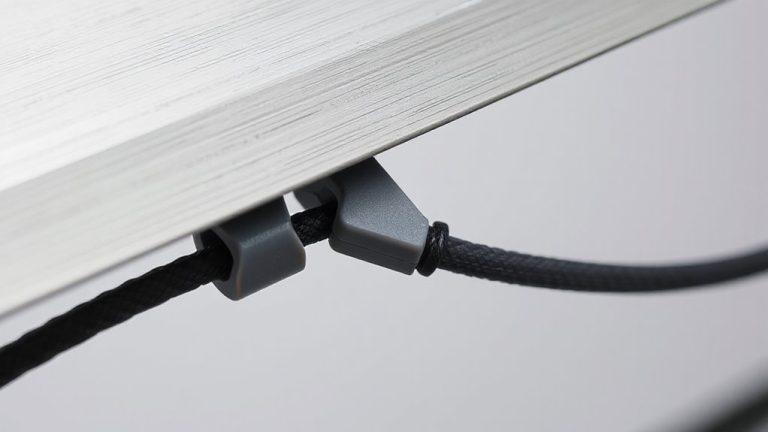
While cable clips might seem like a minor detail, choosing the right ones can make a real difference in keeping your desk setup tidy and functional. You’ll want to think about cable clip materials-ABS plastic clips last longer and resist cracking, while silicone options offer flexibility but may degrade over time. Strong clip adhesive strength is essential; 3M VHB tape-backed models hold firmly on wood, metal, and painted surfaces, surviving over a year without peeling in most tests. However, cheaper clips often fail within months, especially in warmer rooms. Rigid mounts work best for heavy power bricks, but low-profile clips suit thin cords neatly. Just remember: surface prep matters. Wipe the area with alcohol first, let it dry, then press firmly for 30 seconds. Even the best adhesive won’t stick to dust or oil. Results vary by desk material and cable load, so test one first before buying in bulk. A well-organized workspace contributes to a clean office appearance, which can enhance both productivity and professionalism.
Use Sleeves for Clean Cable Organization
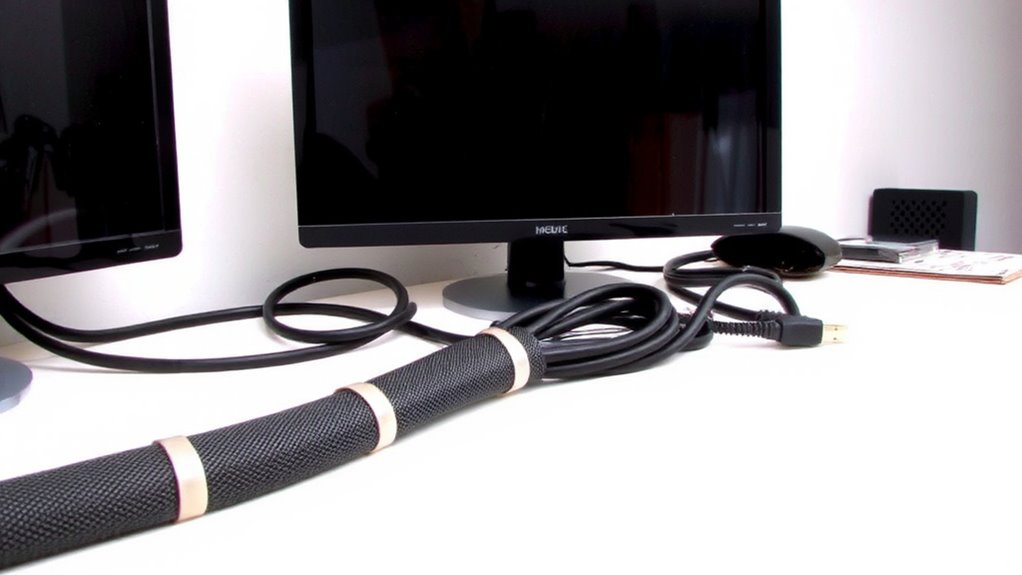
Cable sleeves give you a faster way to bundle multiple cords into a single, neat line-ideal when you’re dealing with a tangle of power, USB, and monitor cables behind your desk. They streamline cable management by grouping wires securely, reducing clutter and improving wire concealment along walls or baseboards. You’ll love how fabric-wrapped sleeves look clean and resist dust, and their stretchable design fits 6 to 12 cables depending on gauge. But don’t overstuff them-bulging sleeves look worse than loose cords. For longer runs, use clips to support the sleeve every 12–18 inches to prevent sagging. While sleeves hide chaos well, they make swapping devices slower since you must unwrap one end. They also cost more than clips-around $8–$15 per 6-foot length-but many users say the blend of function and appearance is worth it. Choose a neutral color to match your setup and focus on areas most visible to others. A highly effective product roundup can help you compare top-rated cable management solutions based on real user experiences and professional testing.
Follow This Step-by-Step Desk Cable Organization Plan
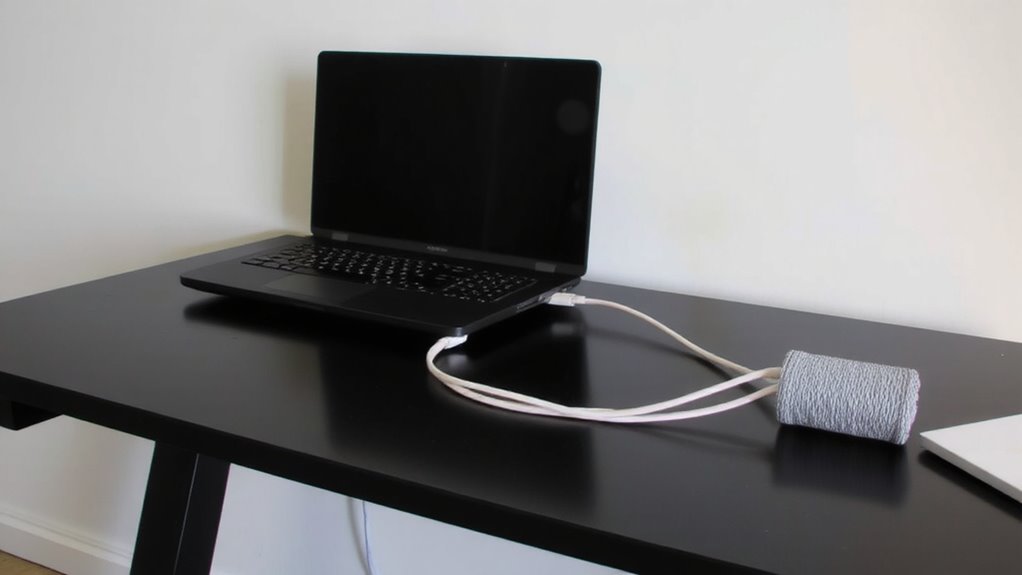
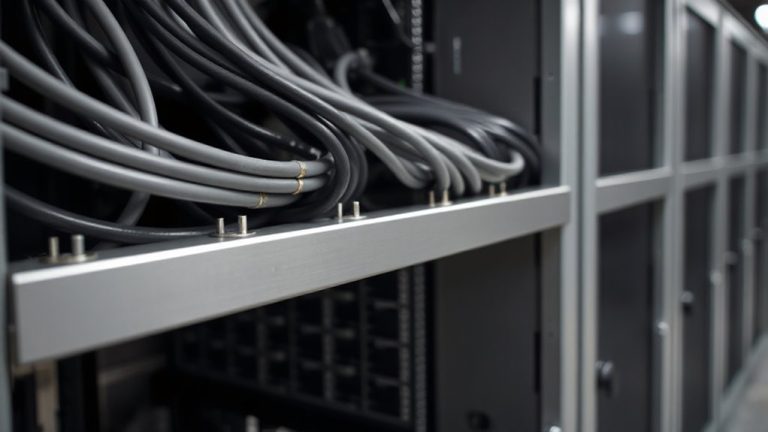
How do you turn a spaghetti junction of cords into a clean, functional setup? Start with cable routing: plan paths so power and data cables follow separate tracks along desk legs or back edges. Use adhesive cable clips to secure lines without damaging surfaces. Then apply cable bundling-group power cords together with reusable nylon ties or flexible braided sleeves, keeping data lines separate to avoid interference. Labels help you identify each cable fast. This method works well, but don’t over-tighten bundles or block device vents. Clips stay put on most surfaces, though they may fail on textured finishes. Sleeves look sharp but can trap heat if packed too tightly. Overall, routing and bundling cut clutter markedly, though some adjustment is normal as you swap devices. It’s effective, low-cost, and reversible-ideal for any workspace upgrade. For even better results, consider using product roundup recommendations to choose the best tools for your specific setup.
How Desk Cable Chaos Wastes Your Time
You could lose up to 15 minutes a day untangling, tracing, or reconnecting cords when your desk cables are unmanaged-a small delay that adds up to over 60 hours a year. Those wasted minutes chip away at your focus and create lost productivity over time. Every time you pause to find the right charger or plug in a flickering device, you break your flow. Disorganized cables also increase the chance of accidental disconnects or damage, leading to more downtime. While cable clips and sleeves don’t boost performance, they reduce delays by keeping cords visible and secure. Still, poor-quality clips may fail over time, and sleeves can trap heat if overfilled. Choose sturdy nylon sleeves with ventilation and adhesive clips rated for long-term use. When installed correctly, they cut confusion and save time-just don’t expect miracles from flimsy gear.
Keep Your Desk Neat Without the Hassle
A clean desk doesn’t have to mean hours spent routing each wire behind your monitor or labeling every power adapter. With the right cable management tools-like adhesive clips and fabric sleeves-you can achieve a tidy workspace in minutes, boosting time efficiency without overhauling your setup. Clips secure cords along edges, preventing tangles and reducing visual clutter. Sleeves bundle multiple cables together neatly, fitting most desk gaps without snagging. Most kits include hardware sized for common cables: USB, HDMI, power bricks. They’re easy to install and reposition, though adhesive strength varies on different surfaces. While they won’t replace full cable channels for complex setups, they’re ideal for minimalists or rented spaces where permanent changes aren’t allowed. Just don’t expect industrial durability-few come with warranties, and cheap models may yellow over time. Still, for quick, low-effort organization, they deliver solid value.
On a final note
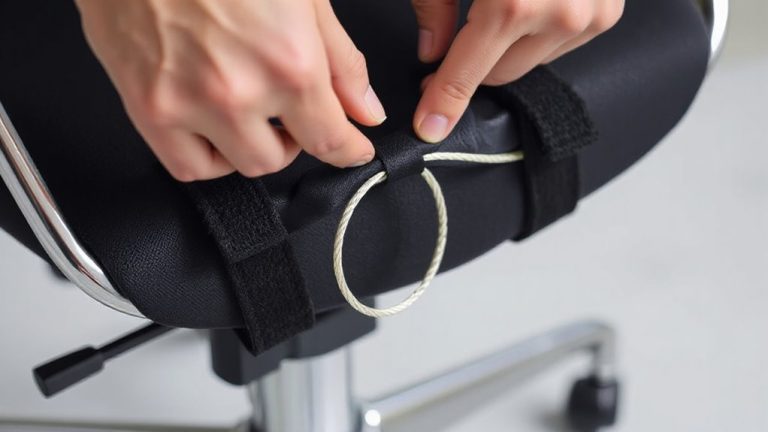
You’ll save time and reduce stress with cable clips and sleeves-they keep cords secured and tangles low. Stick-on clips work well on desk edges, while Velcro sleeves bundle loose cables cleanly. Just don’t overload adhesive backs; surfaces must be dry and dust-free. Cheap clips may fail in weeks, so check reviews and warranty length. Results vary by setup, but even messy desks gain function fast. It’s a small upgrade, but done right, it lasts.