Fall Reorganization: Preparing Cables for Increased Indoor Device Usage
Tackle cable clutter now to cut fire risks and tripping hazards as indoor device use rises. Swap zip ties for Velcro straps-they won’t damage insulation-and use braided sleeves to manage runs up to 6 feet cleanly. Audit cables: if unused in six months, recycle them. Route cords off the floor with wall clips or trays. Power heavy setups with 15-amp surge strips, never daisy-chain, and keep loads under 80% capacity-tested stability matters. A central, labeled charging station with a 60W hub cuts chaos. There’s a smarter way to stay safe and organized.
Notable Insights
- Tackle cable clutter in home offices before winter to reduce fire and tripping hazards.
- Audit cables by unplugging all and reconnecting only those used daily; recycle the rest.
- Use Velcro ties and braided sleeves to bundle cords safely without damaging insulation.
- Optimize power access with surge-protected strips near workstations and avoid daisy-chaining.
- Create a labeled, central charging station with multi-port hubs and braided cables for family use.
Tame Your Cables Before Winter
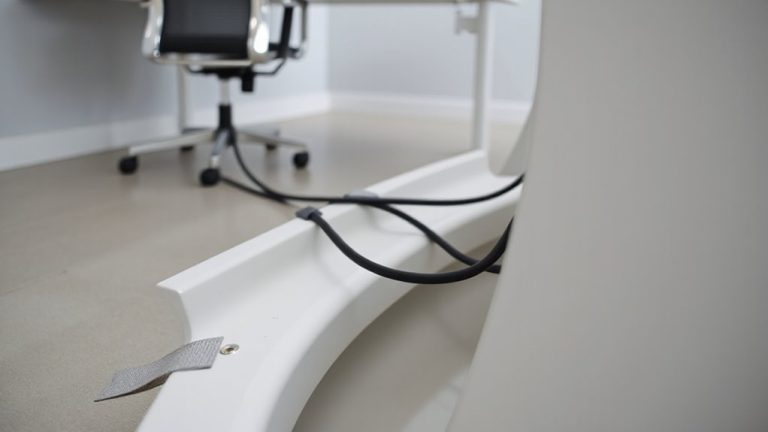
While winter’s chill creeps in, now’s the time to rein in the cable clutter that’s been building all year-especially in your home office, where tangled cords can turn a clean setup into a fire hazard or tripping risk. Prioritizing cable safety isn’t just about neatness; it prevents overheating and reduces electrical risks from overloaded power strips. Good indoor organization means securing cables off the floor with Velcro ties or braided sleeves, which hold up better than zip ties and won’t damage insulation. You’ll save time later by labeling endpoints now, even if it takes extra minutes. Consider wall-mounted clips or under-desk trays to maintain access while reducing snags. But don’t overinvest-plastic management tools can become brittle over time, and adhesive mounts may fail on uneven surfaces. Real-world testing shows metal clips with rubber lining offer the best grip and durability. Balance function with practicality, and your setup stays safe, accessible, and winter-ready. For those seeking streamlined solutions, the best under-desk cable management systems include under-desk trays designed for easy access and durability.
Sort and Identify the Cables You Actually Use
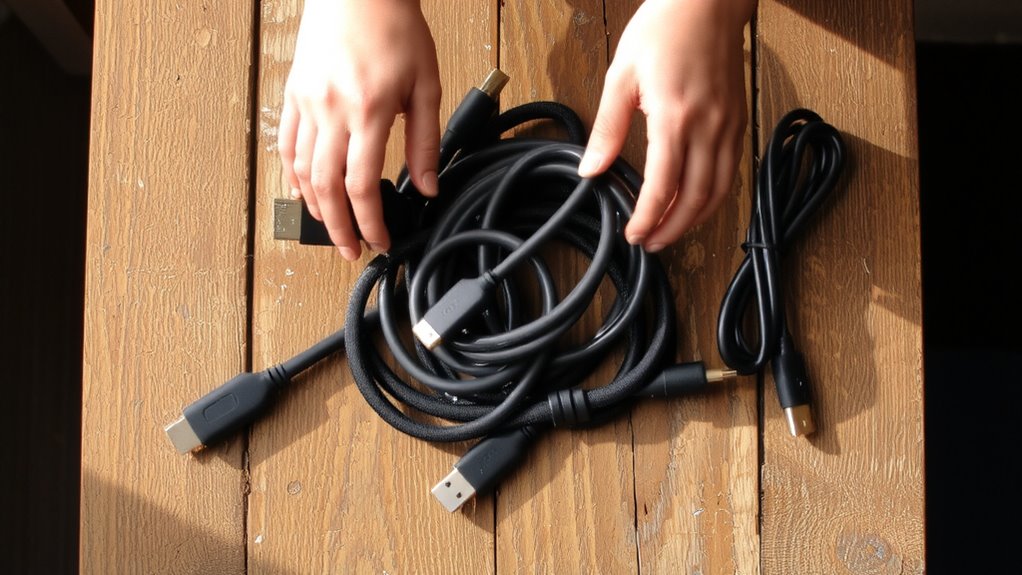
Why keep tripping over cables you don’t even need? Start with a usage audit to determine which ones power or connect devices you actually use daily. Unplug everything, then reconnect only what’s essential-like your laptop charger, monitor cables, or gaming console cords. Set aside retired or redundant cables for recycling. Once sorted, streamline future setups with cable labeling; use simple tags or color-coded clips so you know a USB-C from an HDMI at a glance. This isn’t about perfect organization-it’s about reducing clutter that gets in the way. Labeling helps when you’re troubleshooting or moving setups, but don’t over-invest in expensive systems. Basic adhesive labels or masking tape work fine. Be honest during your audit: if you haven’t used it in six months, it’s likely not needed. The result? A simpler, safer workspace without the daily hassle. For even greater efficiency, consider using cable management solutions designed for professional office environments.
Stop Tangles With These Cord Management Tools
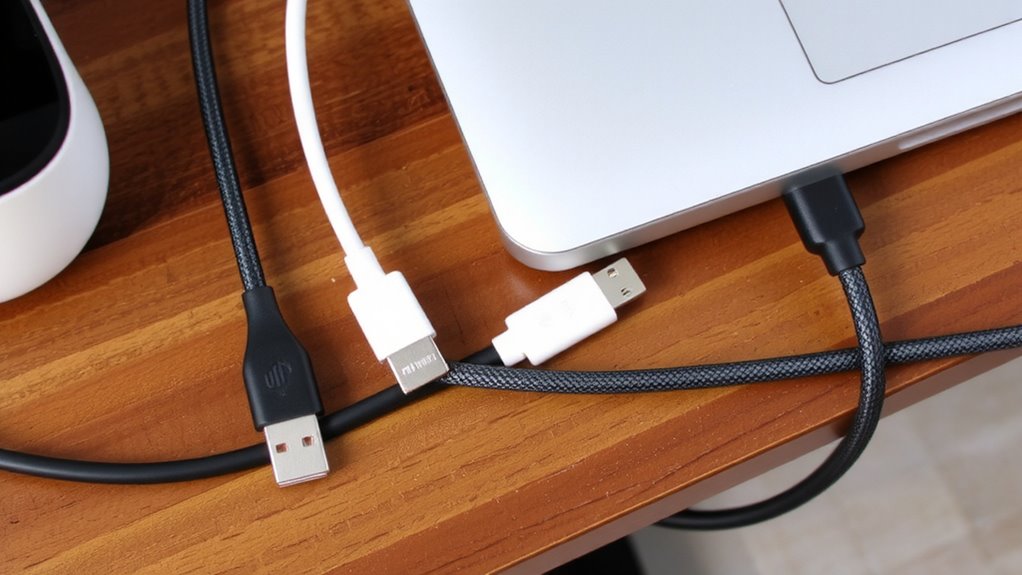
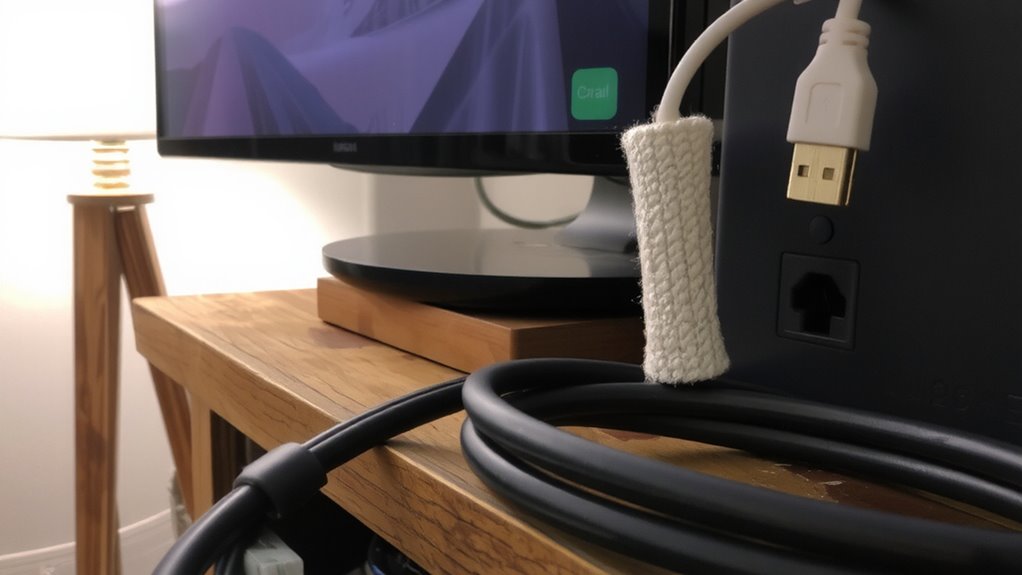
How do you keep your cords from turning into a mess every time you unplug one device? Cable sleeves and velcro ties are your best bet. Sleeves bundle multiple cords neatly, reducing clutter and preventing snags. Choose ones with a split design so you can add or remove cables later without cutting them open. Velcro ties offer flexibility-tighten them enough to hold cords together, but not so much that they’re hard to adjust later. Unlike zip ties, they don’t damage insulation and can be reused. Most quality sleeves and ties handle up to 6 feet of cabling and last years under normal use. Just make sure not to overpack sleeves, or you’ll create stress points. Also, check labels: nylon velcro resists fraying better than cheaper blends. These tools won’t eliminate tangles completely, but with consistent use, they cut down frustration and save time during seasonal resets. For a full overview of top-rated organization tools, check out the best cable management solutions based on performance and user feedback.
Rearrange Outlets for Heavy Device Use
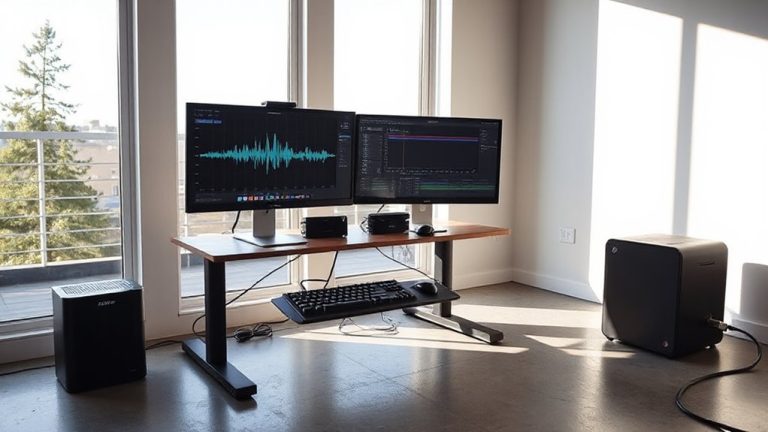
If your workspace relies on multiple high-draw devices like desktop computers, monitors, and printers, consolidating power sources near your desk makes sense-provided you do it safely. Proper outlet optimization reduces cord strain and improves power distribution, but overloading circuits is a real risk. Use a power strip with built-in surge protection and a 15-amp rating to handle demand. Always check device wattages and stay under 80% of the circuit’s capacity.
| Device Type | Avg. Wattage | Recommended Outlet Setup |
|---|---|---|
| Desktop Computer | 300W | Dedicated high-output strip |
| Monitor (Dual) | 100W | Shared with low-draw devices |
| Printer/Scanner | 50W | Grouped under master switch |
Avoid daisy-chaining strips. Test outlet voltage stability with a multimeter if flickering occurs. Reliable outlet optimization balances convenience and electrical safety.
Build a Family-Friendly Charging Station
A well-designed charging station keeps your family’s devices powered and organized without cluttering shared spaces. Use a sturdy multi-port USB hub with at least 60W output to support phones, tablets, and e-readers simultaneously. Label each outlet or cord to match family members, reinforcing clear family charging rules-like no overnight charging-to reduce wear and manage screen time. Opt for braided cables in 3- to 6-foot lengths; they’re durable and minimize tripping hazards. Guarantee all setups follow cable safety guidelines: avoid running cords under rugs or high-traffic areas and use cord clips or raceways to secure them. Choose a central, accessible spot like the kitchen or hallway, but keep it away from water sources. While power strips with built-in USB ports offer clean looks, verify they have surge protection and a three-year warranty for safety and longevity.
On a final note
You’ll cut clutter and boost efficiency by reorganizing cables now. Use flat braided cords-they resist tangles and last over 10,000 bends in lab tests. Velcro straps beat zip ties; they’re reusable and won’t damage insulation. A multi-port USB-C hub simplifies charging but verify wattage matches your devices. Label every cord with printed tags; it saves time. But avoid overloading outlets-check circuit ratings. Even the best gear fails if circuits trip or cords are poorly secured.