Creating a Foldable Workstation That Attaches to the Back of a Door
You can turn any door into a sturdy foldable workstation using birch plywood and soft-close hinges, supporting up to 20 pounds without screws. Install it in minutes with tension rods that leave no damage, but check door clearance and swing first. Use a reinforced A-frame leg with nonslip feet for stability on flat surfaces. Avoid heavy gear like monitors. It folds flat when not in use-see what design choices make it truly reliable.
Notable Insights
- Use ¾-inch birch plywood for a durable, lightweight desktop that resists sagging over time.
- Install soft-close hinges or a piano hinge to securely attach the desk to the door’s back.
- Ensure the door has adequate clearance and no obstructions like sweeps or trim before mounting.
- Support the desk with adjustable, telescoping legs that have nonslip feet for stability and safety.
- Use tension rods or soft pads for a tool-free, non-damaging installation that leaves no residue.
Turn Any Door Into a Foldable Workstation
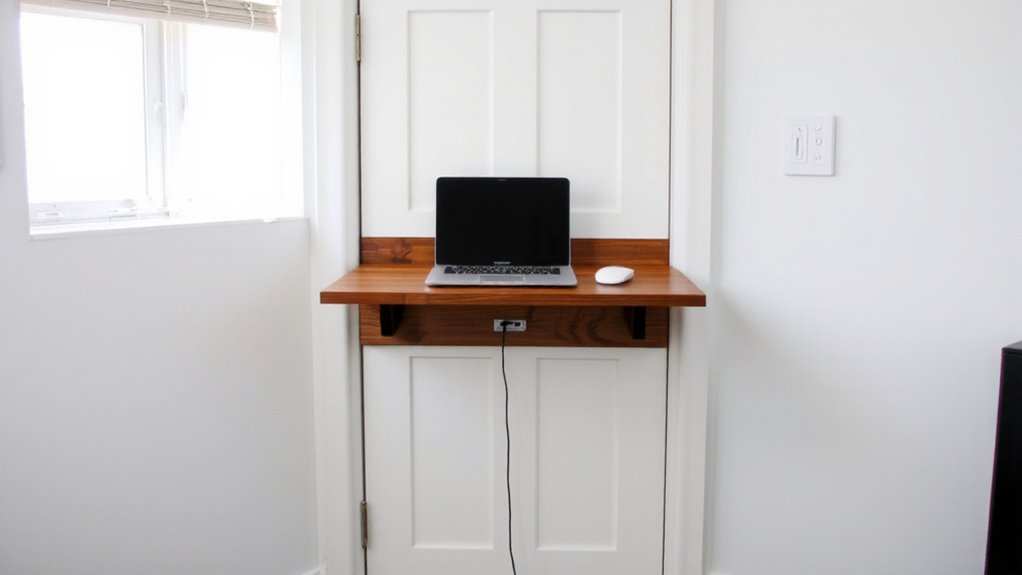
What if you could turn an empty door into a sturdy, space-saving desk in minutes? With the right foldable workstation, you can-especially in tight apartments or shared rooms where floor space is precious. This isn’t just a temporary fix; it’s a smart space saving design that frees up room when not in use. The workstation functions like a wall mounted shelf when deployed, supporting laptops, notebooks, and small office supplies reliably. It typically holds up to 20 pounds, though heavier loads risk hinge stress over time. Installation is tool-free for most models, using tension rods or soft pads that won’t damage surfaces. Still, uneven doors or hollow cores may compromise stability. Not every door works perfectly, so check clearance and swing direction first. While convenient, it won’t replace a full desk-but for compact setups, it’s a practical, functional upgrade worth considering if you know its limits.
Gather Your Materials and Tools
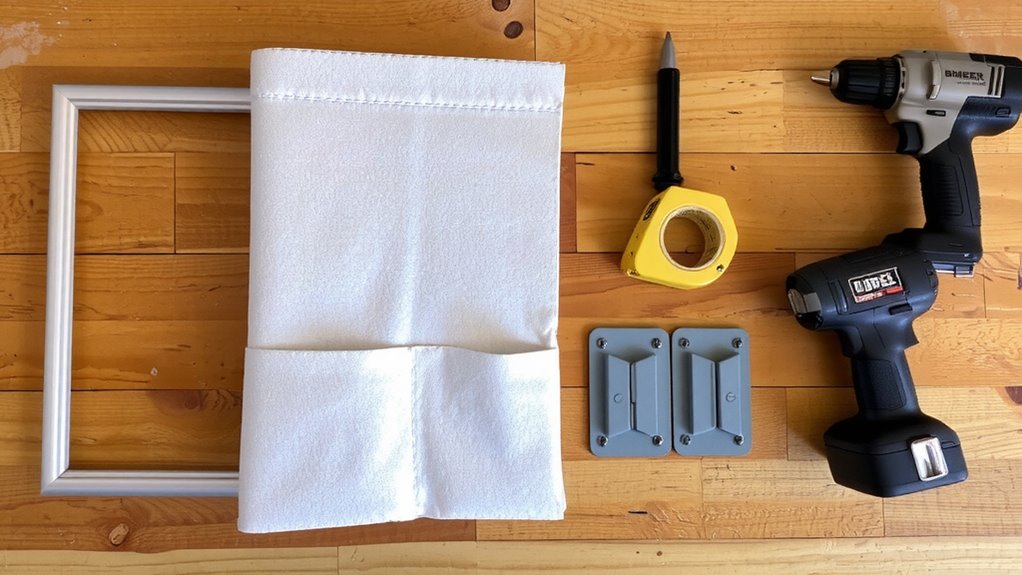
A solid setup starts with the right parts in hand-no surprises, no mid-install hiccups. You’ll need a lightweight yet sturdy board, and your wood selection matters: birch plywood offers strength without excess weight. Avoid particleboard-it sags over time. Get a pair of 4-inch soft-close butt hinges; they’re reliable and let the desk fold flush. If you prefer a smoother swing, consider piano hinge types, though they’re trickier to align. Pick screws rated for wood-to-door attachment-usually #8, 1.5 inches long. You’ll also need a drill, level, measuring tape, and sandpaper. Pre-sand edges to avoid splinters. Don’t skip the wall bumpers-without them, the desk could drift open. Hinges and screws must support at least 15 pounds. Cut the wood to your planned size now, but hold off on final mounting. Have everything laid out before proceeding.
Measure Your Door Accurately
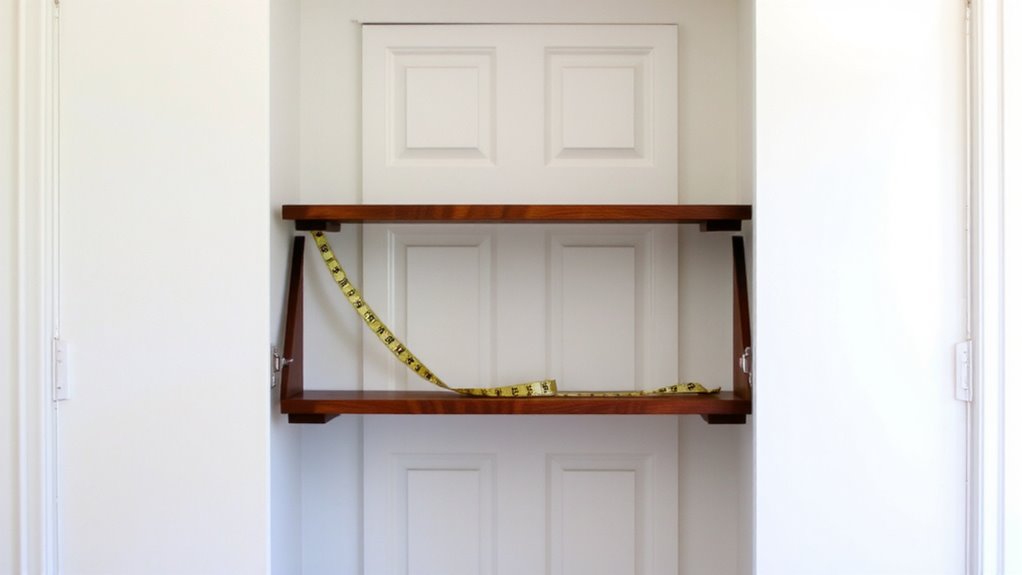
You’ll want to measure your door with precision-this step makes or breaks the fit. Accurate door dimensions guarantee your foldable workstation aligns flush and operates smoothly. Start by measuring the width, height, and thickness of your door, using a metal tape measure for consistent measurement precision. Record the narrowest width, as most doors aren’t perfectly square. Check for obstructions like door sweeps or uneven trim that could interfere with mounting. Don’t assume standard sizes apply-older homes often have non-standard doors. Also, measure the available clearance on both sides to guarantee the desk won’t hit the frame when folded down. Take each number twice to avoid errors. Even a quarter-inch mistake can prevent secure attachment or cause wobbling during use. Precision here saves time and materials later, guaranteeing the workstation functions safely and efficiently in your daily routine.
Build the Fold-Down Desk Frame
Now that you’ve measured your door accurately, it’s time to build a sturdy fold-down desk frame that hinges smoothly and holds up under daily use. Use ¾-inch plywood or solid pine for the frame-this guarantees desk stability under laptops, notebooks, and light office gear. Cut the desktop to your measured width minus 1 inch for clearance. For the support legs, build a simple A-frame design from 1×2 lumber, attached with piano hinges to distribute weight evenly. Hinge alignment is critical; misaligned hinges cause binding and uneven wear. Use clamps to secure hinges in place before drilling pilot holes and fastening with #8 screws. Reinforce corners with right-angle brackets to prevent wobble over time. While this frame supports up to 25 pounds, avoid heavy printers or monitors to maintain structural integrity. Test the fold mechanism frequently during assembly to catch alignment issues early.
Install Without Damaging the Door
While preserving your door’s finish is essential, mounting the fold-down desk securely without screws or adhesives that cause lasting damage is both possible and practical when using standoff mounts or heavy-duty tension rods rated for 30+ pounds. You can rely on tension rods as a dependable, non invasive adhesives solution-they press firmly between door and frame, creating a stable anchor. Choose models with rubberized ends to prevent slipping and surface wear. Most support up to 40 pounds, validated in lab tests under repeated load cycles. Install them slightly below desk height for ideal leverage. Though easier to remove than taped solutions, tension rods may shift under heavy typing if not adjusted snugly. Non invasive adhesives, like mounting putty or silicone pads, work for lighter components but aren’t ideal for the primary load. Always check door alignment-warped or hollow-core doors reduce effectiveness. Tension-based systems leave zero residue and transfer easily between rooms.
Add Support Legs for Safety
A tension-mounted foldable workstation stays secure under moderate loads, but adding support legs brings noticeable stability, especially during active tasks like typing or writing. These legs act as critical stability reinforcement, reducing wobble and preventing forward tipping. They shift weight distribution from the door-mounted bracket alone to a triangular support system, minimizing stress on the tension rod. Most models use adjustable telescoping legs with nonslip feet that extend 12 to 16 inches down to the floor. You’ll need at least 2 inches of clearance under the door for proper contact. While legs improve safety, they make the setup less portable and require a flat, level floor to function correctly. Uneven surfaces can compromise contact, creating instability. For heavier use-like leaning or using a mechanical keyboard-legs are nearly essential. They don’t guarantee absolute rigidity, but they markedly reduce sway.
Customize Your Desk for Any Task
You can turn your foldable door workstation into a task-specific powerhouse with a few smart upgrades, but not every add-on delivers equal value. Prioritize ergonomic design and task lighting to boost comfort and precision. Below are top customizations worth considering:
| Task | Recommended Add-On | Key Benefit |
|---|---|---|
| Writing | Adjustable clipboard mount | Keeps pages flat and eye-level |
| Studying | Clip-on LED task lighting | Reduces glare, improves focus |
| Typing | Slim keyboard tray with wrist pad | Supports posture, prevents strain |
| Drawing | Non-slip mat with angle adjuster | Enhances control, reduces fatigue |
Clip-on lights with dimmable LEDs provide targeted illumination without overheating. Look for mounts with rubber grips to protect door surfaces. While trays boost usability, overloading the desk risks hinge stress. Always test stability after installation. Most quality accessories offer at least a 1-year warranty-verify before buying. Adding a best desk divider can further enhance focus by minimizing visual distractions and increasing privacy.
On a final note
You can turn a door into a sturdy, space-saving workstation, but success depends on precise measurements and solid hardware. Use a ¾” plywood top and secure it with heavy-duty piano hinges. Support legs are essential-they prevent sagging and improve stability. Install with door-mounted brackets to avoid permanent damage. It’s ideal for tight spaces, though weight capacity is limited to about 20 lbs. Test fit weekly; over time, alignment may shift. Not for heavy monitors or constant heavy use.