Monitoring Heat Maps Inside Equipment Closets Using Infrared Thermometers
You can map heat in your equipment closet quickly with an infrared thermometer-it’s non-contact, accurate to ±2°F, and has a 12:1 distance-to-spot ratio for safe use in tight spaces. It shows surface temps, not internal ones, so use it weekly to catch hot spots above 35°C, especially in dense racks. Pair scans with airflow checks and cleaning. Missed hot zones or poor ventilation still pose risks, but consistent tracking helps prevent failures-smart routine choices make all the difference.
Notable Insights
- Infrared thermometers map surface temperatures without contact, ideal for scanning equipment in tight or elevated spaces.
- Use a 12:1 distance-to-spot ratio to accurately measure heat from a safe distance in crowded closets.
- Focus scans on intake and exhaust areas of routers, switches, and power supplies to detect cooling inefficiencies.
- Identify hot spots above 35°C (95°F) during systematic top-to-bottom sweeps for early overheating warnings.
- Combine regular infrared scans with airflow checks and blanking panel use to prevent heat buildup and recirculation.
Stop Overheating Before It Crashes Your Network
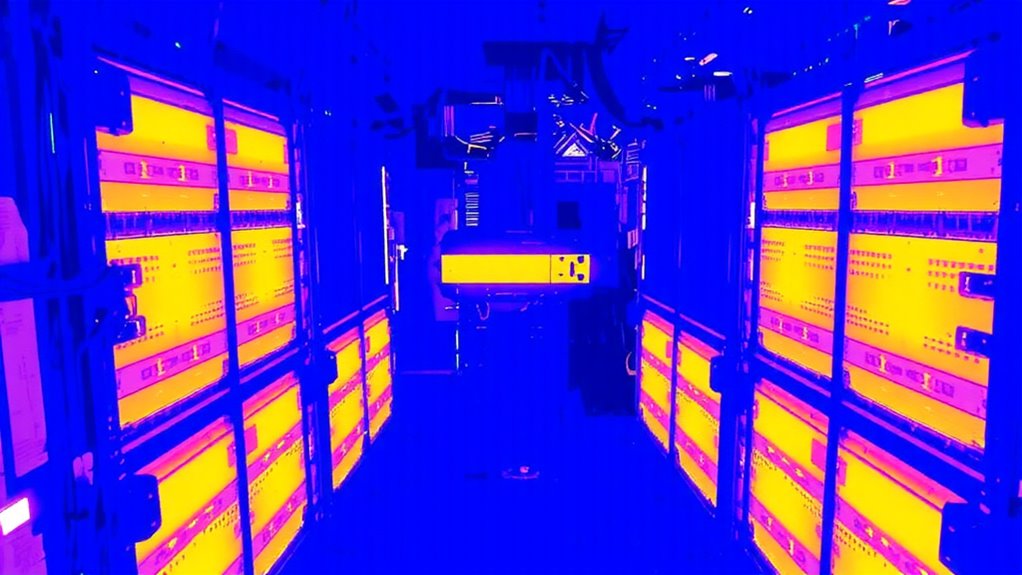
How often do you check your router or switch temperatures-really check them-before a midday crash disrupts your video call or halts a critical file transfer? You shouldn’t wait for warning lights. Regular thermal imaging scans reveal hidden heat buildup others miss. Hotspots often lurk where poor air circulation traps warmth behind tightly packed gear. An infrared thermometer helps you map trouble zones early, before hardware fails. Look for surface temps above 45°C-common in closet setups lacking ventilation. While non-contact sensors can’t replace built-in monitoring, they add a critical layer of real-world data. Just make sure to calibrate correctly and scan consistently. Results vary based on distance and reflectivity, so treat readings as estimates. Still, when used wisely, thermal imaging gives you time to adjust rack spacing or add passive vents-simple moves that prevent expensive outages and extend equipment life.
How to Scan Equipment Closets for Hot Spots in 5 Minutes

You’re not blind to the warning signs-warm air spilling from a half-open closet door, a router that’s too hot to touch, or that nagging slowdown during peak hours. Catching hot spots in five minutes is doable if you’re systematic. Start by mapping the equipment layout, noting how densely devices are packed and where heat-generating units sit. Then trace airflow patterns-look for blocked vents, recirculated air, or cold air bypassing gear entirely. Check intake and exhaust areas of switches, routers, and power supplies; clusters of temps above 35°C (95°F) signal trouble. Time yourself moving from top to bottom, left to right, to cover all zones. Avoid assumptions-just because a closet feels cool doesn’t mean hidden spots aren’t overheating. This quick scan won’t replace detailed monitoring, but it reveals immediate risks worth fixing.
Find Hidden Heat With an Infrared Thermometer (No Contact Needed)
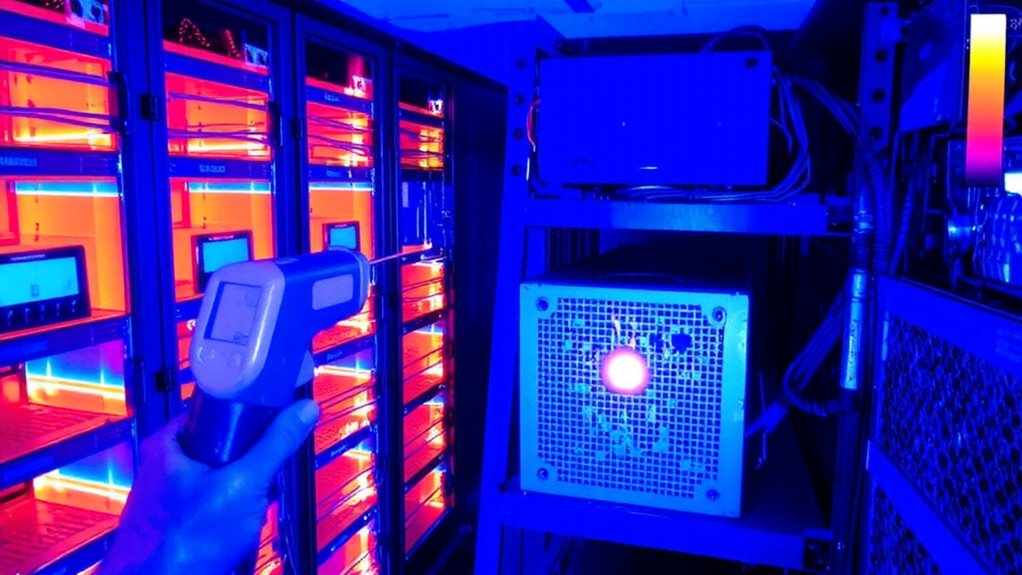
What if you could spot overheating equipment without touching a single component? With an infrared thermometer, you can. These handheld tools use thermal imaging to detect surface temperatures from a distance, helping you map heat patterns across racks and panels in seconds. You’ll quickly identify hot spots that indicate poor airflow or failing hardware-issues that often lead to energy loss over time. Just aim, pull the trigger, and read the temperature on the display. Most models offer a distance-to-spot ratio of 12:1, meaning you can scan high or tight spaces safely. While not as detailed as full thermal cameras, they’re accurate within ±2°F. Just remember: they only measure surface heat, so internal issues may go undetected. Use them regularly, but don’t rely on them alone.
Fix These 5 Common Heat Problems in Network Closets
Ever walked into a network closet only to feel a blast of hot air? That heat likely stems from poor cable management and bad ventilation placement. Tangled cables block airflow, trapping warm air around switches and routers. You need open pathways so cool air reaches every device. Mount blanking panels where there are open rack spaces-yes, they matter. Improper ventilation placement, like putting intake fans near exhausts, creates recycling hot spots. Position intakes at the bottom, exhausts at the top-hot air rises, so work with physics. Avoid overloading circuits; more power means more heat. Check device specs: some switches exceed 95°F internal temps under load. Reorganize cables with Velcro ties, not zip ties-they’re faster and safer. Yes, cleanup takes time, but unchecked heat cuts equipment lifespan and risks outages.
Build a Simple Heat Monitoring Routine That Prevents Downtime
While temperature spikes can lead to hardware failure, setting up a reliable heat monitoring routine doesn’t require expensive gear or constant oversight. You can use an affordable infrared thermometer to scan key spots weekly, focusing on densely packed racks and enclosed cabinets. Check your equipment layout to guarantee heat-generating devices aren’t stacked tightly, which restricts airflow optimization. Keep at least 1–2 inches of space around units and avoid blocking intake or exhaust vents. Mount fans or passive vents if needed, especially in wall-mounted closets. Record temperatures over time to spot trends-consistent readings above 80°F (27°C) near components mean it’s time to reevaluate. While routine checks help, they’re not foolproof; infrared thermometers measure surface temps only, so internal heat might be higher. Still, this simple habit catches issues early and boosts system reliability without costly tools.
On a final note
You should get an infrared thermometer-it spots overheating gear fast, helping avoid network crashes. Models like the Fluke 62 Max+ give accurate readings in seconds, no contact needed. Just scan switches, routers, and power strips monthly. But remember, it only measures surface heat, not internal temps, so pair checks with airflow audits. Keep units under 86°F (30°C) for safety. It’s not magic, but done right, it boosts uptime.