How to Optimize a Sit-Stand Routine for Preventing Lower Back Pain
To optimize a sit-stand routine for lower back pain, switch positions every 30–60 minutes to reduce disc pressure without overloading your legs. Use a desk that allows 90° elbows and a monitor at eye level, wear supportive shoes with cushioned soles, and stand on an anti-fatigue mat with firm support. Start with 15-minute standing intervals, then build up. Consistency matters more than perfect timing-your spine benefits most when movement becomes routine. Adjust based on how your back and feet feel, since comfort varies by body and job. Small, frequent changes add up, and you’re likely to see improvements within a few weeks if you stay consistent.
Notable Insights
- Alternate between sitting and standing every 30 to 60 minutes to reduce prolonged spinal load.
- Maintain proper standing posture with elbows at 90° and monitor at eye level.
- Use an anti-fatigue mat and supportive footwear to minimize lower limb and back strain.
- Gradually increase standing duration starting with 15–20 minute intervals to build endurance.
- Engage core muscles and avoid locking knees to support spinal alignment while standing.
Why Sitting Hurts Your Lower Back (And Why Standing Helps)
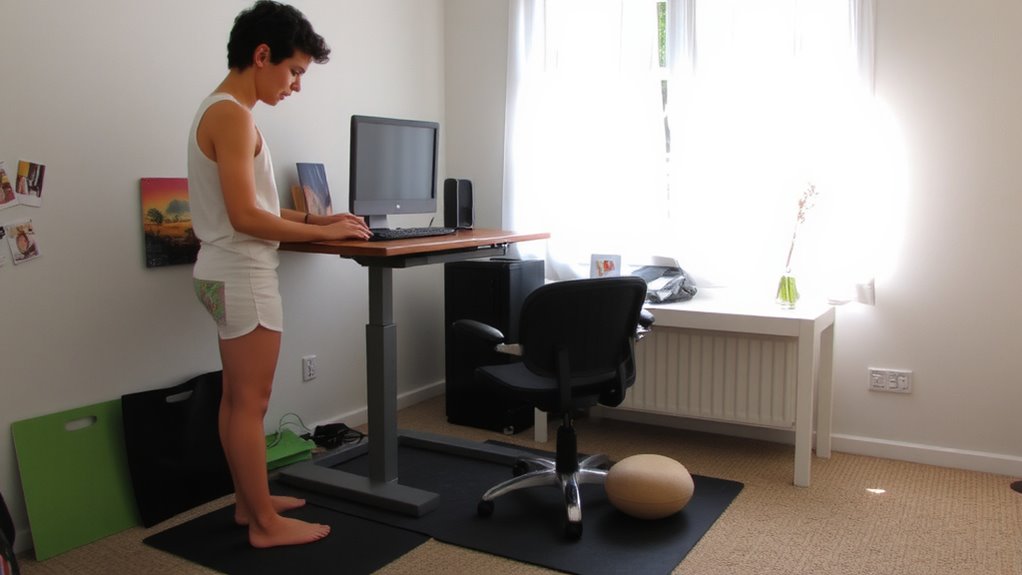
While sitting might seem like a restful position, it actually increases pressure on your lower back-especially when you’re slouched in a standard office chair. This posture intensifies spinal compression, squeezing discs unevenly and raising injury risk over time. Prolonged sitting also contributes to muscle atrophy, weakening your core and glutes, which your spine relies on for support. Standing, in contrast, distributes weight more evenly and engages postural muscles, reducing disc strain. However, standing too long has trade-offs-leg fatigue and increased lower limb swelling are common. You’re not trading one fix for another; you’re varying loads to prevent overuse. A sit-stand routine helps, but effectiveness depends on consistent shifts, proper desk height (elbows at 90°), and footwear. No desk setup cancels poor movement habits. Success hinges on discipline, not gear-so focus on routine first, then refine equipment. For optimal ergonomic support, consider investing in one of the best standing desks recommended for balanced workspace design.
How Often to Use a Sit-Stand Routine for Back Pain Relief
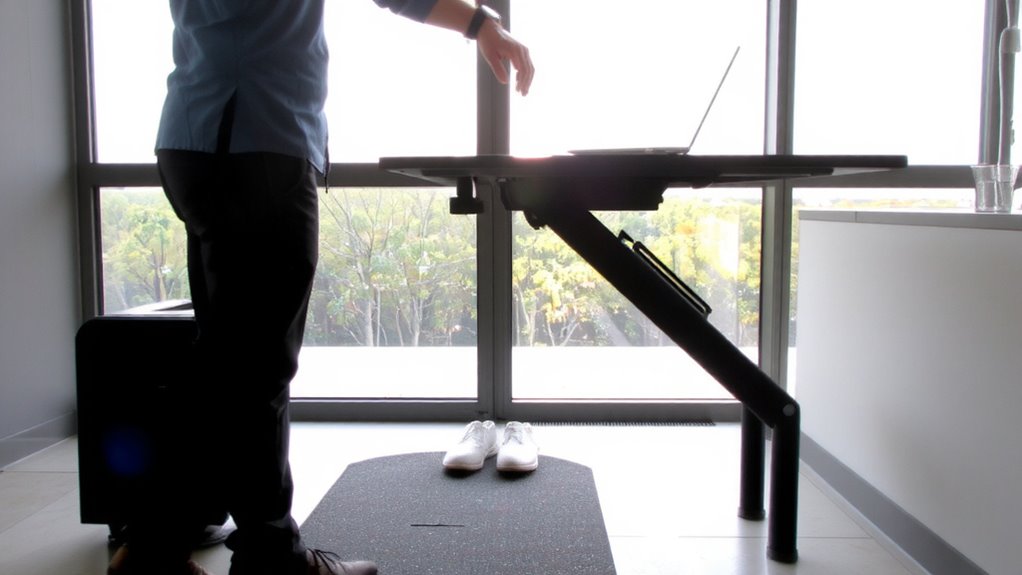
You should switch between sitting and standing every 30 to 60 minutes to manage lower back pain effectively. This frequency balance prevents fatigue and supports circulation without overloading your spine or legs. Regular posture shifts reduce prolonged pressure on your lumbar discs, easing discomfort over time. Start with shorter standing intervals-15 to 20 minutes-and gradually build up as your body adapts. Standing too long can cause new issues like leg strain or foot pain, so don’t push past discomfort. Listen to your body: if you feel tired or aching, sit and regroup. Consistency matters more than duration. Using a timer or smart desk app can help maintain rhythm without distraction. There’s no universal schedule-your ideal pattern depends on your activity level, job demands, and pain history. Aim for sustainable changes, not perfection. Top-rated standing desk converters provide reliable height adjustment and stability for seamless transitions.
Adjust Your Desk and Monitor for Standing Comfort
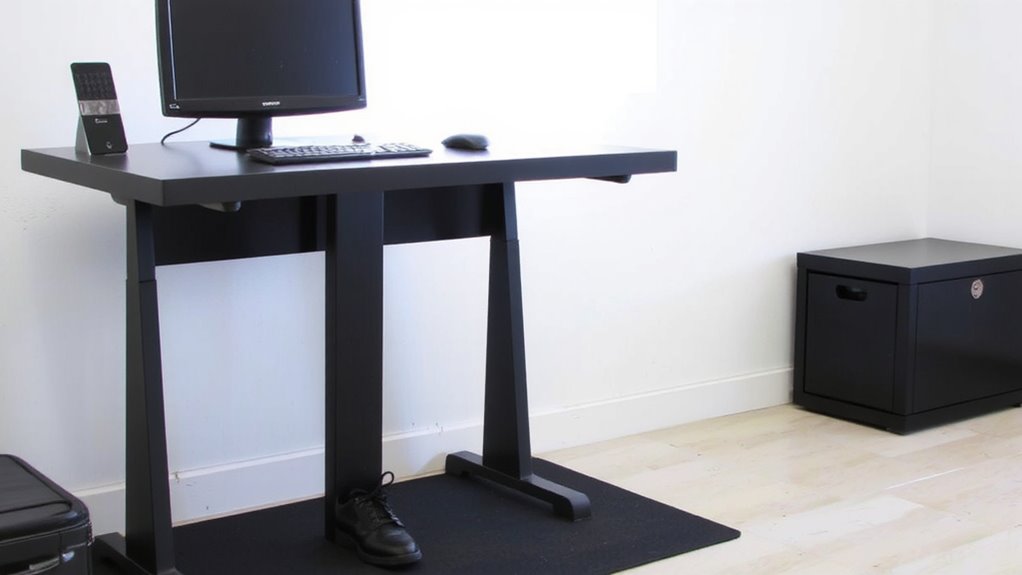
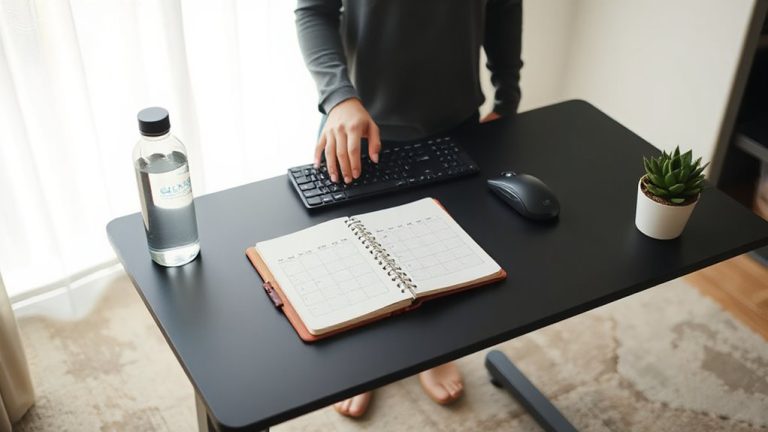
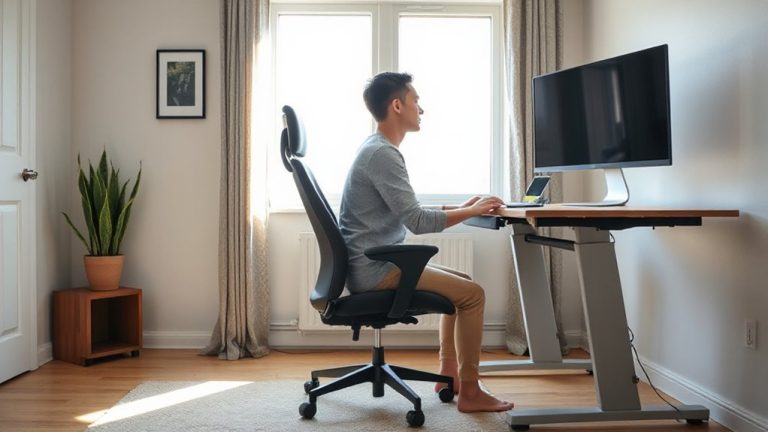
Your standing desk setup can make or break your comfort-get the height right, and you’ll stand with less strain and better posture. Proper desk alignment and monitor height are essential for reducing neck and back strain during standing work sessions. Your elbows should bend at 90° when typing, with wrists straight and shoulders relaxed. The top of your screen should be at or slightly below eye level to avoid tilting your head. A well-chosen standing desk converter can simplify transitions between sitting and standing, supporting consistent posture changes throughout the day.
| Component | Ideal Position | Adjustment Tip |
|---|---|---|
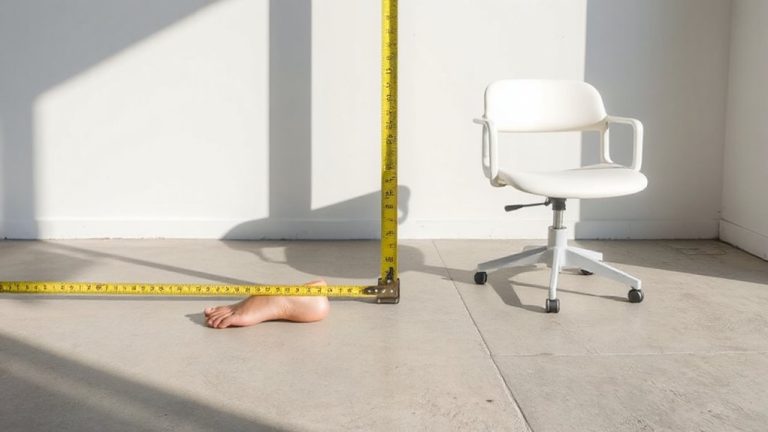
| Desk Height | Elbows at 90° | Measure from floor to elbow crease |
| Monitor Height | Top at/below eye level | Use a stand or mount |
| Screen Distance | 20–40 inches from eyes | Prevents squinting and leaning |
| Keyboard | Flat, directly in front | Avoid extended wrists |
Poor alignment risks fatigue; even premium desks won’t fix bad ergonomics.
Wear the Right Shoes on Supportive Floors
A supportive pair of shoes and an ergonomic floor mat can make standing work not only bearable but sustainable over time-opt for footwear with cushioned soles and arch support, like those designed for nursing or retail work, since they absorb impact and reduce strain on your lower back. Good shoe cushioning spreads pressure across your foot, decreasing load on the spine. Pair them with a anti-fatigue mat that offers firm support and reliable floor traction to prevent slips, especially in busy workspaces. Avoid overly soft mats or flat shoes like flip-flops-they lack structure and increase instability. While cushioned sneakers help, prolonged standing in any shoe demands breaks and posture shifts. Choose breathable materials and a proper fit to prevent foot fatigue. These choices matter most if you stand more than 30 minutes hourly. No shoe or mat eliminates risk entirely-use them as part of a broader strategy, not a standalone fix.
Build a Daily Sit-Stand Schedule to Reduce Pain
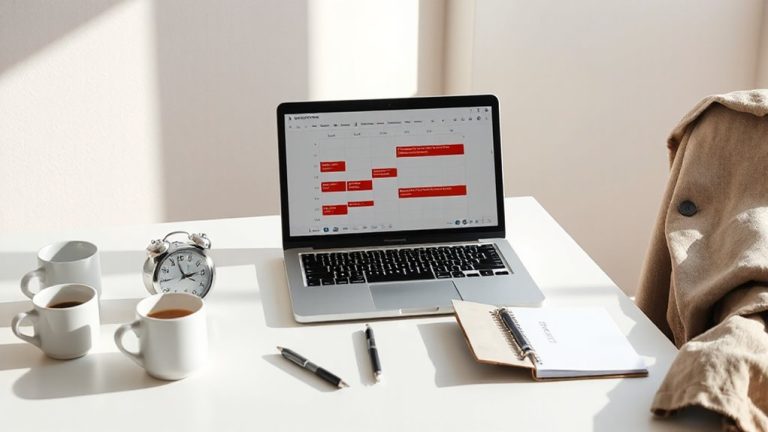
Standing all day isn’t the fix-neither is sitting all day. You need a balanced sit-stand schedule to reduce lower back pain. Start with 30 minutes sitting, then stand for 15, repeating this cycle through the workday. Use a timer or smart desk to stay consistent. When sitting, lean back fully in ergonomic chairs that offer adjustable lumbar support-this maintains your spine’s natural curve and reduces disc pressure. Prolonged slouching without lumbar support increases strain, even in well-designed seats. Standing too long without breaks can cause leg fatigue, so don’t exceed 45 minutes upright without sitting. Alternate gradually to help your body adapt. Track pain levels and adjust timing. While no schedule works perfectly for everyone, combining movement variety with proper ergonomic chairs and lumbar support improves comfort for most users within a week of consistent use.
On a final note
You should try a sit-stand routine-it can reduce lower back pain for many people, especially when done every 30 to 60 minutes. Pair an adjustable desk with anti-fatigue flooring and supportive shoes to stay comfortable. But don’t overdo standing; too much causes leg or foot strain. Results vary-some feel better in days, others see no change. Test for at least two weeks, track your pain, and adjust height and timing based on real comfort.