How to Certify Data Erasure for Compliance When Recycling Home Office Equipment
Use certified wiping software like Blancco or DBAN that follows DoD 5220.22-M or NIST 800-88 standards to permanently erase data from your hard drives and SSDs. Confirm compatibility with SATA, NVMe, or IDE interfaces, and always generate a verification report for each drive. For encrypted drives, securely delete encryption keys-it’s fast and compliant. Avoid factory resets; they leave data behind. Physical destruction guarantees total security but kills reuse. Audit-ready logs tied to device IDs prove compliance and traceability-keep them on file.
Notable Insights
- Use compliance-certified software like Blancco or DBAN to erase data according to standards such as NIST 800-88 or DoD 5220.22-M.
- Generate automated erasure certificates that link device serial numbers, data ownership, and wipe timestamps for audit trails.
- Inventory all storage devices, including smartphones, printers, and external drives, to ensure no device is overlooked during sanitization.
- Verify complete data removal by reviewing software reports confirming 100% sector overwriting or successful sanitize command execution.
- Apply physical destruction for damaged or high-risk devices, ensuring irreversible erasure supported by destruction certificates.
Pick the Right Data Wiping Method for Your Device
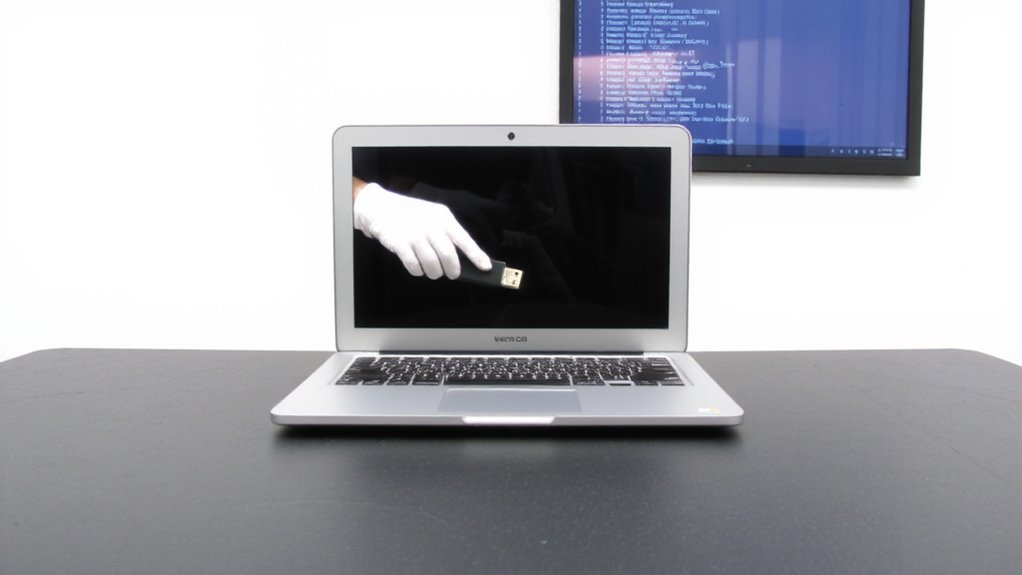
How do you know if your old hard drive is really wiped clean? You need a method that guarantees both device compatibility and reliable wipe verification. Not all wiping tools work across different storage types-so confirm your software supports your drive’s interface, whether it’s SATA, IDE, or NVMe. For magnetic hard drives, a multi-pass overwrite like DoD 5220.22-M usually suffices, but SSDs require specialized tools that use built-in sanitize commands due to wear leveling. Always generate a verification report post-wipe; it’s essential for compliance. Free tools may lack certification or audit trails, so consider reputable options like Blancco or DBAN for verifiable results. Physical destruction guarantees erasure, but it eliminates reuse. Remember: improper wiping leaves data recoverable, so test the output yourself when possible. Choose carefully-your privacy depends on it.
Identify All Devices That Store Sensitive Information
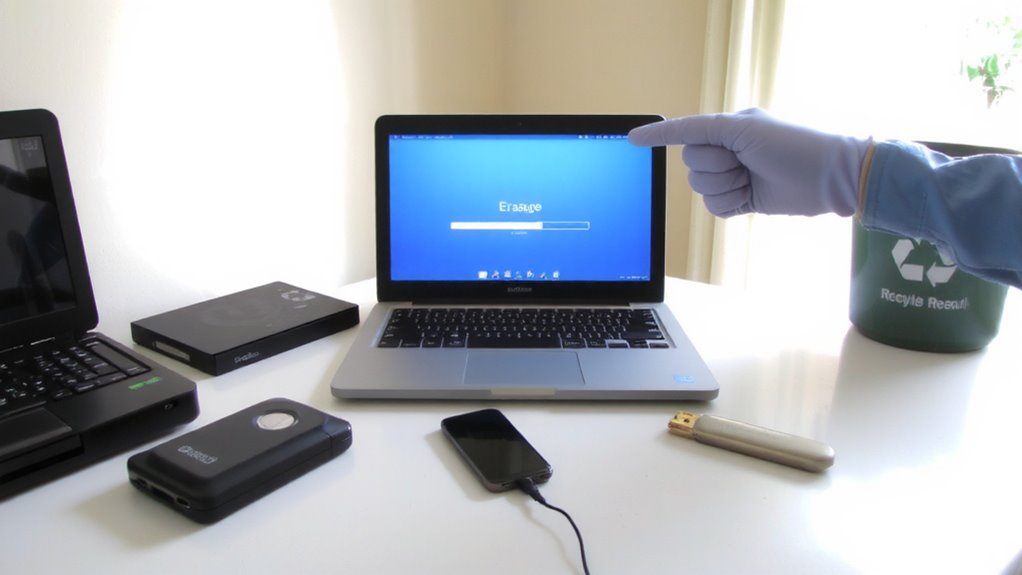
Every forgotten USB drive or backup disk is a potential liability when it comes to data security. You need a complete device inventory to avoid leaks. Start by listing every piece of hardware that stores data-laptops, external drives, smartphones, even old printers with internal memory. Don’t overlook devices with embedded storage like docking stations or network-attached storage (NAS) units. Use storage mapping to track where sensitive data lives across your home office setup. This step isn’t optional; missing one device risks compliance failures under regulations you must follow. Be thorough-older or rarely used gear often gets skipped. Label each item with its data type and retention status. While tedious, accurate mapping reduces risk and simplifies audits. Remember, certification starts with knowing exactly what needs erasure, not guessing what might be safe. A reliable top external hard drives list can help identify high-risk devices commonly used for backups.
Use Wiping Software That Meets GDPR, HIPAA, or CCPA
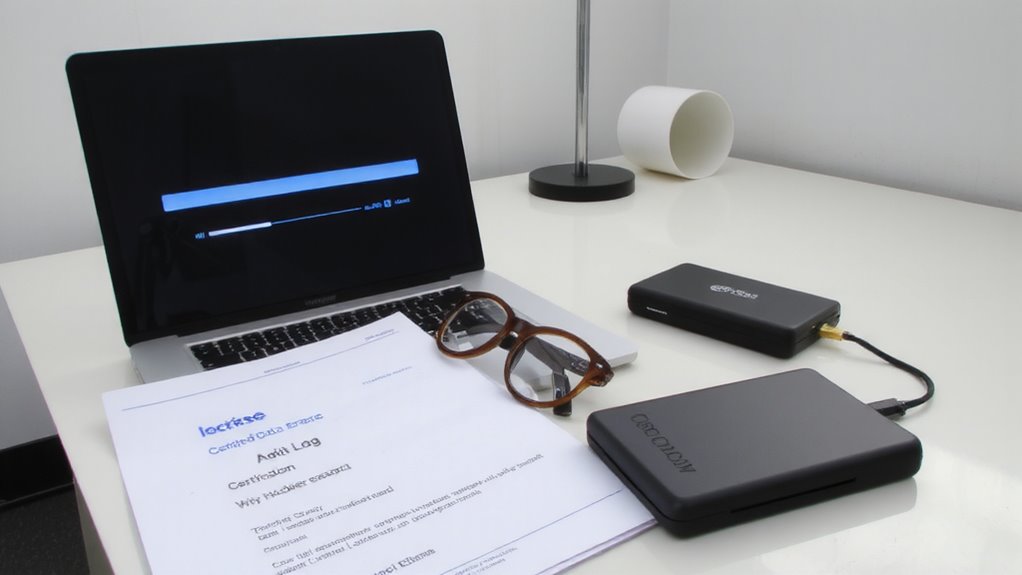
When it comes to deleting sensitive data from your devices, simply dragging files to the trash won’t cut it-only certified wiping software can reliably meet GDPR, HIPAA, or CCPA standards. You need tools that perform multiple overwrite passes, ensuring data can’t be recovered through forensic methods. Look for software that supports DoD 5220.22-M or NIST 800-88 guidelines, as these are widely accepted for compliance. If your device uses full-disk encryption, securely erasing the encryption keys is just as effective-and much faster-than overwriting the entire drive. But be cautious: SSDs and NVMe drives handle overwrites differently than HDDs, so your software must account for wear leveling and TRIM. Always verify that the wiping tool is compatible with your hardware and operating system. While certified software costs more, it reduces the risk of data leaks and legal exposure.
Get Audit-Ready Proof Your Data Is Gone
Why take the risk of claiming your data’s gone without proof? You need audit-ready documentation to verify erasure, especially when handling devices with sensitive company information. Reputable wiping software doesn’t just erase-it generates certificates for every device, linking data ownership to specific users and ensuring clear accountability. These reports are essential for compliance during audits. Pair this with solid asset tracking so you know which devices were wiped, when, and by whom. Without tracking, you can’t prove the chain of custody, creating gaps in compliance. Remember, a certificate only helps if it’s accurate and tied to a real device record. Some tools integrate erasure reports directly into asset management platforms, streamlining verification. But not all solutions offer this-check compatibility before committing. Manual logging works but increases error risk. Either way, documented proof turns a guess into evidence.
Confirm That Data Can’t Be Recovered
Even if a device appears empty, that doesn’t mean the data’s truly gone-so don’t assume a factory reset is enough. Data remanence can leave traces recoverable with forensic tools, especially on SSDs and hard drives. To guarantee data can’t be retrieved, use certified erasure software that overwrites every sector multiple times, following standards like NIST 800-88. Verify success by reviewing the erase report, which should confirm 100% completion across all blocks. For maximum security or damaged devices, opt for physical destruction-crushing or shredding the drive-so no data can be reconstructed. While destruction guarantees security, it eliminates reuse options. Always match your method to sensitivity of data; financial or personal records demand stricter measures. Neither erasure nor destruction is foolproof if done poorly, so rely on certified tools and services with tamper-proof logs. Your confidence comes from proof, not promises.
Recycle or Donate Devices Only After Full Verification
Don’t let good intentions override due diligence-recycling or donating old devices risks data exposure if you skip final verification. Before releasing any equipment, confirm erasure success and assess device ownership status to avoid legal or compliance missteps. A device may appear wiped, but residual data can persist without proper validation tools. Always use certified software that provides audit-ready reports for full accountability.
| Step | Action | Outcome |
|---|---|---|
| 1 | Verify complete data erasure | Guarantees no recoverable data remains |
| 2 | Confirm device ownership | Prevents unauthorized disposal |
| 3 | Check donation eligibility | Determines reuse readiness and compliance |
Donation eligibility doesn’t guarantee data safety-many programs accept hardware without verifying wipes. Reuse is eco-friendly, but only when verification precedes transfer. Recycle responsibly when devices fail checks.
On a final note
You should always certify data erasure before recycling home office gear. Use wiping software that meets GDPR, HIPAA, or CCPA standards-tools like Blancco or DBAN offer verifiable, overwrite-based clearing. Confirm with post-wipe validation scans that data can’t be recovered. Keep detailed audit logs as proof. Physical destruction beats software for highest risk cases. Balance cost, effort, and sensitivity-don’t assume factory resets are enough. Recycle only after full verification to stay compliant.