How to Match Ambient Light Levels to Recommended Lux Standards for Office Work
You should aim for 300–500 lux on your desk, depending on the task-300 for screen work, 500 for detailed writing or editing. Use a light meter to check levels at desk height, since visual guesswork fails. Pair adjustable LED panels (4000K, CRI 90+) with natural light near south-facing windows, and install dimmers or sensors to balance brightness. Replace aging fixtures showing depreciation. Fixtures with 800–1,200 lumens and wide diffusion help hit targets without glare. Uneven lighting or headaches mean you’ll want to fine-tune fixture placement and shielding.
Notable Insights
- Use a light meter to measure illuminance at desk height, ensuring readings align with 300–500 lux standards.
- Position workstations near windows to leverage natural light, targeting 300–500 lux on surfaces without glare.
- Install LED panels with 4000K color temperature and high CRI to enhance visibility and visual comfort.
- Apply task-based zoning, delivering 500 lux for detailed work and 300 lux for general office tasks.
- Integrate controls like dimmers and sensors to maintain consistent light levels and reduce overlighting risks.
Understand Lux Levels and Why They Matter
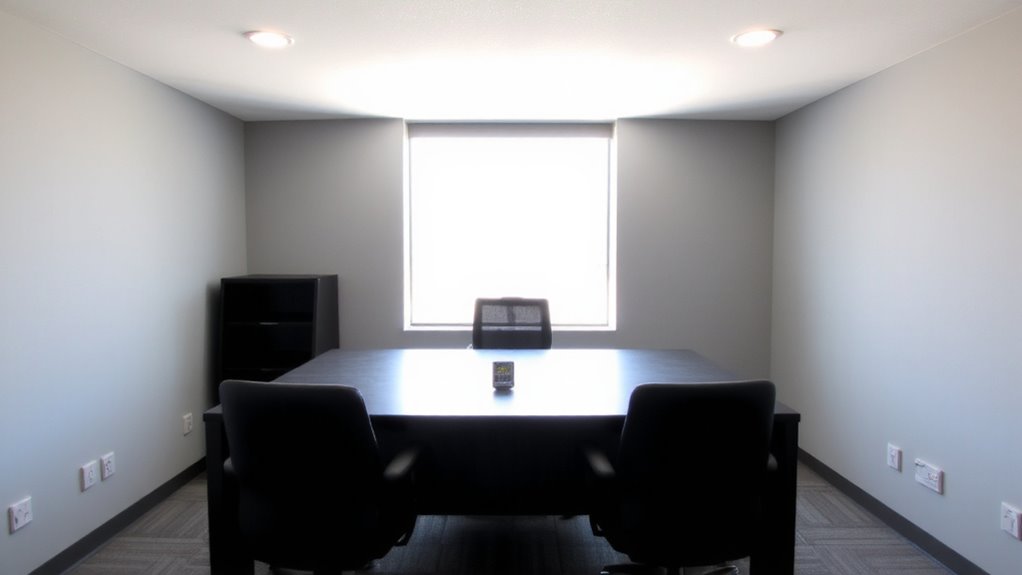
Lighting starts with understanding lux-the standard unit measuring how much light actually reaches your work surface. You need at least 300–500 lux for most office tasks to maintain visual clarity and reduce eye strain. Poor light quality-harsh glare or uneven brightness-can cause discomfort and fatigue, even if lux levels seem adequate. It’s not just about brightness; color temperature around 4000K and high CRI (90+) enhance contrast and accuracy, supporting focus and long-term comfort. But don’t assume more is better-exceeding recommended levels wastes energy and can increase glare, hurting rather than helping. Adjustable LED panels with diffusers let you fine-tune output based on room layout and natural light. They typically last 25,000+ hours and come with 3–5-year warranties. Still, real-world performance depends on proper placement and regular maintenance. Monitor your setup: flicker or shadows mean it’s time to reassess. For content creators, choosing the right lighting includes selecting from the best desk lamps for content creators to ensure optimal illumination for both screen work and video production.
How Much Light Do Office Tasks Need?
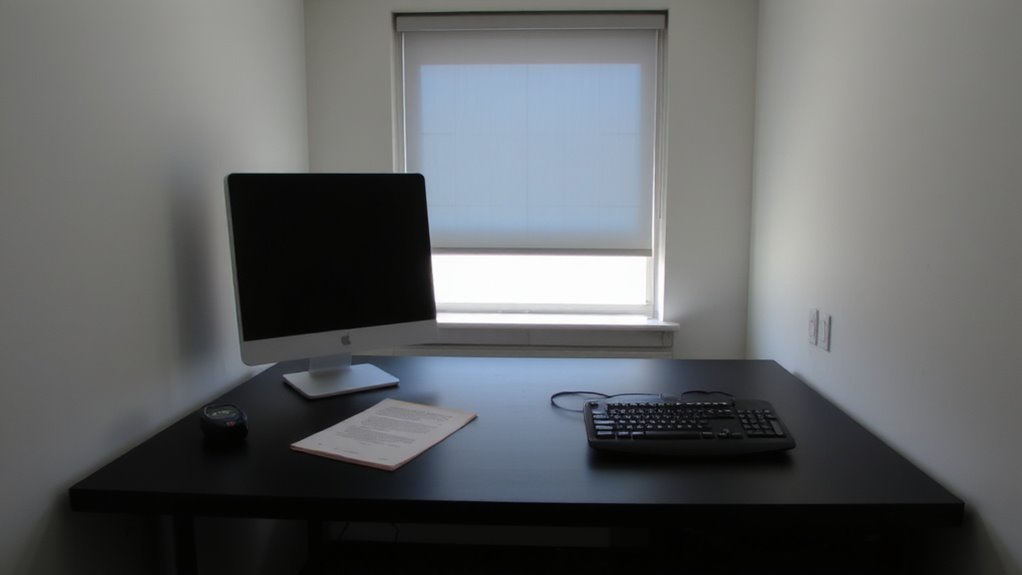
Most office tasks thrive under 300 to 5 motivelux, but the ideal level depends on the work you’re doing. If you’re reading documents or working on a computer, 300 lux is usually enough and supports visual comfort without glare. For detailed tasks like drafting or editing printed text, aim for 500 lux-higher task illumination reduces eye strain and improves accuracy. Precision matters: too little light forces your eyes to work harder, while too much creates reflections on screens. Balance ambient light with localized task illumination, like an adjustable desk lamp, to meet needs without overlighting. Remember, individual preferences and screen types affect outcomes. Some people need more light due to age or vision changes. Guarantee lighting is uniform and flicker-free. Test different setups in actual work conditions. Keep in mind that sustained performance depends on consistent visual comfort, not just brightness. An adjustable desk lamp can provide targeted illumination that complements ambient lighting and meets recommended lux levels for student and office environments.
Measure Light Levels in Your Office
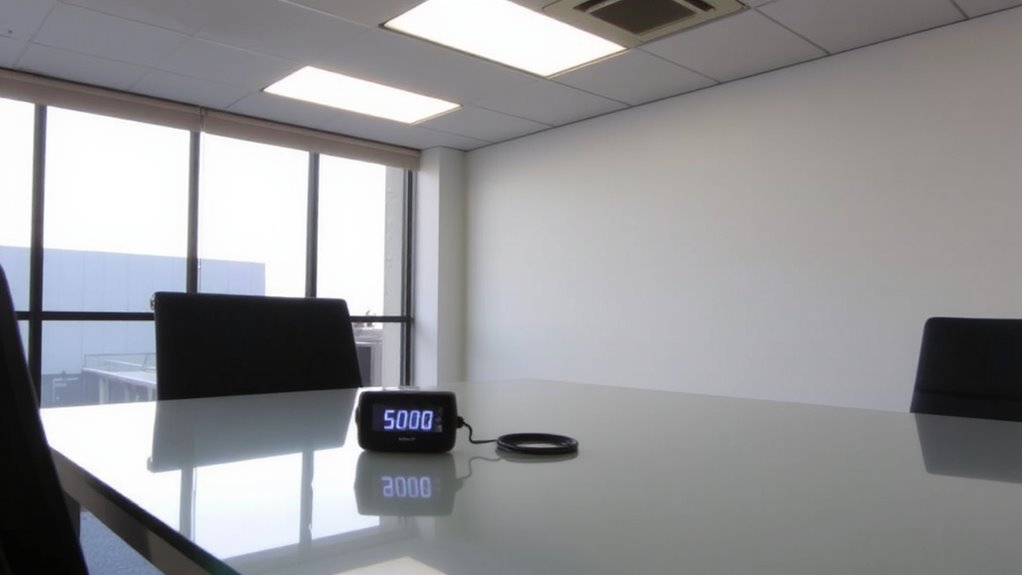
You’ll want to check your office lighting with a reliable light meter before making any changes, especially since visual comfort hinges on accurate measurements, not guesswork. Light color and lamp age both affect readings, so test under normal usage conditions. Older lamps dim over time and shift in color temperature, potentially dropping lux levels below standard thresholds even if they appear bright. Always measure at desk height and across multiple workspaces to account for variations.
| Area Tested | Avg. Lux Level | Notes |
|---|---|---|
| Near window | 450 lux | Slightly above standard, consistent |
| Center desk | 320 lux | Below target; aging fluorescent visible |
| Back cubicle | 180 lux | Poor output, warm light color indicates old lamps |
Replace fixtures showing significant depreciation, but verify with meter readings-not assumptions.
Use Natural Light to Improve Lux Levels
Why settle for uneven lighting when daylight can do half the work? You can markedly improve your office’s lux levels by leveraging natural light through smart window placement and daylight harvesting. Position desks near south- or east-facing windows to maximize consistent morning and midday sunlight, aiming for 300–500 lux at the work surface. Use light-colored walls and open floor plans to reflect and distribute daylight deeper into the space. Daylight harvesting systems, which pair photosensors with dimmable electric lights, automatically reduce artificial output when sunlight is sufficient-cutting energy use without sacrificing illumination. But be cautious: glare and overheating can occur if windows lack proper shading or low-emissivity glazing. Monitor light levels regularly, since seasonal sun angles affect intensity. Natural light helps meet standards, but it’s not a standalone fix-balance it with controllable supplemental sources where needed.
Pick Fixtures for 300–500 Lux
When choosing light fixtures to maintain 300–500 lux-the range recommended for general office tasks-downlights and panel lights are your most reliable options, provided they’re selected with the right specs. Fixture selection hinges on lumen output, beam angle, and color temperature; look for fixtures emitting 800–1,200 lumens with a 60–90° spread and 4000K color temperature for balanced brightness and focus. Recessed LED downlights and flat LED panel lights both deliver even illumination without glare, but panels typically offer more uniform coverage. Always pair them with lighting controls like dimmers or occupancy sensors to adjust output based on natural light and occupancy, reducing energy use. Check for ENERGY STAR certification, at least a 3-year warranty, and independent photometric testing to confirm consistent performance. Poor placement or overly bright fixtures can still create hotspots, so follow spacing guidelines closely.
Light Different Office Zones Right
Lighting an entire office to a uniform 300–500 lux isn’t enough-different zones demand tailored solutions based on task complexity and layout. You’ll want to apply task based zoning: use 500 lux for detailed work like drafting or data entry, 300 lux for casual collaboration areas, and 200 lux in circulation spaces. This approach boosts visual comfort and reduces eye strain over long periods. Rely on adjustable LED panels or recessed downlights with high CRI (90+) to maintain color accuracy and minimize flicker. Position task lighting at desks to supplement ambient levels without glare. Keep in mind that poor layering-like depending only on overheads-can create shadows or harsh contrasts. While segmenting light by function improves performance, it requires precise fixture placement and controls like dimmers or occupancy sensors. Don’t overlook ceiling height or reflectance; they directly impact delivered lux. Plan each zone with measured output, not guesswork.
Watch for Too Much Light: Signs of Overlighting
Even if your workspace meets the recommended lux levels, going over 500 lux in general office areas can do more harm than good-overlighting strains your eyes, increases glare, and disrupts circadian rhythms over time. You’re likely dealing with overlighting if you notice persistent eye strain or glare issues, especially under overhead LEDs. Here’s how to spot key signs:
| Symptom | Likely Cause |
|---|---|
| Headaches by noon | Excessive brightness (>500 lux) |
| Screen glare | Direct light hitting monitors |
| Fatigue | Blue-rich light disrupting sleep |
Reduce overhead brightness and use task lighting to stay within 300–500 lux. Matte finishes on desks and monitors also help minimize glare issues. While brighter light might seem productive, it often worsens eye strain. Balance is key-measuring with a simple lux meter app can guide adjustments without costly gear. Choosing the right office lighting can make a significant difference in maintaining optimal ambient light levels.
On a final note
You should aim for 300–500 lux in your office-it’s proven to support focus and reduce eye strain. Use a light meter app to check levels, then adjust with LED panels or adjustable desk lamps. Prioritize diffused lighting to cut glare. Natural light helps, but rely on fixtures for consistency. Avoid overlighting; it causes discomfort. Balance is key-too little strains eyes, too much wastes energy. Test changes over a week to see what actually works.