How to Monitor Light Exposure With Apps to Optimize Circadian Rhythm Benefits
You can use light exposure apps like AYO or Timeshifter to track ambient lux and color temperature, helping align your circadian rhythm with natural light cycles. These apps use your phone or wearable sensor to log morning brightness (aim for >500 lux) and nighttime blue light, giving alerts to adjust your environment. For best results, pair app insights with consistent timing of light exposure. Keep in mind that sensor accuracy drops if your device is in a bag or pocket-placement matters. You’ll get clearer benefits when you combine app data with real-world lighting changes. There’s more to learn about fine-tuning your daily light schedule.
Notable Insights
- Use circadian rhythm apps with real-time light sensors to track daily ambient light exposure accurately.
- Prioritize morning light monitoring, especially outdoors, to capture circadian-resetting blue light above 500 lux.
- Sync apps with wearables for consistent light, sleep, and activity data integration.
- Enable dark mode alerts to avoid evening blue light that delays melatonin production.
- Maintain consistent device placement to ensure reliable light measurement and circadian insights.
Why Light Exposure Shapes Your Energy and Sleep
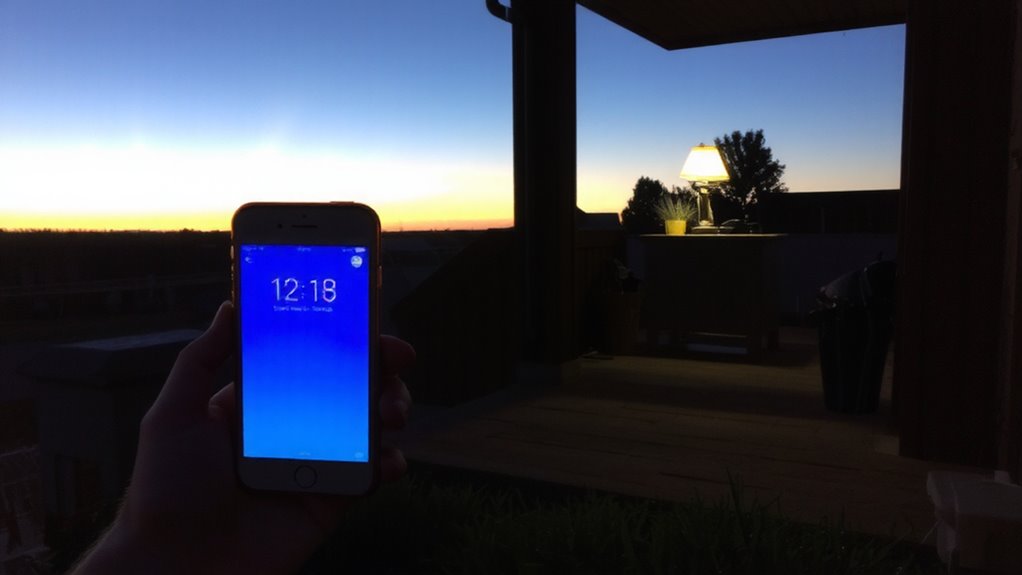
While your body’s internal clock runs on its own, it relies heavily on light exposure to stay in sync with the outside world, and getting this right can make a real difference in how alert you feel during the day and how well you sleep at night. Morning blue light-especially natural sunlight-helps suppress melatonin and reset your rhythm, boosting daytime energy. If you can’t get outdoors, light therapy lamps (typically 10,000 lux) can help, though results vary. Use them within an hour of waking for 20–30 minutes, aiming for indirect exposure to avoid eye strain. Be cautious with artificial blue light at night from screens and LEDs; it can delay sleep onset. These devices don’t replace good sleep hygiene, and overuse may cause headaches or jitteriness. Effectiveness depends on timing, duration, and individual sensitivity, so consistency matters more than intensity.
How Light Exposure Apps Track Your Day
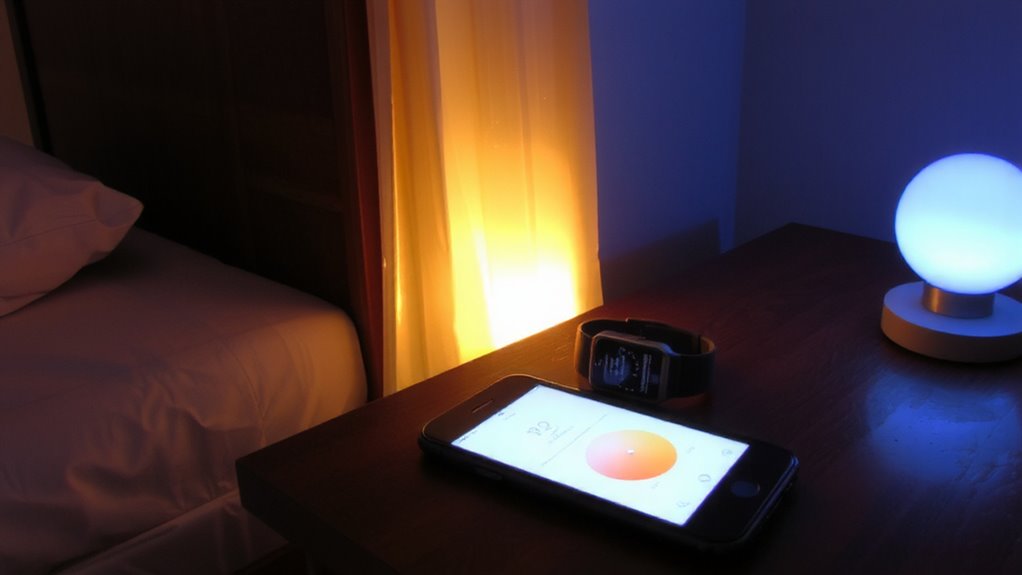
If you’re serious about aligning your circadian rhythm with your daily schedule, light exposure apps can give you a clear picture of how much natural and artificial light you’re actually getting throughout the day. These apps use your smartphone or wearable sensor to measure light intensity in lux, recording peaks during outdoor mornings and dips during dim indoor hours. With built-in time tracking, they log exposure patterns across hours, showing whether you’re getting enough bright light early in the day and avoiding blue-rich light at night. Most sync with health platforms to correlate light data with sleep and activity. While convenient, accuracy depends on your device’s ambient light sensor-some struggle in low light or near windows. You’ll get useful trends, but not lab-grade precision. Still, for casual monitoring, the feedback helps shape healthier habits without needing extra gear.
Top Features in Circadian Light Apps
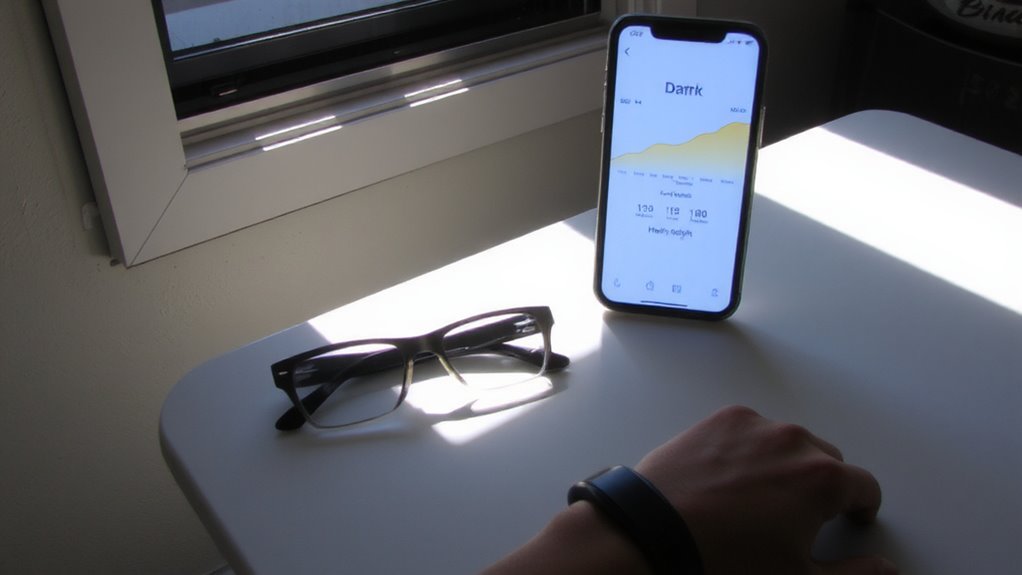
What makes a circadian light app worth using? It’s how well it pairs precise light sensors with an intuitive user interface. Great apps don’t just collect data-they make it actionable. Here’s what to look for:
| Feature | Why It Matters |
|---|---|
| Real-time light sensors | Detect ambient brightness and color temperature accurately |
| Simple user interface | Lets you adjust routines without confusion |
| Custom lighting schedules | Matches your sleep and wake times |
| Sync with wearables | Combines light data with activity and sleep tracking |
| Dark mode alerts | Warns when blue light may disrupt melatonin |
You’ll want apps that use actual sensor data, not just estimates. A clean layout helps you stay consistent. But remember, no app replaces good sleep hygiene. Accuracy varies, especially in low light, so check real-world tests before relying solely on readings.
Best Light Exposure Apps for Better Sleep
Wondering which light exposure apps actually help you sleep better? Try Timeshifter and AYO. Both track ambient light and personal UV index to tailor timing for better melatonin release. Timeshifter uses clinical sleep science and adjusts for travel, while AYO’s wearable design logs daylight exposure and detects glare sensitivity-useful if you work near bright screens. These apps send alerts to shift light levels before bed, based on real-time environmental data. Most users report falling asleep 15–20 minutes faster after consistent use. Still, accuracy depends on correct phone or device placement; a pocket or bag may skew results. They don’t replace blackout curtains or medical advice, especially for diagnosed sleep disorders. For office workers, glare sensitivity feedback can guide screen-position changes, but it won’t fix poorly lit workspaces. Pair app alerts with practical lighting adjustments to see real benefits.
Use Your Light App Data to Boost Energy and Sleep
Your light app data isn’t just for improving sleep-it can help you time light exposure to sustain energy during the day, too. By tracking light intensity and color temperature, you can plan brighter, cooler light (above 500 lux, 5000K+) in the morning to wake your brain and warmer, dimmer light (under 3000K) in the evening to ease into sleep. Apps like those tested in real-world office and home setups show strongest benefits when you align exposure with natural daylight patterns. But results depend on your schedule and environment-overhead LED panels or poorly timed screen use can skew readings. Some apps misjudge indoor light intensity near windows, so cross-check with manual logs. While not perfect, consistent data helps you make informed tweaks. Don’t expect dramatic changes overnight, but over time, better timing can improve alertness and sleep quality.
Connect Your Light App to Sleep and Fitness Trackers
Though syncing your light app with sleep and fitness trackers won’t fix poor sleep habits on its own, it can sharpen your understanding of how light impacts your energy and recovery when set up correctly. Data integration from devices like Fitbit, Oura, or Apple Watch gives you a fuller picture of circadian alignment. Sensor syncing lets your light app adjust recommendations based on actual sleep patterns and daytime activity.
| Factor | Benefit | Caveat |
|---|---|---|
| Sleep Stage Data | Improves timing of light exposure advice | Requires consistent wearable use |
| Step & Activity Logs | Balances light needs with exertion levels | Less accurate without GPS/sensors |
| Heart Rate Variability | Refines recovery-based light schedules | Varies by device quality |
Enable syncing in app settings, but remember: accurate insights depend on reliable wearables and daily usage.
Avoid These Light-Tracking Mistakes
Are you unknowingly skewing your circadian data with misplaced sensors or inconsistent use? You might be. Placing your light sensor where it catches indirect light or reflections leads to inaccurate light intensity readings, disrupting your rhythm tracking. Don’t clip it to your collar if you’re often facing downward-your device won’t capture the full spectrum your eyes experience. Also, ignoring glare sensitivity settings can overestimate daytime exposure, especially near bright windows or overhead LEDs. Most apps let you adjust for this, but only if you enable it. Consistency matters-wearing the tracker only half the day creates data gaps no algorithm can fix. Pair it daily with your glasses if you’re indoors often, since glass filters blue light. And remember: no app compensates for poor placement. Test different spots for a week and review logs to confirm accuracy. Real results need honesty in setup.
On a final note
You’ll likely boost energy and sleep by using light exposure apps like Sunzzz or Timeshifter, especially when syncing them with wearables that track circadian timing. These apps use location and light sensor data to guide ideal sunlight exposure and dimming schedules. But results depend on consistent use, accurate phone sensors, and your daily routine. No app replaces good sleep hygiene, and screen-based tracking can’t match clinical devices-yet it’s a practical step for most home office setups.