How to Train Family or Roommates to Recognize Your Video Meeting Hours
Set clear work hours and stick to them-post your schedule on a shared calendar and a whiteboard everyone can see. Use bold “Do Not Disturb” signs on your door and sync smart lights to turn red during meetings. Share your calendar with housemates, blocking calls and breaks so they know when you’re busy. Agree on hand signals for urgent needs and praise quiet behavior. It takes consistency, but interruptions drop fast. Common issues like noisy kids or thin walls need extra planning-adjust as you go to stay effective.
Notable Insights
- Set and share clear work hours on a visible calendar to establish predictable availability.
- Use bold “Do Not Disturb” signs and red lights to signal active video meetings.
- Share your work calendar with household members to improve awareness and reduce interruptions.
- Designate quiet zones and agree on noise rules during meeting times.
- Introduce silent signals and reward quiet behavior to reinforce respectful habits.
Set Work Hours to Avoid Meeting Interruptions
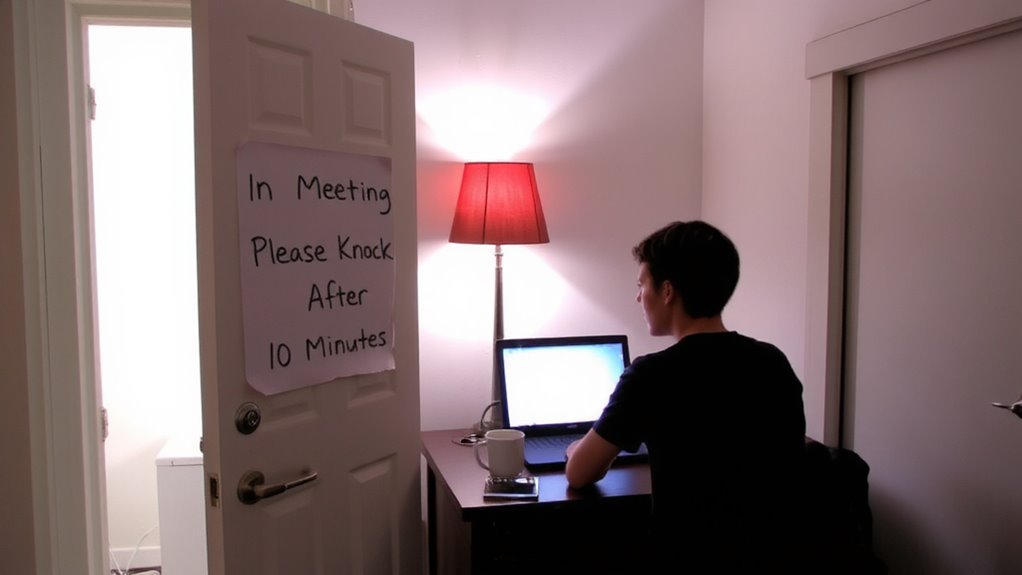
While syncing your schedule with household members might seem like a small fix, setting clear work hours is the most effective way to prevent disruptions during video meetings. You establish reliable work boundaries that others can respect, reducing the chance of someone barging in during a presentation. When everyone knows your scheduled focus times, it’s easier to coordinate shared spaces and resources. This doesn’t require special gear-just consistency and communication. Post your work hours in a shared calendar or on a whiteboard where all can see. Include start and end times, plus short breaks. It’s not foolproof; people might forget, especially at first, so expect to gently remind them. Over time, routines form. The trade-off? You lose some flexibility, but gain far more in focus and professionalism. Clear hours mean fewer interruptions, making your remote setup actually work.
Use Visual Signs to Show You’re in a Call
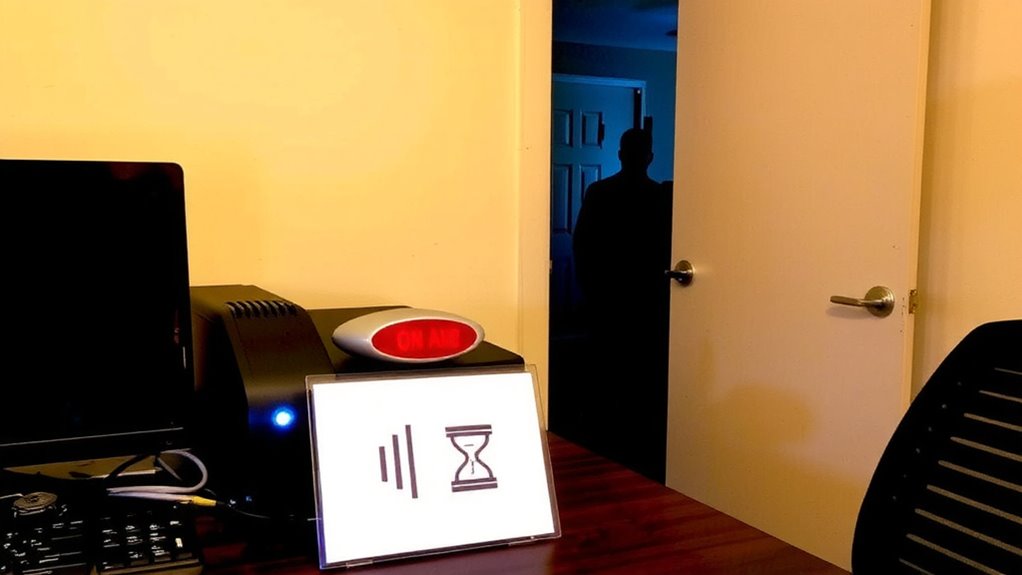
When you’re on a video call, a simple visual signal can stop interruptions before they happen-so consider using a clear, visible sign on your door or workspace. Do Not Disturb signs work well when placed at eye level and made of bold, readable material like laminated paper or acrylic. For faster signals, red light alerts-such as those on LED door switches or smart lights-offer instant status updates. A red light turns on the moment your calendar detects a meeting, so others know not to knock. These tools help maintain focus, but they require consistent use and clear house rules. If the sign’s too small or the light isn’t bright enough, it might get ignored. Test visibility from across the room and during different lighting conditions. Some lights need power or WiFi, so reliability varies. Used correctly, both options improve household awareness-just don’t assume they’re foolproof without training and follow-up. A well-placed best office wall clock can also serve as a subtle time reference for others passing by.
Share Your Work Calendar With Housemates
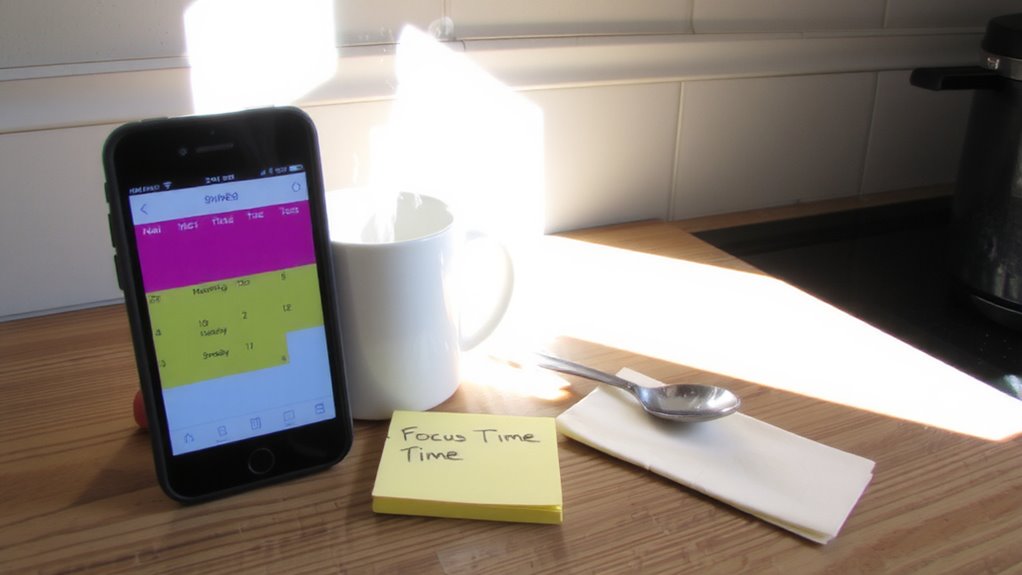
Many remote workers find that sharing their work calendar with housemates cuts down on interruptions by up to 70%, giving everyone a clearer picture of when you’re tied up in meetings. You gain shared visibility into your daily schedule, so others know when not to knock or start loud chores. Setting up calendar sync through tools like Google Calendar or Outlook is simple and free-just toggle sharing permissions for specific events. This works best when you consistently block time for calls and personal breaks. But be selective: sharing everything can overwhelm housemates or expose private details. Avoid including sensitive work topics or after-hours plans. While it’s not a fix for all disruptions, it builds mutual respect. Pair this with verbal check-ins for reliability. Over time, housemates learn your rhythm, reducing guesswork. It’s low-effort, high-impact-though it depends on their willingness to check the calendar.
Keep Certain Areas Quiet During Meetings
Designating specific areas of your home as quiet zones during meetings helps prevent background noise from disrupting your calls, especially if housemates are aware and respect those boundaries. Establishing designated quiet zones-like the home office or a secluded corner-signals when silence is necessary. Pair this with clear noise level agreements so everyone knows what’s acceptable during your work hours. For instance, agree on no vacuuming, loud music, or TV during calls. These agreements work best when discussed ahead of time and posted visibly. While effective, they require consistency-occasional slip-ups happen, so gentle reminders help. Structural factors like thin walls or shared HVAC systems may limit results, even with cooperation. Still, combining physical boundaries with mutual understanding improves focus and call quality markedly. It’s not about total silence, but managing disruptions realistically. This approach balances respect for shared living with professional needs, making remote work smoother for everyone.
Agree on Silent Signals for Urgent Needs
While you can’t always eliminate interruptions completely, setting up silent signals with your family or roommates helps you handle urgent issues during video meetings without breaking focus. Use simple hand signals-like a raised index finger for “one minute” or a flat hand for “stop”-to communicate needs fast. Agree on emergency cues, such as a red notecard or a specific tap, to indicate urgent, non-verbal alerts without disrupting audio. These cues work best when practiced ahead of time and posted visibly near your workspace. Keep the system limited to two or three actions so it stays clear and effective. Overcomplicating with too many signs reduces reliability. Remember, silence doesn’t mean invisibility-your camera might still capture motion, so subtle gestures are better. This method isn’t foolproof but cuts down noise and confusion. Test it during low-stakes calls first.
Use Positive Reinforcement When Quiet Is Respected
A little recognition goes a long way when your household respects your meeting time. When your family or roommates stay quiet during calls, praise immediately-say thanks or give a quick thumbs-up. Small, timely acknowledgments make good behavior stick. Reward consistently, whether with a warm note, favorite snack, or extra downtime without chores. These aren’t payoffs-they’re affirmations of mutual respect. Over time, people respond to positive cues just like any learned habit. Think of it like feedback loops in productivity tools: consistency reinforces reliability. But don’t overdo it-excessive rewards can feel transactional. Balance warmth with sincerity. This method works best alongside visual cues and clear schedules. It won’t fix everything, especially if distractions stem from unclear boundaries or space constraints. Still, paired with structure, positive reinforcement builds a calmer, more considerate home environment-no gear required.
Fix Common Interrupters: Kids, Roommates, and Noise
Most interruptions during video calls come from just a few predictable sources-kids barging in, roommates unaware a meeting’s live, or everyday household noise spilling into your audio. You can reduce these with simple, consistent strategies. Start with noise audits: walk through your space during a mock call to identify sound risks like HVAC hum, pet tags, or loud flooring. Address them with rugs, closed doors, or white noise machines. For kids or roommates, use visual cues like a red/green light system and set up behavior charts that reward quiet hours with small incentives. These aren’t foolproof-behavior charts need daily follow-through, and noise audits won’t fix poor room acoustics. You’ll still need a decent headset with a noise-canceling mic as a backup. Real-world testing shows hybrid solutions work best: people adapt faster when clear signals and consequences are in place.
On a final note
Set clear work hours and stick to them-it prevents most interruptions. Use a “Do Not Disturb” sign on your door or a red light on a smart display to signal meetings. Share your calendar with housemates so they see your schedule. Agree on a silent hand signal for urgent needs. Reward quiet respect with small acknowledgments. Noise-canceling headphones help, but aren’t foolproof. Kids and pets need routine, not gear. Real results take consistent practice, not gadgets.