Implementing UPS Systems to Sustain AV Equipment During Short Power Dips
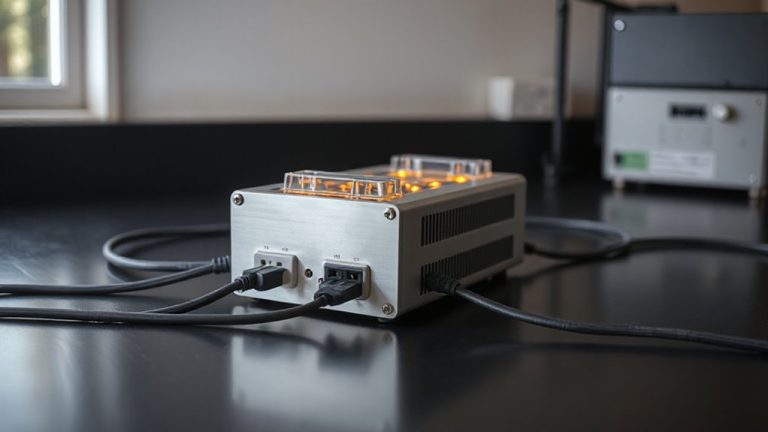
You should use a UPS for your AV gear to maintain clean, uninterrupted power during short dips. High-end receivers, DACs, and streamers benefit most-momentary outages as brief as 20ms can break HDMI signals. Pick a pure sine wave model with Automatic Voltage Regulation to protect sensitive electronics. Size it at 20% above your total load for surges, and place it near your gear, away from heat. Test every three months and replace batteries every 3–5 years-keep going to see how each feature directly impacts performance.
Notable Insights
- Use a pure sine wave UPS to ensure clean power delivery and prevent distortion in sensitive AV equipment during short outages.
- Size the UPS by calculating total connected load and multiplying by 1.2 to handle surges without overload.
- Prioritize connecting high-end receivers, DACs, and streaming devices to the UPS for uninterrupted signal integrity.
- Enable Automatic Voltage Regulation (AVR) to correct minor voltage fluctuations without switching to battery.
- Perform quarterly self-tests and replace UPS batteries every 3–5 years to maintain reliable protection against power dips.
What AV Equipment Needs a UPS?
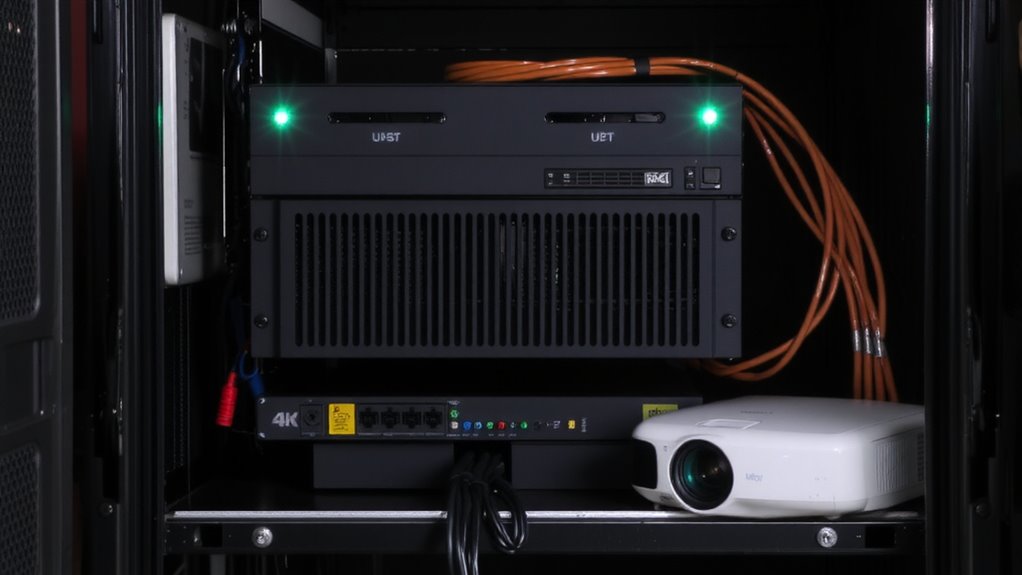
A UPS isn’t just for computers anymore-your AV gear might need one too, especially if you value clean shutdowns and stable performance. You’re dealing with expensive amplifiers, receivers, and streaming devices that can suffer from signal degradation and audio distortion when power fluctuates. These issues aren’t always obvious, but they affect sound clarity and video sync over time. High-end AV receivers, DACs, and networked media players benefit most from consistent power. However, don’t assume every component needs backup-powered subwoofers or passive speakers usually don’t. Consider units with pure sine wave output, as modified sine waves can worsen distortion. Test runtime claims with your actual load; manufacturers’ estimates are often optimistic. Always check warranty terms and surge protection ratings, since some models prioritize battery life over power conditioning. A good UPS adds stability, but it’s not a fix-all for poor wiring or overloaded circuits.
How UPS Systems Prevent AV Interruptions
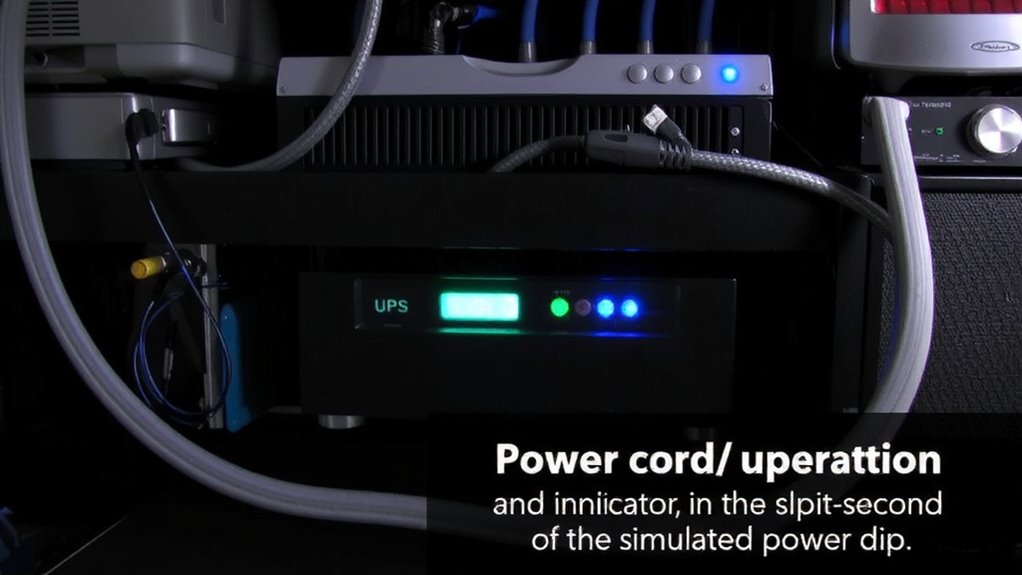
While power outages can strike without warning, a UPS helps keep your AV system running long enough to save settings and shut down safely-giving you control when it matters most. It guarantees power stability and signal continuity by instantly switching to battery during dips, so your mixer, amplifier, or display doesn’t glitch. This seamless shift prevents data loss and hardware stress. Below is how key features match your needs:
| Feature | Benefit |
|---|---|
| Automatic Voltage Regulation | Corrects low/high voltage without battery use |
| Pure Sine Wave Output | Guarantees clean power for sensitive AV gear |
| Surge Protection | Shields ports from spike damage |
| Runtime (3–10 min typical) | Time to save work and power down properly |
| Audible Alarm | Alerts you to outages or low battery |
Note: Extended uptime requires oversized units-standard models prioritize safe shutdown, not long operation. Top-rated models often include UPS backup power systems designed specifically for high-demand environments.
Calculate Your AV Power Needs for UPS Sizing
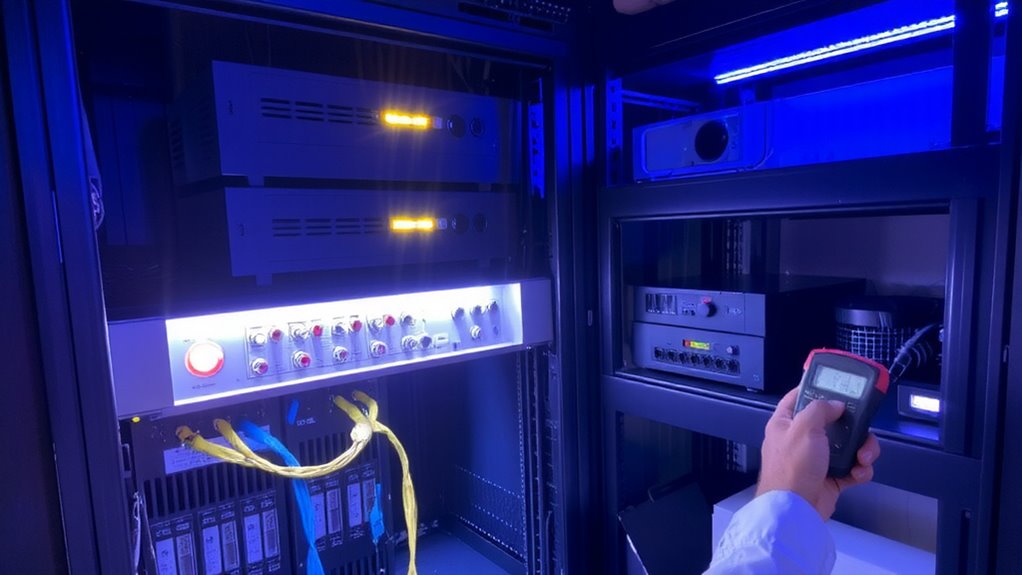
Your AV system’s power draw is the anchor for choosing the right UPS-get it wrong, and you risk either wasted money or inadequate backup. You need accurate load estimation to match your gear’s total power consumption. Start by checking each device’s wattage-display, amplifier, streamer, mixer-usually on the label or in the manual. Add them up for total draw, then multiply by 1.2 to cover surges. Don’t guess; real-world testing with a watt-meter helps verify. Remember, nameplate ratings often overstate usage, so measured draw gives better precision. Undersizing risks overload; oversizing costs more and may reduce efficiency. A precise load estimation guarantees your UPS supports runtime without strain. While high-efficiency models offer longer backup, they cost more. Balance capacity with actual need. Warranties and surge protection specs matter, but sizing right comes first.
Choose the Right UPS for AV Equipment
Since clean power and seamless backup are non-negotiable for AV setups, you’ll want a UPS that delivers pure sine wave output-especially if your system includes modern amplifiers, streaming devices, or displays with power-sensitive electronics. Look for models with automatic bypass mode; it lets power flow around the UPS during sustained overloads or faults, keeping your gear running even if the UPS can’t support it anymore. Always check runtime estimation tools provided by manufacturers, but treat them as best-case scenarios-real-world performance often falls short, especially under mixed loads. Opt for units with replaceable internal batteries and clear, accessible firmware updates. Don’t assume higher price means better fit; some consumer-grade units overpromise. Stick to established brands with at least three-year warranties and independent lab testing data. Avoid compact models if your total load exceeds 600VA.
Essential UPS Features for AV Setups
Reliability starts with smart choices-so when powering AV gear, pick a UPS that offers pure sine wave output, AVR (automatic voltage regulation), and enough outlets to separate sensitive components. You’ll want isolation transformers to reduce electrical noise and protect high-end audio and display devices from interference. For critical setups, consider models with redundant power paths to maintain operation if one circuit fails. These features help sustain clean, stable power during brief grid shifts. But don’t assume more features mean better performance-some systems overheat under constant load or lack ventilation for rack-mounted use. Check runtime specs under real-world loads, not just lab conditions. Prioritize units with long warranty periods and replaceable batteries. Pure sine wave support is non-negotiable for modern AV amps and projectors. Skimp here, and you risk damage or flickering.
How to Install a UPS for AV Gear
Why do some AV setups suffer crashes during minor power hiccups even with a UPS? Poor installation undermines protection. You must place your UPS close to your gear but away from heat sources to guarantee stable performance. Plug each AV component-receiver, amplifier, streamer-directly into the UPS, avoiding daisy-chaining power strips. Use the battery backup outlets only for essential devices; the surge-only ones won’t help during outages. Good cable management isn’t just tidy-it reduces interference and improves airflow, which aids reliability. Mount the UPS securely, either under a desk or in a rack, to minimize vibration and support noise reduction. Most units produce a faint hum, so distance from listening areas matters. Check outlet counts and wattage ratings before setup-overloading trips internal breakers. And remember, even top-tier UPS models can’t compensate for incorrect voltage outputs or mismatched impedance with sensitive AV electronics.
Test and Maintain Your AV UPS System
Run a self-test on your AV UPS at least once every three months-most models have a built-in diagnostic button that checks battery health and output stability. Regular battery testing helps catch degradation early, especially in units handling frequent power dips. Replace the battery every three to five years, as capacity declines over time, even with light use. Check for firmware updates yearly; manufacturers often release patches to improve efficiency, response timing, or shutdown protocols. These updates can enhance communication between your UPS and connected devices, like AV receivers or network switches. Don’t rely solely on indicators-schedule tests during low-usage periods to avoid disruptions. Note that extended runtime models add bulk and cost, so balance needs with space and budget. While maintenance extends life, no UPS lasts forever-plan for eventual replacement to keep your AV gear protected.
On a final note
You should use a UPS for AV equipment like projectors, mixers, and streaming devices to avoid dropouts during power dips. A line-interactive UPS with AVR protects sensitive gear and maintains clean power. Size it using total wattage plus 20% headroom, and pick models with sine wave output and surge protection. Test monthly and replace batteries every 3–5 years. Just know, cheaper models may lack runtime or fail under heavy loads.