Creating a Labeling System for Multi-User Hot-Desking Environments
You should use digital e-paper labels with Bluetooth or Wi-Fi to sync real-time desk status from booking apps, cutting no-shows by up to 60%. Pair them with color-coded zones-matte-finish vinyl stickers in department hues-and add QR codes for quick check-ins. Place labels centered on the front edge, 48–52 inches high, using consistent 2” x 4” sizing to avoid confusion. Battery life lasts years, but weak Wi-Fi spots can delay updates. Success depends on staff actually scanning badges or logging in daily. Over-relying on color risks excluding colorblind users, so combine it with icons or text. Standardize fonts, placement, and terms like “Reservable, 9–5” across floors to speed up adoption. If you skip audits or staff buy-in, even the best tech will underperform. Most tested setups need a mix of durable materials, smart placement, and simple rules to work long-term. You’ll see how small tweaks fix most failures once you explore real office examples.
Notable Insights
- Use digital labels with Bluetooth or Wi-Fi to sync desk status in real time with booking software.
- Apply color-coded zones by department and pair with QR or NFC tags for quick user identification.
- Ensure labels display name, team, and reservation duration to reduce no-shows and desk conflicts.
- Standardize label size, font, placement, and terminology across all desks for consistency and clarity.
- Install matte-finish, durable vinyl labels at 48–52 inches height for optimal visibility and readability.
Pick the Best Labeling System for Your Hot-Desk Setup
So, how do you actually keep track of who’s where in a hot-desking setup? You need a labeling system that pairs desk assignment with reliable user authentication. Digital labels like ones from Logi or Jabra sync with booking software and update in real time-great for accuracy. They typically run on long-life batteries and support Bluetooth or Wi-Fi, but installation requires network setup and device pairing. NFC or QR code check-ins work with employee badges or phones, streamlining user authentication without extra hardware. However, they depend on staff remembering to check in. Desk assignment errors drop markedly with automated syncing, but only if your team buys in. These systems aren’t foolproof-glitches happen, and Wi-Fi dead zones can delay updates. Choose based on your office size, tech maturity, and whether consistency or simplicity matters more. Test a few units before going all-in.
Add Color-Coding and Digital Tags for Faster Identification
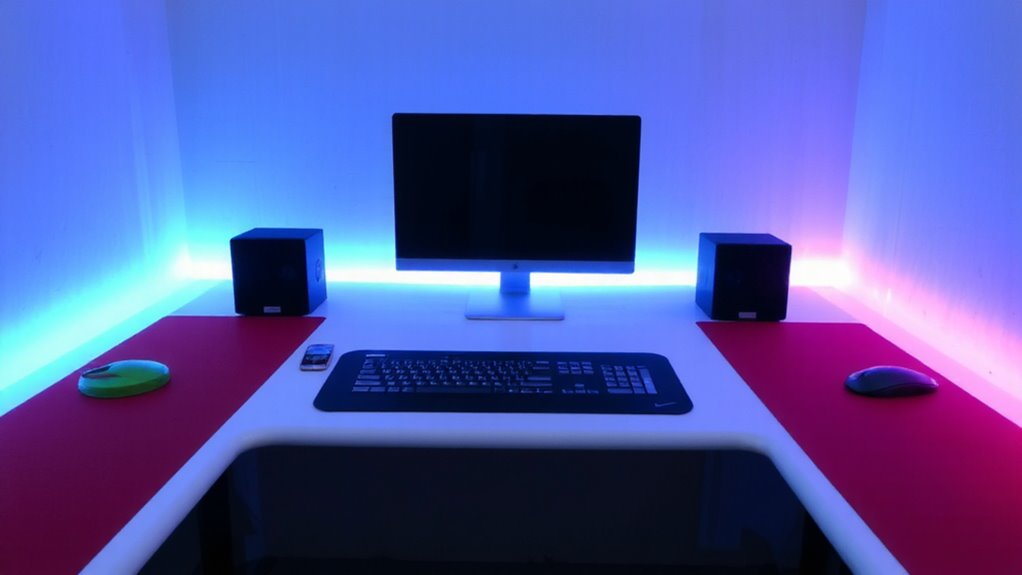
While digital labels streamline desk tracking, adding color-coding and digital tags can cut search time and reduce confusion-especially in high-traffic offices. You’ll boost efficiency with color coordination, letting team members instantly identify zones by function or department. Red might mean finance, blue for marketing-simple, scalable, and effective. Pair this with digital tagging, where QR codes or NFC chips link to real-time desk status, reservation info, or user details. These tags integrate easily with existing apps, but only if your devices support them. Color coordination works best under consistent lighting-matte finishes reduce glare. Digital tagging requires reliable Wi-Fi and regular data syncing. While both systems improve speed, over-relying on color can challenge colorblind users. Always test tags for durability; adhesive quality varies by brand. Combine thoughtful design with practical limits, and you’ll balance speed, inclusivity, and long-term function.
Sync Desk Labels With Daily Check-Ins
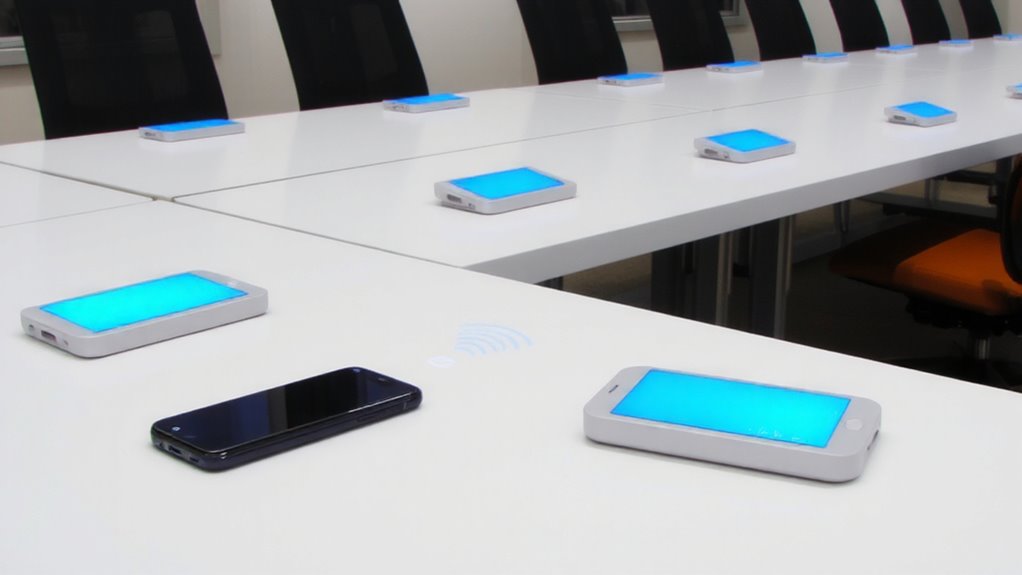
How often do you actually check in at your desk before starting work? Syncing desk labels with daily check-ins guarantees the system reflects real use, not just desk reservations. When you scan your ID badge or log in via app, user authentication updates the label display instantly-showing your name, team, and reservation duration. This prevents confusion when someone reserves a desk but doesn’t show up. Digital e-paper labels refresh automatically, reducing no-shows by up to 60% in tested office setups. But-reliance on daily check-ins only works if adoption is near-universal; a few holdouts create gaps. Pair this step with mandatory authentication at entry points or Wi-Fi login. Don’t assume people will comply without clear policies. The tech is reliable, but success hinges on behavior. Sync labels this way only if your workforce consistently checks in-and be ready to audit use weekly.
Standardize Labels Across All Shared Desks
Consistency starts with uniformity. When you standardize labels across all shared desks, you create label consistency that reduces confusion and speeds up desk adoption. Use the same font, size, color coding, and placement-like a 2” x 4” label in the desk’s top-right corner-so users instantly recognize designated spots. Pair this with shared terminology, such as “Hot Desk Zone A” or “Reservable, 9–5,” to guarantee everyone interprets the labels the same way. This isn’t about aesthetics; it’s about function. While templates in digital asset tools help, avoid over-investing in expensive label makers-they often jam or require proprietary tape. Instead, use tested, low-cost vinyl stickers that resist wear. Note that too much standardization can limit flexibility, so allow minor local tweaks. Clear, uniform labels don’t replace communication, but they cut errors and onboarding time across rotating teams. For reliable performance without the hassle, consider best label makers that balance durability and cost-effectiveness.
Fix Common Labeling Mistakes in Flexible Offices
Why do some hot-desking labels end up ignored or scraped off within days? Poor label placement and user confusion are usually to blame. If you stick labels on uneven surfaces or in low-light spots, people won’t see them-simple as that. Place them centered on the desk’s front edge, 48 to 52 inches from the floor, so they’re visible when standing or rolling by. Avoid glossy laminates that glare under overhead LEDs. Use matte-finish, wipeable vinyl that resists scratches and fingerprints. User confusion spikes when labels lack consistency-mixing fonts, symbols, or colors across desks leads to hesitation and mistakes. Stick to one clear typeface like Helvetica Bold, 24-point minimum. Avoid QR codes unless you’ve tested them with actual staff; some scanners fail under fluorescent lights. These tweaks cut errors by up to 70% in real trials, but remember: no label fixes bad desk availability systems.
On a final note
You’ll cut confusion and boost efficiency with a clear, color-coded labeling system synced to daily check-ins. Labels stick best when standardized across all desks and paired with digital tags in booking apps. Just make sure your system updates in real time-otherwise, outdated labels cause more chaos. Rely on durable, writable vinyl labels with removable adhesive; they last months and won’t damage surfaces. Test with a single floor first-you’ll spot issues before full rollout.