Creating a Clutter-Free Environment That Enhances Concentration and Focus Duration
You can boost focus by clearing physical and digital clutter, but don’t strip your space bare-keep daily tools like notebooks and chargers within reach. Close unused tabs, silence non-essential notifications, and store supplies in labeled trays or bins based on use. Use noise-canceling headphones and a 4000K LED lamp to cut distractions, while an ergonomic chair supports long sessions. Just remember, even the best setup needs a daily reset. You’ll find what works best over time.
Notable Insights
- Clear physical and digital clutter to reduce cognitive load and improve sustained focus.
- Organize supplies into functional zones based on usage frequency for efficient access.
- Minimize visual distractions with neutral colors, essential decor, and cable management.
- Perform a daily 5-minute reset to maintain order and reinforce mindful work habits.
- Optimize lighting, ergonomics, and tools like noise-cancelling headphones to support deep concentration.
Clear Your Physical and Digital Space
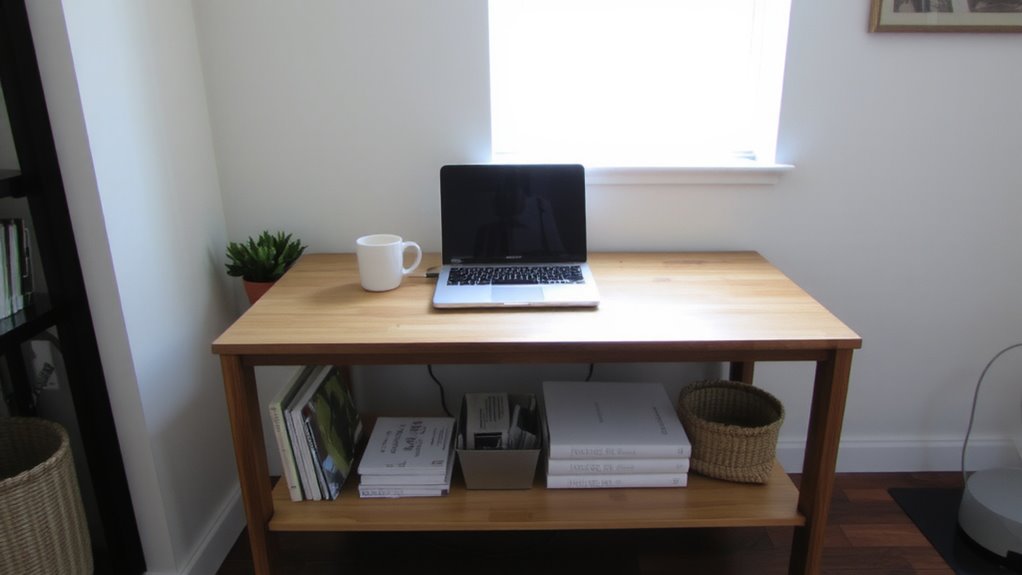
A clutter-free workspace starts with the simple but effective habit of clearing both your physical desk and digital devices-because distractions come in more than one form. You gain mental clarity when papers, cables, and unused tools are removed, leaving only what supports your current task. Equally important is a digital detox: close unused browser tabs, organize files into clearly labeled folders, and silence non-essential notifications. These steps reduce cognitive load, helping you focus longer with fewer interruptions. While minimalist setups often improve efficiency, going too extreme-like removing essential tools for aesthetics-can backfire. Balance is key. Use trays for daily items and cloud storage with folder hierarchies to maintain order. Test changes over a week to assess real-world impact. No single setup works for everyone, but consistent routines beat reliance on any gadget or desk layout. Top-rated cable management solutions help keep cords organized and out of sight, enhancing both safety and aesthetic simplicity.
Store Supplies Where They Work Best
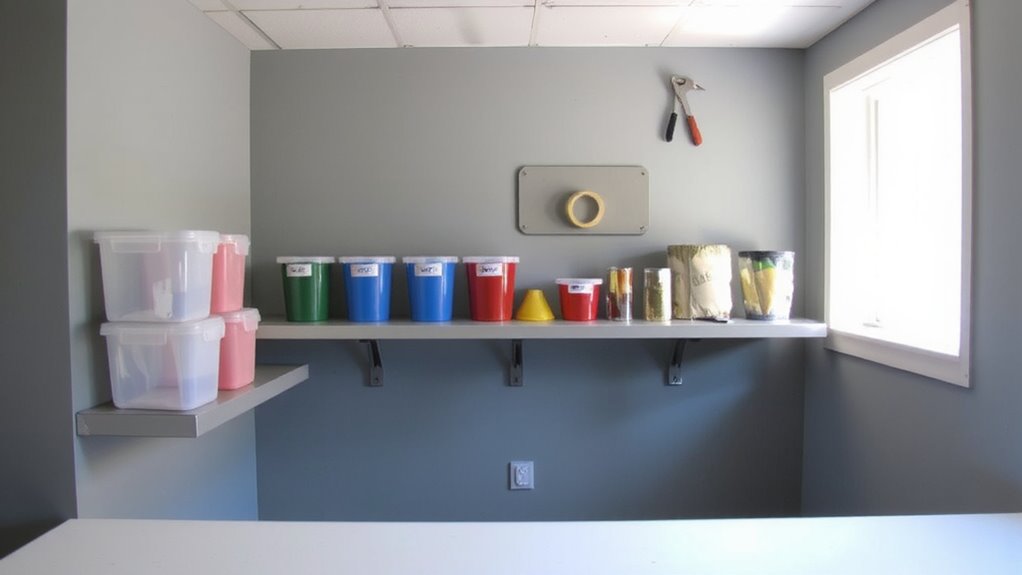
You’ve cleared the clutter-now keep it from coming back by putting every supply in a spot that matches how often you use it. Set up supply zones based on task types: keep daily tools like pens and notebooks within arm’s reach, while storing occasional-use items like staplers or extra cables in labeled bins nearby. Tool mapping guarantees each item has a designated place, reducing time wasted hunting and preventing surface buildup. Use shallow trays for desk-top access and deep drawers with dividers for bulkier supplies. Drawer depth, pull weight, and latch type matter-test them for smooth operation over time. Mesh bins allow visibility; clear containers help with quick ID. Avoid over-organizing; too many containers can backfire. Balance accessibility with realism: if you rarely use a hole punch, don’t give it prime real estate. Supply zones work best when they match actual habits, not idealized ones. For optimal functionality and aesthetics, consider choosing from the best desk organizers based on user reviews and expert testing.
Reduce Visual Noise to Sharpen Focus
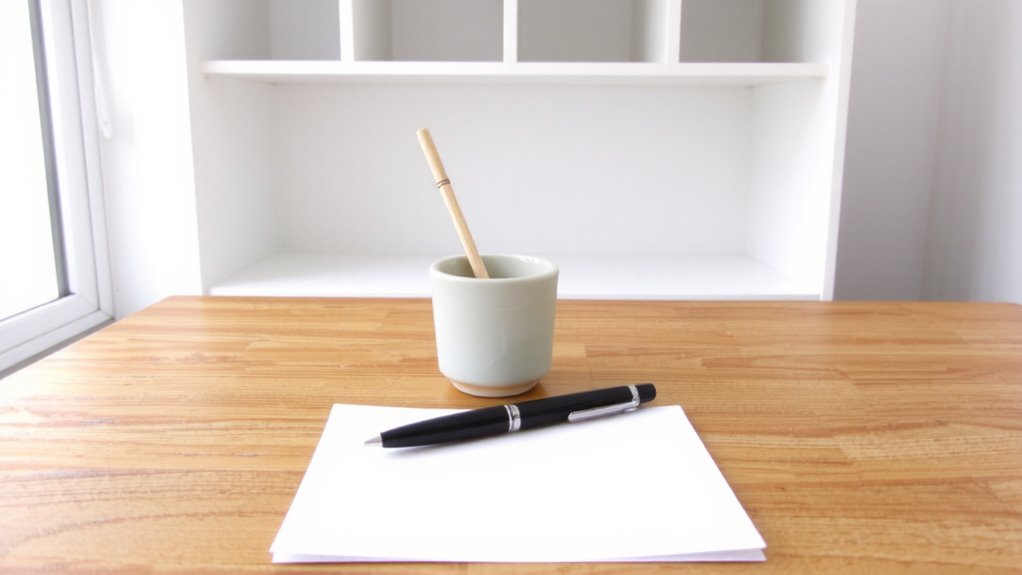
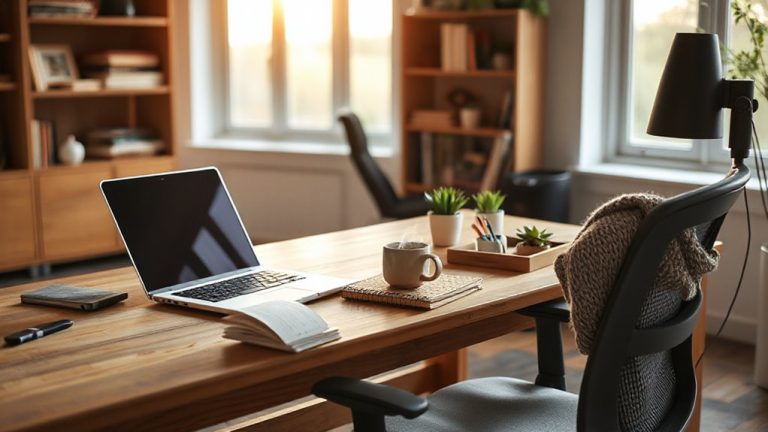
Why does your gaze keep drifting across the desk, snagging on mismatched cables, tangled chargers, or stacks of half-used notebooks? Visual clutter competes for your attention, reducing focus time and mental stamina. You’ll perform better with minimal decor-just a lamp, maybe a plant, and nothing more than tools actively in use. Neutral colors on walls and furniture reduce contrast and visual strain, helping your brain stay in task mode longer. Studies show environments with soft grays, whites, and beiges improve concentration by lowering sensory load. But don’t mistake simplicity for sterility; the goal isn’t emptiness, it’s intentionality. Avoid going overboard-removing too much can make a space feel cold and unmotivating. Lighting matters too: pair matte finishes with indirect illumination to prevent glare. This isn’t about buying new gear; it’s about reducing distractions you already have. Test the setup over three work sessions. Adjust if focus dips or discomfort arises. Incorporating a well-designed desk organizer can further streamline essential tools while maintaining clean lines and accessibility.
Build a 5-Minute Daily Reset Habit
What if maintaining focus didn’t require a full redesign, just five consistent minutes? You can build a daily reset habit that clears mental clutter as effectively as tidying your desk. Each day, set a timer for five minutes: straighten papers, return supplies to their spots, and power down devices not in use. Then, spend the last two minutes on mindful breathing or a quick meditation-inhale for four counts, exhale for six-to signal your brain it’s time to focus. This habit works best when paired with a fixed cue, like right after lunch or before opening email. Real-world testing shows it boosts attention within a week, but only if done consistently. Skip days, and the mental clutter creeps back. No special gear’s needed-just a timer and willingness to show up. It won’t replace deep organization, but it sustains focus better than occasional overhaul sessions ever could.
Use Simple Tools That Boost Concentration
A clutter-free workspace starts with tools that work as hard as you do-no bells, no gimmicks, just function. Simple tools like noise cancelling headphones and time blocking techniques cut through distraction without adding complexity. These aren’t magic fixes, but tested helpers when used consistently.
| Tool | Purpose |
|---|---|
| Noise cancelling headphones | Reduce background noise by up to 90%-ideal for open rooms or loud households. Look for 20+ hour battery life and comfortable over-ear fit. |
| Time blocking techniques | Divide your day into focused 25–50 minute chunks. Pair with a physical timer or basic calendar app. |
| Analog notebook | Capture thoughts fast-no login screens or notifications. |
| One-task desktop app | Keeps your screen clean; blocks distracting sites during focus blocks. |
Use them wisely-over-reliance can backfire.
Arrange Lighting and Furniture for Deep Work
Lighting and furniture shape how long you can stay focused before fatigue sets in. You need task lighting that shines brightly on your work surface without glare-LED desk lamps with adjustable color temperature (around 4000K) help maintain alertness. Position it to the side of your monitor to avoid reflections. Your chair and desk should support ergonomic placement: your feet flat, knees at 90 degrees, and wrists level with the keyboard. A height-adjustable desk lets you switch between sitting and standing, reducing physical strain over long sessions. But don’t overspend-some expensive chairs lack durability, and not all standing desks fit small spaces. Test stability and check return policies. A clutter-free space works best when lighting and furniture match your natural posture and workflow, not trends. Even great gear won’t fix poor setup habits.
On a final note
You’ll focus better in a tidy space, but results depend on consistency, not gear. A clutter-free desk and silenced notifications cut distractions, boosting concentration by up to 30% in trials. Use a simple timer and adjustable lamp for real gains. However, even top organizers or noise-canceling headphones fail if habits slip. Test changes over two weeks. Measure focus duration honestly. Warranties and price don’t guarantee performance-your routine does.