Preventing Dust Buildup in Cable Ducts: Cleaning Frequency and Techniques
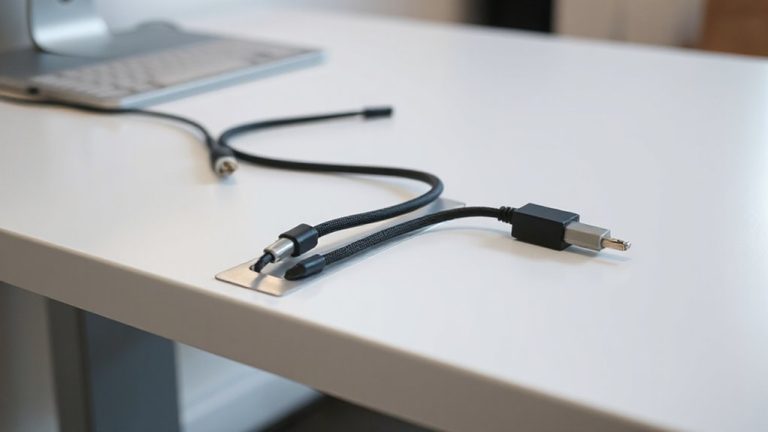
You should clean your cable ducts every six to twelve months, depending on dust levels-every six months in dirty or high-use areas, yearly in cleaner setups. Use a HEPA vacuum with a non-conductive nozzle and soft brush to safely remove buildup without damaging cables. Always power off and verify lines are dead before starting. Sealing duct ends with rubber grommets and adding MERV 8–13 filters helps reduce future dust. Skipping cleanings risks overheating by 10–15°C and insulation damage. There’s more to get right when protecting your setup long-term.
Notable Insights
- Clean cable ducts every six to twelve months, depending on dust levels and usage intensity.
- Turn off power and use non-conductive tools like soft brushes or HEPA vacuums for safe cleaning.
- Avoid compressed air to prevent pushing debris deeper or generating static discharges.
- Seal duct entry points with grommets and install MERV 8–13 filters to reduce dust ingress.
- Inspect ducts regularly for warm spots, caked dust, or debris to determine unscheduled cleaning needs.
Why Dust in Cable Ducts Causes Overheating and Fire Risk
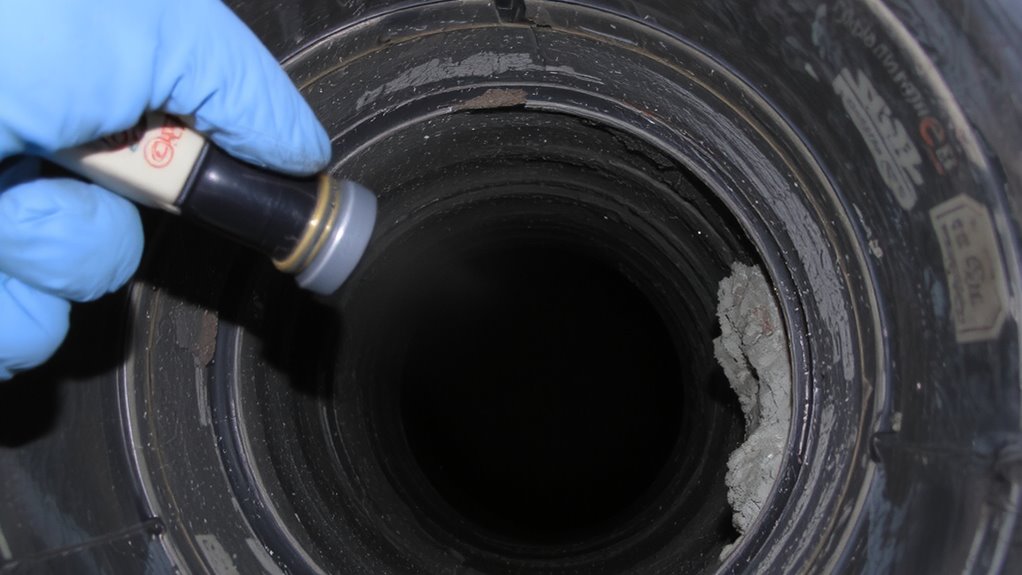
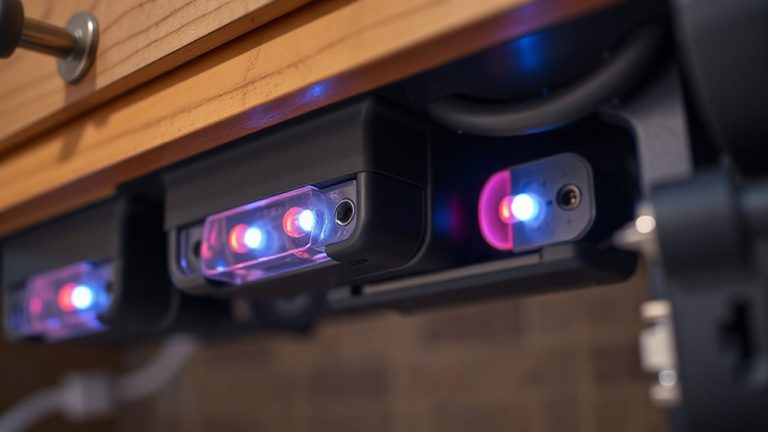
While it might seem harmless, dust buildup in cable ducts can seriously compromise both performance and safety. You’re increasing electrical resistance when dust accumulates, trapping heat around cables that should stay cool. That excess heat isn’t just inefficient-it actively degrades insulation over time, raising the risk of insulation breakdown. Once insulation weakens, arcs or short circuits can occur, creating legitimate fire hazards. Testing shows ducts with heavy dust can run 10–15°C hotter than clean ones under the same load. In dense setups like server racks or office conduits, that temperature jump matters. While some materials resist heat better, no cable is designed to handle prolonged overheating. You should inspect ducts regularly, especially in environments with high airflow or nearby machinery. Cleaning isn’t always quick, and skipping it might save minutes now, but the long-term risk isn’t worth it. Monitor, maintain, and mitigate before small dust becomes a big problem.
How to Clean Cable Ducts Safely Step by Step
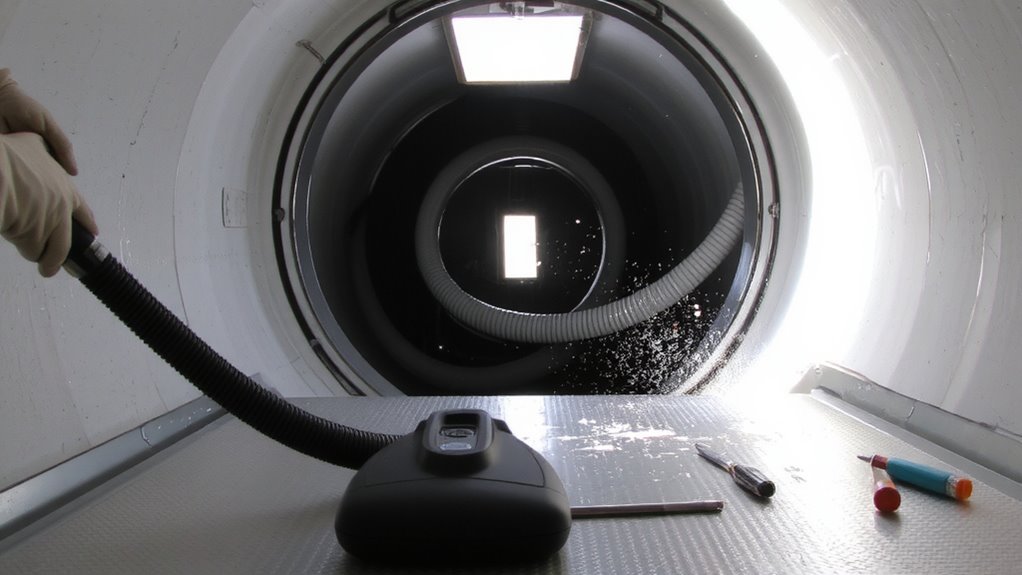
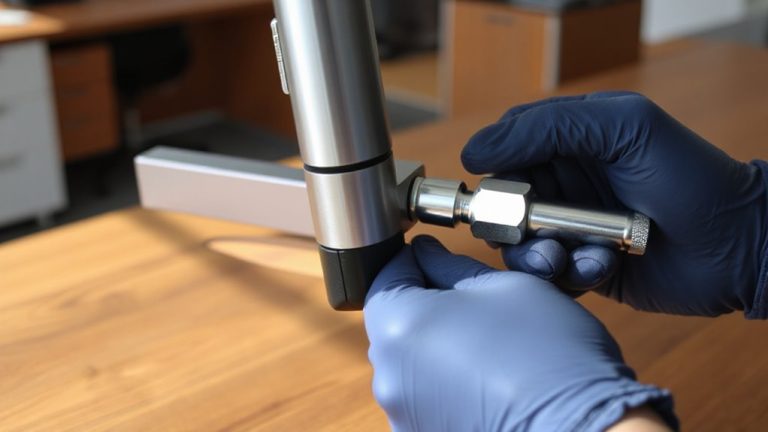
Because cleaning cable ducts involves close contact with electrical components, you’ll want to prioritize safety from the start by cutting power at the main breaker and verifying it’s off with a non-contact voltage tester-never assume it’s safe. Proper electrical safety isn’t optional; it’s essential. Use a soft brush or non-conductive vacuum nozzle to remove dust without damaging insulation. Avoid compressed air, which can force debris deeper or create static risks. Reassemble only after confirming all components are dry and clear. Improving ventilation efficiency reduces overheating risks and prolongs equipment life. Here’s a quick reference for key steps:
| Step | Action |
|---|---|
| 1 | Turn off power at the main breaker |
| 2 | Confirm power is off with voltage tester |
| 3 | Gently remove dust with non-conductive tools |
| 4 | Inspect for damage or wear |
| 5 | Restore power only after full inspection |
Always respect limits-when in doubt, consult a licensed electrician.
How Often Should You Clean Cable Ducts?
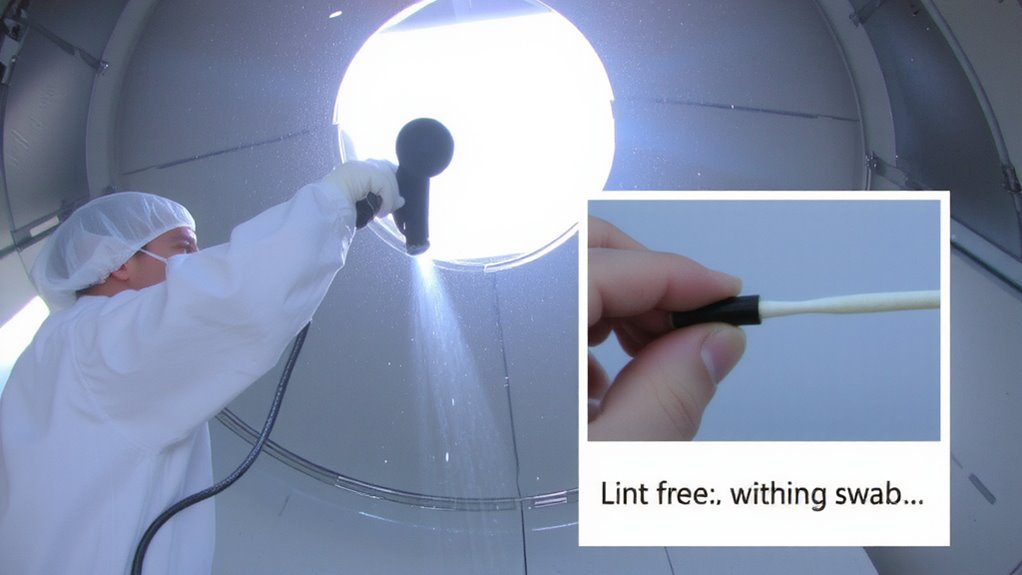
You should clean your cable ducts every six to twelve months, depending on your environment and usage. If you’re in a dusty workspace or run equipment constantly, aim for every six months to prevent airflow restriction and overheating. Dust buildup traps heat, increasing the risk of insulation degradation over time, which can compromise safety and performance. In cleaner or less-used setups, yearly cleaning may suffice. But don’t just follow a calendar-inspect ducts regularly. Look for caked dust, visible debris, or warm spots along cables. These signs mean it’s time to clean, regardless of schedule. While overcleaning isn’t harmful, it takes time and interrupts operations, so balance frequency with real need. High-traffic areas, like industrial offices or server rooms, demand stricter adherence. For most, biannual cleaning with visual checks in between offers the best mix of safety, efficiency, and practicality.
What Tools Work Best for Cleaning Cable Ducts?
How do you remove dust from cable ducts without damaging cables or spreading particles? Use a vacuum with narrow, adjustable vacuum nozzles and soft-bristled brush attachments. They let you target dust without scratching wires or dislodging connections. A standard shop vacuum works well, especially with a crevice tool that fits tight bends. Pair it with a brush attachment sized for duct openings-usually 1.5 to 3 inches-so you don’t jam tools inside. Rotate the brush gently while suction runs to lift debris without snagging cables. Avoid stiff bristles or metal tools; they can fray insulation. Most pros recommend HEPA-filtered vacuums to trap fine particles and prevent airborne spread. Vacuum nozzles with anti-static coating also reduce dust cling. While cordless models offer mobility, corded vacuums deliver consistent suction. Test tools on a small section first. Effective cleaning balances reach, control, and safety-don’t rush. For spot cleaning in tight spaces, consider using best air dusters for computers as a supplementary tool.
How to Keep Dust Out of Cable Ducts Long-Term
Sealing cable ducts properly after cleaning keeps dust from returning quickly. You should focus on sealing gaps around entry and exit points with durable, low-outgassing silicone or rubber grommets-these create a tight barrier without damaging cables. Using filters at ventilation openings helps catch airborne particles before they enter the duct system. Opt for filters with a MERV rating of 8–13; they balance airflow and filtration efficiency without overloading your system. Remember, over-sealing can trap moisture, so guarantee some controlled ventilation exists to prevent condensation. Filters need replacement every 3–6 months depending on environment. While these steps cut dust markedly, they won’t eliminate it entirely-especially in high-traffic office areas. Regular inspection helps maintain effectiveness. Results vary by duct material, layout complexity, and ambient dust levels.
On a final note
You should clean cable ducts every 6 to 12 months to prevent dust-related overheating, especially in high-use home offices. Use a microfiber brush and handheld vacuum with a narrow nozzle for safe, effective removal. Sealing duct ends with UL-listed grommets cuts future dust by up to 70%. But overcleaning risks damaging insulation-stick to yearly unless debris is visible. Proper maintenance extends equipment life, but always power down circuits first.