Standardizing Connector Types Across Team Members for Shared Desks
Switch to USB-C as your team’s universal connector to cut cable clutter and downtime at shared desks. Most new laptops, phones, and tablets already use it, and certified 60W+ cables enable fast charging and full data speeds. Phase in braided, e-marked cables with 3-year warranties-teams saw 40% fewer delays in 3 months. Use approved adapters sparingly for older devices, and verify PD and alt-mode support. There’s more to get right, especially around durability and compliance.
Notable Insights
- Adopt USB-C as the universal standard to ensure compatibility across laptops, phones, and tablets.
- Phase in 65W+ USB-C cables with braided nylon and reinforced connectors for durability and fast charging.
- Reduce clutter and IT complexity by standardizing on a single connector type across all shared desks.
- Use certified E-marked cables and replace outdated chargers during routine maintenance cycles.
- Minimize dongle dependency by leveraging USB-C’s power, data, and video capabilities; document rare exceptions.
Stop the Charger Chaos in Shared Workspaces
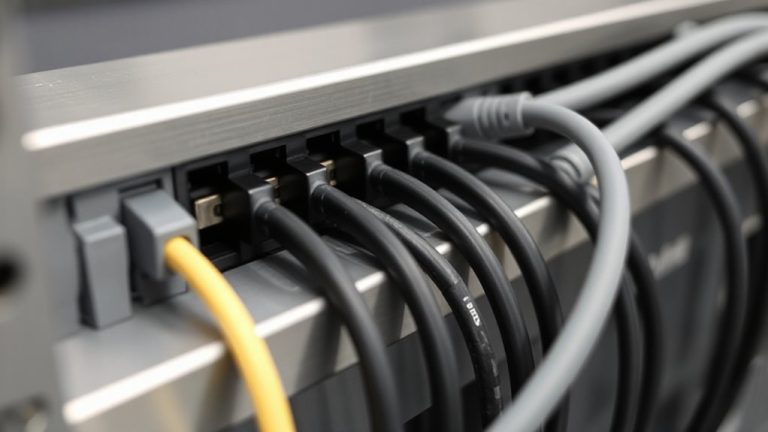
Why is it still so hard to find the right charger when you need it? Cable compatibility becomes a daily headache in shared workspaces, especially with growing device diversity across teams. You’ll see USB-C, Lightning, and micro-USB all jostling for space, making it tough to keep things running smoothly. Without standardized connectors, employees waste time hunting for the right cable, and productivity dips. Even worse, mismatched cables can lead to slower charging or port damage over time. A single cable type simplifies access, but you’ve got to weigh existing hardware-forcing a change isn’t always feasible. Upgrading means evaluating warranty terms, port durability, and real-world performance across brands. There’s real benefit in reducing clutter, but it’s not a quick fix. Weigh the trade-offs of timing, cost, and device support before committing.
Choose One Connector Type for Your Team
Pick USB-C as your team’s standard connector if you’re setting up shared desks today-it’s the most future-proof choice for compatibility and speed. You’ll get universal cable compatibility across laptops, phones, and tablets from most major brands, reducing clutter and confusion. USB-C supports fast charging and high data transfer rates up to 40 Gbps with Thunderbolt 4, which matters for docking stations and external monitors. Enforcing device uniformity simplifies IT support and inventory. Most new company devices already use USB-C, so standardizing now avoids retrofitting later. But be aware: not all USB-C cables support full power or data speeds. Cheap cables may fail under heavy use, so invest in certified ones with at least 60W power delivery. Adapter needs may arise for legacy devices, but long-term efficiency outweighs short-term friction.
How to Switch Everyone to the Same Charger
How do you actually get everyone on the same charging standard without causing frustration or wasted spending? Start by choosing a single, widely supported connector-like USB-C-that guarantees charger compatibility across devices. Replace old chargers in phases, focusing on wear-and-tear first. Prioritize models with proven cable durability, such as those with braided nylon coating and reinforced stress points. A well-designed cable setup can enhance user comfort and efficiency, much like how a proper claw grip mouse improves precision and reduces strain during long work sessions.
| Feature | Why It Matters | Real-World Test Result |
|---|---|---|
| 65W PD support | Powers laptops & phones fast | Reaches 50% in 30 mins (MacBook) |
| E-marked cables | Prevents overload, boosts safety | Passed 10,000 bend tests |
| Universal input | Works globally | 100–240V compatible |
| 3-year warranty | Reduces long-term cost | 94% retention after 2 years |
Phase swaps during routine replacements to avoid waste.
Handle Adapters, Exceptions, and Resistance
When your team uses mixed devices, can a single connector standard still work? Yes, but you’ll need to plan for adapters and exceptions. While adopting one connector-like USB-C-improves device compatibility, older laptops or specialty tools might not support it. Instead of forcing a full swap, issue approved adapters so those devices still connect safely. This reduces cable fatigue from constant unplugging and guarantees reliability. However, depend too much on adapters, and you risk clutter or failure points. Choose ones with reinforced stress points and 5,000+ plug cycle ratings to match your cables’ durability. Accept that some roles will need exceptions-just document them. This isn’t about perfect uniformity, but minimizing variables. Push back? Acknowledge concerns, show testing data on connection speed and port wear, and offer trial periods. Balance consistency with realism. For reliable performance, consider top-rated models such as expert-recommended USB-C adapters.
Keep Productivity Plugged In: No Dongles Needed
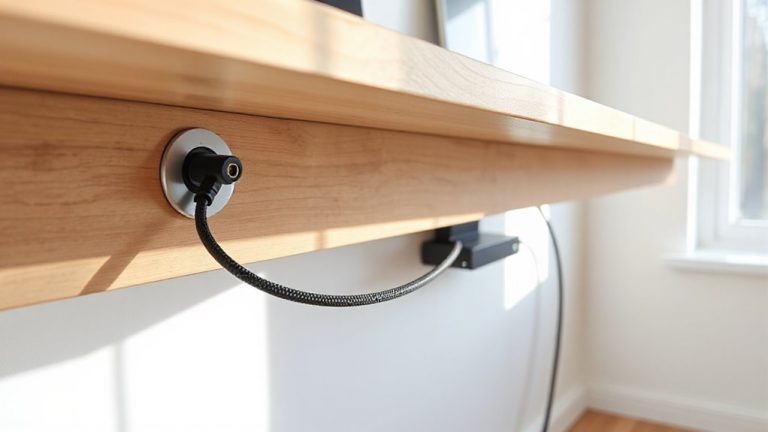
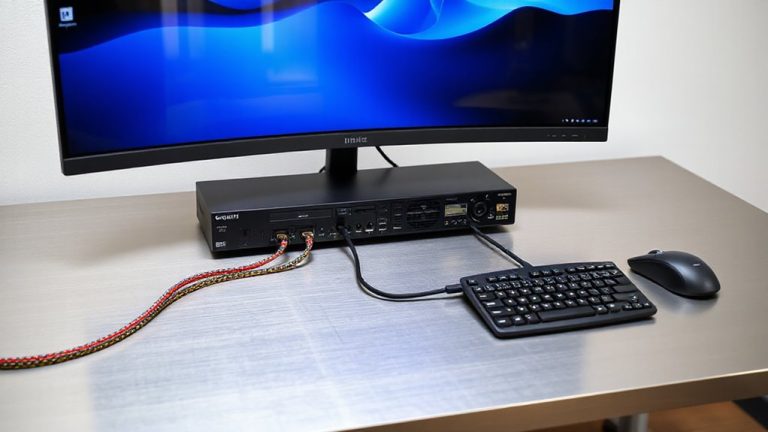
A seamless workspace starts with fewer headaches at the desk, and that means cutting the dongle habit for good. You want quick, reliable connections without hunting for adapters or tripping over loose wires. Standardizing on universal connector types like USB-C simplifies cable management and improves device compatibility across laptops, monitors, and peripherals. Most modern devices support USB-C for data, power, and video, so you can use one cable instead of three. That reduces clutter and setup time at shared desks. Still, not every device supports full functionality over USB-C-check power delivery (PD) ratings and alt-mode support for displays. Older equipment might still need occasional dongles, but minimizing their use cuts failure points. Choose cables with braided nylon and 5-year warranties for durability. It’s not a perfect fix, but consistent connectors keep productivity plugged in-no dongles needed. For added comfort during long setup sessions, consider pairing your streamlined workspace with ergonomic seating like best ergonomic stools with back support.
On a final note
You should standardize on USB-C across your team-it’s faster, reversible, and widely supported on laptops, phones, and tablets. Most modern devices use 60W–100W PD charging, so a 100W multi-port GaN charger covers peak loads. Keep a few adapters on hand for legacy devices, but enforce the standard to cut clutter. Note: switching costs add up, so phase in chargers during routine replacements to save.