Task Lighting 101: How to Use Focused Lamps Effectively in Your Home Workspace for Optimal Performance
Use a focused task lamp with a 4000K–5000K dimmable LED (400–800 lumens, CRI 90+) to cut glare and boost concentration. Position it 16–20 inches above your desk on the opposite side of your dominant hand, angling light onto your work without hitting your screen. Pair it with ambient lighting, choose a stable, adjustable arm, and secure cords to avoid clutter. Even the best lamp fails if poorly placed or underpowered-get these details right, and you’ll see lasting gains in comfort and alertness.
Notable Insights
- Choose task lighting with 400–800 lumens and a color temperature of 4000K–5000K for optimal focus and alertness.
- Position the lamp on the opposite side of your dominant hand to prevent shadows during reading or writing.
- Use adjustable, gooseneck, or articulated-arm lamps to direct light precisely where needed.
- Avoid screen glare by angling light away from monitors and keeping bulbs at or below eye level.
- Combine task lighting with ambient light to reduce eye strain and create a balanced, productive workspace.
Know What Task Lighting Is (And Why It Boosts Focus)
A solid task light isn’t just another desk gadget-it’s a proven tool for sharpening focus and cutting eye strain during long work or study sessions. Task lighting has a clear definition: it’s directed illumination meant to support a specific activity, like reading or writing. Its purpose isn’t general ambient light but targeted brightness where you need it most. That focused illumination reduces shadows and glare, helping your eyes stay comfortable and your attention stay sharp. You’ll notice less fatigue after hours of screen work or close-up tasks. But not all lamps deliver evenly-poor designs create hotspots or don’t adjust well. Look for models with wide, dimmable output and articulated arms for flexibility. Even the best light won’t fix a poorly positioned desk, so align it to avoid reflections. While helpful, task lights supplement, not replace, overall room lighting. For remote workers, choosing one of the best desk lamps for remote work can make a significant difference in comfort and productivity.
Pick the Best Task Lighting Bulb (Color & Brightness)
You’ve nailed down what task lighting does and how it supports focus-now it’s time to pick the right bulb to make it work effectively. For most home workspaces, aim for a color temperature between 4000K and 5000K. This range offers a neutral to cool white light that boosts alertness without causing eye strain. Avoid anything below 3000K-it’s too warm and can make you sluggish. The best bulb type is LED: they’re energy efficient, last longer (typically 15,000–25,000 hours), and produce little heat. Look for one with a high CRI (90+) for truer color accuracy. Brightness-wise, 400 to 800 lumens is ideal for reading and detailed tasks. Don’t go higher unless you’re doing precision work, or glare could become an issue. Always check fixture compatibility-some LEDs don’t work with dimmers unless labeled as dimmable. A well-lit workspace pairs perfectly with ergonomic upgrades like a Top Standing Desk Converters Reviewed to enhance both comfort and productivity.
Place Your Lamp to Avoid Screen Glare and Shadows
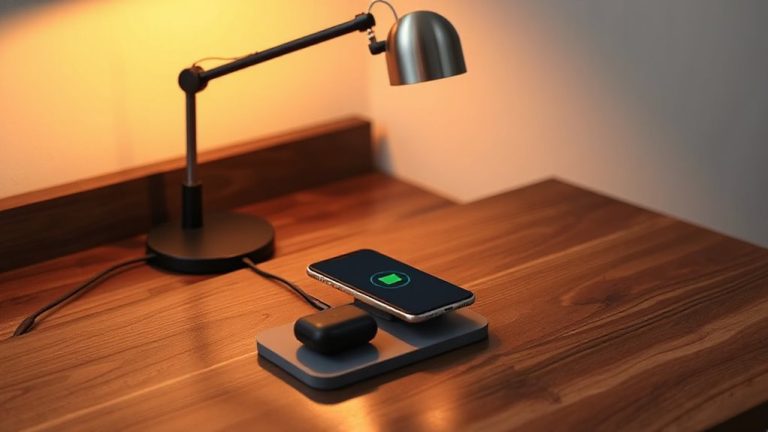
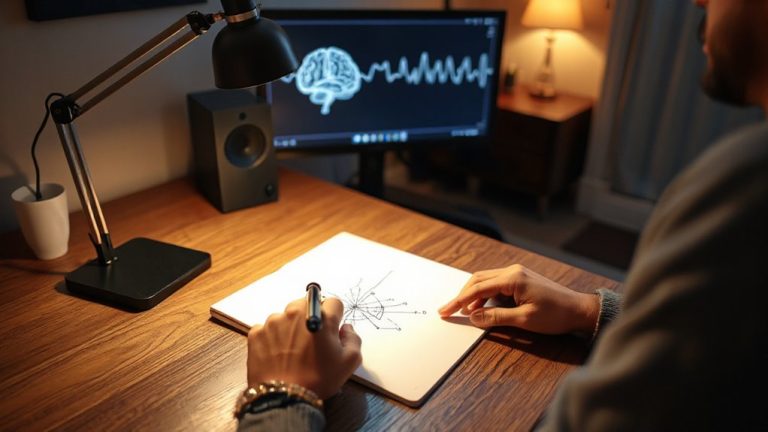
When positioning your task lamp, place it on the opposite side of your dominant hand-left for right-handed users, right for left-handed-to prevent shadows from creeping across your work. Proper lamp positioning is critical for both comfort and efficiency. Angle the light so it shines directly on your task without spilling onto your screen, as this causes glare and eye strain. For glare reduction, use a shade with a focused beam and position the lamp below or beside your monitor, never behind it. A gooseneck or articulated arm lets you fine-tune direction and height. Keep the bulb at or slightly below eye level to minimize reflections. Even well-placed lamps can struggle in brightly lit rooms-control ambient light with blinds or lower overheads. No setup eliminates all shadows or glare completely, but smart adjustments greatly improve visibility and reduce fatigue over long work sessions. For optimal performance, consider one of the best desk lamps designed specifically for ergonomic workspaces.
Fit Your Task Light to Your Daily Work Tasks
What good is a bright beam if it doesn’t match what you’re actually doing at your desk? Your task light should support your work, not just shine brightly. If you’re reading or writing, you need steady, even illumination low on glare-look for models with ergonomic design that let you position the light close without strain. For computer work, aim for softer, indirect lighting to reduce eye fatigue. Lamps with adjustable arms give you precise control, letting you shift focus areas as tasks change. Don’t assume more brightness is better; excessive light causes glare and discomfort. Choose a lamp with at least 300 lux output and a CRI above 90 for true color clarity. Test the stability of adjustable arms-wobbly hinges ruin precision. Look for warranties of three years or more to back build quality, because even the best design fails if it can’t last.
Fix Common Task Lighting Mistakes
A well-chosen task light does more than turn night into day-it shapes how effectively you work, building on the right fit between your lamp and your daily routines. You’ll often overlook simple flaws that undermine even the best fixtures. Setting the lamp height incorrectly, for instance, causes glare or shadows-position the bulb just above eye level when seated, around 16–20 inches above your desk surface. Poor cord management creates clutter and can be a hazard; use clips or routed channels to keep cords tidy and secure. Avoid placing the light behind you, as it casts distracting shadows. Also, don’t rely solely on cool, bright LEDs unless you’re doing precision work-they can strain eyes over time. Balance brightness with ambient lighting. Finally, check for sturdiness: a wobbly arm undermines precision. Look for models with solid hinges, backed by at least a two-year warranty.
On a final note
You need task lighting for sharper focus and reduced eye strain, but only if set up right. Pick a lamp with at least 450 lumens and adjustable color temperature (2700K–5000K) to match your work. Position it to the side of your screen to cut glare and shadows. Clamp lights like the BenQ e-Reading LED offer precision, but check beam angle and dimming range. Always test for flicker and adjust height to avoid neck strain-small tweaks make big differences.