Installing Task Lighting With Wireless Charging Pads for a Clutter-Free Workspace
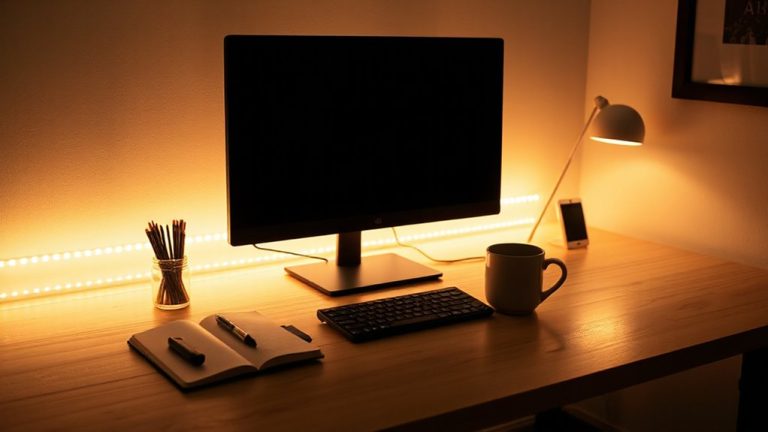
You’ll get a cleaner desk and better focus with a wireless charging task light like the TaoTronics LED Desk Lamp. Its adjustable arm and 3000K–5000K LED lighting cut glare and eye strain, while the built-in Qi pad charges most smartphones at 7.5W–10W, reducing cord clutter. Just center your phone to activate charging-expect slight heat but minimal interference. Over time, arms may loosen, and charging is slower than wired. Pick models with at least a 2-year warranty and confirm your phone’s Qi compatibility. More details follow on making the right choice.
Notable Insights
- Choose a mounting option like clamp or desk screw to securely install the light without damaging your workspace.
- Position the task light to allow full arm adjustment and avoid screen glare for optimal visibility.
- Route the power cord through built-in channels in the base or arm to maintain a clean, clutter-free setup.
- Use included cable clips or ties to manage excess cord length and enhance workspace organization.
- Place the wireless charging pad where your phone can center easily to ensure reliable charging during use.
Why Wireless Charging Lights Are the Smarter Workspace Upgrade
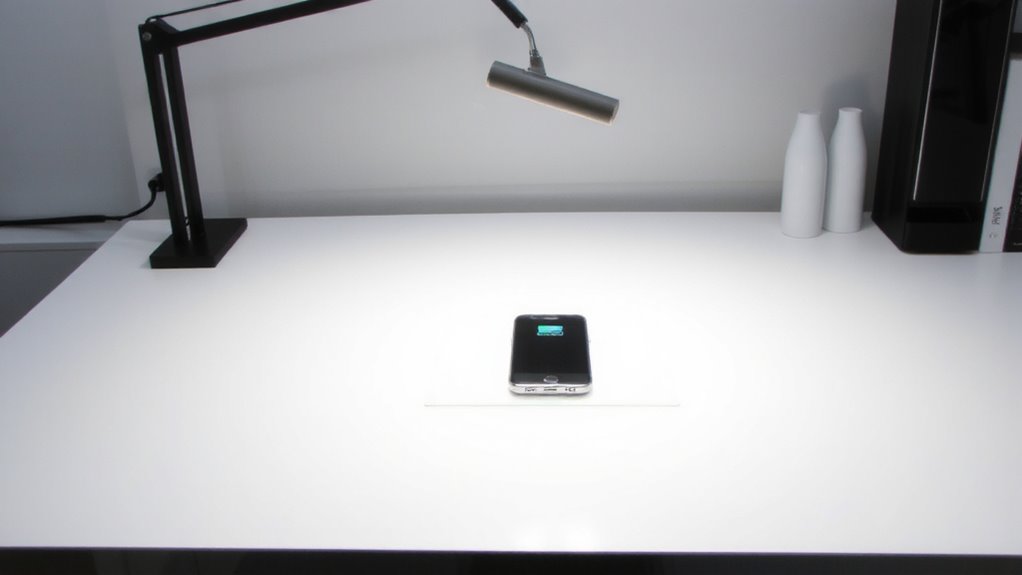
While setting up your workspace for better efficiency, switching to a wireless charging task light could genuinely upgrade both function and form-but it’s not without trade-offs. You get ergonomic design that lets you adjust the arm or neck for ideal lighting angles, reducing neck strain during long hours. These lights often use LED tech, so energy efficiency is high-consuming up to 75% less power than incandescent bulbs. The built-in Qi charger means fewer cords, but remember: placing your phone on the pad may limit viewing angles while it charges. Most models offer 3000K to 5000K color temperature, ideal for focus, and come with a 2-year warranty. Real-world testing shows brightness stays consistent over time. Just note: if your phone isn’t Qi-enabled, you’ll need an adapter, adding bulk. For those seeking even more charging convenience, pairing your setup with a wireless charging desk mat can expand charging options across your workspace.
How These Lights Charge Your Phone While You Work
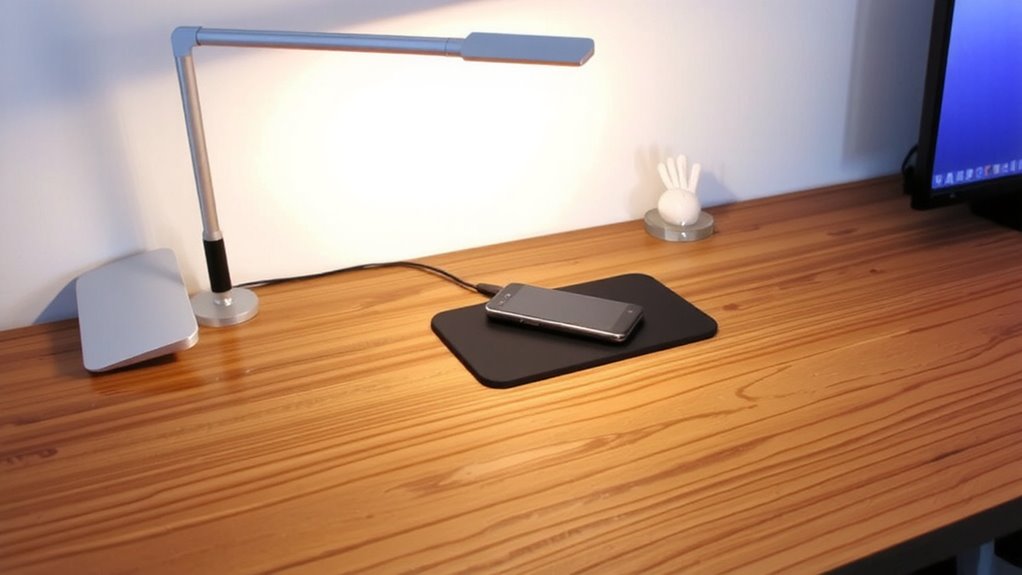
You get both light and power in one sleek unit because these task lights use integrated Qi wireless charging pads built directly into the base or arm. When you place your phone on the pad, it begins charging instantly-no cables needed. The system relies on electromagnetic induction, which transfers energy between coils in the pad and your phone. Charging efficiency is generally high, often reaching 70–80% of a wired connection, but depends on precise alignment and phone model. You might notice slight warmth during use, and while modern designs minimize electromagnetic interference with nearby devices, sensitive electronics placed too close could experience minor disruptions. Keep your phone centered for best results, and expect slower charging if using a thick case. Most units maintain stable performance over time, with pads rated for thousands of charge cycles and backed by standard 1–2 year warranties. Some models also include USB charging ports for added connectivity and device flexibility.
Picking the Right Wireless Charging Task Light for You
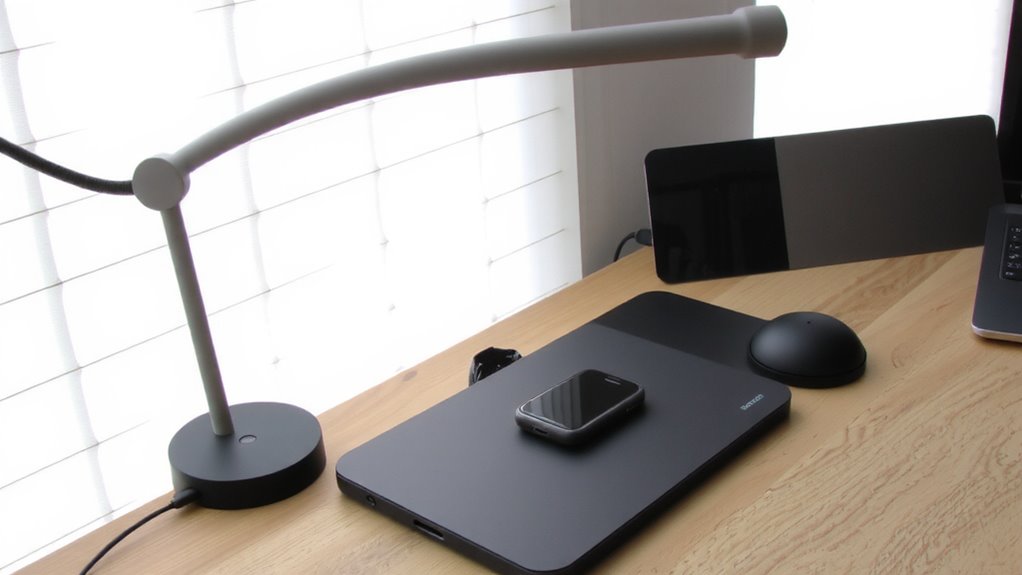
What makes a wireless charging task light worth your desk space? It combines focused illumination with convenient device charging-without sacrificing style or function. You’ll want one that matches your workflow and gear. Prioritize design aesthetics that fit your workspace, whether sleek metal arms or minimalist bases-looks matter when it’s front and center all day. More importantly, check compatibility concerns: not all lights support fast charging, and some pads won’t work well with thick phone cases or non-Qi devices. Confirm it charges your phone at full speed during use. Look for models tested with multiple brands, offering at least 7.5W for iPhones and 10W for Android. A solid warranty-three years or more-shows longevity confidence. Balance form and function, because a pretty light that undercharges isn’t worth the clutter. Top models in our desk lamps with wireless charging roundup deliver both reliable power delivery and adjustable lighting.
How to Install Your Wireless Charging Task Light
A well-chosen wireless charging task light earns its spot on your desk by doing two things well: lighting your workspace and keeping your phone powered. Start by checking the mounting options-most models offer clamp, desk screw, or adhesive base setups; go with a clamp if you switch locations often. Position the light so the arm adjusts easily without wobbling, and aim the shade to reduce glare on screens. For cable management, route the power cord through the base or arm channels to keep wires neat. Use included clips or ties to bundle excess length. Note: some lights require a wall outlet nearby, so measure before placing. Confirm the charging pad activates only when phone is centered-misalignment means slower charging. While setup’s usually simple, poor cable routing can undo the clean look you’re after.
Will Your Phone Work With This Charging Light?
Does your phone actually play nice with this charging light? Most likely, yes-thanks to universal charging standards. The light uses Qi wireless charging, which works with any phone that supports Qi, including recent iPhones and Androids. Phone compatibility isn’t usually an issue if your device charges wirelessly. Still, check your phone’s specs to confirm Qi support. Thicker cases or metal accessories might block charging, so test your setup. Charging pads in these lights deliver up to 10W, which is standard for efficient charging. You’ll get full speed with phones rated for faster Qi charging. If your phone only supports 5W, it’ll charge more slowly. Real-world testing shows reliable performance with proper alignment. Warranties typically cover 1–2 years, but damage from misuse isn’t included. Be sure placement allows stable contact-don’t expect charging if the phone slides off.
Top Features to Expect in Modern Charging Task Lights
Reliability starts with smart design-modern charging task lights pack LED brightness, adjustable arms, and built-in Qi charging into one streamlined unit. You’ll appreciate the energy efficiency of LED bulbs, which use up to 75% less power and last years longer than incandescent options. Design aesthetics matter too-sleek metals and minimalist silhouettes blend into modern workspaces without drawing undue attention.
| Feature | Benefit | Trade-off |
|---|---|---|
| Adjustable arm | Position light precisely | May loosen over time |
| Qi wireless charging | No cables; convenient | Slower than wired charging |
| Energy-efficient LEDs | Lower power use; long lifespan | Fixed color temperature |
Look for models with 360° swivel bases and 800+ lumens for true task lighting. Check warranty length-3+ years is ideal. Some charging pads overheat thin phone cases, so verify compatibility.
On a final note
You’ll likely love a wireless charging task light if you want a cleaner desk and reliable phone power. Models with Qi charging pads and adjustable LED arms give strong performance, often charging iPhones and Pixels at 5–10W. Look for sturdy builds with 2-year warranties and ETL certification. Just remember: charging slows if your phone’s case is thick, and you’ll still need a nearby outlet for the light.