The Importance of Setting up a Dedicated Home Office Space Separate From Personal Living Areas
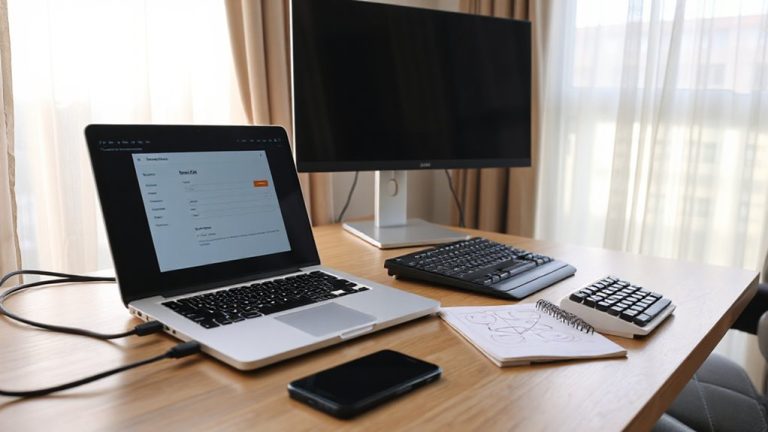
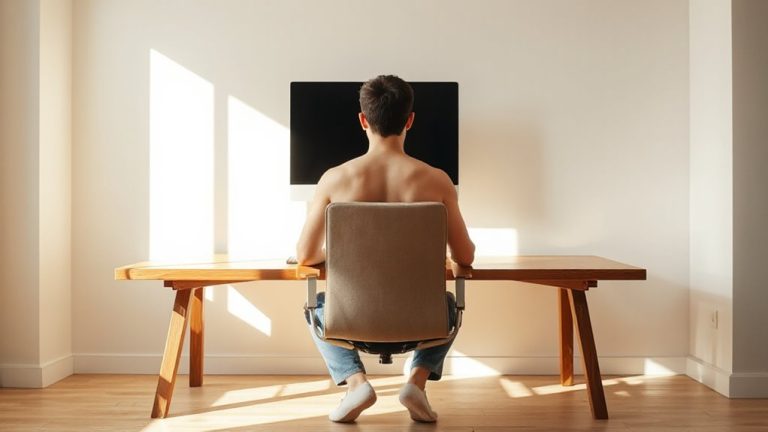
You’ll focus better and stay healthier with a dedicated workspace away from living areas. Use a corner, closet, or wall desk (30–40 inches wide) with a $30 adjustable chair and 4000K desk lamp to support posture and reduce eye strain. A real desk at elbow height enables neutral wrists and screen alignment, unlike couches that cause slouching. Even small setups should include cable management and surge-protected power strips. There’s more to optimizing your space without overspending.
Notable Insights
- A dedicated workspace strengthens mental separation between work and personal life, improving focus and productivity.
- Physical boundaries reduce distractions from household activities, enhancing concentration during work hours.
- Proper ergonomic setup in a designated area prevents posture-related health issues like back and neck strain.
- Consistent use of a defined office space reinforces daily routines, supporting better time management and work discipline.
- Separating work from living areas lowers the risk of burnout by promoting clearer psychological work-life balance.
Turn Any Space Into a Home Office on a Budget
A corner of your living room, a closet turned workspace, or even a cleared-out basement can become a functional home office-no renovation required. You can save considerably by choosing DIY furniture made from sturdy plywood or repurposed materials, which often costs under $100 and lets you customize dimensions. Pair it with an adjustable desk or a wall-mounted lap desk for flexibility. Lighting setup is critical-combine overhead ambient lights with a desk lamp offering 4000K color temperature to reduce eye strain. While DIY solutions cut costs, they may lack built-in cable management or extended warranties. Some materials warp over time without proper sealing. Real-world testing shows users report improved focus, but only when setup includes a dedicated chair and avoids glare on screens. Balance budget choices with ergonomics; a $30 task chair beats sitting on a dining chair daily. For under $200, you can also enhance your setup with a best budget camera to improve video call quality.
Where to Set Up Your Home Office in a Small Space
You’ll want to pick the right spot first-because even the most budget-friendly setup won’t work if it’s in the wrong place. Compact corners in your living room, bedroom, or hallway can double as efficient work zones if you use them wisely. Look for spots with natural light and minimal foot traffic to stay focused. Multi use furniture like wall-mounted desks or foldable tables save space and maintain flexibility. A console table can serve as a desk by day and an entryway surface by night. Position it near an outlet to reduce cord clutter. Be honest about noise and distractions-proximity to family activity can hurt concentration. While tight spaces work, they limit movement and equipment size. Measure the area before buying anything. Most wall desks fit in 30–40 inches wide spaces. Choose ones with built-in cable management and weight capacity above 20 lbs. These small upgrades improve function without sacrificing room.
Must-Have Home Office Essentials
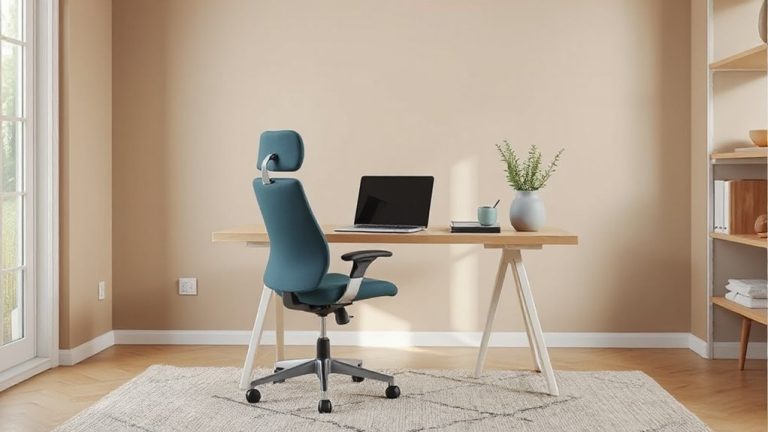
When it comes to building a functional home office, investing in a proper desk and chair isn’t optional-they’re the foundation. Ergonomic furniture reduces strain during long work hours, so look for adjustable chairs with lumbar support and desks at elbow height. Pair that with smart cable management to keep clutter under control and maintain focus. These essentials aren’t just convenient-they’re critical for daily performance. For maximum comfort and productivity, consider a standing desk conversion that allows seamless transitions between sitting and standing throughout the day.
| Item | Key Features |
|---|---|
| Ergonomic chair | Adjustable height, lumbar support, breathable mesh |
| Standing desk | Height range: 28–48 inches, electric motor, 5-year warranty |
| Cable tray | Adhesive mounts, fits up to 1-inch cords |
| Power strip with USB | 8 outlets, surge protection, 6-foot cord |
Even budget picks work if they offer adjustability and secure cable management. Test return policies-comfort is personal.
Boost Focus With a Designated Work Zone
Though it might seem simple, carving out a dedicated work zone can make a real difference in how focused you stay during the day-especially if you’re juggling back-to-back meetings or deep-work tasks. A separate space signals to your brain it’s time to work, reducing distractions. Use ergonomic furniture like an adjustable chair with lumbar support and a desk at elbow height to maintain comfort and posture during long sessions. Ambient lighting, such as a warm-white LED lamp with dimming options, cuts glare and eye strain without making the room feel clinical. These elements help sustain concentration, but they require thoughtful placement and personal adjustment. Not every expensive chair or light works for everyone-test firmness, brightness, and angles in your actual setup. A well-designed zone improves focus, but only if tailored to your body and routine. Prioritize function, not aesthetics. For long-term comfort, consider investing in one of the best ergonomic office chairs known for customizable support and durability.
Working From the Couch Hurts Focus and Health
A couch may seem like a comfortable spot to answer emails or join a video call, but it’s a poor long-term solution for work-plain and simple. Sitting there encourages poor posture, since couches lack lumbar support and often force you into slouched positions. That misalignment strains your neck and back over time. You’re also more likely to tuck your legs or twist sideways, increasing discomfort. This physical strain directly leads to reduced productivity-your focus fades as your body aches. Without a proper desk and ergonomic chair, you can’t position your screen at eye level or keep wrists neutral on a keyboard, compounding issues. Even short work sessions add up, especially over weeks. A dedicated workspace doesn’t require expensive gear-a simple desk, chair, and monitor setup makes a measurable difference. But be honest: using a couch blurs the line between rest and work, making both harder.
How a Home Office Prevents Burnout
While you might think carving out a dedicated room is overkill, setting up a proper home office can genuinely lower your risk of burnout-if done right. A defined workspace helps you manage mental fatigue by creating psychological boundaries between work and rest. Without them, you’re more likely to overwork, leading to productivity decline and emotional exhaustion. The key isn’t luxury-it’s consistency and separation.
| Work Setting | Risk of Burnout |
|---|---|
| Couch or bed | High |
| Kitchen table | Moderate |
| Shared living area | High |
| Quiet back room | Low |
| Dedicated office | Lowest |
Use a real desk with cable management and an ergonomic chair (look for adjustable lumbar support and 30-day return policies). Natural light reduces eye strain. But remember: even the best setup fails without routine shutdowns. Turn off notifications and stick to a schedule.
On a final note
You should set up a dedicated home office-it sharpens focus and reduces burnout. A quiet, consistent workspace with an ergonomic chair and proper desk height (typically 28–30 inches) improves posture and productivity. Natural light helps, but avoid screen glare. Budget matters-repurpose furniture or choose adjustable, modular gear. Just don’t overspend on flashy gadgets; a $30 monitor stand may work as well as a $150 one. Test what fits your space and routine.