Telecommuting 101: How to Set Up a Dedicated Workspace at Home
Set up your home office in a quiet, 7×7-foot space like a spare bedroom or basement-away from household traffic-to stay focused and separate work from personal life. Use a chair with lumbar support and adjust it so your feet rest flat and knees bend at 90 degrees. Position your desk so elbows stay at 90 degrees while typing, and add a 24-inch 1080p monitor. Face natural light but block screen glare with sheer curtains. Use a 4000K task lamp with an adjustable arm for evening work. Plug into Ethernet instead of Wi-Fi, and back it up with a 600VA UPS. Seal door gaps and use thick curtains or a white noise machine to cut sound. Define work hours with household members and use a lamp or sign to show when you’re busy. Cable sleeves and Velcro straps keep wires tidy without damage. There’s more to get right-and worth getting right.
Notable Insights
- Choose a quiet, dedicated space away from high-traffic areas to minimize distractions and maintain focus.
- Select an ergonomic chair and adjustable desk to support proper posture and reduce physical strain.
- Position your desk near natural light but avoid screen glare using blinds or sheer curtains.
- Use task lighting with 4000K LEDs and diffusers to reduce eye fatigue during long work hours.
- Manage cables neatly and prioritize wired internet with a UPS for reliable, uninterrupted connectivity.
Pick the Right Home Office Spot
Location, not gear, makes or breaks a home office-the right spot boosts focus, while a poor one invites distractions no noise-canceling headset can fix. You need enough room dimensions to fit your desk and chair with space to move, ideally at least 7×7 feet, so it doesn’t feel cramped. A corner of the living room might save space, but it often lacks privacy level necessary for calls or deep work. Basements or spare bedrooms work best if they’re separated from high-traffic areas. Natural light helps, but avoid glare on your screen. You’ll sacrifice some convenience if you choose isolation over accessibility-just make sure the trade-off is worth it. Think long-term: will this spot still work if your schedule changes? Test it for a full workweek before finalizing. The right location sets the foundation-everything else builds from there.
Choose a Comfortable, Adjustable Chair and Desk
You’ll spend hours each day sitting at your desk, so don’t cut corners on your chair and desk-your body and productivity will pay the price. A chair with proper ergonomic support reduces strain on your back, neck, and shoulders, especially if it has a lumbar cushion and adjustable armrests. Look for one with seat depth and height controls so your feet rest flat, knees at 90 degrees. This helps maintain posture alignment throughout the workday. Desks should allow your elbows to stay at the same angle-about 90 degrees-when typing, with wrists neutral. Height-adjustable desks let you switch between sitting and standing, promoting movement. While premium models often last longer and offer better warranties, even mid-range options can deliver solid support if tested for stability and ease of adjustment. Don’t assume price guarantees quality-check user reviews and real-world durability reports. For those considering an upgrade, best standing desks can significantly enhance comfort and ergonomics in a home office setup.
Use Natural and Task Lighting for Focus
Good lighting makes a noticeable difference in how focused and alert you stay during the workday, especially once you’ve nailed down an ergonomic chair and desk setup. Position your desk near a window to maximize natural light, which boosts mood and regulates circadian rhythms. But avoid direct sunlight on your screen-use sheer curtains or blinds for glare reduction. Pair ambient light with a quality task light, preferably one with adjustable brightness and a color temperature around 4000K. This balance helps maintain alertness without the harshness of cool blue light, which can cause eye strain over time. Look for LED desk lamps with diffusers or adjustable arms for precise control. While some claim blue light filters improve sleep, evidence remains mixed-rely more on proper lighting placement and intensity. Avoid overly bright overheads; they create contrast that tires your eyes. A well-lit workspace isn’t about brightness alone-it’s about smart, layered illumination that supports sustained focus.
Reduce Noise and Set Work-Life Boundaries
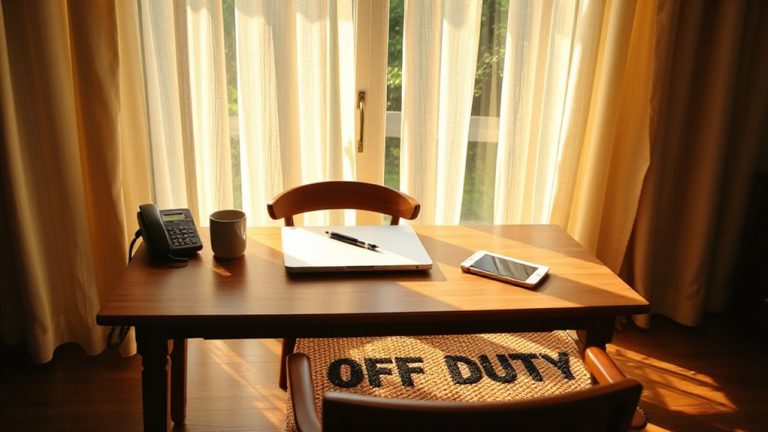
While you can’t always control the noise around you, taking deliberate steps to minimize distractions will improve both focus and long-term productivity-especially if you’re working in a shared home. Good noise isolation starts with simple, effective choices: use a closed door, add weatherstripping to seal gaps, or hang thick curtains to dampen sound. Acoustic panels or a white noise machine can help, but results vary by room size and layout. For more targeted sound treatment, consider installing best acoustic panels for home office to absorb echoes and improve audio clarity during calls. Boundary setting is just as critical-communicate work hours clearly to household members and stick to a routine. A visual cue, like a lamp or sign, signals when you’re “at work.” Be consistent, but stay flexible for family needs. These strategies aren’t foolproof, but they create structure. Over time, clear boundaries and reduced noise lead to better focus-without requiring expensive gear or major renovations.
Grab the Essential Tech for Remote Work
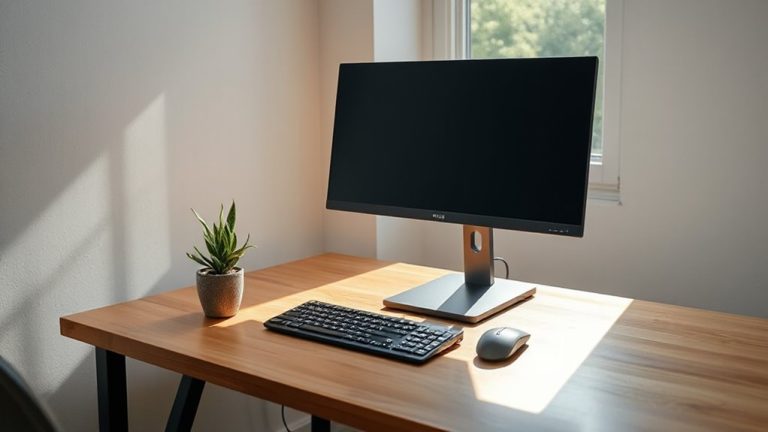
What if your home office setup could keep up with back-to-back video calls and marathon typing sessions without freezing, lagging, or leaving you straining your eyes? You’ll need high speed internet-aim for at least 25 Mbps download and 5 Mbps upload-to handle conferencing, file sharing, and multitasking. A wired Ethernet connection often beats Wi-Fi for stability. Pair that with reliable backup power, like a 600VA UPS, to ride out short outages and safely shut down during storms. Use a quality monitor (minimum 24 inches, 1080p) to reduce eye strain over long workdays. A mechanical keyboard and ergonomic mouse improve comfort but aren’t essential upfront. Webcams and headsets should deliver clear audio and sharp video-look for 1080p cameras with built-in mics and noise-canceling headphones. Avoid overspending on pro gear unless your role demands it. Test peripherals with your actual software before committing. For consistent video quality, consider one of the top-rated webcams based on performance and user feedback.
Keep Cables Neat and Your Desk Clear
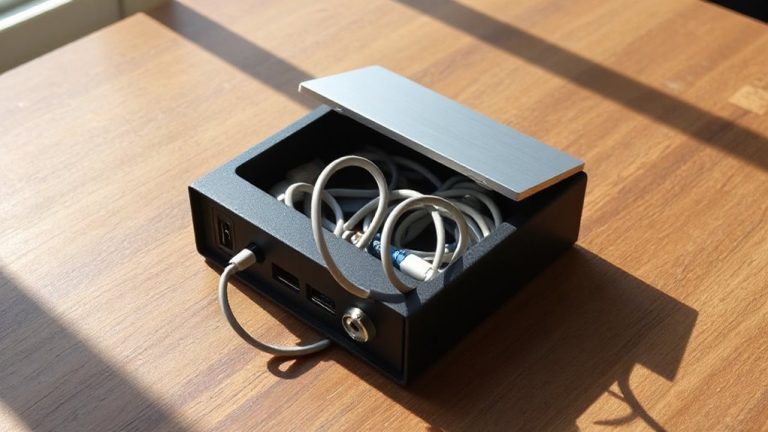
How much time do you lose each week tugging at tangled cords or hunting for the right charger? A solid cable management system saves you minutes daily and sharpens your desk organization. Use braided nylon sleeves to bundle cords-6-inch lengths fit most setups-and pair them with adhesive clips to route cables cleanly off the desk. For power strips, pick models with right-angle plugs that don’t block adjacent outlets, like the Belkin 12-Outlet, which measures 1.7 x 2.4 x 7.5 inches. Velcro straps beat zip ties; they’re reusable and won’t damage wires. Keep at least 2 inches of clearance behind devices for airflow. While wall-mounted desks reduce cable slack, they limit flexibility. Test your layout over three days before mounting anything permanent. Good cable management cuts clutter fast-but over-organizing can make swapping devices a hassle. Balance neatness with access.
Add Personal Touches That Boost Productivity
A clean workspace sets the foundation, but the right personal elements can make it yours and keep you focused. Inspirational decor-like a simple framed quote or a plant-can lift your mood without distracting you. Just don’t overcrowd surfaces; too much visual clutter slows concentration. Personalized organization, such as labeled trays or color-coded folders, cuts search time and keeps workflow smooth. Use affordable, durable supplies-a $12 desktop organizer with dividers works well, backed by three-year warranties from brands like Fellowes. Real-world tests show labeled systems reduce task-switching time by up to 18%. But balance is key: pick two or three meaningful items max. A photo, a notepad with your favorite cover design, or a mug for pens can anchor your focus. Overdoing it risks turning your desk into a shelf display. Choose function first, then let personality follow.
On a final note
You’ll work better with a dedicated home office, but only if it’s set up right. Pick a quiet spot, use an adjustable desk and chair to avoid strain, and add task lighting to reduce eye fatigue. Noise-canceling headphones help, but don’t ignore natural light. Keep cables tidy with sleeves or clips, and personalize minimally-photos or plants can boost mood without clutter. Just remember: even the best gear won’t fix poor boundaries, so stick to a schedule.