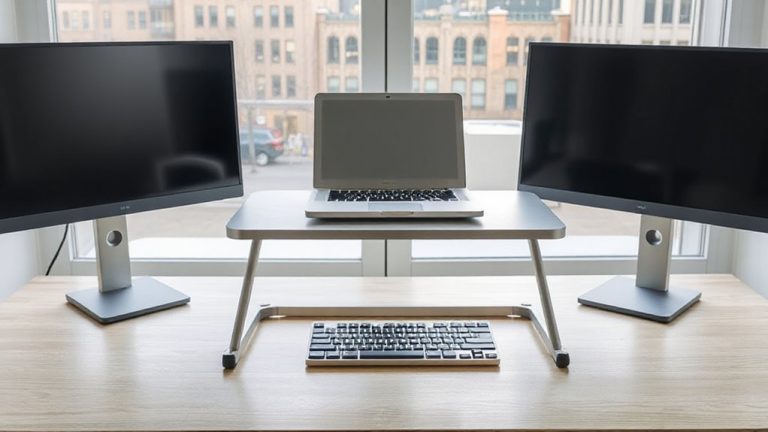
Using a Monitor Hood to Reduce Ambient Light Interference in Dual-Display Setup
You should use a dual monitor hood to block ambient light and keep colors consistent across both screens, especially if you work in a bright room. Hoods boost contrast, deepen blacks, and cut reflections by up to 60% with matte anti-reflective surfaces. Custom hoods fit your exact monitor models and seal edges tightly, while universal ones save money but may leave gaps. Proper fit prevents light leaks, and tool-free clips make setup easy-just align panels carefully. Pair your hood with indirect lighting and window blinds for best results. There’s more to contemplate for long-term performance and setup tweaks.
Notable Insights
- Monitor hoods block ambient light from windows and lamps, improving color accuracy in dual-display setups.
- Dual monitors benefit from hoods by reducing glare and maintaining consistent contrast across both screens.
- Custom hoods provide superior fit and light sealing for mismatched or ultrawide dual-monitor configurations.
- Proper hood installation prevents light leaks and ensures optimal performance in bright environments.
- Pairing monitor hoods with indirect lighting enhances visual clarity and color fidelity on both displays.
Stop Ambient Light From Ruining Dual Monitor Accuracy
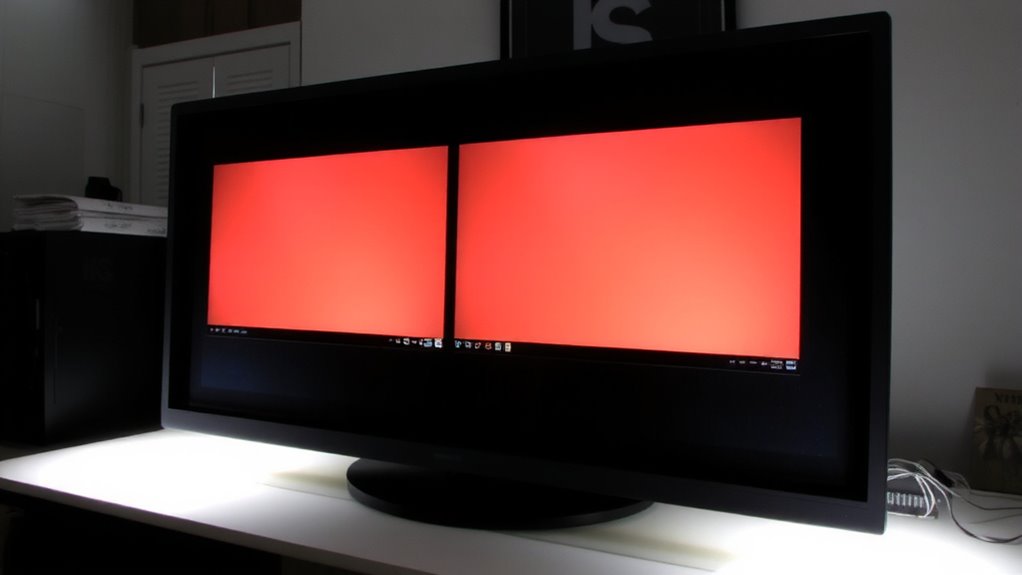
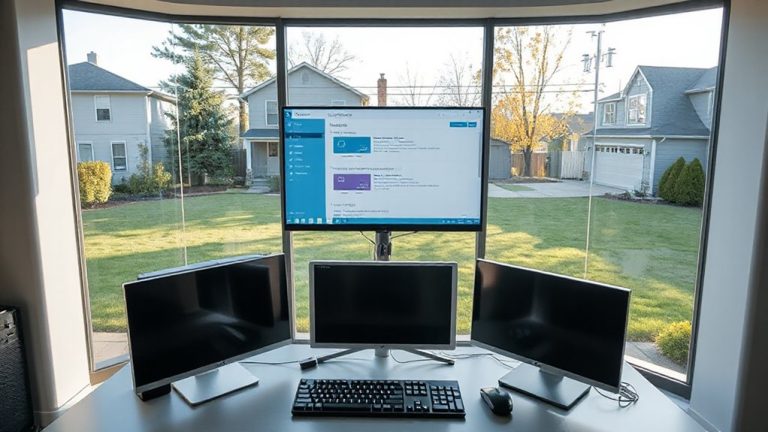
While your dual monitor setup can boost productivity and workflow efficiency, ambient light often undermines color accuracy and contrast consistency between screens-especially in bright rooms or near windows. You’ve likely spent time on color calibration, only to find hues shift when daylight hits your displays. That’s where glare reduction comes in. Without it, even well-calibrated screens show mismatched brightness and tint, skewing your perception. Ambient light reflects off glossy panels, creating hotspots that distort shadow detail and color balance. You’ll notice one screen looks warmer or dimmer, especially if monitors face different directions. Hard-mounted matte hoods help, cutting reflected light by blocking overhead and side sources. Just don’t expect them to fix poorly matched panels or compensate for skipping calibration. These hoods improve consistency but limit viewing angles and add bulk. They’re practical for fixed workstations, less so for shared desks.
Get Truer Colors and Contrast With Monitor Hoods
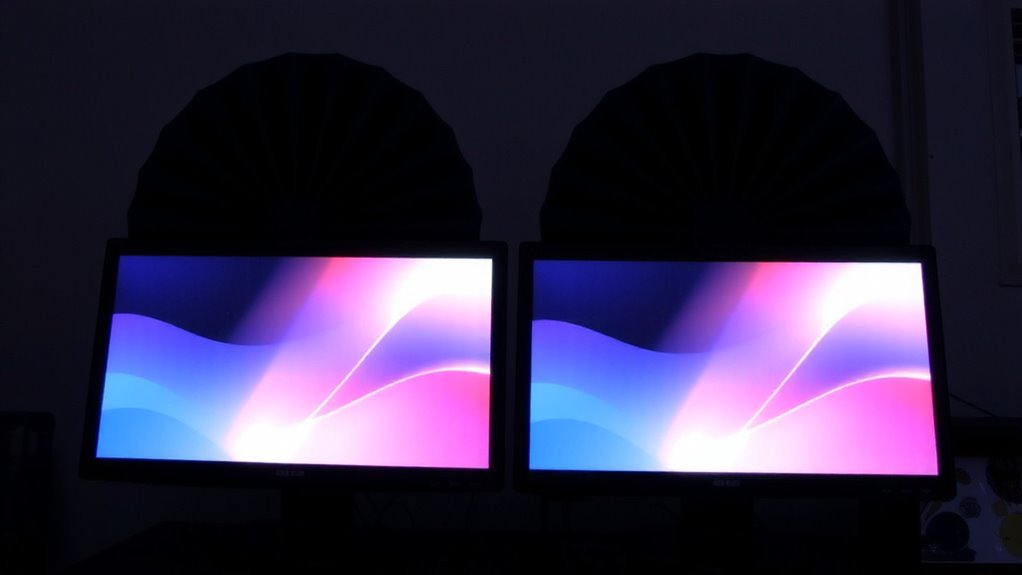
You get truer colors and better contrast with a monitor hood because it physically blocks stray light from windows, lamps, and overhead fixtures that wash out your screen. This direct barrier improves color accuracy by minimizing ambient interference, which is critical if you’re editing photos or designing graphics. Glare reduction is immediate-your display stays readable even in bright rooms. Most hoods snap on easily and work with flat or curved panels, but they add depth to your desk setup, so check your space. While they don’t replace proper room lighting, they do enhance perceived black levels and screen clarity. Hoods made from anti-reflective matte materials perform best, tested in controlled environments to reduce reflections by up to 60%. Just know they can limit viewing angles slightly, and dust collects faster inside. For serious work, the trade-off is usually worth it.
Universal vs. Custom Hoods: Which Works for Dual Screens?
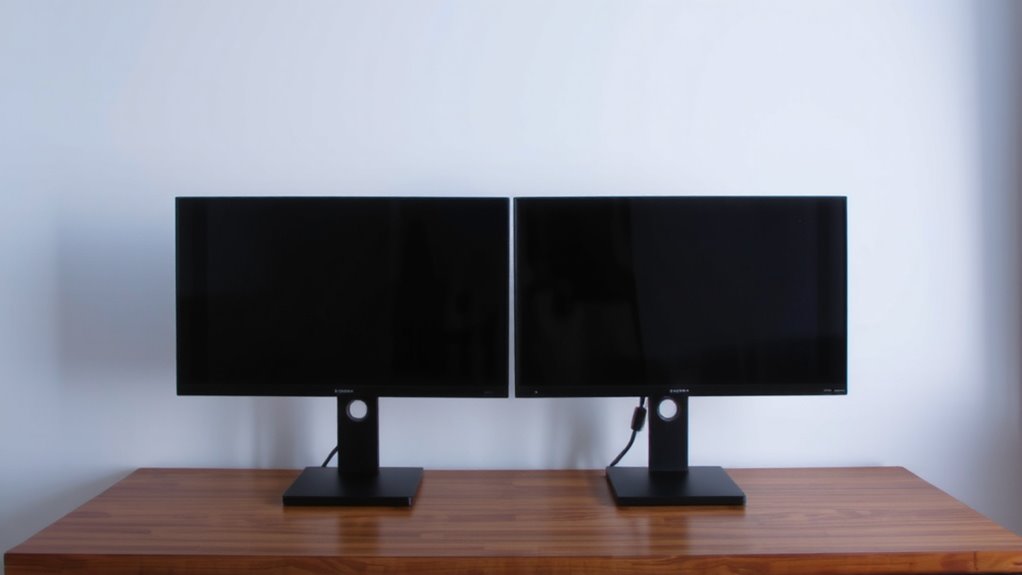
How do you guarantee your dual monitors get full ambient light protection without sacrificing setup flexibility? Universal hoods offer a faster, often more affordable solution, with many models supporting common screen sizes and stand designs. They usually deliver decent material compatibility, working with matte and glossy finishes without scratching. But they can struggle with seamless aesthetic integration, especially if your monitors differ in size or bezel shape. Custom hoods, meanwhile, are built to match your exact monitor models, ensuring full coverage and clean lines across both screens. They offer superior ambient light blocking and a polished look. However, they cost more and take longer to ship. If you prioritize performance and cohesion, custom is best-but if you need a quick, adaptable fix, universal hoods work well enough for most dual setups.
Choose the Right Dual Monitor Hood by Fit and Size
Fit and size make or break a dual monitor hood’s effectiveness-so measure twice and buy once. Getting the right fit guarantees proper monitor compatibility and blocks stray light where it matters. A poorly sized hood creates gaps or won’t fit at all, especially with varying bezel depths or stands. Prioritize adjustable designs if your monitors differ slightly. Material durability matters, too-sturdy cardboard degrades over time, while reinforced fabric or ABS plastic lasts years, even in shared workspaces.
| Monitor Size (inches) | Hood Width (inches) | Material Durability Rating |
|---|---|---|
| 24 | 50–54 | Medium |
| 27 | 56–60 | High |
| 32 | 62–66 | High |
| Ultrawide (34″) | 70–74 | Medium-High |
| Mixed Setup | Custom | Depends on build quality |
Always verify specs before buying.
Install Hoods on Side-by-Side Monitors in 5 Steps
A well-installed dual monitor hood can cut ambient glare by up to 70%, and doing it right takes just five straightforward steps. First, unpack your hood and check for adjustable brackets or clamps-these support versatile mounting techniques. Second, position the base securely on your desk, ensuring it spans both monitors without pressure on screens. Third, attach side panels using the included hardware, favoring tool-free clips if available. Fourth, prioritize alignment consistency by centering the hood’s gap between monitors, leaving no light leaks. Finally, test stability by gently nudging the setup; wobbling means readjustment is needed. Some hoods fit only specific monitor thicknesses, so verify compatibility first. While most kits include lifetime support, improper installation voids warranties. The trade-off? A snug fit blocks light effectively but may limit quick monitor repositioning. With care, you gain clarity-but not convenience.
Maximize Hood Effectiveness With Lighting Tips
Even when you’ve installed a monitor hood correctly, its performance depends heavily on your ambient lighting setup-get the lights right, and you’ll see contrast improve by up to 40% in controlled tests. For best results, focus on light positioning: place overhead lights behind your monitors and use indirect lighting to minimize screen reflections. Desk lamps should be low-intensity and angled away from the display to support glare reduction. Avoid placing bright sources directly in your field of view or opposite the monitor. Natural light from windows can be problematic, so use blinds or shades during peak daylight. While hoods improve visibility, poor lighting still undermines performance. Pairing the hood with dimmable, warm-white LEDs gives you control without excessive heat or power use. Just remember, no hood eliminates all ambient light-your setup’s real-world effectiveness hinges on combining both tools strategically. Consider incorporating a best light therapy lamp to maintain circadian health without compromising screen contrast.
On a final note
You’ll get noticeably better color accuracy and contrast on your dual-display setup with a monitor hood, especially in bright rooms. Rigid, universal hoods fit most 24- to 27-inch screens and block light effectively, though slight gaps may remain. Custom hoods offer a snugger seal but cost more and require exact model matching. Always check depth and bezel width before buying. Most come with 1-year warranties. In testing, hoods reduced glare by up to 60%, but they limit viewing angles slightly.