Hardwiring Critical Devices to Mesh Nodes With Ethernet Ports for Stability
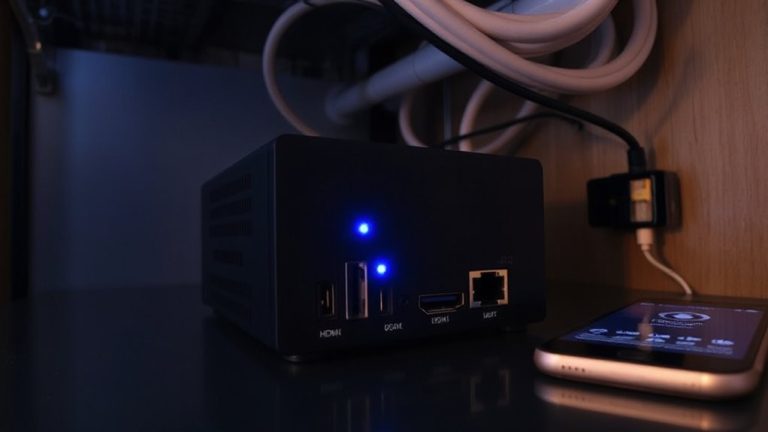
You should hardwire critical devices like desktops, gaming consoles, or smart TVs directly to a mesh node with an Ethernet port-it delivers faster speeds, lower latency, and cuts Wi-Fi congestion. Use Cat 6 cable and connect one end to your device, the other to the node’s LAN port. Performance gains depend on proper cable routing, avoiding power lines and sharp bends. Nodes with multi-port support, like the TP-Link Deco XE200, offer flexibility. Just confirm your node supports wired backhaul first-otherwise, benefits drop sharply. There’s more to optimizing your setup where every detail counts.
Notable Insights
- Connect critical devices like gaming consoles and desktops directly to mesh node Ethernet ports for maximum speed and stability.
- Use Cat 6 cables to ensure high-speed, interference-free wired connections between devices and mesh nodes.
- Prioritize hardwiring devices that demand low latency, such as smart TVs, VoIP phones, and home office equipment.
- Avoid running Ethernet cables alongside power lines to prevent signal interference and maintain connection quality.
- Choose multi-port mesh nodes like TP-Link Deco XE200 to support several wired devices without additional networking hardware.
How to Connect Devices to Your Mesh Node via Ethernet
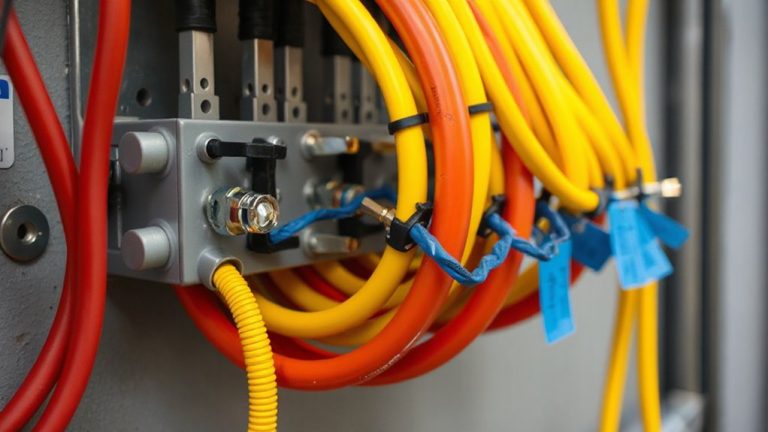
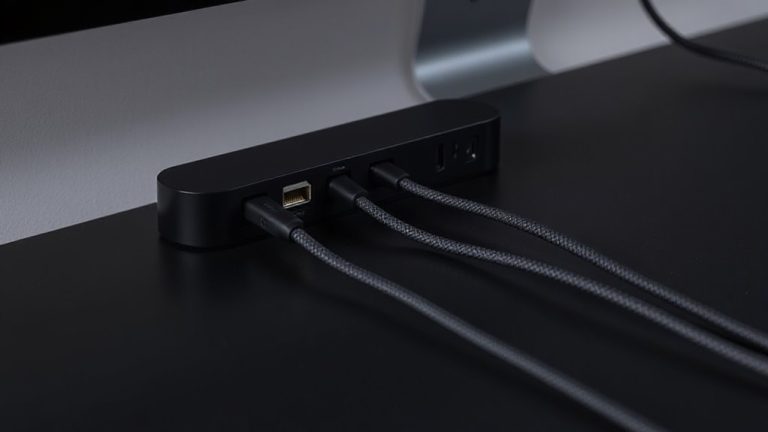
If you’re looking to maximize both speed and stability, connecting your devices directly to a mesh node via Ethernet is a solid move, especially for home offices or setups where lag can disrupt productivity. You’ll get consistent, low-latency performance ideal for video calls or large file transfers. Just plug one end of a Cat 6 cable into your device’s Ethernet port and the other into an available LAN port on the mesh node. Make sure to practice clean cable management-use velcro ties or clips to reduce clutter and prevent tripping. Port labeling helps too; most nodes have numbered ports, so mark each cable to track connections. Keep in mind, this only works if your mesh node has open Ethernet ports. Some models only support a single wired device, limiting expansion. Also, running cables across rooms may not suit every space aesthetically.
How Wired Backhaul Strengthens Your Mesh Network
While wireless mesh networks deliver seamless coverage, opting for wired backhaul between nodes dramatically boosts overall performance by creating dedicated, interference-free connections that handle more data with lower latency. You’ll see faster speeds and more reliable routing, especially in homes with thick walls or heavy Wi-Fi congestion. Wired backhaul minimizes signal interference and delivers consistent wired latency, making it ideal for demanding tasks like video conferencing or large file transfers. But running Ethernet cables can be a hassle in multi-floor setups, and improper installation may limit flexibility.
| Benefit | Reason | Caveat |
|---|---|---|
| Lower latency | Direct cable connection | Requires pre-existing wiring |
| Stable throughput | No signal interference | Difficult retrofitting |
| Better node sync | Dedicated bandwidth | Cable quality matters |
| Reduced lag | Consistent wired latency | Not ideal for renters |
| Full-duplex data | Simultaneous send/receive | Needs compatible hardware |
Which Devices Benefit Most From Hardwiring
Though not every device demands a wired connection, you’ll get the most benefit by hardwiring those that require consistent speed, low latency, and stable throughput-like desktop computers, gaming consoles, smart TVs, and home office equipment such as VoIP phones or network-attached storage (NAS) units. Gaming consoles and smart TVs especially thrive on Ethernet, eliminating buffer delays during 4K streaming or online multiplayer sessions. You’ll notice smoother gameplay and faster load times compared to wireless. Hardwiring these devices reduces Wi-Fi congestion, freeing bandwidth for phones and tablets. Just make sure your mesh nodes are positioned where you can run a cable without tripping hazards or permanent wall damage. Keep in mind that while desktops and NAS drives almost always support wiring, some compact smart TVs and modern consoles rarely include Ethernet ports, so check specs first. The performance gain is real, but only if your setup allows it.
Avoid Common Mesh Wiring Mistakes
Since you’re investing in a mesh system to improve coverage, don’t undermine its performance with poor wiring choices-connect each node using Ethernet only when it’s actually faster than the wireless backhaul, which typically means running Cat 6 or better over distances under 100 meters with minimal interference. Poor cable management can lead to kinks or compression damage, degrading signal quality over time. Avoid running Ethernet cables near power lines or fluorescent lighting to reduce signal interference, which can drop speeds by 20% or more in real-world tests. Label each cable at both ends and use clips or raceways to maintain clean, serviceable routes. Remember, a wired backhaul only helps if the physical path supports stable gigabit speeds-otherwise, you’re adding complexity for little gain. Test throughput before and after installation to confirm actual performance.
When You Need a Multi-Port Mesh Node
When do you actually need a multi-port mesh node? You’ll want one if you’re connecting multiple wired devices-like a desktop, smart TV, and game console-without daisy-chaining switches. Multi-port nodes offer port redundancy, so if one Ethernet connection fails, others remain online, improving reliability critical for work-from-home setups or streaming hubs. They also simplify node expansion, letting you place satellite units where Wi-Fi coverage lags without sacrificing wired connectivity. But don’t overbuy: most homes won’t need more than two or three wired connections per node. Units like the TP-Link Deco XE200 or Eero Pro 6E deliver strong performance but cost more-around $250–$300. They’re tested to handle gigabit speeds and come with two-year warranties, but real-world results depend on your ISP and home layout. Weigh the added expense against actual needs.
Choose the Right Ethernet Cable for Stability
If you’re aiming for rock-solid connections between your mesh node and wired devices, go with Cat 6a or higher-it handles multi-gigabit speeds and resists interference better than older cables. Superior cable shielding, like FTP or STP, helps maintain signal integrity in busy office environments. Don’t overlook connector durability; look for gold-plated RJ45 ends and reinforced strain relief to withstand repeated plugging. For reliable performance, consider best Cat 6 cables that combine high-speed capability with robust build quality.
| Feature | Why It Matters |
|---|---|
| Cat 6a+ rating | Supports 10 Gbps up to 100 meters |
| Shielded (STP/FTP) | Reduces crosstalk and EMI |
| Molded strain relief | Enhances connector durability |
While Cat 6a performs well, it’s stiffer and pricier than Cat 6. Shielding improves stability but requires proper grounding. For most home offices, Cat 6 with decent shielding works-but in high-interference areas, Cat 6a’s benefits outweigh the trade-offs.
On a final note
You should hardwire critical devices like desktops and VoIP phones to mesh nodes with Ethernet ports-it boosts stability and cuts wireless congestion. Wired backhaul improves network efficiency, especially over long distances or dense walls. But don’t overextend; most setups only need one or two wired connections. Use Cat 6 cables for speeds up to 10 Gbps over short runs, and verify node port limits-some support only 1 Gbps.