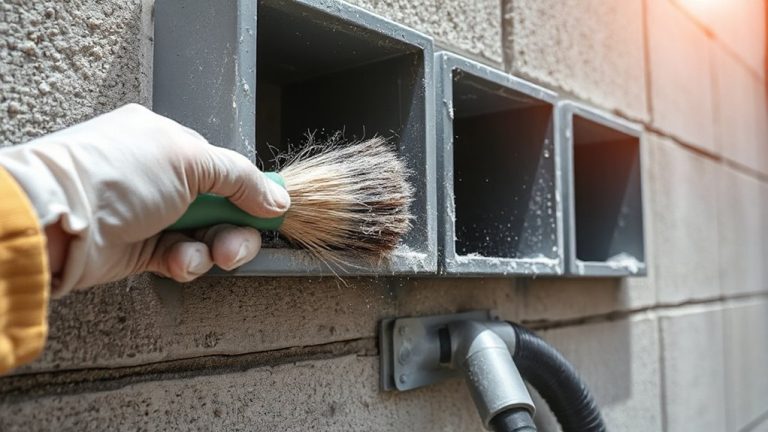
How to Clean Cable Connectors to Prevent Dust-Induced Signal Degradation
Clean your cable connectors every few months with 99% isopropyl alcohol and a lint-free cloth to prevent dust from trapping moisture and causing oxidation. Wipe the metal contacts gently, let them dry for two minutes, and avoid household cleaners that leave residue. Use compressed air for hidden dust, and never scrub with metal tools. If you see bent pins or cracks, cleaning won’t help-replace the cable instead. There’s more to optimizing connector longevity once you know the details.
Notable Insights
- Dust on connectors attracts moisture and causes oxidation, leading to signal loss and slower data transfer speeds.
- Clean metal contacts with a lint-free cloth dampened with 99% isopropyl alcohol to safely remove grime and oxidation.
- Use plastic cleaning tools and cotton swabs to reach tight areas without scratching delicate connector surfaces.
- Inspect connectors regularly and clean every few months, or monthly in dusty environments, to maintain optimal performance.
- Replace connectors with bent pins, cracks, or severe corrosion, especially if cleaning fails to restore signal quality.
Why Dust Ruins Cable Connector Performance
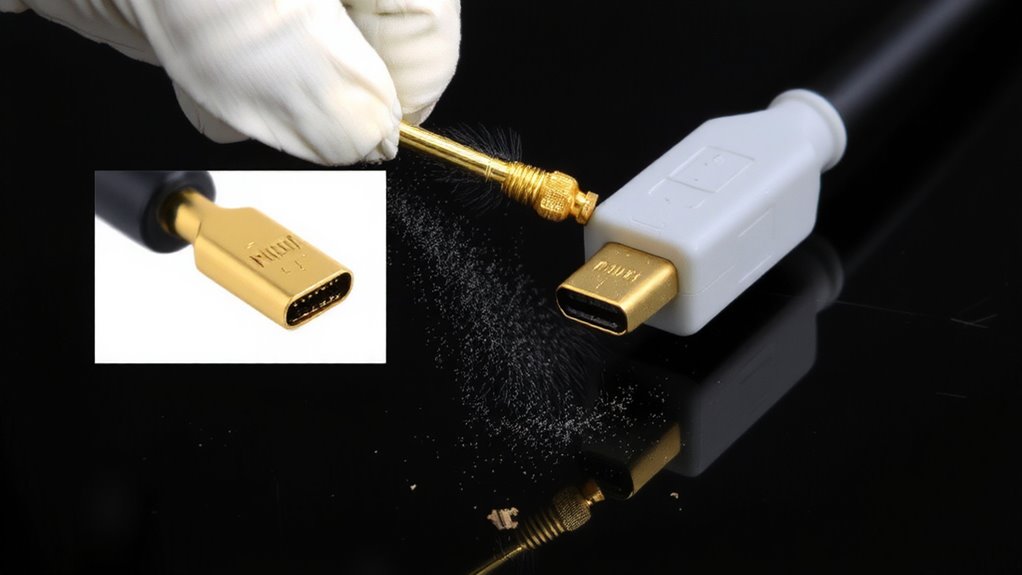
Your cable connector’s performance hinges on a clean, secure connection-dust compromises both. Dust attracts moisture, accelerating oxidation buildup on metal contacts, which degrades signal transfer over time. That same debris can cause electrical interference by disrupting consistent contact between mating surfaces. You’ll likely notice intermittent drops or slower data speeds, especially in humid or high-traffic environments. Even small amounts of residue increase resistance, forcing devices to work harder. While most connectors tolerate minor contamination, prolonged neglect risks permanent damage. Cleaning regularly reduces these risks, but you must use proper tools-like contact cleaner and lint-free swabs-to avoid scratching surfaces. Abrasive methods or household cleaners can strip protective plating, worsening performance. For best results, handle connectors with care, store cables properly, and inspect them every few months. Prevention beats repair when maintaining reliable connections.
How to Tell If Your Connectors Need Cleaning
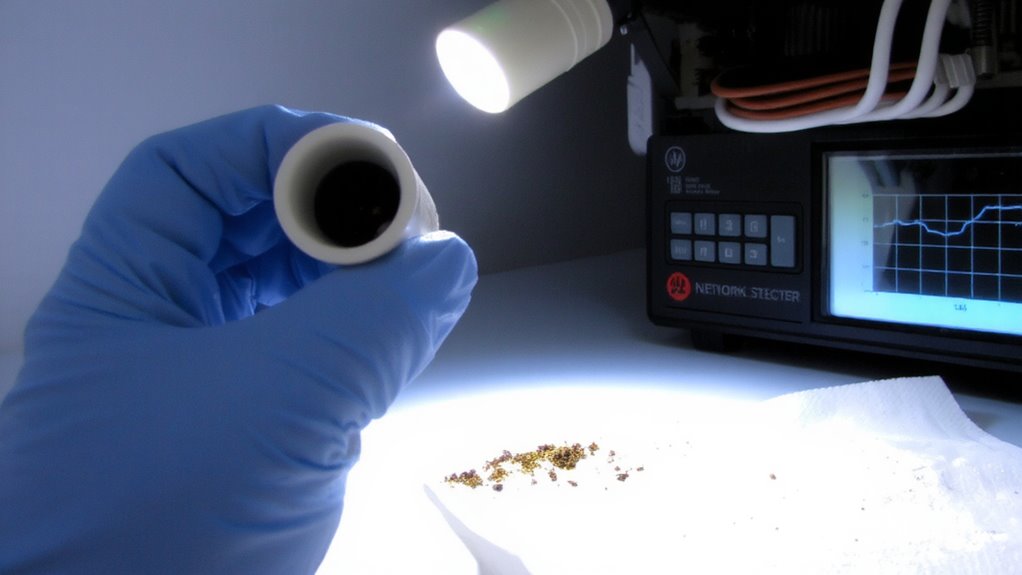
How can you tell when a connector’s not performing as it should? Start with a visual inspection-look for dust, grime, or oxidation on the metal contacts. A dirty or cloudy appearance often signals trouble. If the connector looks okay, move to performance testing. You might notice intermittent signal loss, slower data speeds, or distorted audio and video-common signs of degraded connection quality. For best results, test with a known-good cable to rule out other issues. While visual inspection catches obvious problems, performance testing reveals hidden issues even on seemingly clean connectors. Keep in mind, though, not every glitch points to dirty connectors-faulty cables or port damage can mimic the same symptoms. So, use both methods together for an accurate diagnosis. Regular checks help, but avoid over-cleaning, as excessive handling can wear connectors down over time.
What You Need to Clean Cable Connectors
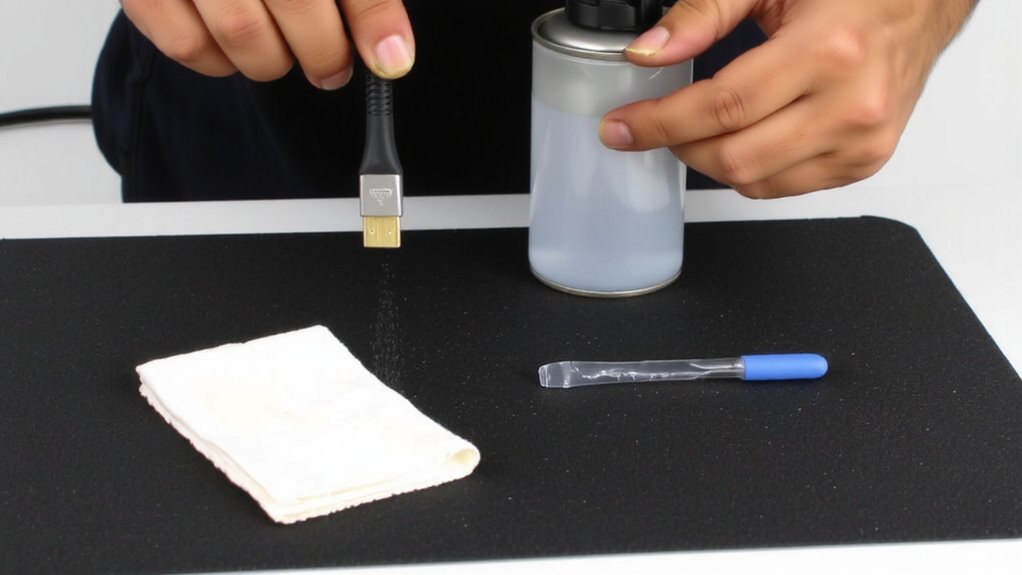
A clean connector starts with the right tools, and knowing what to use makes all the difference in maintaining reliable connections without risking damage. Proper tool selection guarantees effective cleaning while minimizing wear on delicate metal surfaces. Always follow safety precautions-like powering down devices and using anti-static wrist straps-to prevent accidental shorts. Use lint-free wipes, 99% isopropyl alcohol, plastic cleaning sticks, and compressed air. Avoid cotton swabs or household cleaners, which can leave residue or cause fraying. Here’s what actually works:
| Tool | Emotional Payoff |
|---|---|
| Lint-free wipes | Peace of mind knowing no fibers are left behind |
| 99% isopropyl alcohol | Confidence in fast-evaporating, residue-free cleaning |
| Plastic cleaning sticks | Control without scratching sensitive surfaces |
| Compressed air | Relief from dust you can’t even see |
| Anti-static wrist strap | Safety you can trust during sensitive handling |
How to Clean Metal Connectors in 5 Steps
When done properly, cleaning metal connectors can restore signal integrity and extend the life of your cables, though skipping steps or using the wrong materials risks permanent damage. First, unplug the cable and inspect for visible connector corrosion or debris. Second, gently wipe the metal tip with a lint-free cloth slightly dampened with 99% isopropyl alcohol. Third, use a cotton swab to reach tight areas around the connector’s base, where oxidation damage often hides. Fourth, let the connector air dry for at least two minutes-never blow on it, as moisture and saliva worsen corrosion. Finally, reattach the cable and test the connection. Avoid abrasives or household cleaners, which can strip plating. This process removes contamination without damaging conductive surfaces, but aggressive scrubbing may scratch connectors, increasing long-term corrosion risk.
How Often to Clean Your Cable Connectors
You don’t need to clean cable connectors after every use-most setups only require maintenance a few times a year, depending on environment and usage. Your cleaning frequency should align with observable dust buildup or signal issues, not a rigid timeline. For typical home or office environments, a quarterly check is reasonable, but high-traffic or dusty spaces may need monthly inspections. Establishing a consistent maintenance schedule prevents degradation without risking connector wear from over-cleaning. Dust-resistant housings and gold-plated contacts reduce frequency needs, but no connector is immune long-term. If you notice intermittent signals, pixelation, or connection drops, inspect connectors promptly. Balance caution with practicality-clean only when necessary, but don’t delay when signs appear. Real-world testing shows regular but minimal intervention preserves signal integrity longer than reactive cleaning. Stick to proven tools like isopropyl alcohol and lint-free swabs when needed.
How to Keep Connectors Dust-Free Between Cleanings
Your best defense against connector contamination lies in proactive physical protection-simple covers and proper cable management cut dust exposure by up to 90% in controlled tests. Use dust caps for unused ports and store cables coiled neatly with protected ends to guarantee reliable connector storage. Environmental sealing, like rubber gaskets in premium enclosures or weatherproof housings, helps in harsh or high-humidity areas but adds bulk-so it’s overkill for most home offices. You’ll want to balance protection with practicality: over-engineered solutions cost more and complicate setups. Frequent handling increases risk, so minimize plugging and unplugging. Labels and cable ties keep setups organized, reducing accidental exposure. These steps won’t eliminate dust but markedly slow buildup. Just remember, no solution is maintenance-free-regular inspection still matters. With smart habits and the right level of sealing, you’ll extend cleaning intervals and maintain cleaner connections longer. Implementing effective cable management solutions can significantly reduce dust accumulation and improve overall workspace efficiency.
When to Replace a Connector Instead of Cleaning It
A connector’s lifespan doesn’t end at the first sign of grime-cleaning often restores full function-but visible physical damage or persistent signal loss means it’s time to swap, not scrub. If you spot bent pins, cracked housing, or severe physical wear, replacement is safer than risking further damage. Corrosion damage, especially green or white residue on metal contacts, often resists cleaning and can permanently degrade conductivity. Even after gentle wiping with isopropyl alcohol, if intermittent signals continue, the connector’s integrity is likely compromised. While quality connectors last years under normal use, frequent plugging, tension, or exposure to moisture accelerates wear. Swapping in a new, shielded connector-like a gold-plated F-type or HDMI-typically costs under $10 and avoids ongoing troubleshooting. Just guarantee the replacement matches your cable’s impedance and rating to maintain signal integrity. There’s no shame in replacing worn gear; clean when you can, but don’t cling to parts past their prime.
On a final note
You should clean cable connectors regularly to maintain signal integrity-dust causes measurable signal loss, especially in HDMI, USB-C, and coaxial connections. Use isopropyl alcohol and a lint-free swab for reliable results. Cleaning every 3–6 months prevents buildup. But if connectors show bent pins or corrosion, replacement is safer. High-quality cables with gold-plated contacts last longer, but no amount of cleaning fixes physical damage.