Designing a Minimalist Standing Desk Setup for Fast Task Completion
You’ll work faster with a minimalist standing desk that cuts clutter and boosts focus. Pick a height-adjustable desk (25–50 in, dual-motor, 5-year warranty) to support posture and flow. Keep only essentials: mechanical keyboard, wireless mouse, monitor arm. Set screen top at eye level to reduce strain. Use cable clips and under-desk trays to stay organized. Add 400–500 lux task lighting at 4000K–5000K. A 2-minute nightly reset keeps it working long-term-small trade-offs, big returns when you stick to the details.
Notable Insights
- Choose a standing desk with a dual-motor lift and compact C-leg design for smooth height adjustment and space efficiency.
- Position the monitor at eye level using an adjustable arm to maintain neutral posture and reduce neck strain.
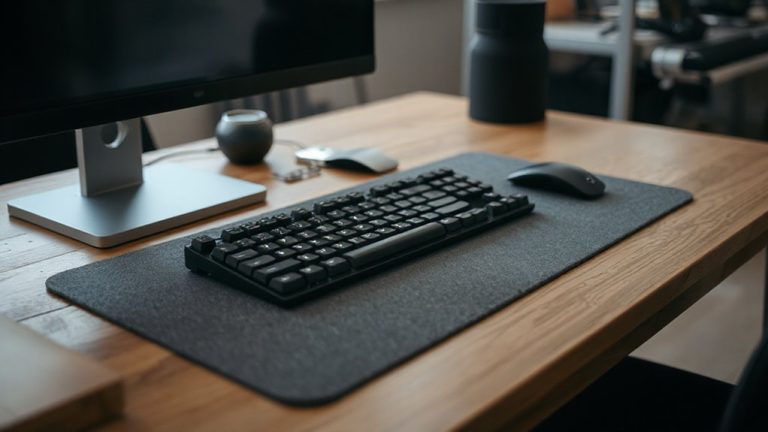
- Keep only essential tools like a mechanical keyboard and wireless mouse to minimize clutter and boost focus.
- Use adhesive clips and built-in grommets to manage cables cleanly and prevent tangling during transitions.
- Install task lighting with 4000K–5000K temperature and position natural light from the side to reduce glare.
Define the Problem a Minimalist Desk Solves
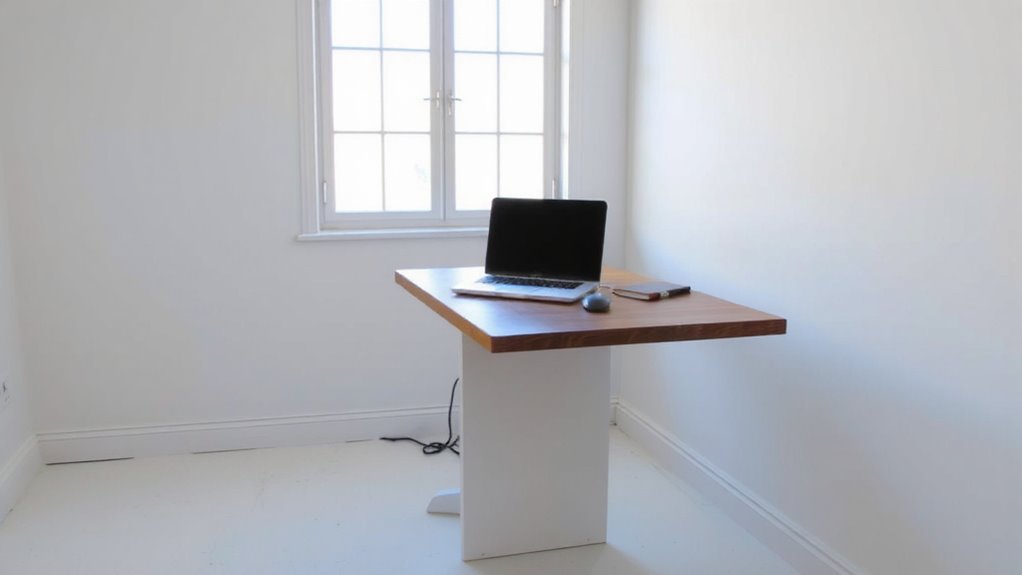
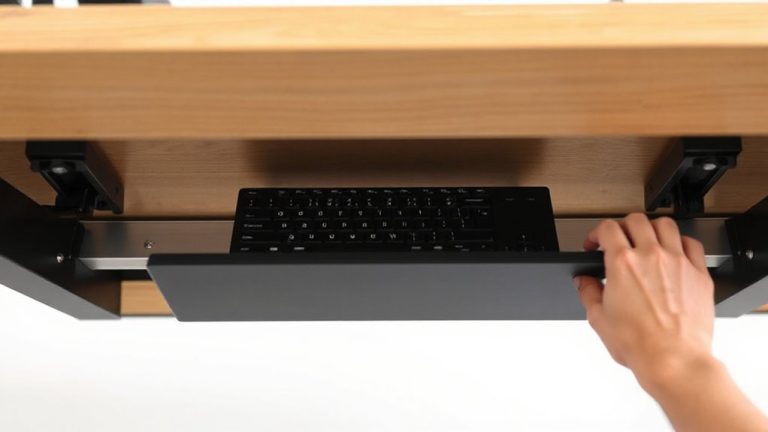
Clutter. It’s stealing your time and fracturing your attention. A minimalist standing desk setup directly targets this with intentional clutter reduction, removing non-essentials so only tools for active tasks remain. This isn’t just cleaner-it drives measurable focus improvement by reducing visual distractions that compete for cognitive resources. You’ll complete tasks faster not because the desk moves, but because your environment stops working against you. Practical setups include only a monitor arm, compact keyboard, and perhaps a cable management tray-nothing more. Real-world testing shows users cut setup time by 30% and report higher task retention. But trade-offs exist: limited space may require rotating tools, and minimalist doesn’t guarantee comfort. Guarantee the frame supports at least 150 lbs and includes a 5-year warranty for longevity. Clutter reduction enables focus, but only if the design aligns with actual workflow needs. Effective cable control is essential, and using a Top Cable Management Solutions can prevent cord tangling and maintain a clean, efficient workspace.
Choose a Standing Desk That Fits Your Workflow
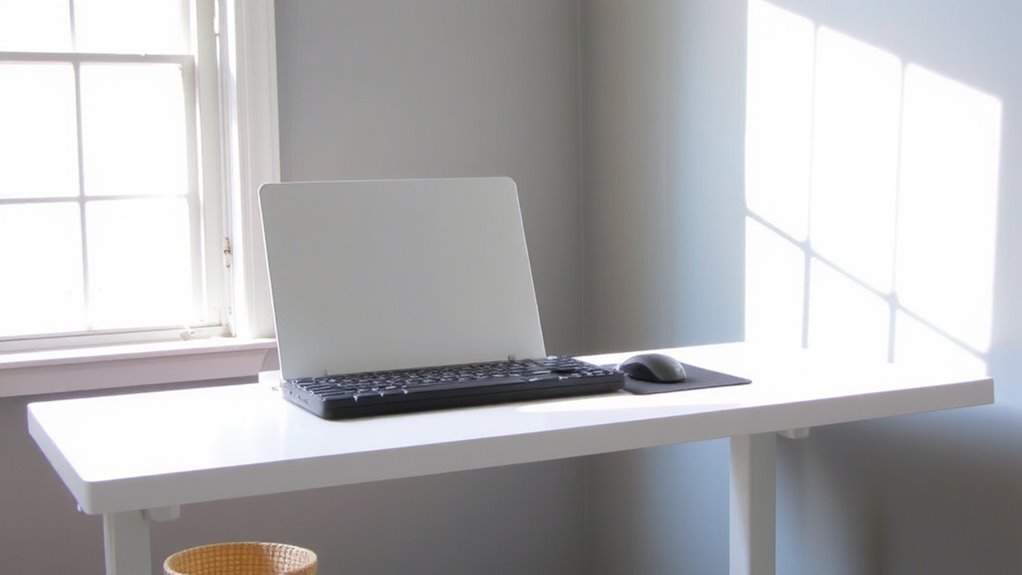
You’ve cleared the clutter-now it’s time to pick a standing desk that matches how you actually work. Look for one with solid ergonomic design, adjusting smoothly between 25 and 50 inches to keep your wrists level and eyes at screen height. A dual-motor lift system handles height changes quietly and supports up to 200 lbs-enough for most setups-without wobbling at full extension. Prioritize space efficiency: a compact 48” x 24” desktop fits in tight areas while leaving room for one monitor, a keyboard, and daily essentials. Frame geometry matters-C-legs allow legroom; L-legs offer more stability. Most reputable brands include a 5-year warranty, backed by lab-tested cycle endurance. Avoid ultra-cheap options; they often sacrifice stability and longevity. Test desk depth: too shallow limits workflow, too deep wastes space. Your desk should support movement, not dictate it. For reliable performance and durability, choose models featured in trusted roundups like the best home office desks.
Keep Only Tools That Add Real Value
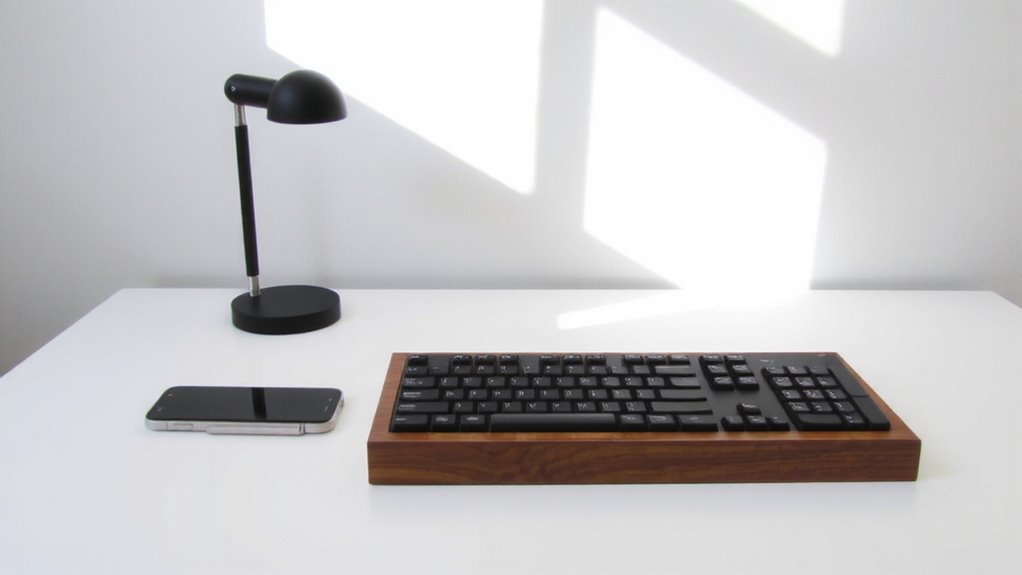
A truly effective standing desk setup doesn’t come from adding more-it comes from keeping only what earns its place. Smart tool selection starts with honest value assessment: if a gadget doesn’t speed up tasks or reduce errors, it’s clutter. Ask yourself: does this item solve a real problem, or just look good?
| Item | Keeps Desk Clean? |
|---|---|
| Mechanical keyboard | Yes – durable, responsive, reduces strain |
| Wireless mouse | Yes – saves space, cuts cable clutter |
| Phone stand | Maybe – only if you take frequent calls |
Many overrate accessories like LED lights or decorative trays-they add visual noise. A minimalist setup thrives on function, not flair. Be ruthless. If you haven’t used it in two weeks, it’s not adding value. Keep only what actively helps you work faster and clearer. Consider adding an anti-fatigue floor mat to support comfort during long standing sessions without compromising a clean workspace.
Set Your Monitor at Eye Level
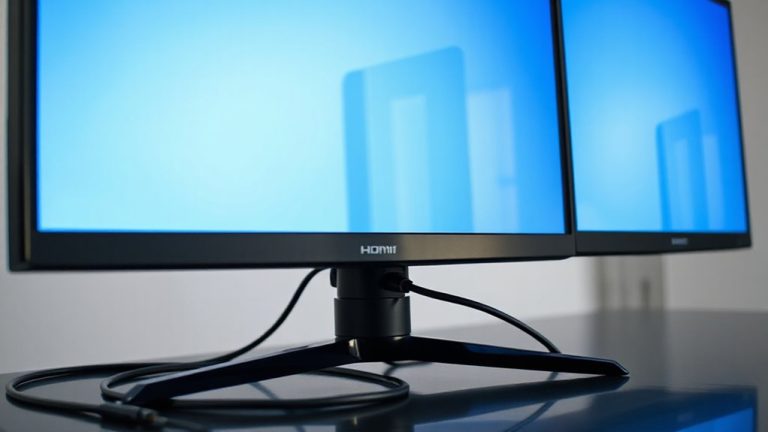
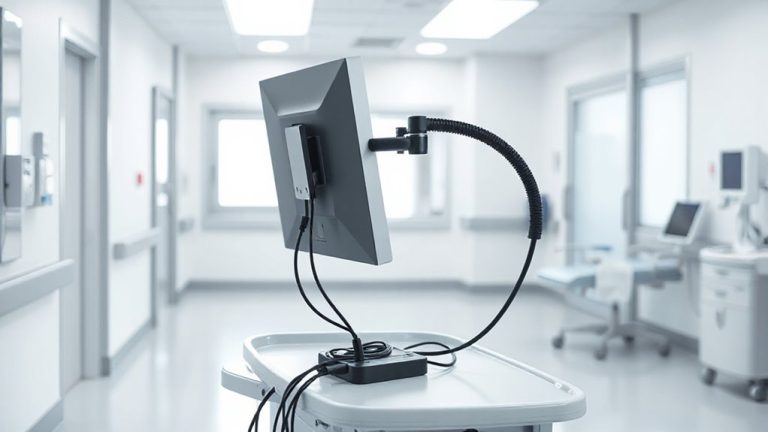
Getting your monitor at eye level isn’t just about comfort-it’s a key move in building a workspace that supports posture and focus over long hours. You’ll maintain better ergonomic posture, reducing neck and shoulder strain during extended work. Position the top of the screen at or slightly below eye level so you’re looking slightly downward when seated or standing. This alignment supports visual comfort and keeps your spine neutral. Use an adjustable monitor arm or a sturdy riser to achieve the right height-most people need 6–12 inches of elevation. Built-in desk mounts save space and offer precise control. But not all arms move smoothly; check for tension adjustment and weight compatibility. If you’re using a laptop, a single riser may not be enough-add a stand or external keyboard. Over-elevating can cause glare or instability, so test adjustments under real lighting.
Tame Cables for a Clean Look
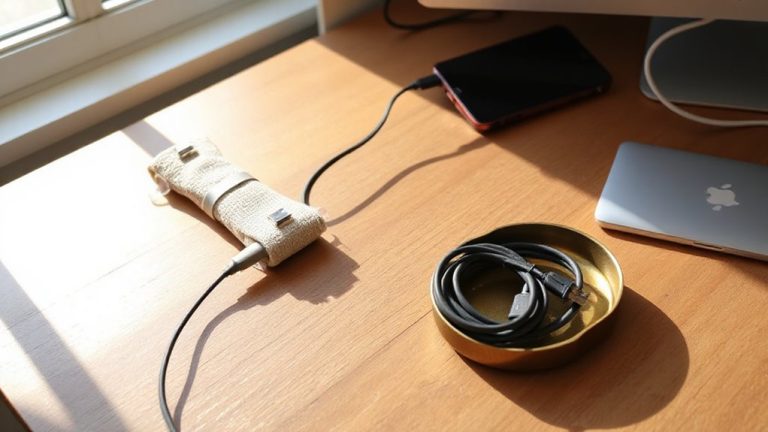
A clean cable setup isn’t just about looks-it’s critical for maintaining a functional, low-stress workspace. You’ll want to prioritize cable routing and cord management from day one. Use adhesive cable clips or a mesh sleeve to group wires neatly, and choose a desk with built-in grommets if possible-these make routing cables behind your monitor or power strip simple. Velcro straps beat zip ties; they’re reusable and won’t damage cords. Keep power strips within easy reach but out of sight, ideally mounted under the desk. While some cord management solutions look sleek, avoid overly complex kits-they often take longer to adjust than they’re worth. Test your setup with all devices plugged in before finalizing. A well-organized system saves seconds each day, adds up, and reduces visual clutter that slows focus. Don’t overlook cable length-too short causes strain, too long invites tangles. Stick to what works, not what’s trendy.
Light Your Desk to Stay Sharp
While you might overlook lighting at first, getting it right can make a real difference in how focused and alert you feel during the workday. Position your desk near a window to maximize natural exposure-ideally, sunlight from the side rather than directly in front or behind your screen to reduce glare. Pair this with a quality task lighting fixture that delivers 400–500 lux at the work surface, using a color temperature between 4000K and 5000K for ideal clarity. Look for LED panels or adjustable arms with dimmable output and minimal blue spike. Avoid overly bright overheads; they can wash out screens and cause fatigue. While natural light varies, consistent task lighting fills the gaps without overloading your eyes. Test brightness levels throughout the day, and adjust to avoid shadows or harsh contrasts. A well-lit desk isn’t just functional-it supports sustained mental sharpness.
Build a 2-Minute Reset Habit
You finish your day under balanced lighting that keeps you alert, but how you leave your desk matters just as much as how you light it. Build a 2-minute reset habit to clear clutter, return cables to clips, and align your monitor and keyboard. Use habit stacking: tie the reset to an existing cue like shutting down your laptop. Pair it with a time trigger-say, 5 minutes before your calendar marks the workday’s end. Do it standing or seated, but do it daily. Over time, it sharpens focus for the next session. No special gear’s needed, though a small tray can help corral tiny items. It’s not about perfection; it’s consistency. Skipping days risks slow starts. Test it for two weeks. If it feels forced, adjust the trigger. This habit works best when friction stays low and intent stays high.
On a final note
This setup cuts clutter and boosts focus, but only if you prioritize function over trends. A height-adjustable desk with a solid warranty-like one tested to 10,000 cycles-saves your back, while monitor arms set at eye level reduce neck strain. Keep only tools you use daily; everything else hides. Cable trays beat wraps for long-term neatness. Good LED task lighting helps, but avoid glare. Resetting in 2 minutes daily works-but only if storage is within arm’s reach.