Choosing a Dedicated Room for Video Calls to Isolate External Noise Sources
Pick a quiet room with solid walls and a closed door to cut out distractions and keep your voice clear. Bedrooms or studies work better than open areas, especially during peak household activity. Use foam panels (2”–4”) or noise-reducing curtains (NRC 0.4+) to improve sound isolation without permanent changes. Test the space at different times to gauge real-world performance. Keep in mind, even small upgrades add up-especially when combined with consistent lighting and setup. There’s more to optimizing your call quality where sound, light, and space work together seamlessly.
Notable Insights
- Choose a quiet room with solid walls and a secure door to minimize external noise and distractions.
- Prioritize rooms like bedrooms or studies over high-traffic areas such as kitchens or living rooms.
- Use acoustic panels and noise-reducing curtains to improve sound isolation without permanent modifications.
- Test the room during peak activity times to ensure consistent noise control throughout the day.
- Position the setup away from windows and external walls to reduce exposure to outdoor noise sources.
Pick a Quiet Room for Video Calls
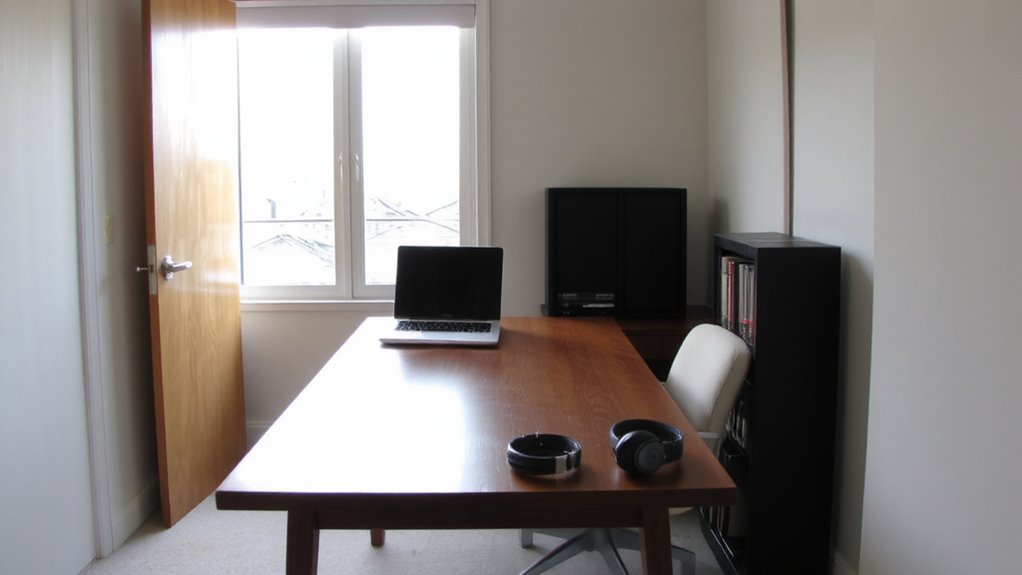
While you might be tempted to hop on a video call from the couch or kitchen table, choosing a quiet room markedly improves both your focus and how you’re perceived. A dedicated space minimizes ambient noise-like barking dogs or dishwashers-that distracts listeners and undermines professionalism. Rooms with solid walls and secure door sealing are ideal; they block sound more effectively than hollow-core doors or open layouts. Inside, you’ll notice fewer interruptions and clearer audio without relying on digital noise suppression. Keep in mind, though, even quiet rooms can transmit sound if doors don’t seal tightly or if HVAC systems run loudly. Assess the room during peak activity times to gauge real-world performance. This isn’t about perfection-it’s about consistent, reliable conditions. A bedroom or study often works better than a living area. Ultimately, your environment shapes perception as much as your words do.
Soundproof Your Space With Simple Upgrades
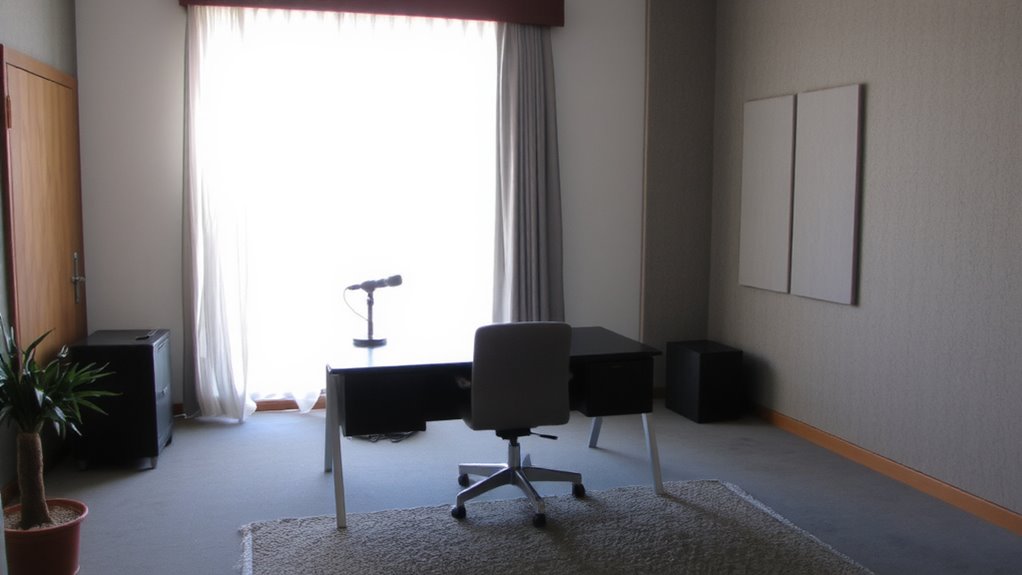
Since complete silence isn’t always possible, you can substantially reduce unwanted noise with affordable, non-permanent upgrades that work in most rental or owned spaces. Acoustic panels, especially those made from foam or fabric-wrapped fiberglass, help absorb echo and lower background noise-great for rooms with hard surfaces. They’re easy to mount with adhesive strips and come in various sizes, typically 2” to 4” thick for maximum sound absorption. Noise curtains, designed with dense, layered fabric, block outside sound and reduce reverberation when hung over doors or windows. Look for ones with a noise reduction coefficient (NRC) of 0.4 or higher for measurable results. While they won’t eliminate all sound, these upgrades noticeably improve audio clarity. They’re not permanent, so renters can use them without penalties. Just remember: placement matters-cover first-reflection points for best performance.
Light Your Room for a Professional Look
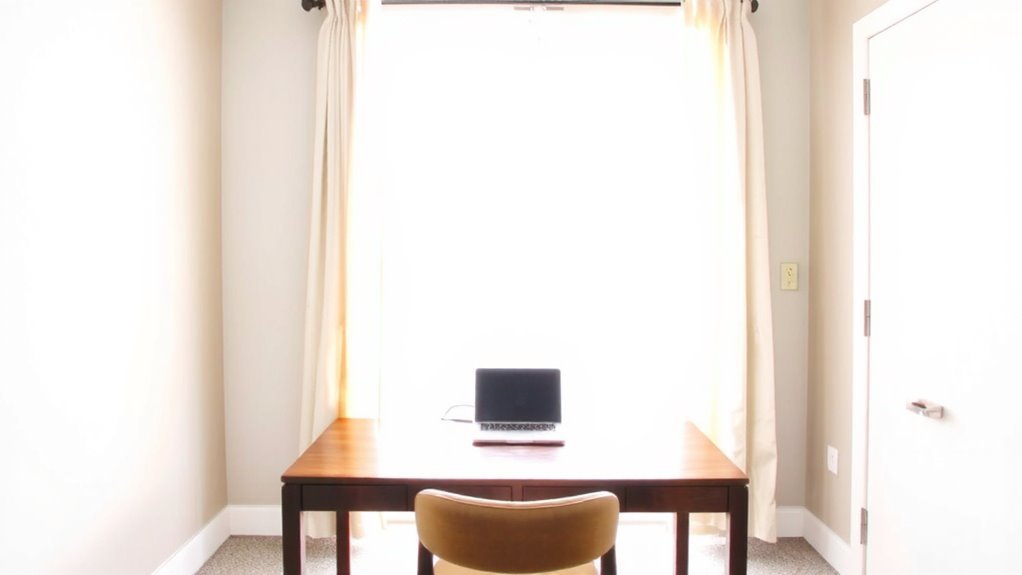
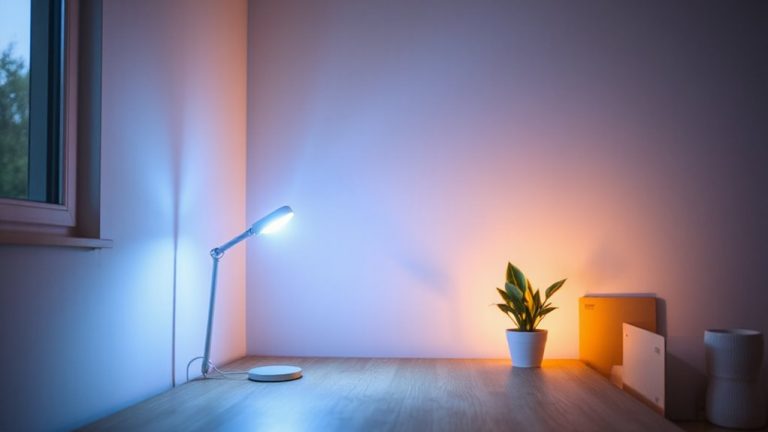
A well-lit room makes a noticeable difference in how you appear on video calls, so aim for balanced, natural-looking light that minimizes shadows and glare. Use a key light positioned slightly above eye level and facing you to enhance facial clarity-avoid harsh overheads or backlighting from windows. Soft, diffused light around 5600K mimics daylight and improves room ambiance without washing out your features. A three-point lighting setup (key, fill, and back light) works well but might be overkill for most; a single quality LED panel with dimming and color tuning offers flexibility without clutter. Ring lights can create a flattering look but often cast unnatural glares or hotspots. Natural light from a front-facing window is free and effective, but changes throughout the day. Consistency matters-test brightness levels at different times, and avoid flickering bulbs that disrupt image stability. For plug-and-play simplicity, consider one of the best desk lamps for Zoom calls designed with adjustable brightness and color temperature controls. best desk lamps for Zoom calls
Use the Same Background Every Time
One consistent background goes a long way in building your professional image on camera-repeating the same setup signals reliability and minimizes visual distractions. You create immediate background uniformity, which supports visual continuity across meetings. This consistency helps colleagues focus on your message, not shifting scenery. A neutral wall, simple bookshelf, or designated corner works-no need for costly backdrops. Test how lighting affects the space at different times to maintain even tone and avoid glare. While some use virtual backgrounds for variety, they demand strong processing power and can glitch, breaking credibility. Physical background uniformity avoids those risks. Yet, total rigidity isn’t necessary-if the room serves multiple purposes, guarantee quick reset ability. Visual continuity matters more than perfection, so prioritize repeatable layout over flawless decor. A simple, steady background is reliable, requires no maintenance, and performs well across devices and platforms.
Keep Your Setup Consistent for Every Call
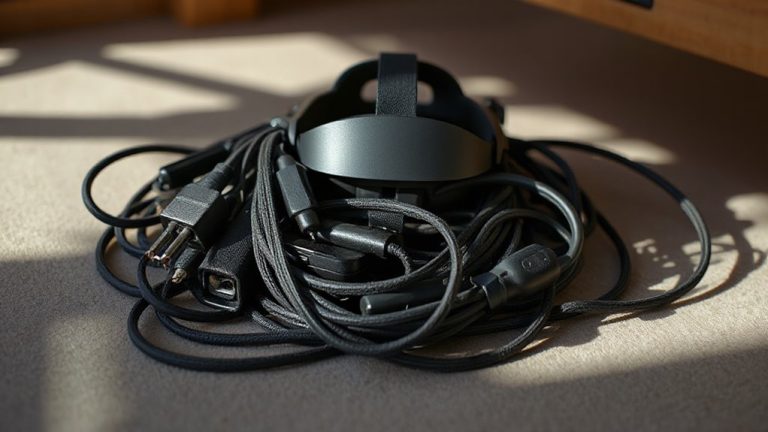
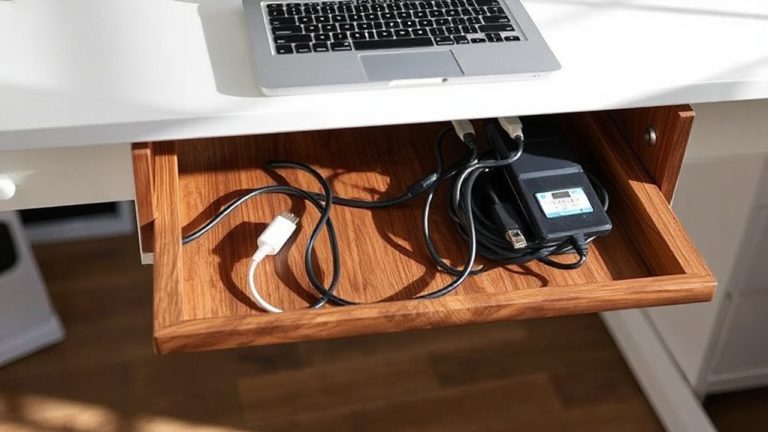
While you might be tempted to tweak your camera angle or lighting for each meeting, sticking to a consistent setup every time guarantees you look professional without second-guessing your appearance. Solid equipment placement-like keeping your webcam at eye level and mic at a fixed distance-ensures reliable audio and framing. You’ll save time and reduce tech hiccups when everything has a permanent home. Good cable management prevents tangles and damage, plus it looks cleaner on camera. Use clips or sleeves to route cords neatly along desks or walls. Just don’t sacrifice accessibility for neatness-quick access to power or ports helps when troubleshooting. Consistency doesn’t mean perfection; it means predictability. Test your setup weekly to confirm levels and angles haven’t shifted. Over-optimizing for each call leads to fatigue. A stable, repeatable system works better long-term, especially when you’re juggling back-to-back meetings. Consider using a dedicated cable management solution to maintain a clutter-free and professional appearance.
On a final note
Pick a quiet room away from appliances and foot traffic-it’s your best noise defense. Simple upgrades like a door sweep or acoustic panels help, but test placement to avoid over-treatment. Face natural light or use a softbox at 45 degrees for clear visibility. A consistent background builds professionalism, but guarantee it’s clutter-free. While USB mics like the Audio-Technica AT2020 offer solid clarity, they can’t fix poor room acoustics-balance gear investment with room adjustments for real results.