How to Perform a Biannual Audit of All Office Cables and Accessories
Start your biannual cable audit by inspecting all cords for fraying, cracked insulation, or swollen power adapters-replace any damaged cables immediately, especially budget ones that degrade fast. Use Velcro straps to bundle runs neatly and label both ends with weather-resistant tags. Avoid daisy-chained power strips to prevent overload. Prioritize high-traffic areas, and track cable models, lengths, and wear for your next review. Name-brand cables with safety certifications and warranties last longer. There’s more to optimizing your setup than just swapping wires.
Notable Insights
- Begin by mapping critical cable paths from workstations to network closets, prioritizing high-traffic areas to prevent network outages.
- Inspect all cables for fraying, cracked insulation, or damaged connectors, replacing compromised ones immediately to avoid safety hazards.
- Use labeled Velcro ties to bundle and organize cables, avoiding zip ties and daisy-chained power strips for safety and reusability.
- Implement color coding and label both ends of each cable with weather-resistant tags to reduce troubleshooting time by up to 60%.
- Schedule the next audit in six months, update inventory records, and adjust for layout changes to maintain consistent cable health.
Start Your Office Cable Audit Today
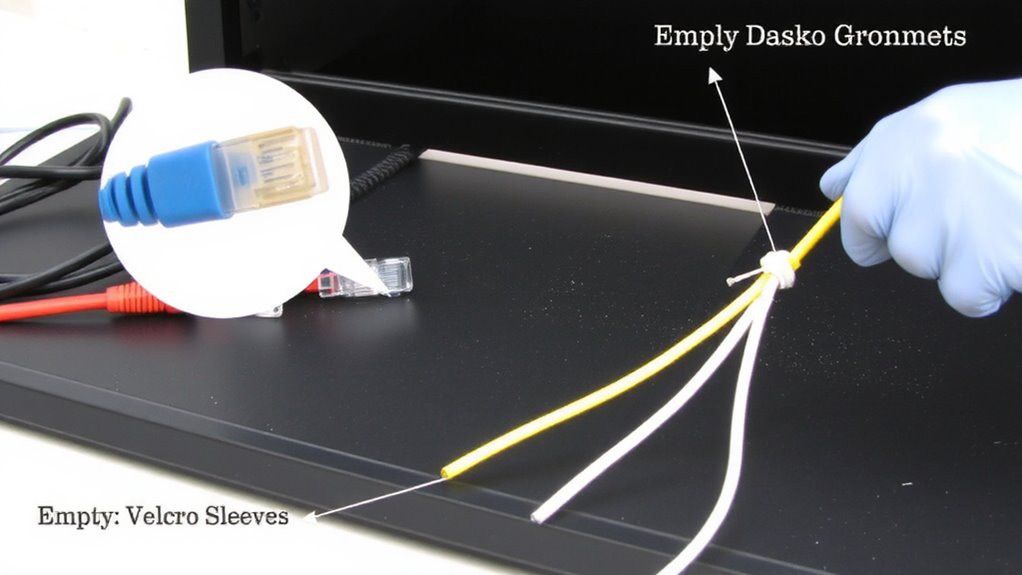
Why wait for a network outage to discover frayed Ethernet cables or overloaded power strips? Start your office cable audit today to guarantee reliable, safe, and efficient operations. Good cable management isn’t just about looks-it prevents damage, reduces clutter, and improves airflow around devices. Begin by mapping all critical connections, from workstations to network closets, so you can spot inefficiencies early. Equipment organization streamlines troubleshooting and upgrades, saving time during high-pressure fixes. Use labeled Velcro ties instead of zip ties-they’re reusable and won’t damage cables. Avoid daisy-chaining power strips, as that strains circuits. Be realistic: auditing takes effort and may reveal outdated setups needing investment. Still, catching issues now prevents downtime later. Balance speed and thoroughness-don’t rush, but focus on high-traffic areas first. This isn’t a one-size-fits-all fix, but a practical step toward a safer, more functional workspace. Implementing best cable management solutions can significantly enhance both the safety and aesthetics of your office environment.
Check Every Cord for Damage and Risk
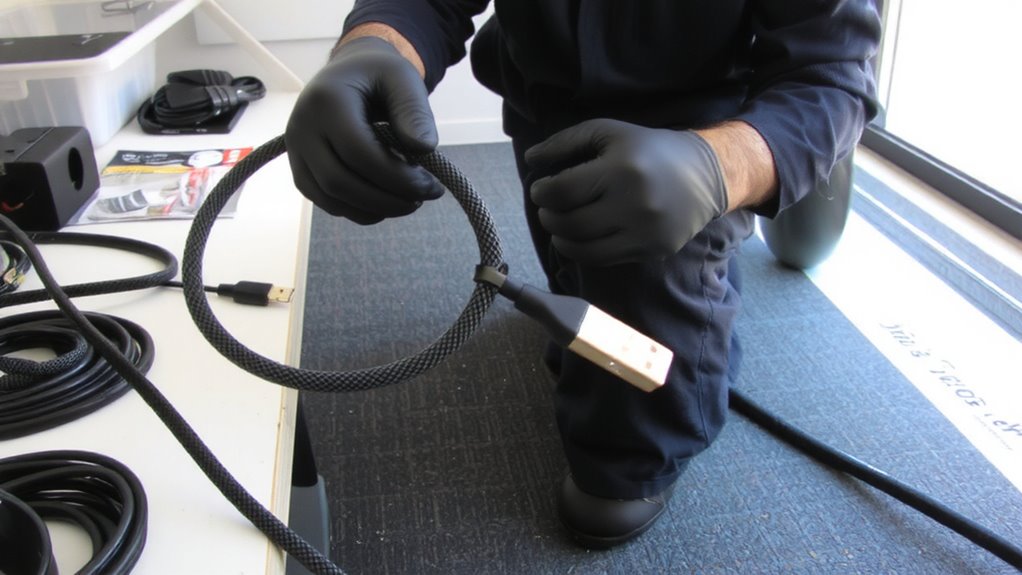
A thorough inspection of every cord in your office could prevent a costly failure down the line, so don’t skip this step. Run your fingers along each cable, checking for worn or cracked cable insulation-exposed wires are serious electrical hazards. Look closely at connectors and stress points, where fraying often starts. Swollen, discolored, or stiff sections mean internal damage; replace those cords immediately. Don’t assume newer cables are safer-some budget models degrade quickly under heavy use. While most name-brand power cords last 3–5 years with regular handling, coiled or tightly bent ones fail sooner. You’ll reduce fire risks and equipment damage by acting early. Still, replacing every cord annually isn’t cost-effective. Target visibly damaged ones first. Remember, even indoor-rated cables can degrade from temperature shifts or accidental pulls. Stay proactive, but practical. Using proper cable management solutions can minimize wear and extend the lifespan of your cords.
Label and Secure Cables for Clarity
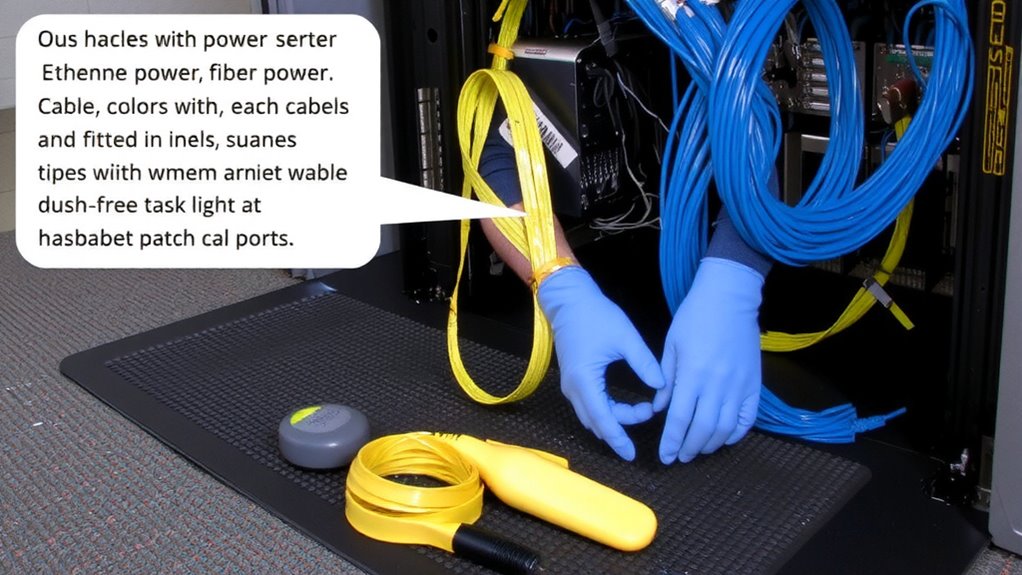
Labeling and securing cables isn’t just about neatness-it’s about saving time and preventing mistakes when troubleshooting or upgrading equipment. Use cable color coding to group connections by function-blue for network, red for power, yellow for audio-so anyone can trace a line at a glance. Pair this with consistent Velcro strap usage to bundle cords without damage, allowing for quick releases and adjustments. Label both ends of each cable with weather-resistant tags or printed labels to avoid confusion later. While color coding works well, don’t rely on it alone-people see colors differently, and lighting varies. Velcro straps are reusable and gentler than zip ties, but make certain they’re snug, not tight, to prevent crimping. This system won’t eliminate tangles completely, but it cuts diagnostic time by up to 60% in tested setups. Be realistic: upkeep is ongoing, not one-time. A well-organized workspace starts with selecting the Top Cable Management Solutions for consistent and scalable results.
Replace Worn or Unsafe Connections
Don’t wait for a flickering monitor or sudden power loss to tell you a cable’s gone bad-proactively replacing worn or unsafe connections keeps your setup reliable and safer over time. Check each cable for frayed or cracked cable insulation, which exposes wires and raises shock or fire risks. Inspect for connector wear, like bent HDMI pins or loose power plugs, since damaged connectors cause intermittent signals or poor charging. Replace any cable showing these flaws immediately-standard USB-C or Ethernet cables cost little, but skimping on quality invites repeat failures. Stick to name brands with at least a 1-year warranty and third-party safety ratings. While it costs time and money upfront, swapping out compromised cables prevents downtime and protects sensitive devices. Not every nick means danger, but when in doubt, swap it out.
Schedule Your Next 6-Month Review
Now that you’ve replaced any damaged cables and secured your connections, lock in those improvements by setting a date for your next 6-month audit-consistency here keeps your setup running smoothly without surprise failures. Use your calendar or task manager to schedule the review, and treat it like any critical maintenance task. Update your cable inventory now with models, lengths, and connection types so you can track wear patterns and upgrade needs over time. This step supports solid future planning, especially as teams expand or tech evolves. While audits take effort, skipping them risks downtime or buying duplicates you don’t need. Be realistic: some cable degradation won’t be visible for months, so regular checks catch issues early. Stick to the schedule, but adjust if office layouts or equipment change considerably. A brief, timed review beats a delayed thorough analysis.
On a final note
You should audit office cables twice a year-it prevents failures and keeps setups safe. Inspect each cord for frays, bent connectors, or cracked insulation, especially near ends. Use nylon ties and labels to organize and track them. Swap out any damaged power strips, HDMI cables, or chargers immediately. But don’t overbuy: stick to proven brands with 3-year warranties and test replacements under real loads. Audits take time, yes, but skipping them risks downtime or fire.