How to Use Nonverbal Cues to Show Engagement in Remote Meetings
Look into the camera, not your screen, to make real eye contact-position your webcam at eye level using a laptop riser or stack of books. Use hand gestures in moderation, keeping them visible but controlled. Nod and smile naturally to show engagement without overacting. Sit up straight, frame your shoulders, and face a soft light source so others see your expressions clearly. Avoid fidgeting or checking your phone, as small distractions break connection. Getting this balance right makes a noticeable difference-especially when you see how small adjustments affect how others respond.
Notable Insights
- Look directly into the camera to create genuine eye contact and foster connection.
- Use open hand gestures within frame to emphasize points and appear approachable.
- Match facial expressions to conversation cues, like nodding and smiling, to show active engagement.
- Sit with upright posture and keep shoulders visible to project attentiveness and professionalism.
- Avoid fidgeting or phone use to maintain focus and minimize distractions visibly.
Look Into the Camera, Not the Screen
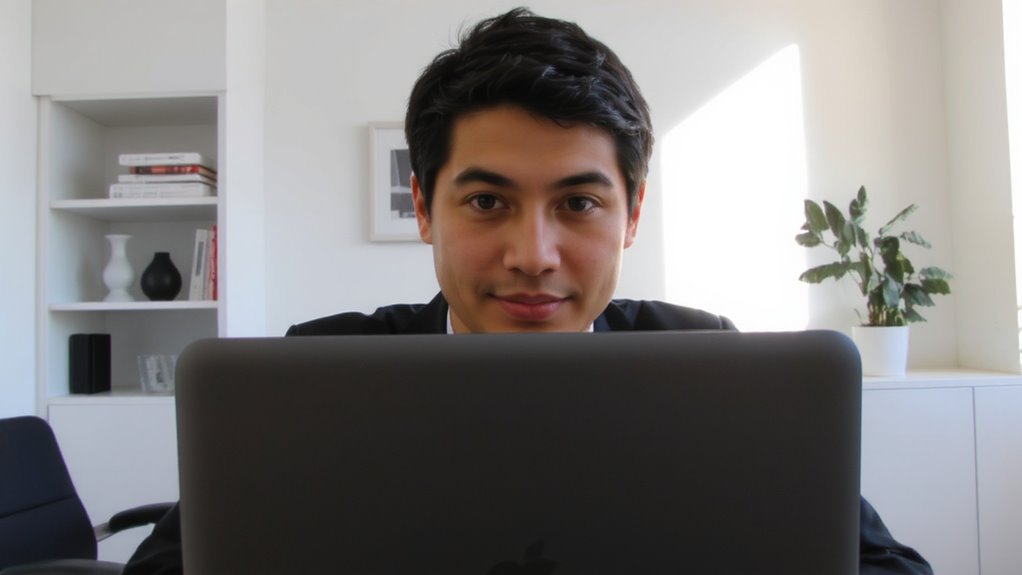
When you want to create a stronger sense of connection during video calls, look directly into the camera instead of at the people on your screen-this small shift mimics eye contact and helps others feel seen, especially in formal or high-stakes meetings. True eye contact happens only when your pupils align visually with the camera lens, not the screen. That’s why camera focus matters: your frame should sit at eye level, ideally using a laptop riser or external webcam mounted above your monitor. This setup reduces neck strain and improves alignment. But be honest-holding that position too long feels unnatural and can seem intense. Break the gaze occasionally to glance at others’ faces or your notes. While built-in laptop cameras work, external models like the Logitech Brio offer better clarity and manual focus, helping maintain sharp image quality even in soft light. It’s a subtle upgrade, but one that supports consistent camera focus without constant adjustment.
Use Hand Gestures Without Overdoing It
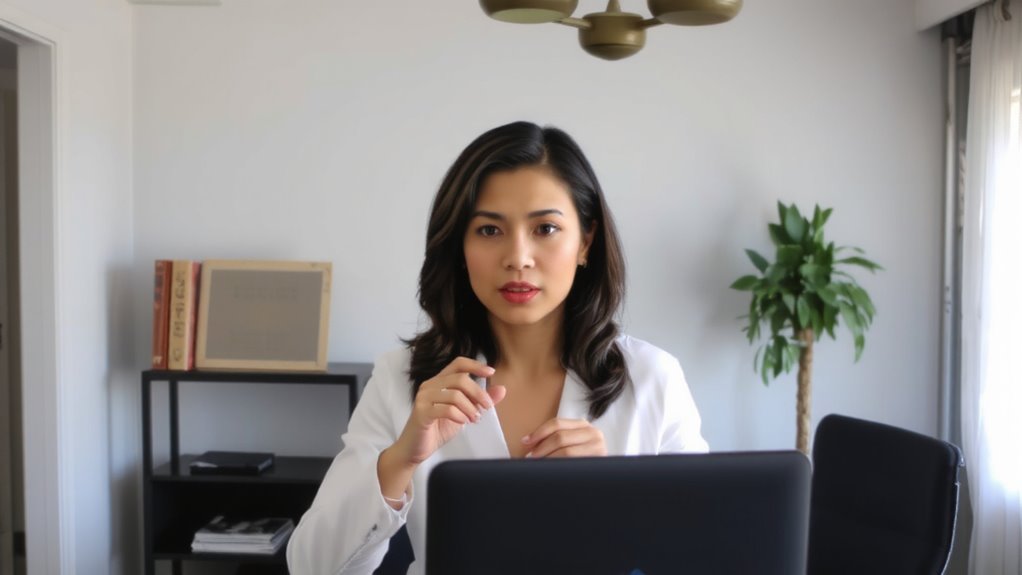
Though subtle, hand gestures can boost your presence on camera-if used thoughtfully. When you speak, use open palms to signal honesty and approachability, which builds trust without words. Small hand motions add subtle emphasis, helping underline key points without distracting. Keep gestures within the frame of your webcam, ideally between your waist and shoulders, so they’re visible but not wild. Overdoing it-like excessive pointing or flailing-can look chaotic or unprofessional onscreen. You want to appear engaged, not restless. Practice in a mirror or review a short recording to gauge your style. Most people use fewer gestures in virtual meetings than they think, so some increase is usually helpful. Just avoid blocking your face or hitting table edges, especially if your setup includes a compact desk or mounted mic. Hand gestures work best when they feel natural, not forced.
Nod and Smile at the Right Moments
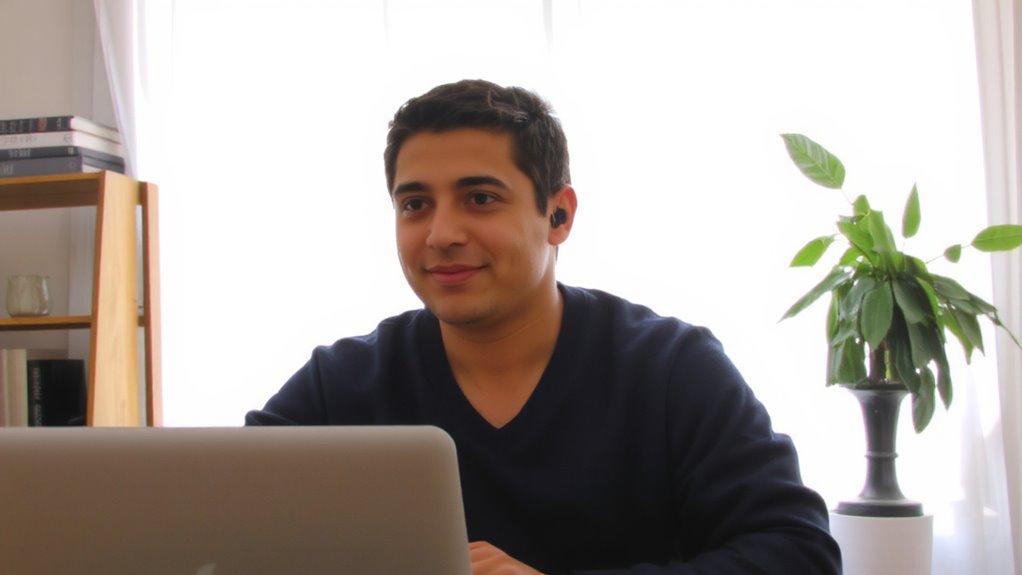
Why do some remote conversations feel more connected than others? Because you’re using facial expressions to show active listening. Nodding slightly when someone speaks tells them you’re tracking, not just waiting to talk. A smile at the right moment-after a point lands or during a shared joke-reinforces warmth and engagement. These aren’t forced gestures; they’re natural reactions you’d use in person. But on camera, they need to be slightly more intentional. Don’t overdo it-exaggerated nods or constant grinning look insincere. Aim for subtle, timely cues that match the conversation’s rhythm. Good lighting helps others see your expressions clearly, but no upgrade replaces authenticity. Even with a 1080p webcam and noise-canceling mic, if your face stays flat, you’ll seem checked out. Test your setup with a quick recording. Watch how your expressions come across. Adjust timing, not tech, to improve.
Sit Up and Frame Your Body Clearly
Good posture and clear framing work hand in hand with expressive faces to build real connection in remote meetings. Sitting up straight improves your posture alignment, making you appear engaged and focused. Keep your torso fully visible in the camera frame, with shoulders back and arms within view. Proper arm placement-resting lightly on the desk or table-adds a sense of openness without distracting movement. Avoid slouching or sitting too far back, as it reduces visibility and signals detachment. Position your camera at eye level, using a stack of books or a simple stand, so your upper body is well-framed. Lighting matters too: face a window or soft light source to stay clearly visible. You don’t need an expensive chair or backdrop-a desk, steady internet, and mindful positioning are enough. Small upgrades help, but consistency beats gear. A top standing desk converter can further enhance ergonomics by making it easier to maintain proper posture during long virtual meetings.
Stop Distracted Habits That Signal Disinterest
What makes some remote participants seem checked out-even when they’re paying attention? It’s often fidgeting with pens, checking phones, or other small actions that signal disinterest. You might not realize it, but constantly tapping a pen or scrolling through messages pulls focus from the conversation. These habits distract others, even if your camera only shows your face. To stay engaged, keep your hands still or rest them where they’re visible. Silence your phone and place it out of reach-this isn’t about productivity gear, just basic self-awareness. No fancy equipment fixes distracted behavior. The trade-off is real: small sacrifices in convenience lead to clearer communication. You’ll appear more present without overhauling your setup. Remember, it’s not about perfection-it’s about minimizing disruptions that erode trust. Simple awareness creates immediate improvement.
Match Your Movements to the Conversation’s Rhythm
You keep your hands still and your phone out of sight, which cuts down on distractions and shows others you’re present. Now, match your movements to the conversation’s rhythm by aligning your gestures with conversational timing-nodding just after a key point, pausing before responding. This creates synchronized pacing, making your engagement feel natural, not forced. Small, timely movements-like raising an eyebrow or tilting your head-signal you’re following along without interrupting flow. But don’t overdo it; exaggerated gestures look performative on camera, especially with wide-angle lenses. Test your setup: position your webcam at eye level and use a neutral, well-lit background so subtle cues remain visible. Remember, lag or frozen frames can distort timing, so rely more on audio cues when tech hampers visual sync. Real engagement means adapting-not scripting-your responses.
On a final note
You’ll seem more engaged in remote meetings by facing the camera, gesturing naturally, and nodding with the conversation’s flow. Sit straight, frame your shoulders clearly, and avoid fidgeting-these habits matter more than expensive lighting or microphones. Even a basic webcam performs well if positioned at eye level. Just don’t overdo expressions; subtle cues work best. Background noise matters too, so test your mic beforehand. Small tweaks beat costly gear.