Using a Standing Desk Converter to Add Flexibility to a Fixed Desk
You can add flexibility to your fixed desk with a standing desk converter that lifts your monitor and keyboard 8 to 20 inches using a gas-spring or crank mechanism. It supports up to 30 pounds-enough for dual monitors-and promotes healthier posture without replacing your desk. Pick one with at least a 3-year warranty, guarantee it fits your desk depth, and position the screen at eye level. Start slow to avoid strain, and learn how small adjustments make a big difference.
Notable Insights
- Standing desk converters add sit-stand functionality to existing desks without replacing the entire desk.
- They use gas springs or manual cranks for smooth height adjustment within a typical 8–20 inch range.
- Most support up to 30 pounds, accommodating dual monitors and essential workstation accessories.
- Proper setup ensures ergonomic alignment: monitor at eye level and wrists neutral during use.
- Starting with 20 minutes of standing per hour promotes healthy habits and reduces back strain.
How Standing Desk Converters Work
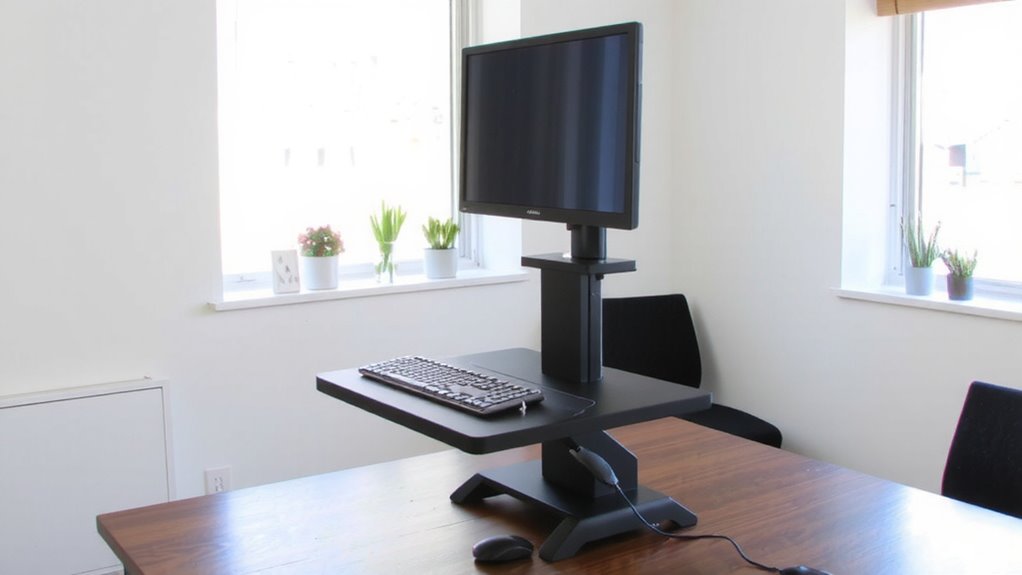
A standing desk converter is your desktop’s upgrade for alternating between sitting and standing-no full desk replacement needed. You simply place it on your existing desk, load your monitor and keyboard, and use the mechanical lift to adjust height with minimal effort. Most models offer 8 to 20 inches of vertical range, activated by a smooth gas-spring mechanism or manual crank. This gives you immediate workspace adaptability, letting you switch postures in seconds. Strong frames hold up to 30 pounds, accommodating dual monitors and accessories. Look for models tested to at least 10,000 lifts-this guarantees durability. However, keep in mind that added height reduces available space beneath, which may limit keyboard drawer use. Also, cheaper models wobble under uneven weight. For best results, center your gear and avoid overloading. While not perfect, a well-built converter balances function and practicality for everyday use. Top picks in our best desk converters roundup offer enhanced stability and ergonomic design.
Why Add a Converter to Your Desk
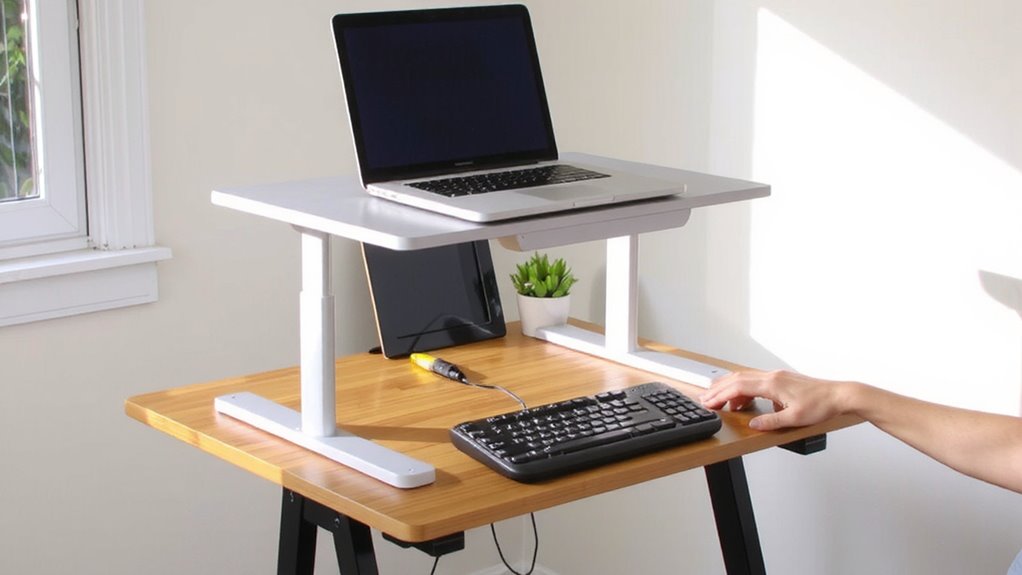
Why settle for a static workspace when your body needs movement? Adding a standing desk converter boosts ergonomic benefits and lets you customize your workspace without replacing your current desk. You gain the flexibility to sit or stand-reducing back strain and improving focus-while keeping your setup exactly where it belongs. Many top-rated models offer smooth height adjustment to enhance user experience and support seamless transitions between sitting and standing.
| Feature | Impact |
|---|---|
| Height adjustability | Lets you switch postures smoothly |
| Weight capacity (up to 35 lbs) | Supports monitors, keyboard, and accessories |
| Clamping or grommet mount | Secures unit without permanent changes |
Workspace customization means fitting your habits, not fighting them. Converters work well in small offices and avoid costly full-desk upgrades. Still, they take up surface space and vary in stability. Check desk depth (minimum 24”) and weight limits before buying. Some models include cable trays and tilt monitors, backed by 3–5 year warranties. They’re practical, but not a perfect fix for every layout.
Choose the Right Standing Desk Converter
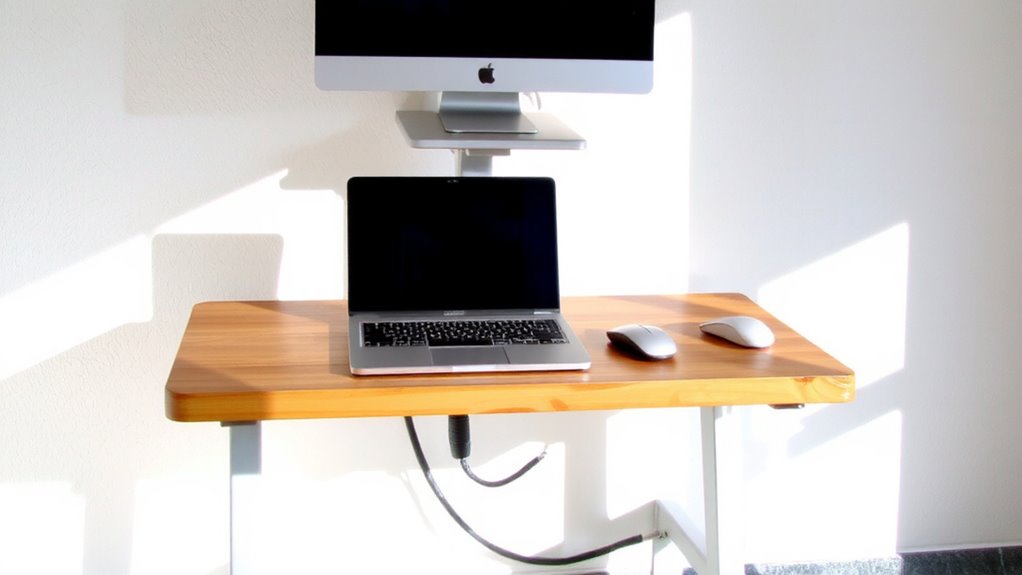
The best standing desk converter fits your workspace habits and physical setup without demanding a full desk replacement. You need one with solid ergonomic design, so your monitor aligns at eye level and your wrists stay neutral while typing. Look for a model that supports your gear-most hold 20–30 lbs, but check weight capacity if you use dual monitors or heavy equipment. Gas-spring lift mechanisms offer smooth height adjustments, while desktop platforms should fit your current desk size without overhang. Some models wobble under pressure or limit keyboard tray space, so test stability if possible. Avoid ultra-cheap options-they often fail within months. Aim for a unit with a warranty of at least three years. Real-world use shows mid-range converters balance durability and cost best. Pick quality over convenience, and you’ll avoid buyer’s remorse. Top models are highlighted in expert reviews like the Top Standing Desk Converters Reviewed.
Install Your Standing Desk Converter
Once you’ve picked a standing desk converter that matches your gear and posture needs, setting it up properly on your existing desk makes all the difference in daily comfort and long-term reliability. Secure it near the desk’s back edge, guaranteeing stability and preserving workspace. Check the manufacturer’s weight capacity-typically 15–30 lbs-to safely support your monitor(s), keyboard, and accessories. Poor cable management can lead to snags or tripping, so use built-in clips or sleeves to anchor cords firmly.
| Feature | Why It Matters | Real-World Tip |
|---|---|---|
| Weight Capacity | Prevents wobbling or collapse | Stay 20% under max limit |
| Platform Size | Fits your devices | Measure monitors + keyboard |
| Cable Clips | Keep wires organized | Route power and data lines together |
| Height Range | Matches seated-to-standing shift | Guarantee 6–20 in travel |
Always verify fit before final setup.
Stand Comfortably: Posture and Positioning
Good posture isn’t optional-it’s the foundation of comfortable, sustainable standing work. Keep your spine neutral, shoulders relaxed, and elbows bent at 90 degrees to align your wrists with the keyboard. Monitor height matters: the top of the screen should be at or slightly below eye level to prevent neck strain. Foot placement plays a key role-position feet shoulder-width apart to improve balance and support natural weight distribution. Stand evenly on both legs; avoid locking your knees or shifting to one side, which can lead to fatigue and joint stress. A anti-fatigue mat helps, but only if your posture is sound to begin with. Even the best setup fails without attention to these details. You’ll feel more alert and less strained, but don’t expect instant comfort-your body needs time to adapt.
Build a Healthy Standing Schedule
You’re not built to stand all day, so a smart standing schedule is your best move for long-term comfort and focus. Start with 20 minutes of standing per hour-this balance lets you enjoy the benefits of improved posture and energy without straining your legs or lower back. Over time, your body adapts, and you can gradually increase standing duration. Consistency matters more than duration; sticking to a routine daily builds healthier habits than occasional long sessions. Try a 30/30 split-30 minutes standing, 30 sitting-and use a simple timer. Most users report better focus and less midday fatigue within two weeks. But don’t ignore discomfort: if your feet hurt or you’re shifting weight constantly, you’re standing too long. Adjust based on how you feel, not just the clock. No special gear is needed beyond your converter, and no warranty covers fatigue from overuse.
On a final note
You should get a standing desk converter if you want to switch between sitting and standing without replacing your current desk. Models with gas-spring lifts offer smooth height changes, and most support 20–30 lbs, enough for dual monitors. Look for one with a one-year warranty and tested stability. But they take up desktop space and can wobble if overloaded. Position the top so your elbows stay at 90 degrees when typing.