How to Identify and Eliminate Common Noise Sources in Your Home Office Environment
You can cut most home office noise by tackling three sources: equipment, outside sound, and echo. Swap noisy PC fans for variable-speed or fanless SSDs, and use rubber casters to quiet chair rolls. Block outside noise with soundproof curtains (cut 30%) or weatherstripping-windows with good seals reduce noise up to 90%. Lay thick rugs and add bookshelves to break up echo. Use white noise machines with true randomization, not apps with loops. Real quiet needs the right fix for each problem-no single solution works everywhere. Next steps reveal which upgrades deliver real results.
Notable Insights
- Identify ambient noise sources by listening for echoes, outside sounds, or persistent hums during quiet periods in your workspace.
- Replace noisy equipment like mechanical fans or plastic-cast chairs with quiet alternatives such as SSDs and rubber-castered furniture.
- Install soundproof curtains or window plugs to reduce external noise entering through windows without structural modifications.
- Use acoustic panels and area rugs to absorb internal echoes caused by hard floors, walls, and glass surfaces.
- Mask residual noise with a high-quality white noise machine to cover distractions without introducing audio looping artifacts.
Find the Real Sources of Noise in Your Home Office
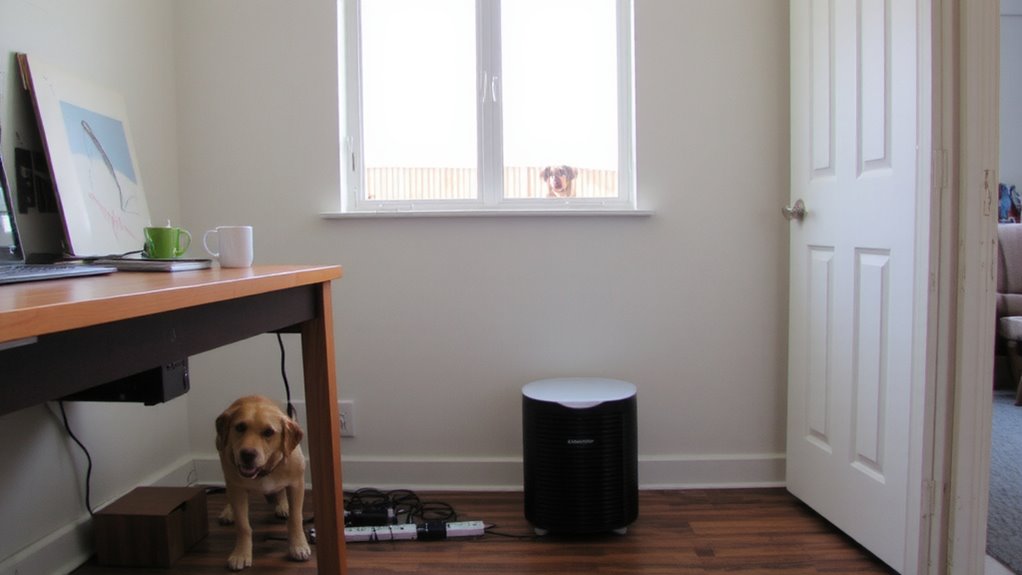
What’s really behind that constant hum in your workspace? It’s likely ambient noise sneaking in from other rooms or outside-sound that degrades focus and call quality. You can tackle this effectively with acoustic panels and soundproof curtains. Acoustic panels absorb mid-to-high frequency echoes within the room, reducing reverb, but they won’t block outside noise. For that, soundproof curtains help dampen airborne sound passing through windows or thin walls, especially when layered over standard blinds. Their dense core adds mass, cutting noise transmission by up to 30%, real-world tests show. But don’t expect total silence-no solution eliminates all sound. Performance depends on your room’s layout, wall density, and installation quality. Use both products together for noticeable improvement, but weigh costs against actual needs. Cheap versions often underperform; look for panels with at least 2″ thickness and curtains with 10+ layers. For the best results, choose from the best acoustic panels based on performance, thickness, and customer feedback.
Quiet Your Computer, Chair, and Office Equipment
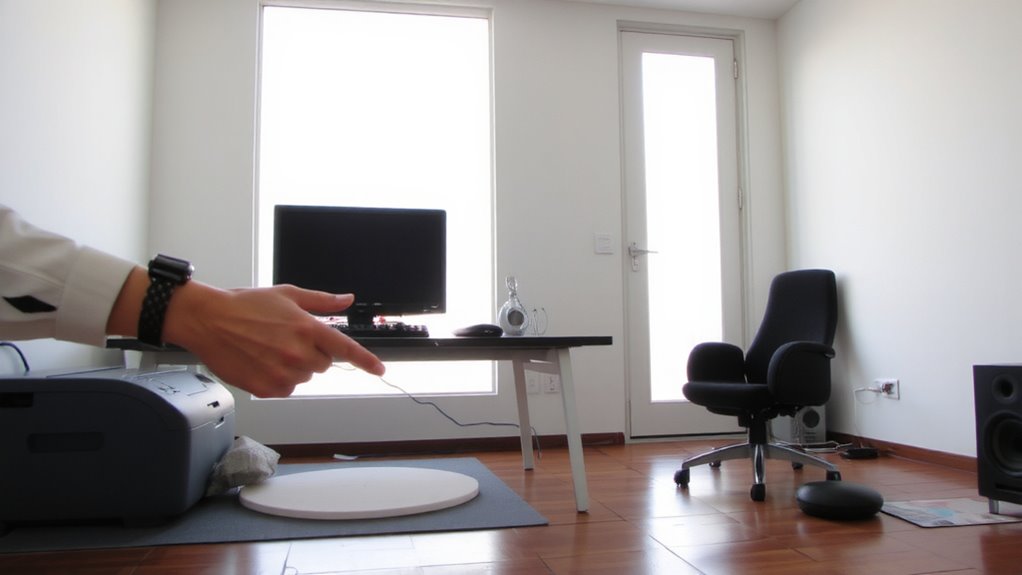
Silence starts with the machines you use every day. Computer fans are often the worst offenders, especially under load; opt for models with variable-speed fans or passive cooling modes to reduce noise. If you’re building or upgrading, look for fanless SSDs and low-RPM fans with fluid dynamic bearings-they’re quieter and last longer. Chair casters can also create distracting rolling noise on hard floors; swap standard plastic casters for soft rubber ones designed for hardwood or tile. They grip better and roll silently, though they may require more effort to move. Desks with built-in cable trays help minimize clutter and vibration from equipment. Just remember: quieter gear often costs more and may sacrifice airflow or durability. Always check warranty terms and real-world noise ratings (measured in dBA) before buying. Small changes here make a big difference-without blocking outside noise yet.
Block Outside Noise in Your Home Office
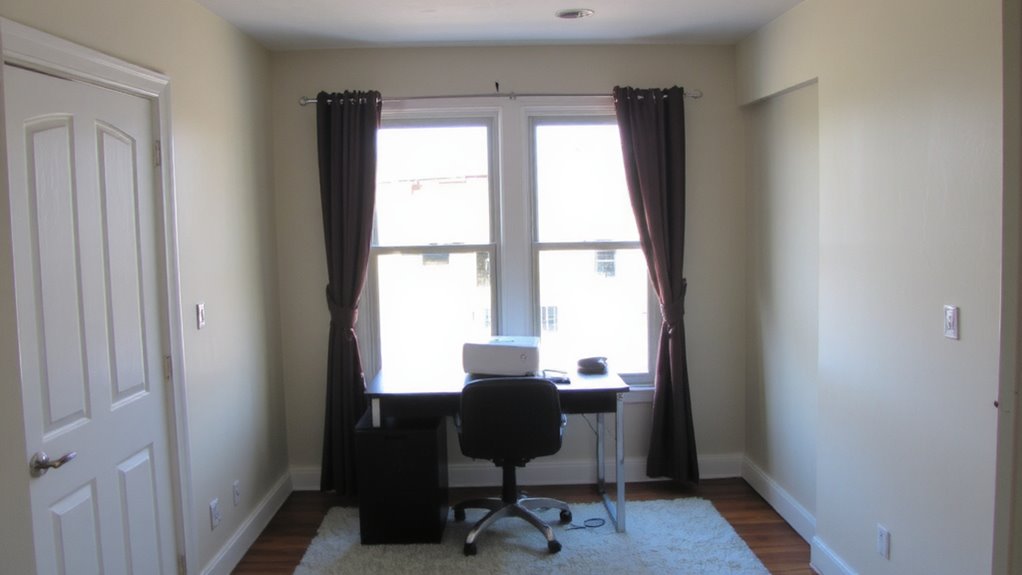
You’ve already cut down the noise coming from your desk and gear, but outside sounds-traffic, neighbors, household activity-can still break your focus. To block these, start by upgrading to soundproof windows, which can reduce noise by 70–90% depending on the model and seal quality. If replacing windows isn’t an option, consider adding heavy curtains or window plugs. You should also insulate walls, especially shared ones, using mass-loaded vinyl or extra drywall. These improvements add real density, blocking sound transmission. Below are common solutions and their effectiveness:
| Solution | Noise Reduction |
|---|---|
| Soundproof windows | High |
| Insulate walls | Moderate-High |
| Weatherstripping | Low-Moderate |
| Acoustic panels | Low (surface only) |
Be aware: full soundproofing often requires structural changes and isn’t always cost-effective for renters or short-term setups.
Reduce Echo With Rugs and Smart Layout
Hard, reflective surfaces in your home office-like bare floors, glass windows, and drywall-can turn even quiet spaces into echo chambers, making Zoom calls sound unprofessional and long workdays more fatiguing. You can reduce echo by adding area rugs with thick padding, which absorb sound and improve clarity. Place them under and around your desk to cut floor reflections. Arrange furniture to break up flat planes-bookshelves, for example, provide natural sound diffusion. For more control, install acoustic panels on walls behind and beside your workspace; they’re effective at absorbing mid-to-high frequencies. While panels vary in material and thickness, most tested models with 2” foam or fiberboard perform well. Be cautious-cheap panels may look obvious and underperform. Sound diffusion helps spread reflections evenly but works best when combined with absorption. These fixes improve audio quality without sealing off the room. They’re affordable and reversible, but results depend on your room’s size and layout.
Mask Remaining Distractions With White Noise
While you might minimize echo and block some outside noise, certain distractions-like distant traffic, HVAC hums, or a barking dog-tend to linger just enough to break focus, so introducing white noise can be a practical way to mask these sounds without complete silence. Sound masking works by filling quiet gaps where interruptions stand out, making it easier to concentrate. White noise machines or fans provide consistent background audio, supporting ambient blending that reduces the sharpness of sudden sounds. Models with adjustable frequency ranges let you match output to your space’s acoustics. However, overuse can cause its own fatigue-some find steady tones annoying over time. Avoid cheap apps with looping artifacts; opt for devices with true randomization and reliable output. Test placement near your desk, not too close, to maintain even coverage. There’s no one-size-fits-all setting, so tweak volume and tone until distractions fade without drawing attention. It’s a tool, not a fix-combine it with other acoustic strategies for best results.
On a final note
You can markedly reduce home office noise with targeted fixes, but no solution eliminates all sound. Use a quiet mechanical keyboard and close computer vents to cut device noise; add a thick rug to dampen echo. Seal windows with acoustic caulk and use a solid core door to block outside sound. A white noise machine helps mask chatter, though it may distract some. Most improvements cost under $100 and are easy to test, but results vary by room layout and building materials.